
Quick Terminal CommandsSave, organize, and run your most-used terminal commands from a toolbar button — supports global and workspace scopes Installation Launch VS Code Quick Open ( Ctrl+P), paste the following command, and press enter.Copied to clipboard |

Quick Terminal Commands
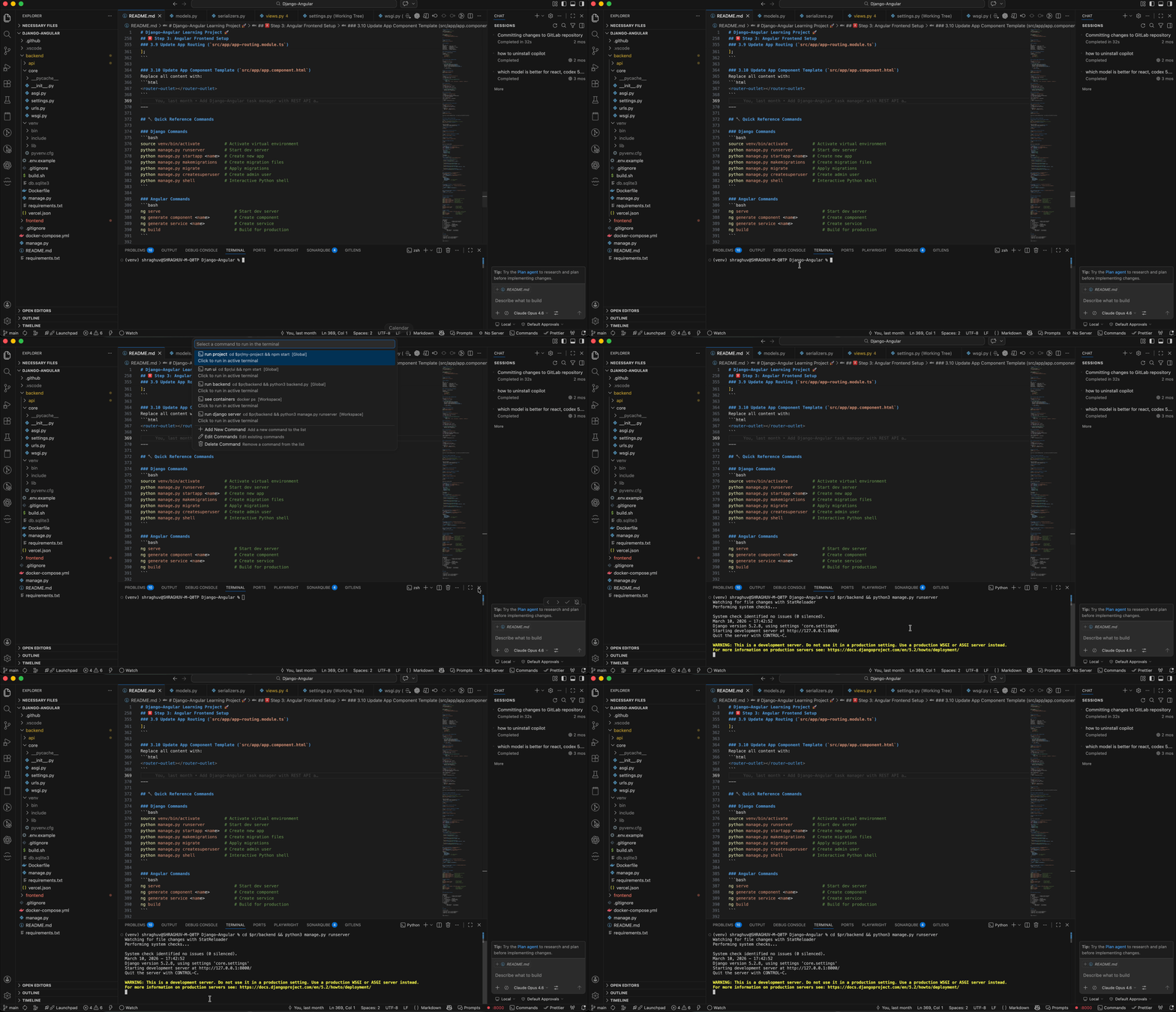
Why Quick Terminal Commands?Tired of retyping the same terminal commands every day? This extension lets you save frequently used commands and run them with a single click from the terminal toolbar — no more scrolling through shell history or copying from notes. FeaturesTerminal Toolbar ButtonA rocket icon appears in every terminal's title bar. Click it to instantly access your saved commands.
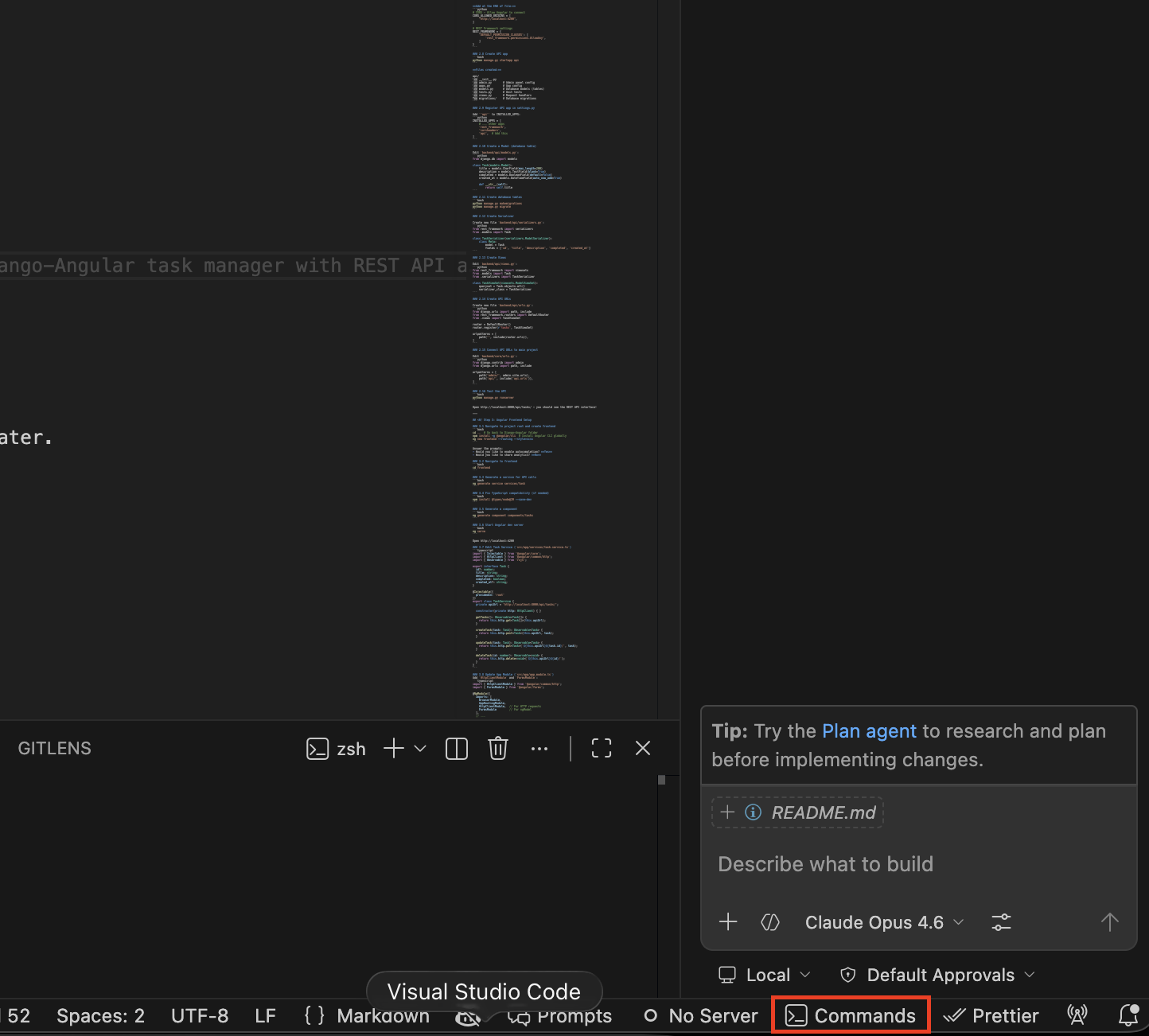
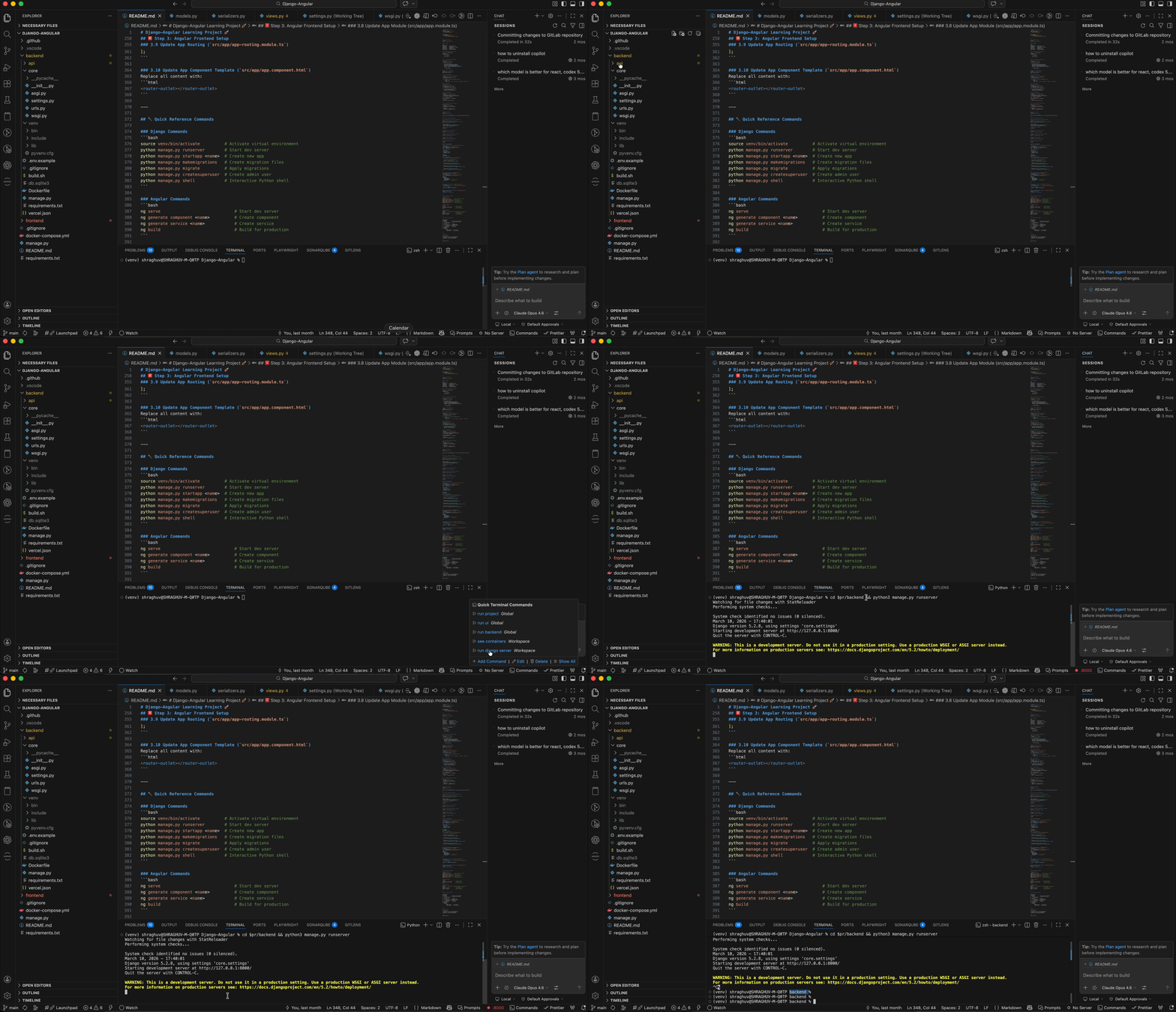
Status Bar WidgetA Commands item in the status bar gives you hover access with clickable command links — run any command without even opening the picker.
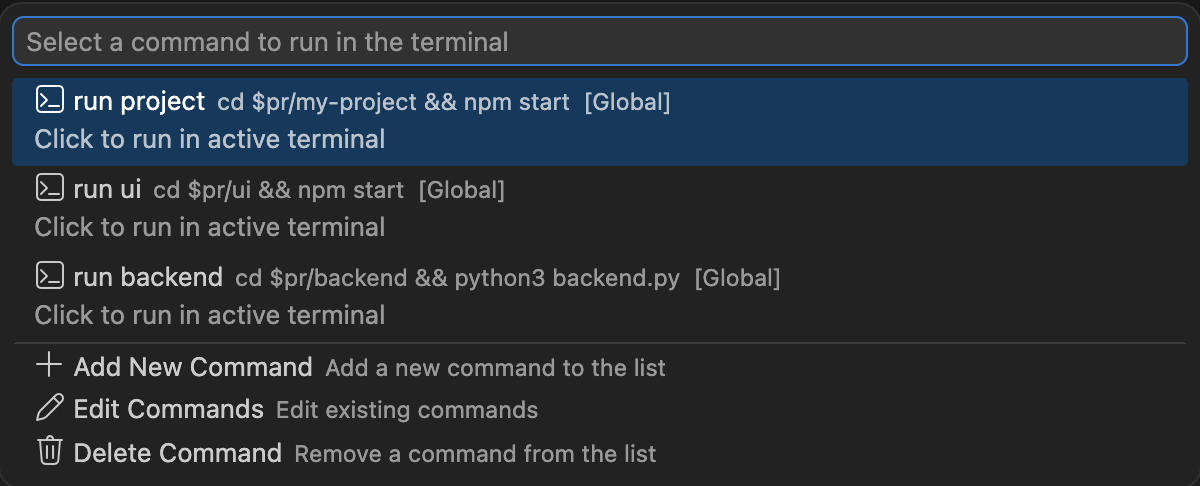
Dual-Scope Commands (Global + Workspace)Save commands globally (available in every VS Code window) or per workspace (project-specific). Both scopes are merged and displayed together, each labeled with its scope.
Full Command Management
Instant ExecutionSelect a command and it runs immediately in your active terminal. If no terminal is open, one is created for you. Getting Started
Default CommandsThe extension ships with three starter commands to get you going:
You can edit or remove these at any time. UsageRun a Command
Add a Command
Edit a Command
Delete a Command
ConfigurationCommands are stored in VS Code settings under Example: User Settings (Global)Example: Workspace Settings (
|


| Command | Description |
|---|---|
Quick Commands |
Open the command picker (toolbar) |
Quick Terminal: Add Command |
Add a new saved command |
Quick Terminal: Edit Command |
Edit an existing command |
Quick Terminal: Delete Command |
Delete a saved command |
Quick Terminal: Run Command |
Run a specific command (internal) |
Extension Settings
| Setting | Type | Default | Description |
|---|---|---|---|
quickTerminalCommands.commands |
array | 3 starter commands (see above) | List of saved terminal commands |
Each item in the array is an object with:
name(string) — display name shown in the pickercommand(string) — the terminal command to execute
Requirements
- VS Code 1.108.0 or higher
Known Issues
None. Please report issues on the GitHub repository.
Release Notes
0.0.1 — Initial Release
- Terminal toolbar button with rocket icon
- Status bar widget with hover command links
- Add, edit, and delete commands via quick pick
- Dual-scope support: Global + Workspace commands merged together
- Automatic scope detection for edit/delete operations
- Default starter commands included
- Runs commands in the active terminal (creates one if needed)
Enjoy! If you find this useful, please leave a rating on the Marketplace.