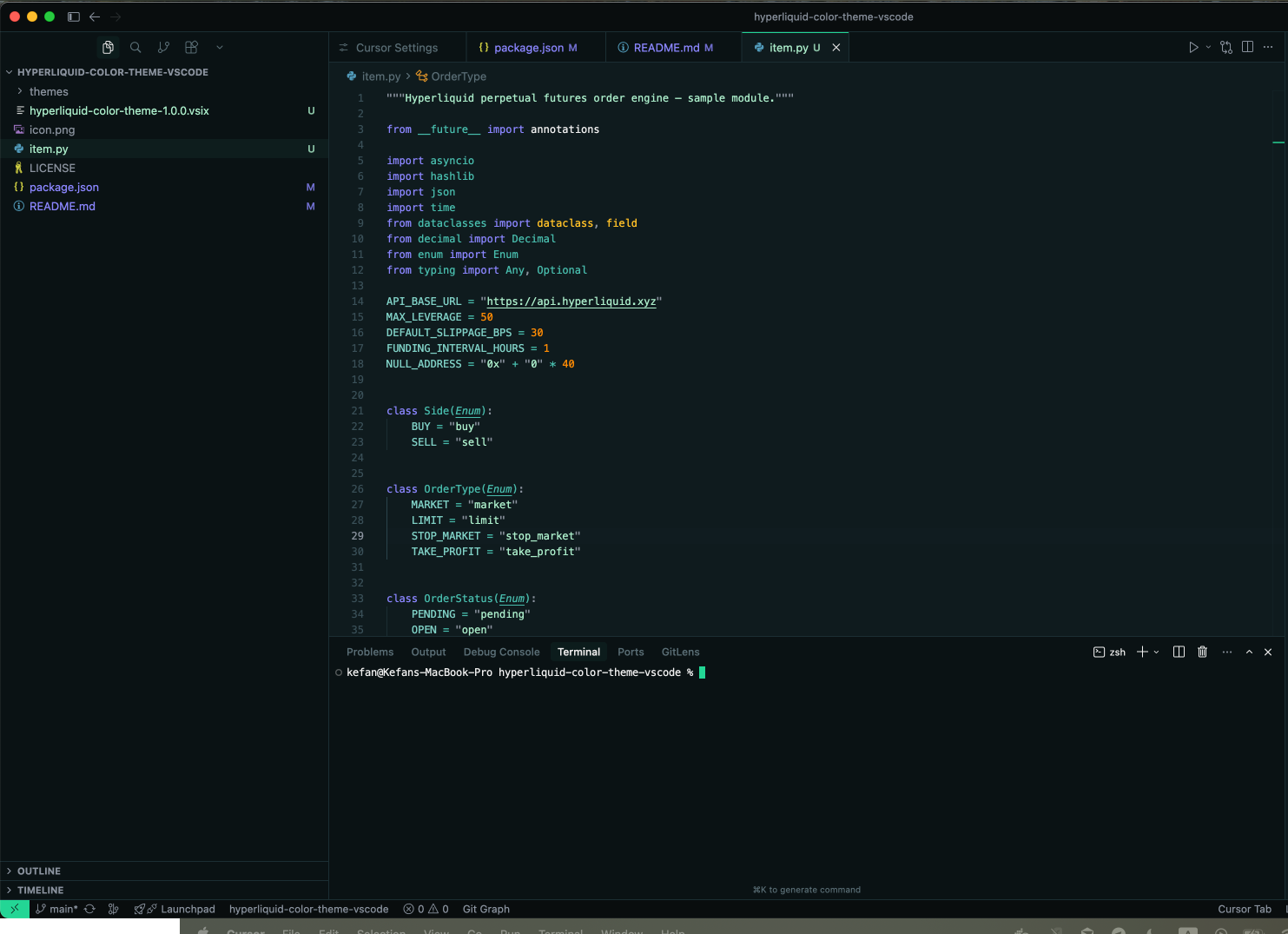
Hyperliquid Color ThemeA dark VS Code color theme inspired by Hyperliquid's trading interface — vibrant neon accents on a restrained dark palette. Installation Launch VS Code Quick Open ( Ctrl+P), paste the following command, and press enter.Copied to clipboard |

Hyperliquid Color Theme for VS CodeA dark VS Code color theme inspired by Hyperliquid's trading interface — vibrant neon accents on a restrained dark palette. Preview
ThemesHyperliquid DarkThe primary theme. A dark background with Hyperliquid's signature teal-green ( Hyperliquid MidnightAn even deeper variant. Pure dark backgrounds with cyan ( Language SupportOptimized token scopes for:
LicenseMIT |