LumaA soothing, low-intensity colors theme Installation Launch VS Code Quick Open ( Ctrl+P), paste the following command, and press enter.Copied to clipboard |

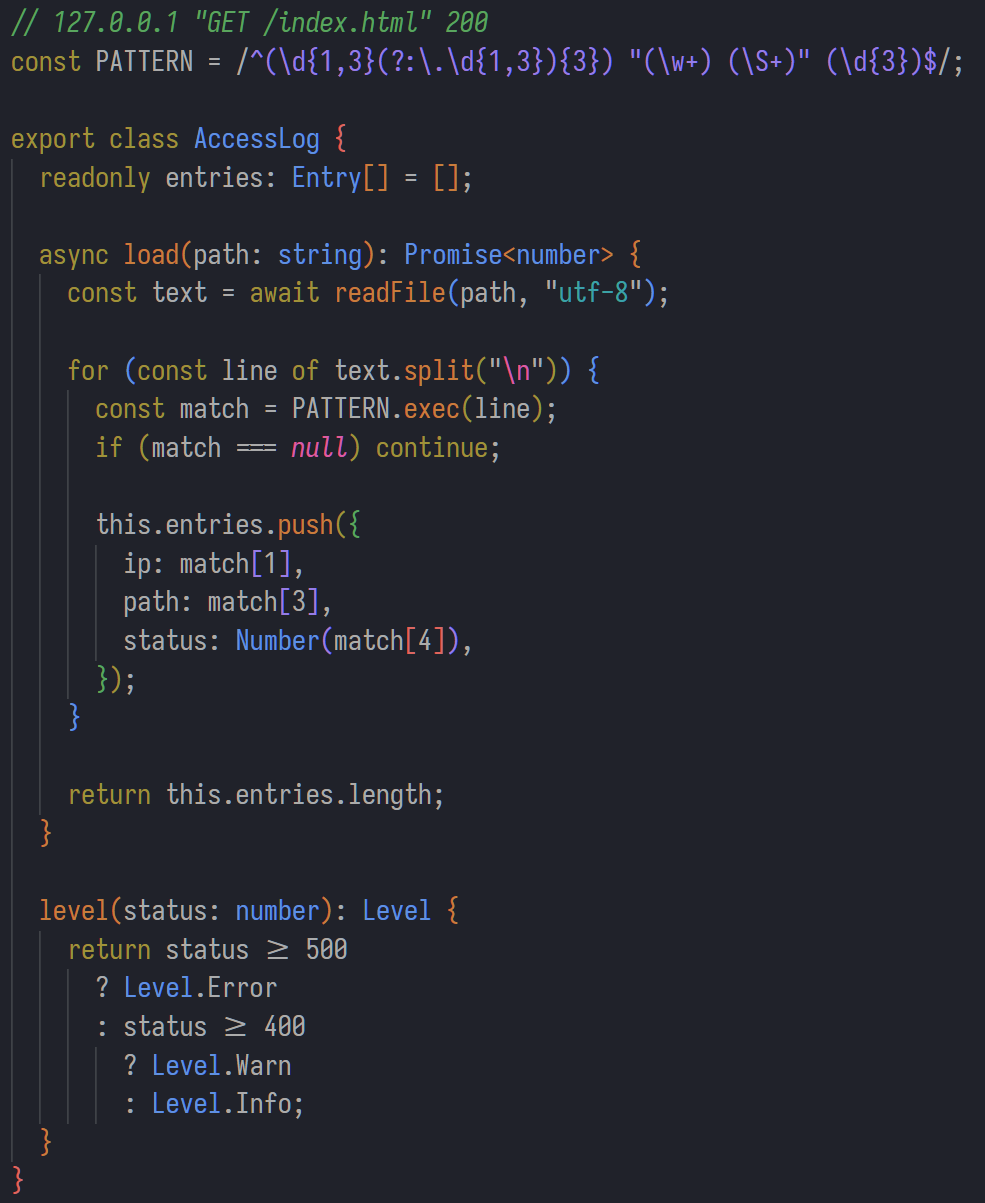
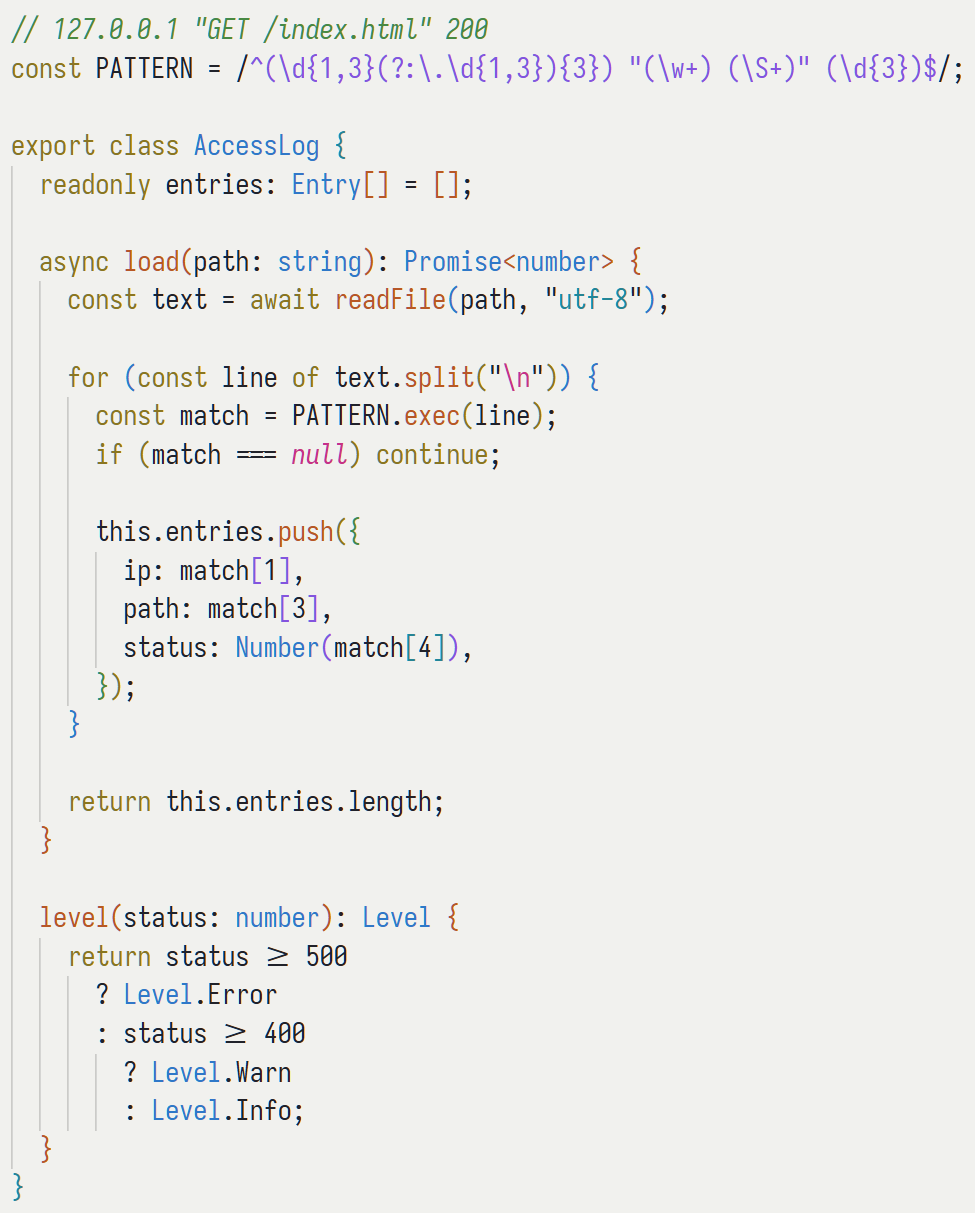
LumaA soothing, low-intensity color theme for people who stare at code all day. Every accent color sits at the same perceptual brightness, so nothing on screen fights for your attention.
Why LumaEqual perceptual intensity. Most themes choose colors in RGB or HSL, where a "pure" green and a "pure" blue can differ wildly in how bright they actually look — so some tokens leap out and others recede, whether the syntax means anything by it or not. Luma picks every accent in the Oklab color space and pins them all to the same perceptual lightness, for a calm, even surface where color reads as structure rather than competing highlights. Color means one thing. Highlighting follows meaning, not syntax: with semantic highlighting, a function keeps its color whether it's declared, called, or invoked as a method, and a string looks like a string everywhere. The palette stays deliberately small, and each accent carries a single, consistent meaning — so hue alone tells you what a token is. Comments are first-class. Many themes fade comments into the background. Luma renders them at full intensity, as part of the code: they carry intent — and in the AI era increasingly steer the tools that write the code — so they deserve as much of your attention as the lines they describe. Both a Dark and a Light appearance are included, generated from one shared palette. What's themedLuma is a complete theme, not just a syntax palette:
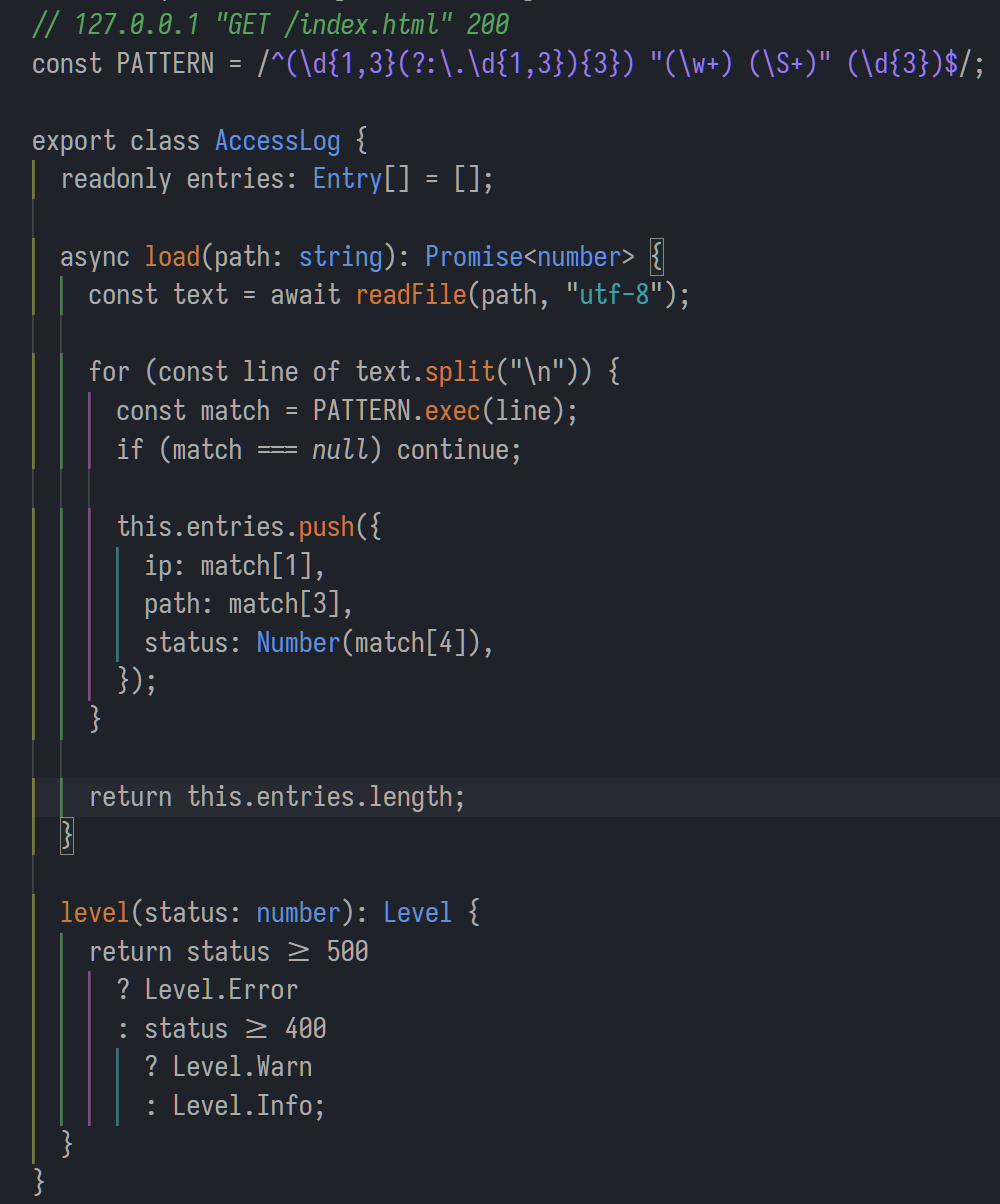
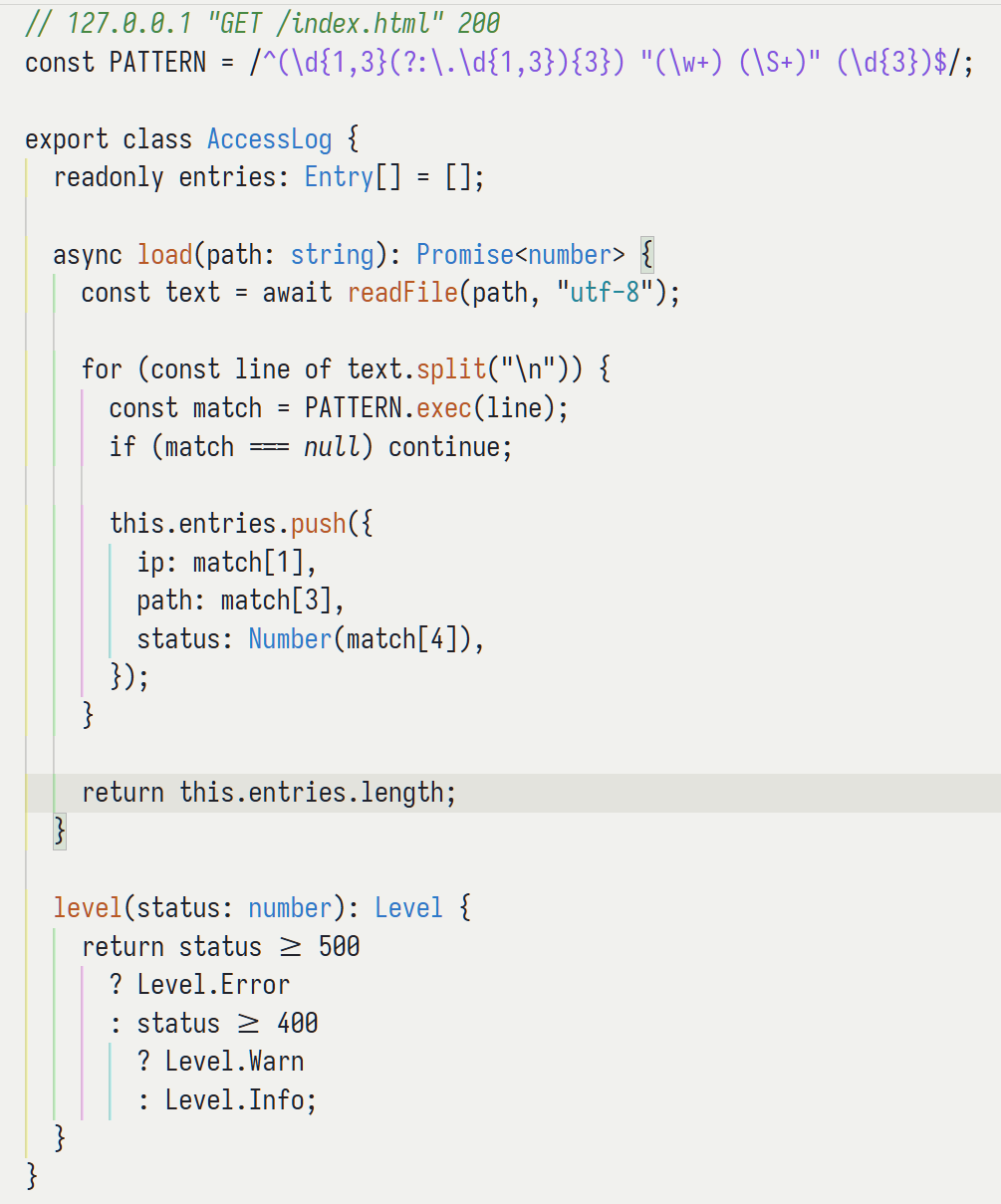
Quiet variantsWant even less color? Luma Quiet is a more restrained cut of the same palette: it pulls most syntax back toward the foreground and keeps color only where it earns its place, so the editor reads calmer, with fewer accents competing for your eye. Available in both Dark and Light. Set your themeOpen the Command Palette, run Other variantsThe same palette also drives themes for Neovim/Vim, Zed, Claude Code, Ghostty, iTerm2, Konsole, Warp, Windows Terminal, XFCE4 Terminal, and Slack. See the GitHub repository for setup instructions. License |