Iron 3270
A real IBM 3270 terminal for z/OS and z/VM, right inside Visual Studio Code.
Block-mode 3270 screens, the full PF/PA keyboard, verified TLS, IND$FILE file transfer and macros,
in an editor tab next to your code. Big iron, in your editor.
Website ·
Quick guide ·
Screenshots ·
Support
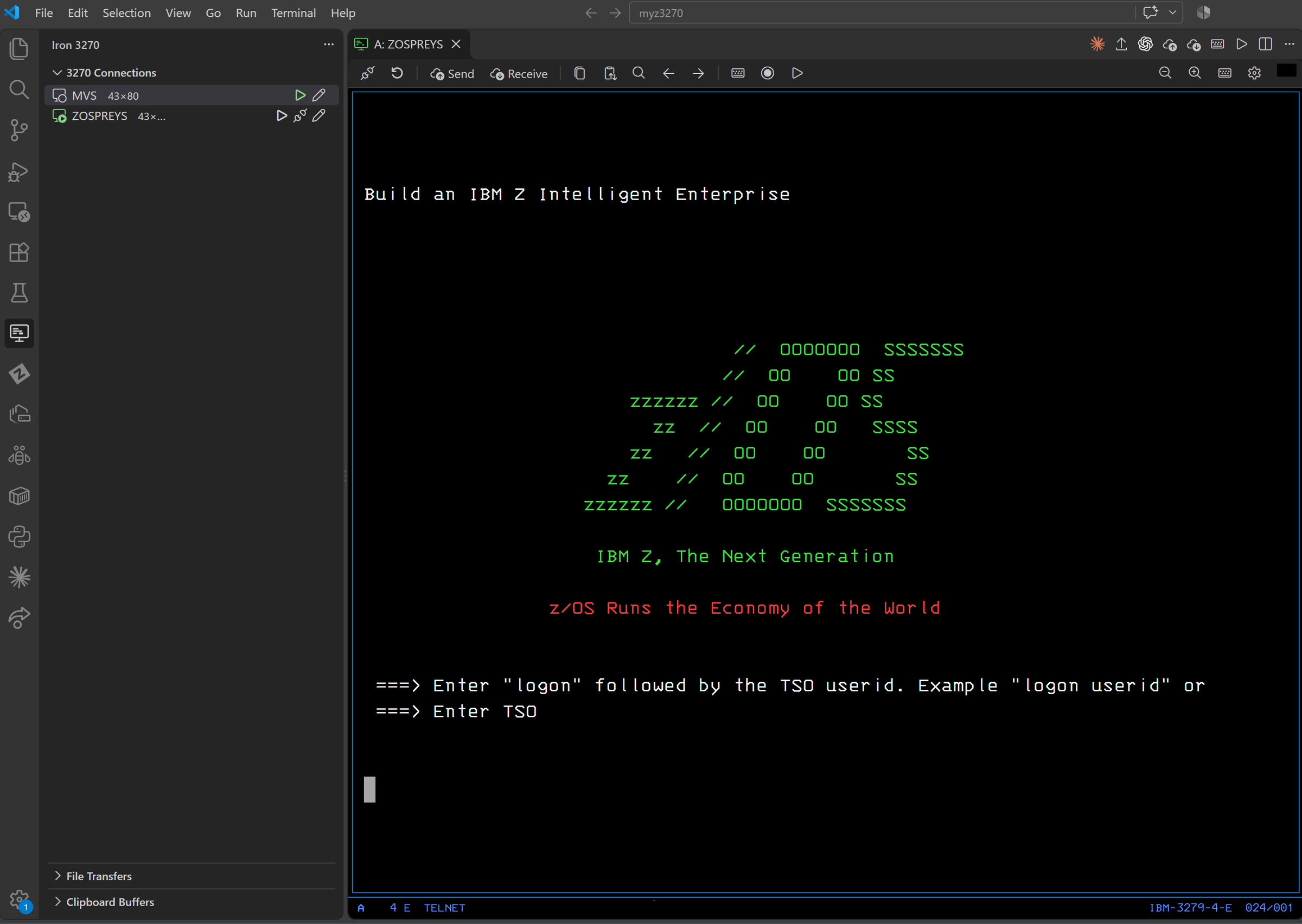
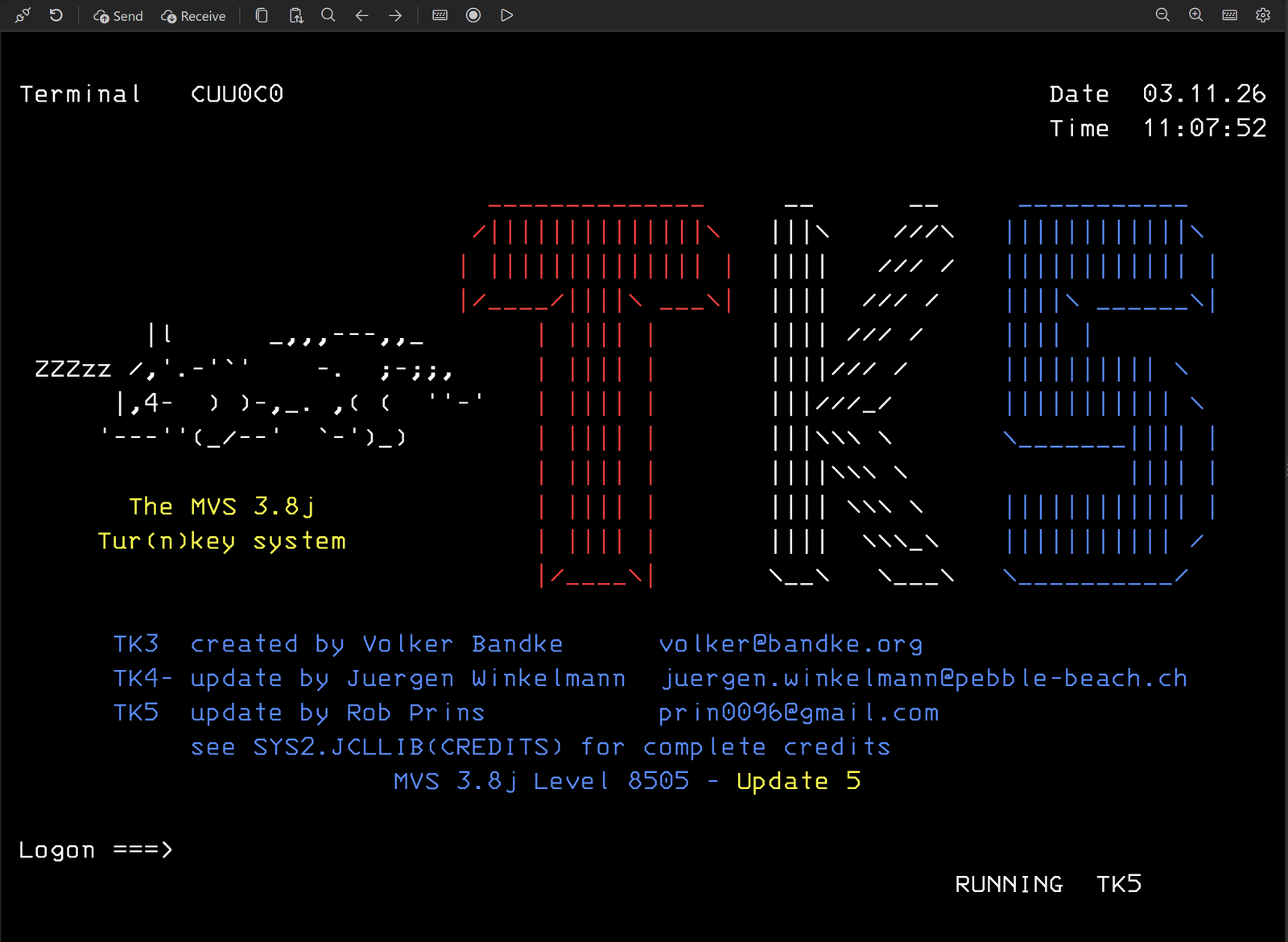
Preview release. Tested against real systems: z/OS with TSO/ISPF and CICS, z/VM, and MVS 3.8j.
Feedback is very welcome at spiersall@gmail.com.
Features
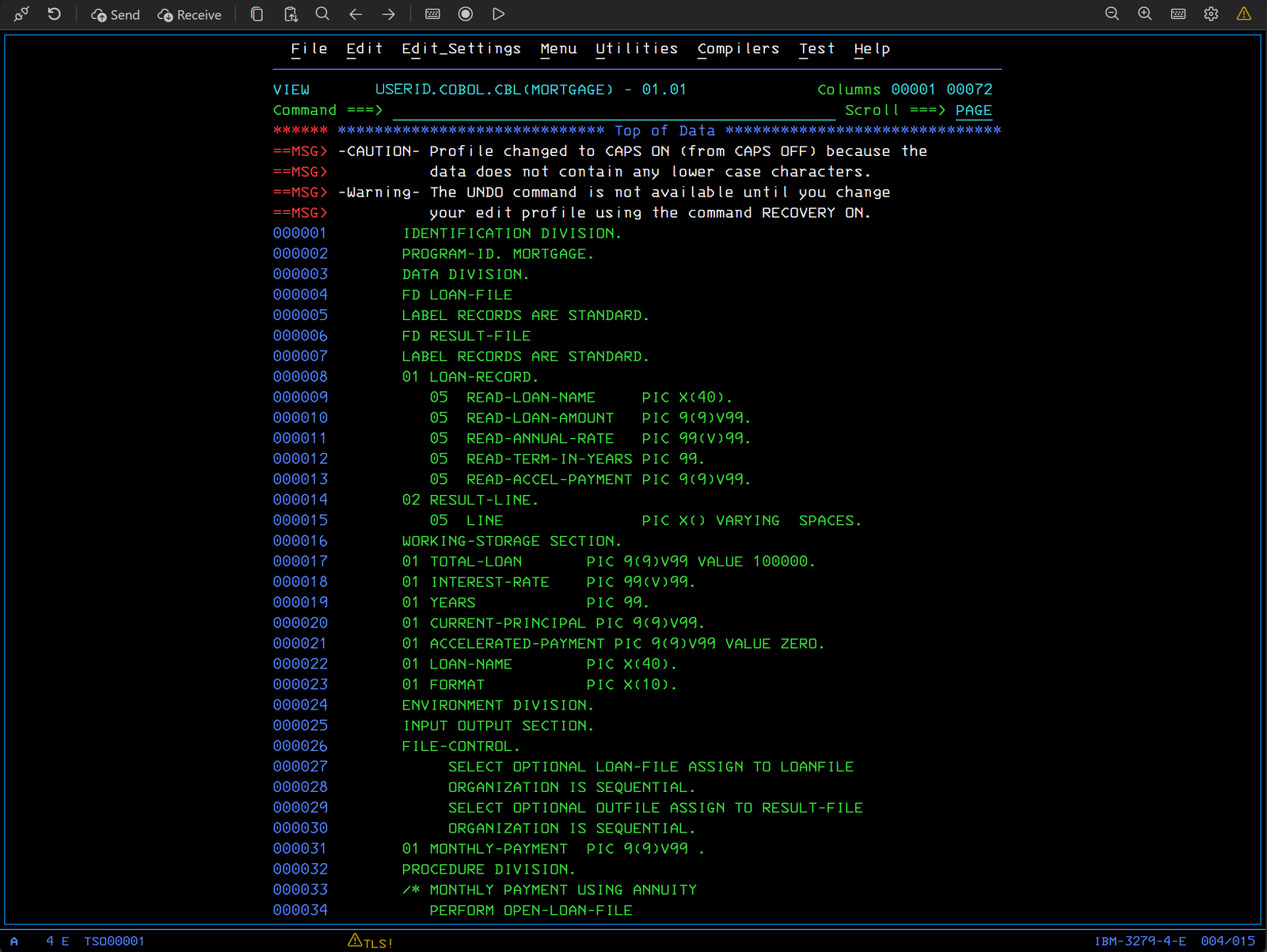
- A real 3270, not a scrolling shell. Protected and numeric fields, modified data tags,
keyboard locking and type-ahead, on models 2–5 (up to 27×132) as 3278 or 3279, over TN3270 or
TN3270E, with an authentic operator information area.
- Every key you need. PF1–PF24, PA1–PA3, Enter, Clear, Reset, Attn, SysReq, Erase EOF, Erase
Input, Dup and Field Mark, on your keyboard or on a dockable on-screen 3270 keyboard. Keymaps are
fully customizable.
- Connections in the Activity Bar. Save hosts, group them, and double-click to connect. Each
session opens in its own editor tab, so splits and side-by-side work just work.
- TLS done carefully. Certificates and host names are verified by default. Trust your company's
CA, or pin one certificate after reviewing it. There is no "accept anything" switch.
- IND$FILE transfers. Send and receive files with TSO, CMS and CICS: text or binary, RECFM,
LRECL, BLKSIZE and space allocation, batches of PDS members, progress and cancel.
- Editing that respects fields. Block selection, field-aware paste, Select JCL and Paste JCL,
nine clipboard buffers, screen history, find, and clickable URLs.
- Macros. Record or write simple
.3270macro scripts that wait for the real screen state.
Passwords are never recorded.
- Private by design. No telemetry. Passwords live in VS Code's secure storage and never appear
in logs, macros or exported connections.
Getting started
- Click the Iron 3270 icon in the Activity Bar, then Add Connection.
- Enter the host, the port (23, or 992 for TLS), the terminal model and the host code page. Choose
TLS: verify certificate whenever your host supports it, and use Test Connection to check.
- Double-click the connection to open a session. Use Send and Receive on the toolbar to
transfer files.
Default keys
| Key |
3270 function |
Key |
3270 function |
| F1–F12 |
PF1–PF12 |
Shift+F1–F12 |
PF13–PF24 |
| Alt+F1 / F2 / F3 |
PA1 / PA2 / PA3 |
Enter |
Enter |
| Pause, Shift+Escape |
Clear |
Escape |
Reset |
| Ctrl+Pause |
Attn |
Ctrl+Shift+Y |
SysReq |
| Ctrl+End |
Erase EOF |
Ctrl+K |
On-screen keyboard |
While a terminal tab has focus, F1 sends PF1 instead of opening the Command Palette. PCOMM- and
x3270-style keymaps are built in, and the keymap editor lets you change any key.
| Platform |
Status |
| Windows x64 |
Supported |
| Windows on ARM |
Supported: the protocol engine runs under Windows' built-in emulation (not yet tried on ARM hardware) |
| macOS 11 or later, Apple Silicon and Intel |
Supported |
| Linux x64 |
Supported: RHEL 8, 9 and 10, Rocky and Oracle Linux, Debian 12 and 13, Ubuntu 20.04 and later, SUSE and openSUSE 15, Amazon Linux 2023, Fedora. No extra packages needed. |
| Linux ARM64 |
Supported: the same distributions as Linux x64. Tested on a Raspberry Pi 5 (Debian 13). |
| Remote SSH, WSL and containers |
Supported: the extension runs on the remote machine, and connections start from there |
| VS Code for the Web |
Not supported: browsers cannot run the native 3270 protocol engine |
Security and privacy
- TLS certificates and host names are verified by default. The alternatives are a CA you trust or one
pinned certificate, and a session-only exception always shows a warning.
- Client-certificate passphrases are kept in VS Code's SecretStorage.
- Macros cannot read files, start programs or reach the network.
- Iron 3270 sends no telemetry. Screen contents and keystrokes are never logged.
Support
Questions, problems or ideas: email spiersall@gmail.com, or see the
support section of the website for what to
include in a report.
License and credits
Iron 3270 is free and licensed under BSD-3-Clause.
The protocol engine is b3270 from the x3270 suite by Paul Mattes
and contributors. The 3270 font is by Ricardo Banffy. Third-party licenses are listed in
THIRD-PARTY-NOTICES.md, which is included with the extension.
IBM, z/OS, z/VM, CICS and ISPF are trademarks of IBM. Iron 3270 is an independent project and is not
affiliated with IBM, the x3270 project, or Tom Brennan Software (Vista TN3270).
| |

