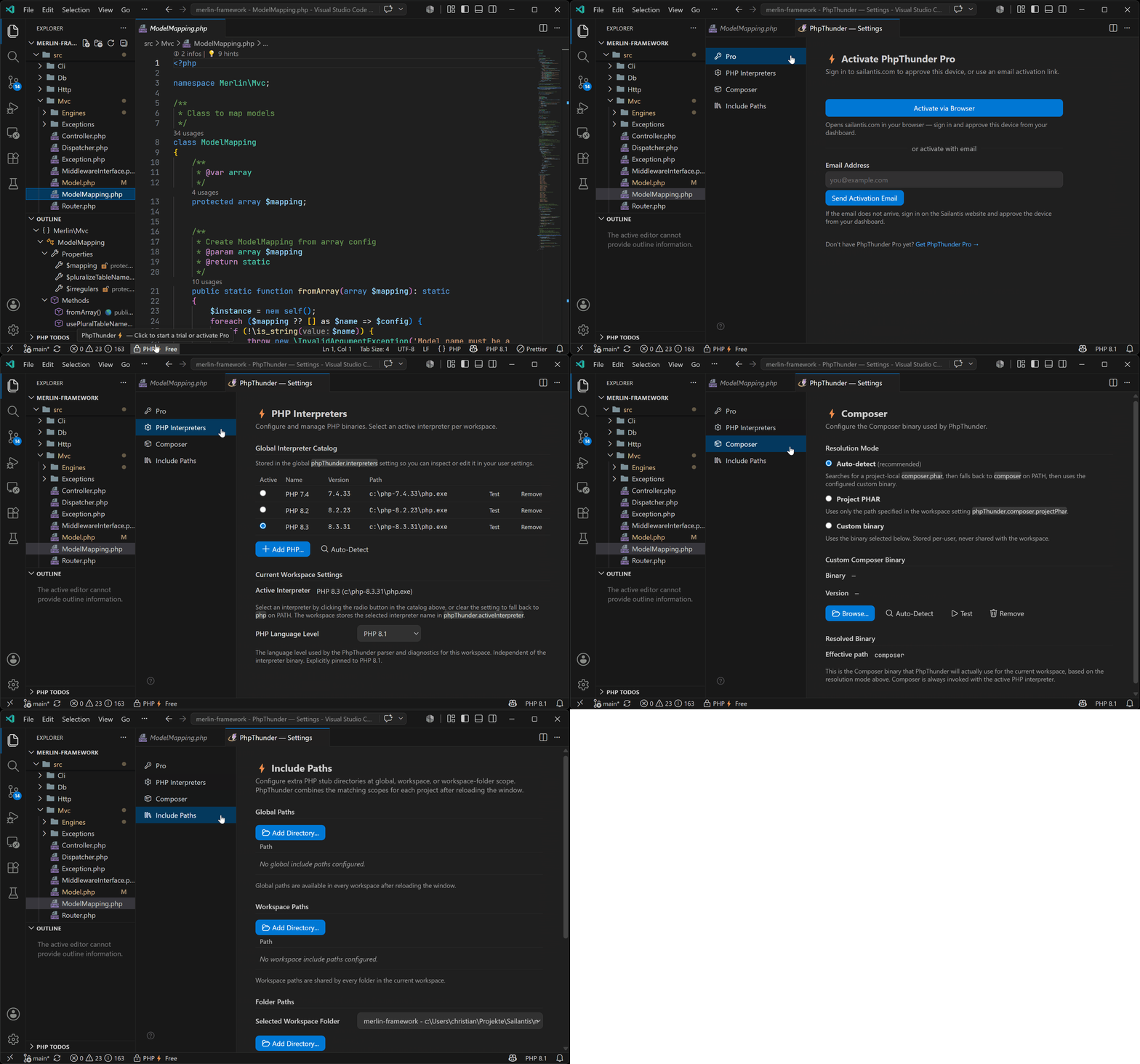
Professional PHP Development in VS CodeLanguage Server, Formatter, Debugger, Composer tools, TODO browser, and Profiler in one extension.
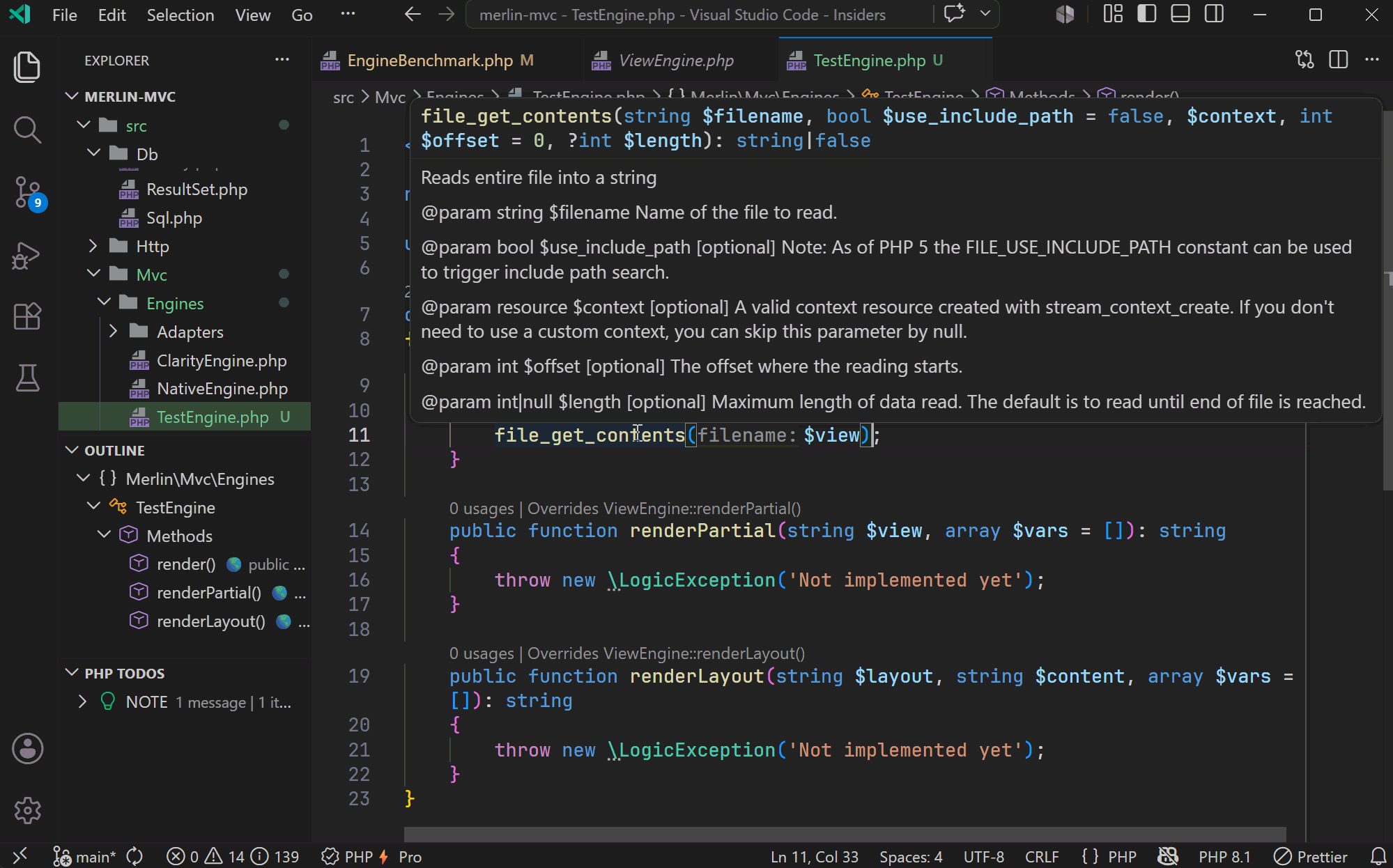
Code IntelligencePHPDoc-aware hover, go-to-definition, find references, and import assistance for templates, array shapes, callable signatures, dynamic return types, magic methods, fluent APIs, and type aliases.
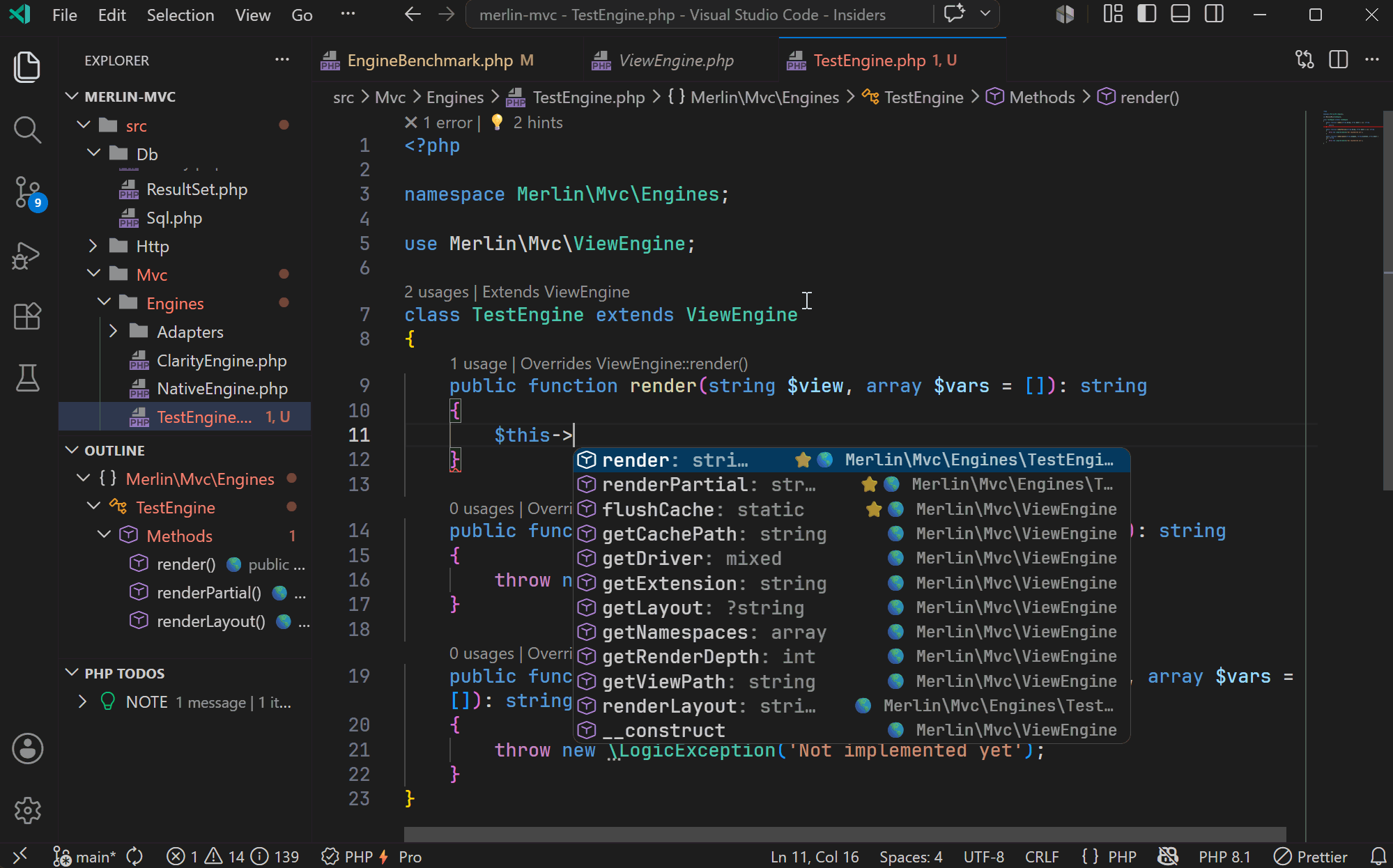
Completion is context-aware with full support for PHPDoc shapes, intersection types, conditional return types, and named arguments. Inlay hints show inferred parameter names and return types inline.
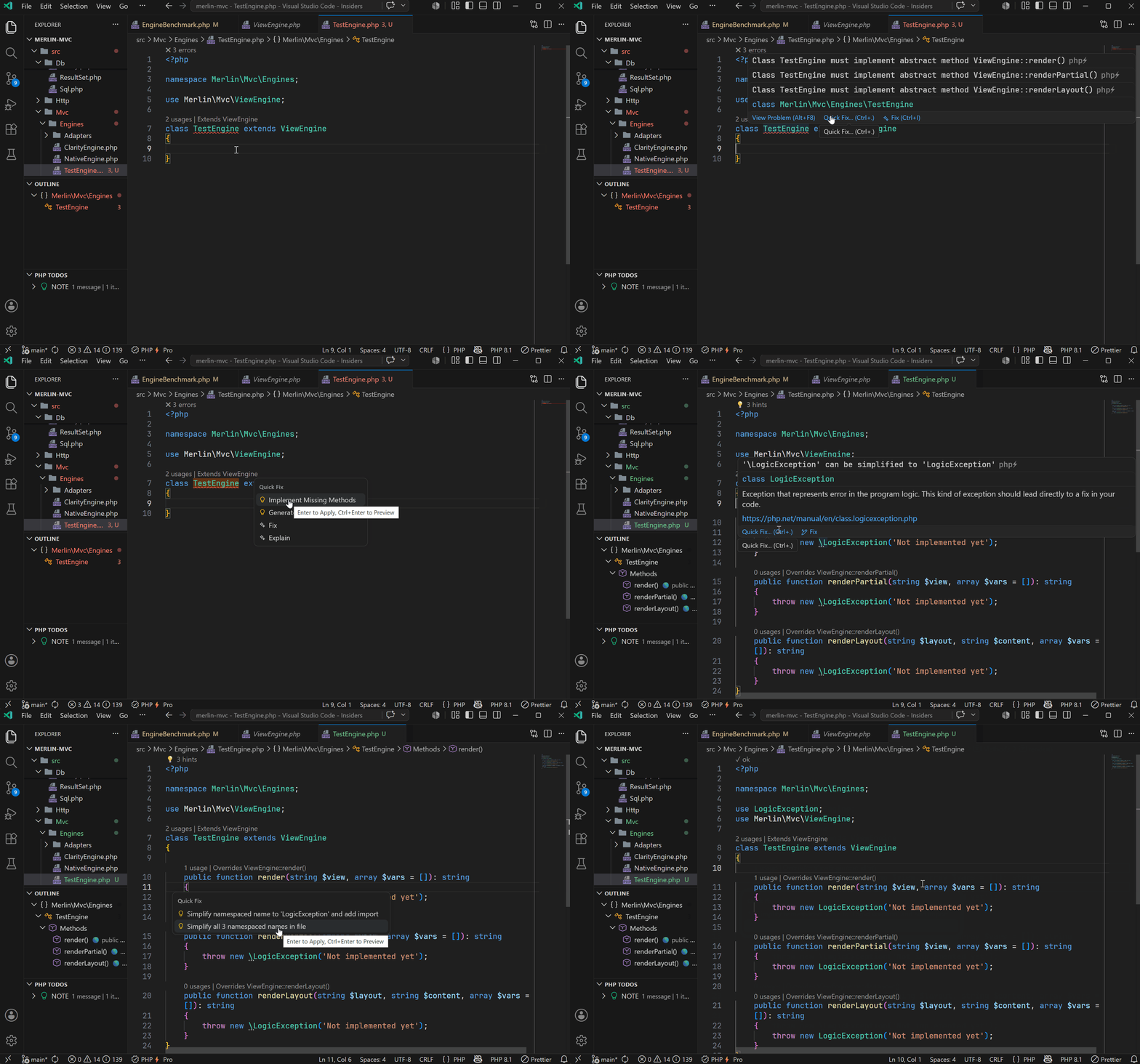
Diagnostics and Code ActionsInline diagnostics for parse errors, type mismatches, array-shape key problems, unused imports, unused private members, and unreachable code. Code actions and quick fixes — such as generating abstract methods, adding missing imports, or applying type fixes — are a Pro feature.
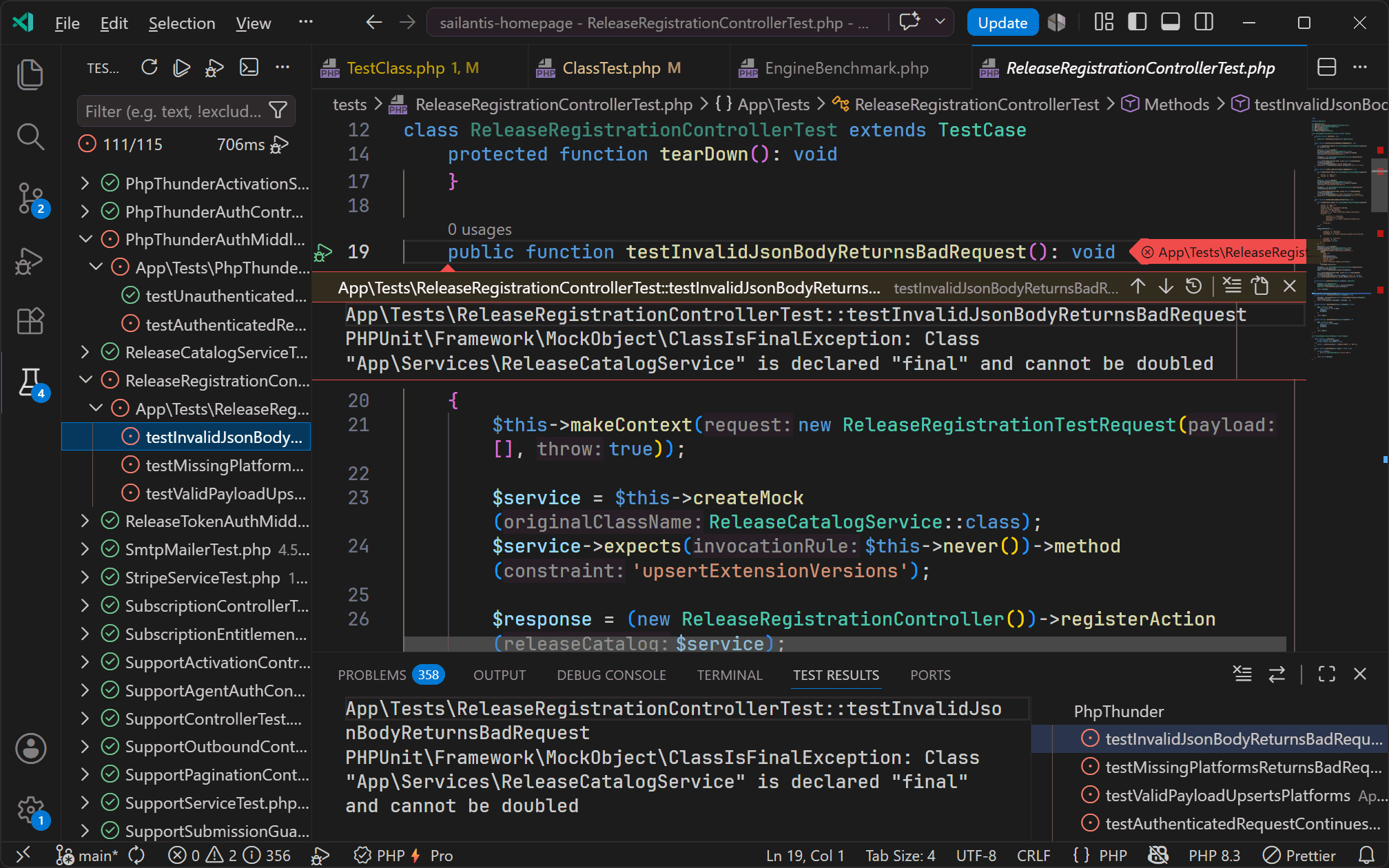
TestingPHPUnit and Pest test discovery in the VS Code Test Explorer. Run, debug, and rerun individual tests or entire suites without leaving the editor.
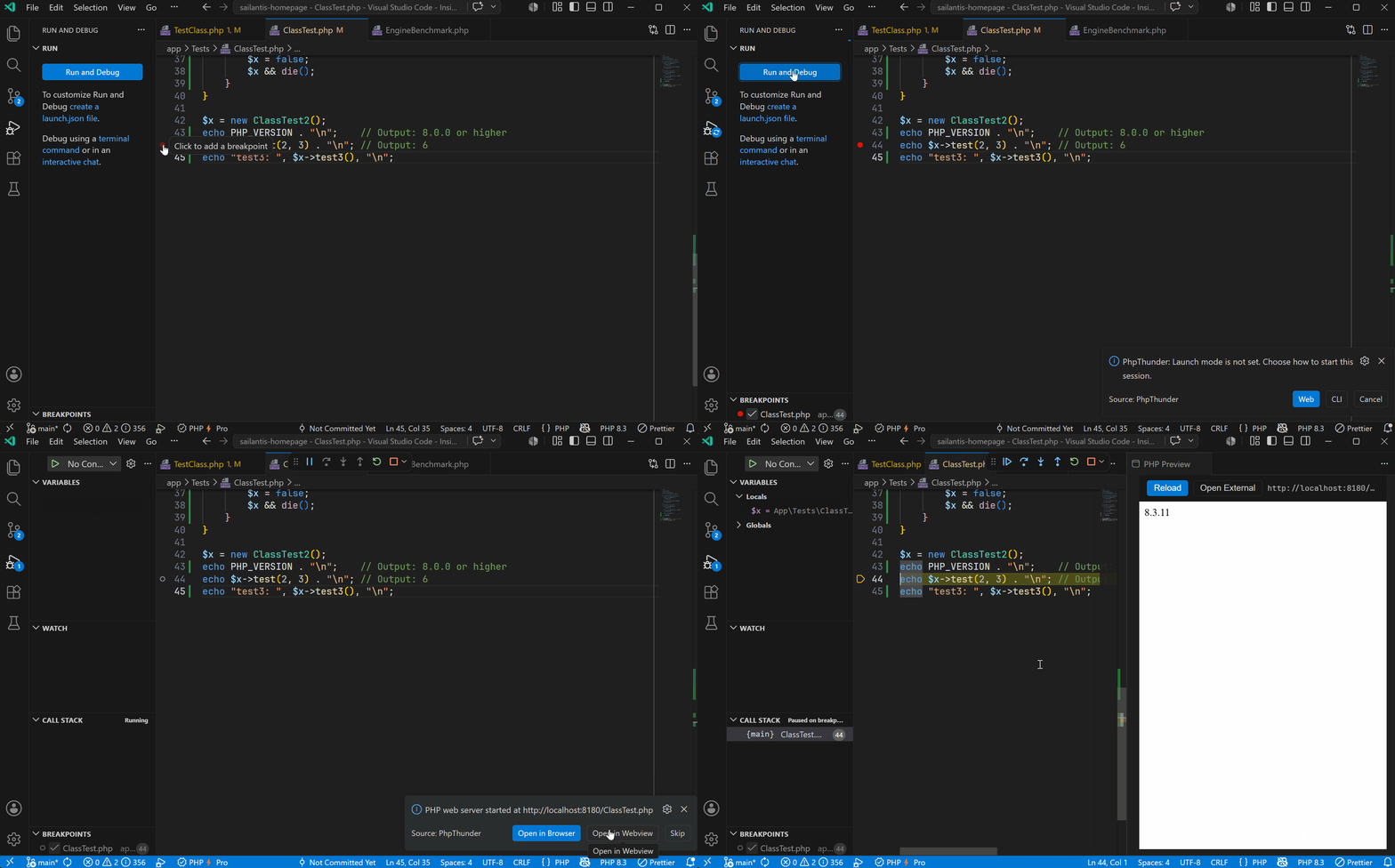
DebuggingXdebug-based debugging for CLI scripts, web requests, and attach mode. Full VS Code debug adapter support with breakpoints, conditional breakpoints, watch expressions, call stack, and variable inspection.
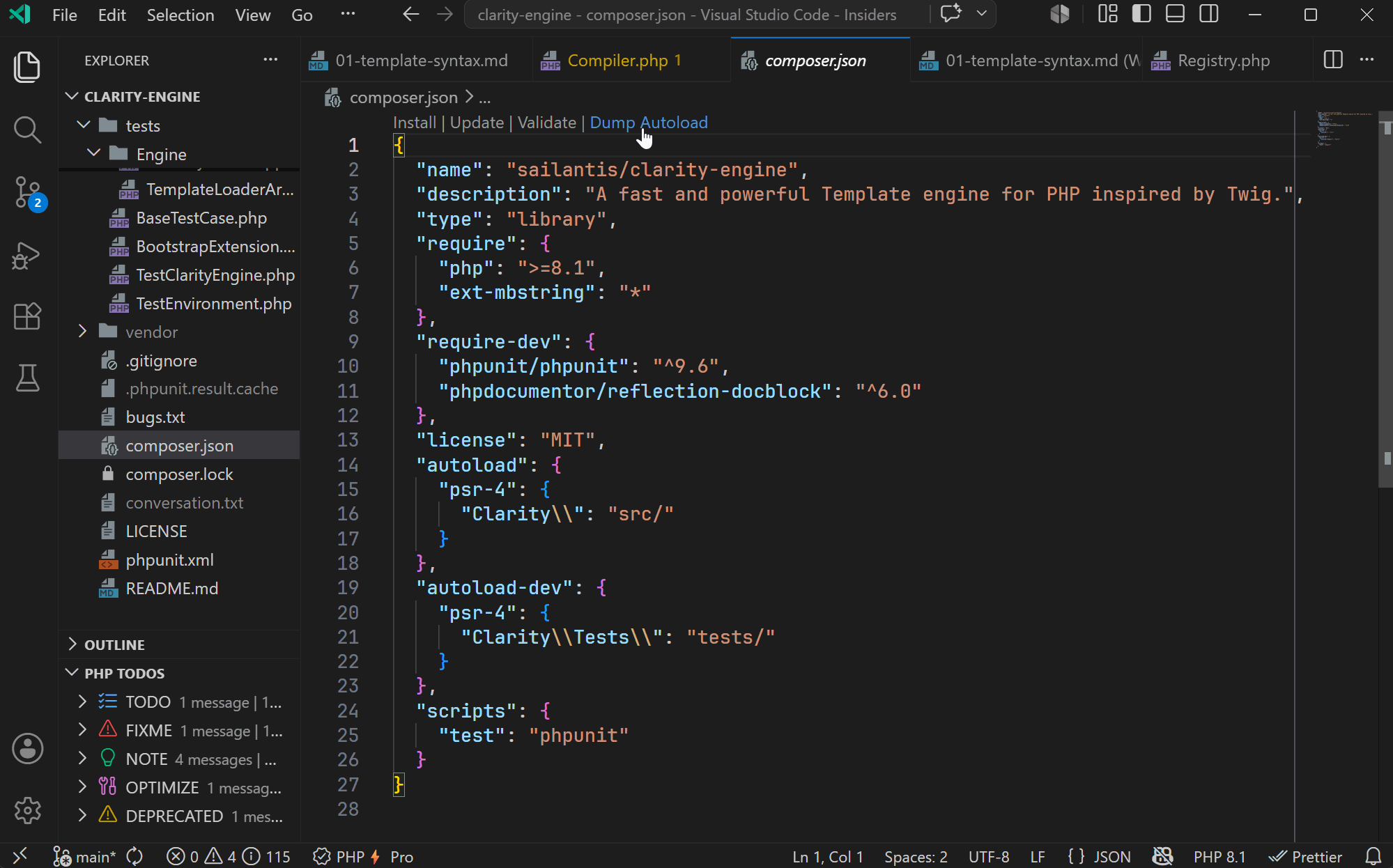
Composer ToolsRun Composer commands, manage dependencies, and browse installed packages directly from VS Code. The Composer panel shows outdated packages and lets you update, require, or remove them without leaving the editor.
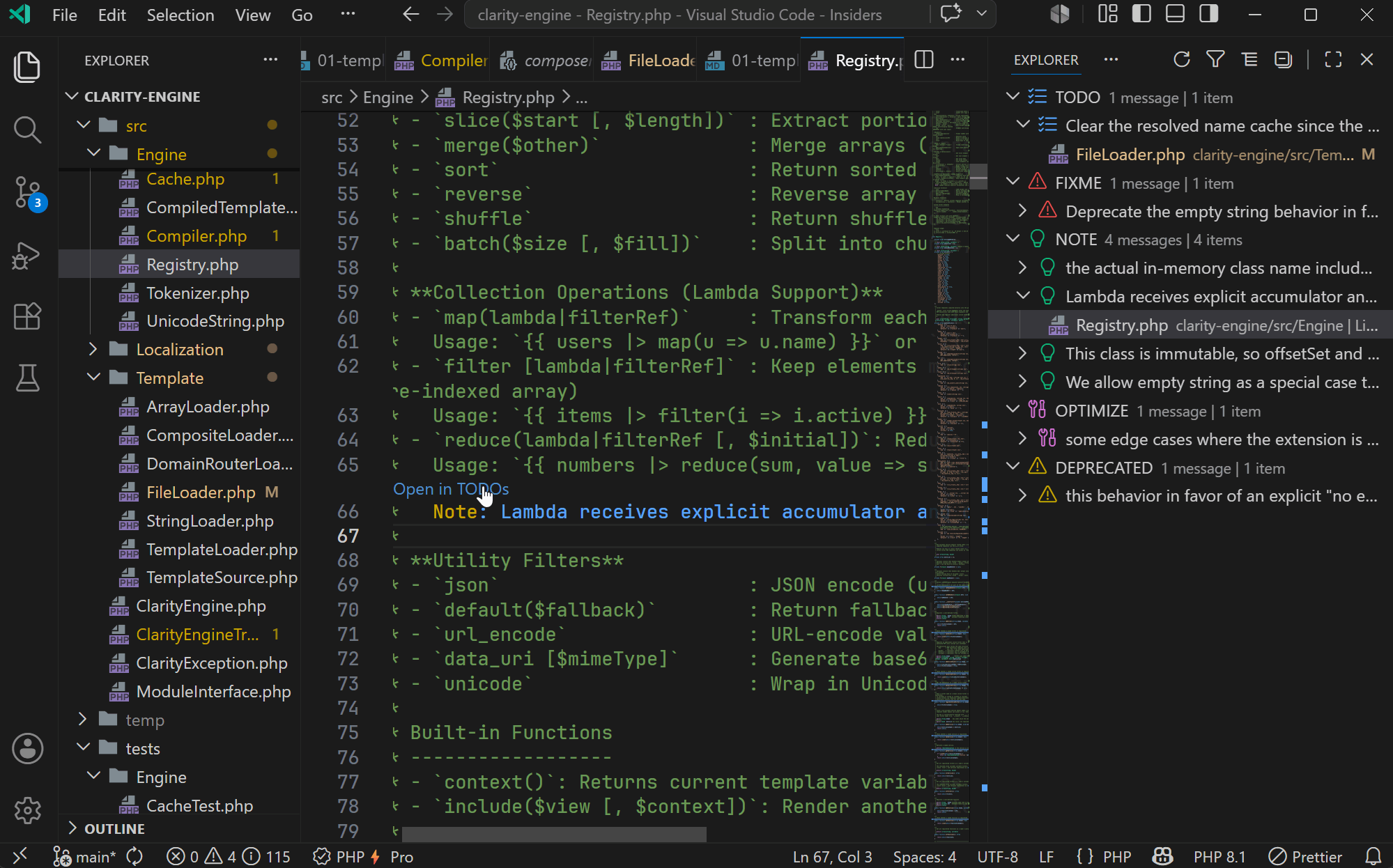
TODO BrowserCollects TODO, FIXME, and custom tags across the entire workspace and displays them in a dedicated tree view. Filter by tag, file, or folder and jump directly to any item.
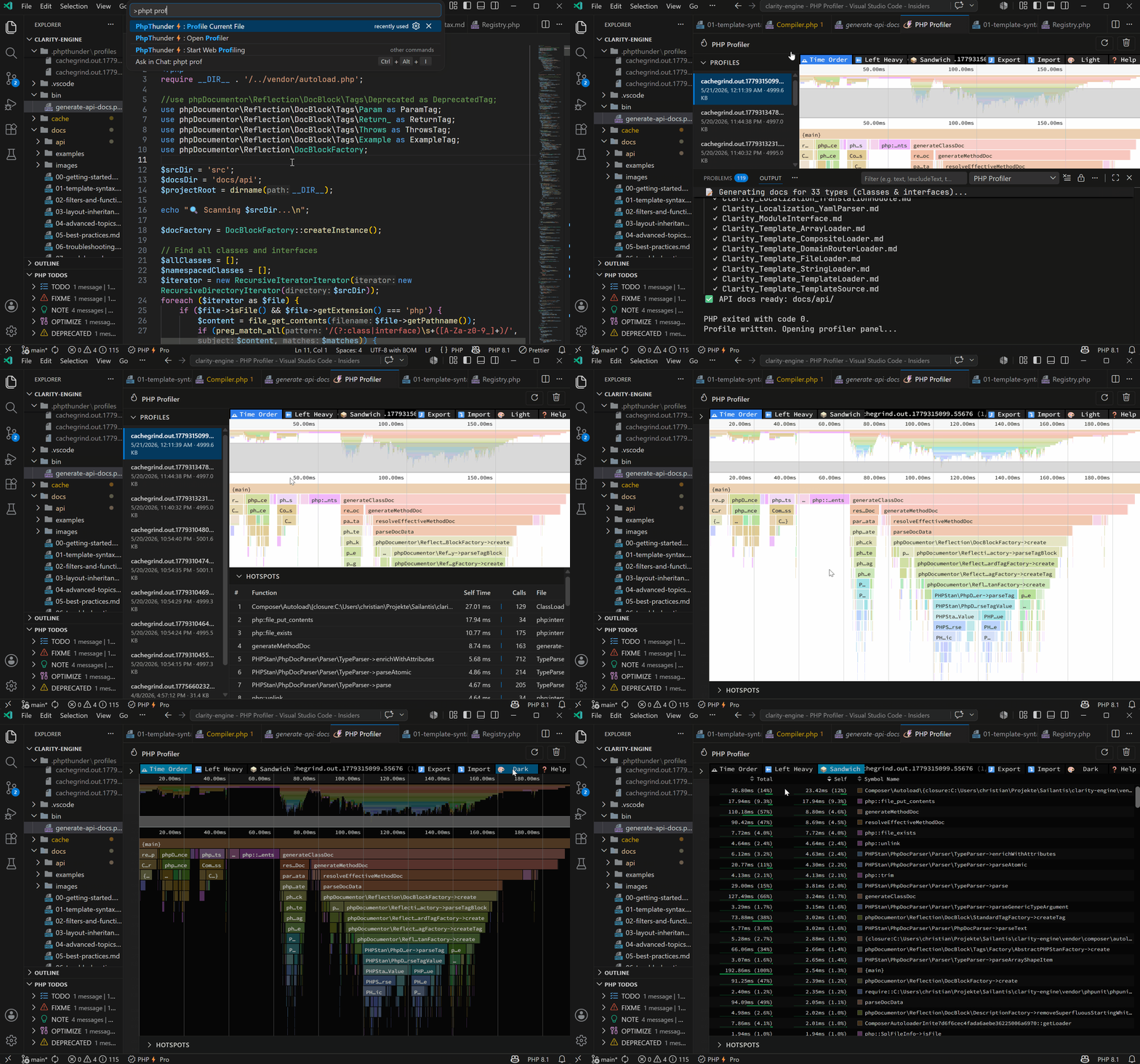
ProfilingProfile any PHP file directly from the editor. The built-in profiler panel visualizes execution time, call counts, and hotspots as a flame graph.
Getting Started
Free and Pro
Release ChannelsPhpThunder supports different release channels: stable, beta, and alpha. The channel is determined by the version tag (e.g.
DocumentationThe full documentation covers getting started, installation and activation, editor features, debugging, profiling, testing, configuration, and troubleshooting. For more information, visit sailantis.com/phpthunder. Submitting IssuesYou can submit issues publicly on GitHub or privately through our support page. |