RokNotes is a fast, local-first notes studio for VS Code and VSCodium. Notes are
stored in a real SQLite database powered by sql.js and WebAssembly.
Features
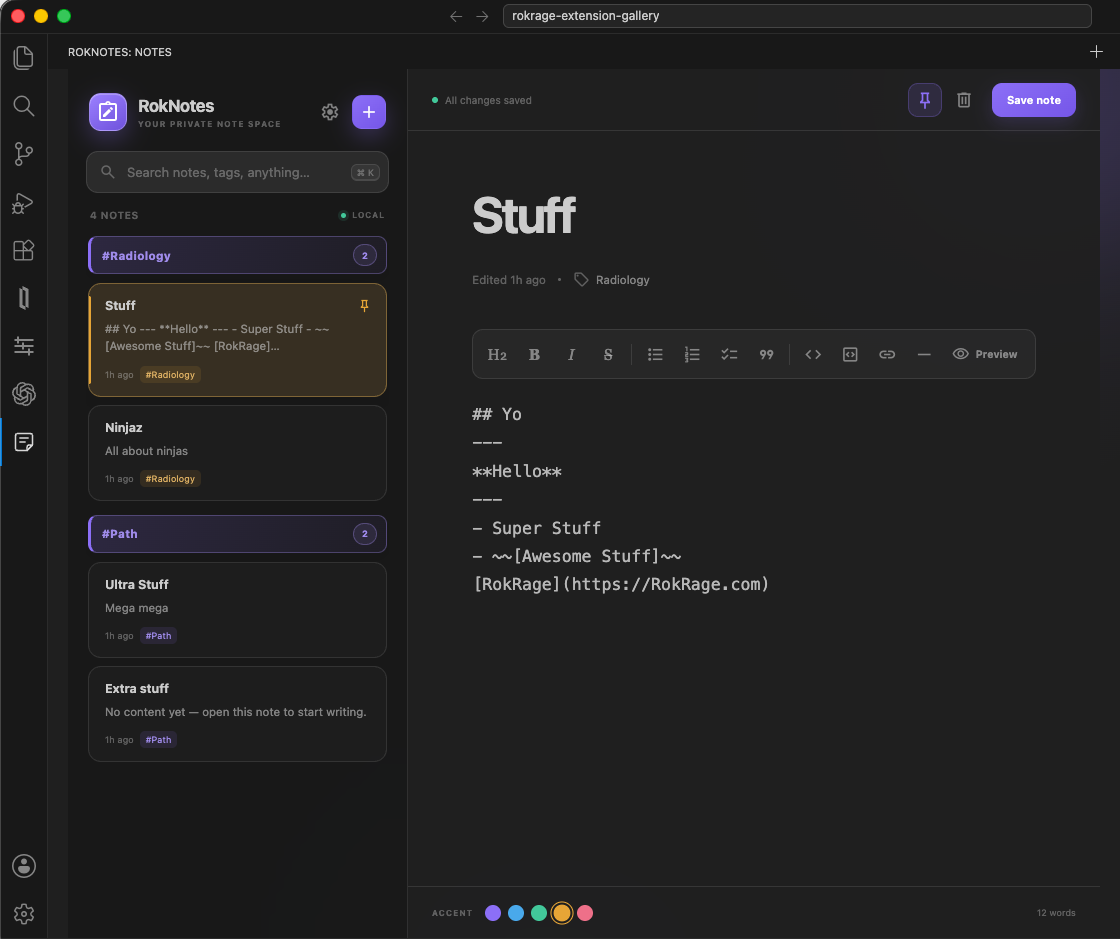
Create, read, update, delete, pin, and search notes
Search across titles, bodies, and tags
Tag and colour-code notes
Format with headings, emphasis, lists, checklists, quotes, code, links, and
dividers using the Markdown toolbar
Switch between writing and a safe, polished formatted preview
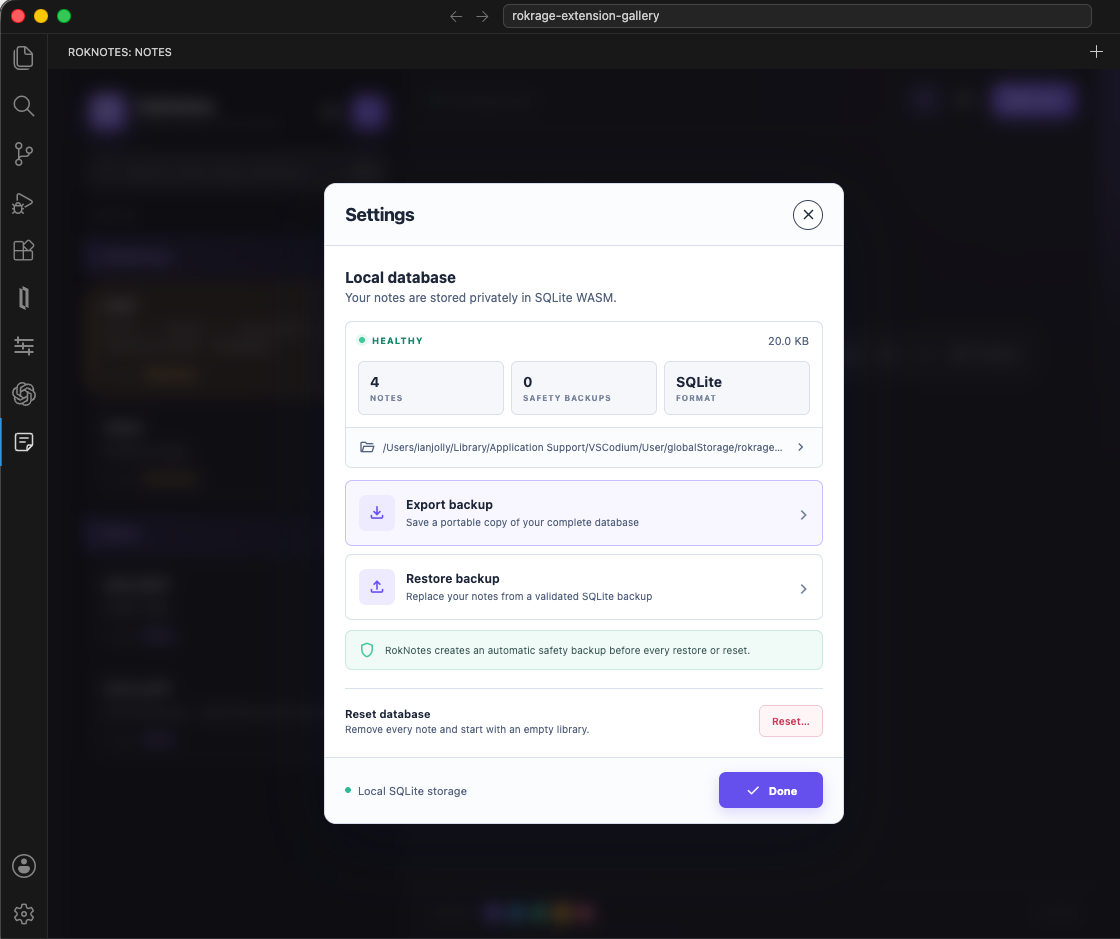
Manage storage from an in-app Settings modal with SQLite backup export,
validated restore, Finder access, database statistics, and protected reset
Keyboard shortcuts: Cmd/Ctrl+N creates a note, Cmd/Ctrl+K focuses search,
Cmd/Ctrl+S saves, and Cmd/Ctrl+B / Cmd/Ctrl+I format text
Responsive editor designed for both a narrow sidebar and a wide panel
Consistent Google Material Symbols iconography bundled locally
Local-only SQLite persistence in the extension's global storage directory
Database settings
Privacy
RokNotes does not use an account, telemetry, or network requests. The SQLite
database remains in VS Code's extension global storage.
Backups
Open the gear menu in RokNotes and choose Export backup to save a complete,
portable .sqlite copy. Restore and reset operations automatically preserve the
current database in RokNotes' internal backup directory before making changes.