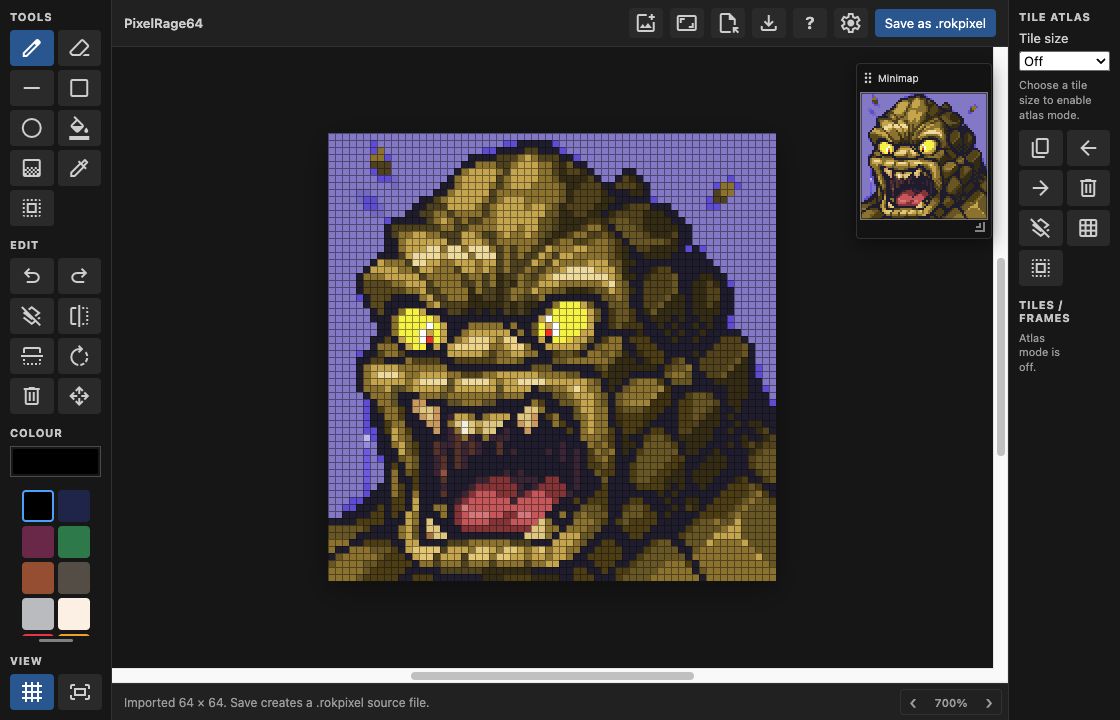
Rok Sprite LiteDraw sprites and tile sets directly in VS Code. Use the top-bar new-image button to name the image, set independent width and height, and optionally enable atlas tiles, or run Rok Sprite Lite: New Canvas, then edit Opening a PNG, JPEG, WebP, GIF, or BMP from the VS Code Explorer also opens Rok Sprite Lite automatically. The image is imported as a non-destructive working canvas; choose Save as .rokpixel to create its editable source file beside the original image. Animated GIFs import their current/first frame. ScreenshotsPixel-art workspace and minimap
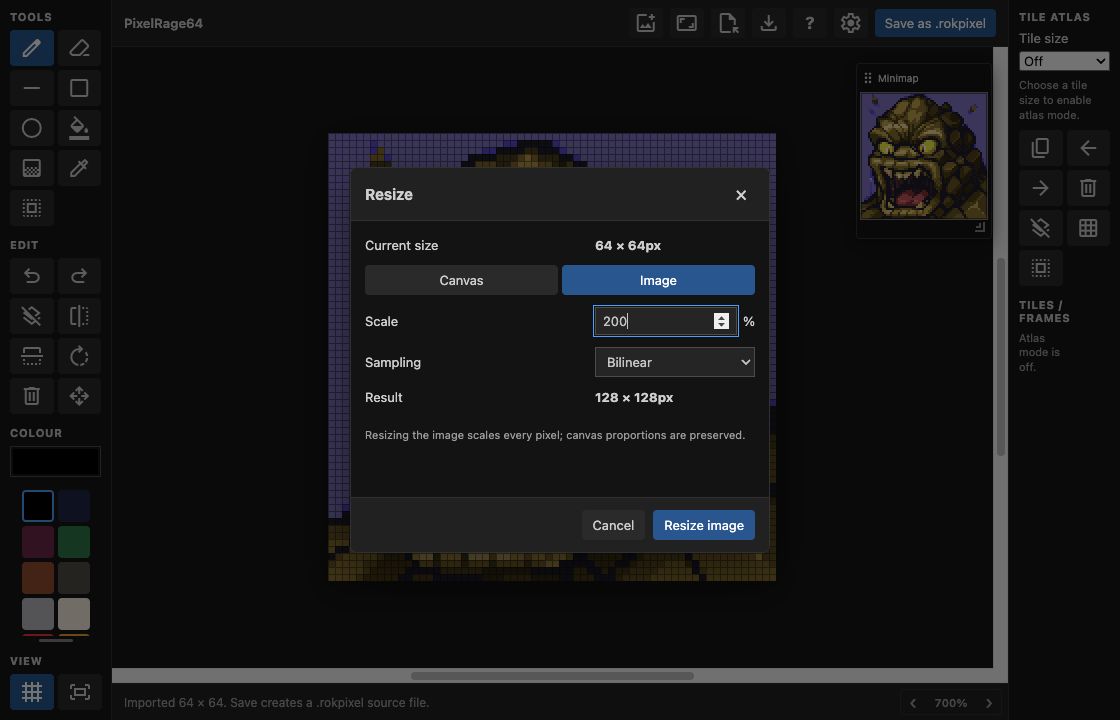
Percentage image resizing
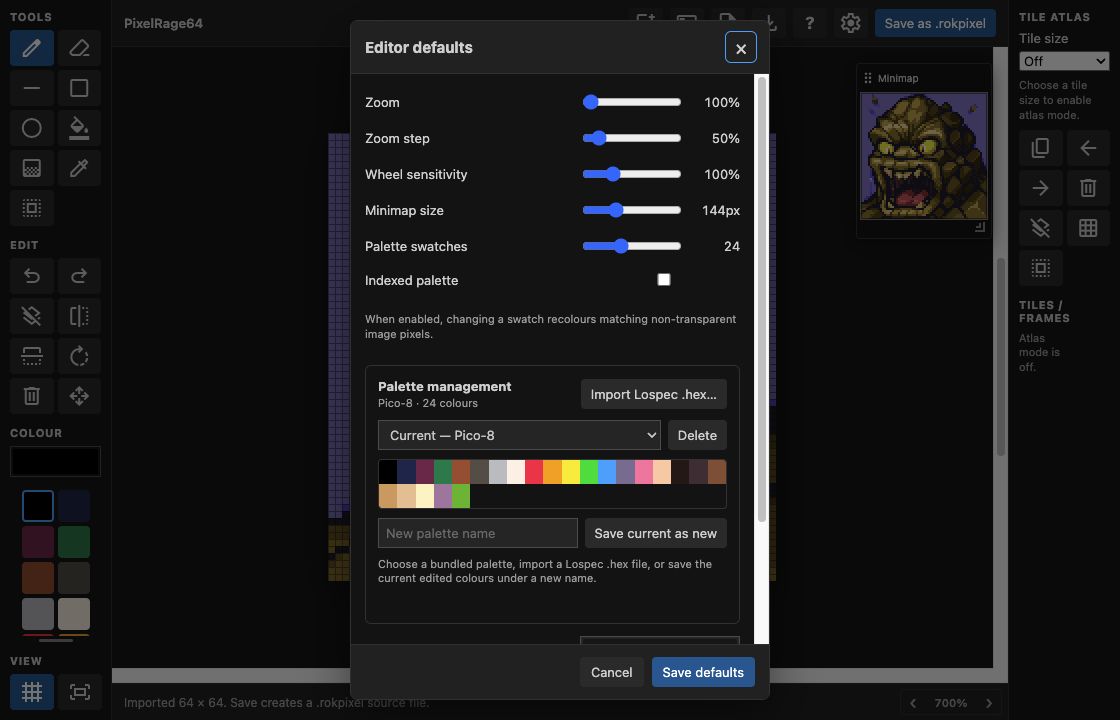
Palette management and editor defaults
Included tools
Controls
Use the settings button in the editor toolbar to store default zoom, zoom-step, wheel sensitivity, minimap size, workspace background colour, atlas tile size, and new-image size. The editor saves through normal VS Code save behaviour. Its toolbar Save button writes the current document immediately. |