Skip to content
| Marketplace
Sign in
Visual Studio Code>Other>Image Path PreviewNew to Visual Studio Code? Get it now.
Image Path Preview

Image Path Preview

RockYou

|
1 install
| (0) | Free
Preview image paths while browsing autocomplete or hovering over code in VS Code and compatible editors.
Installation
Launch VS Code Quick Open (Ctrl+P), paste the following command, and press enter.
Copied to clipboard
More Info

Image Path Preview

See the image before you choose it. Preview image files while browsing autocomplete suggestions in VS Code and compatible editors, including Antigravity. You can also hover over an existing image path to see the image without opening it.

Image previews in autocomplete

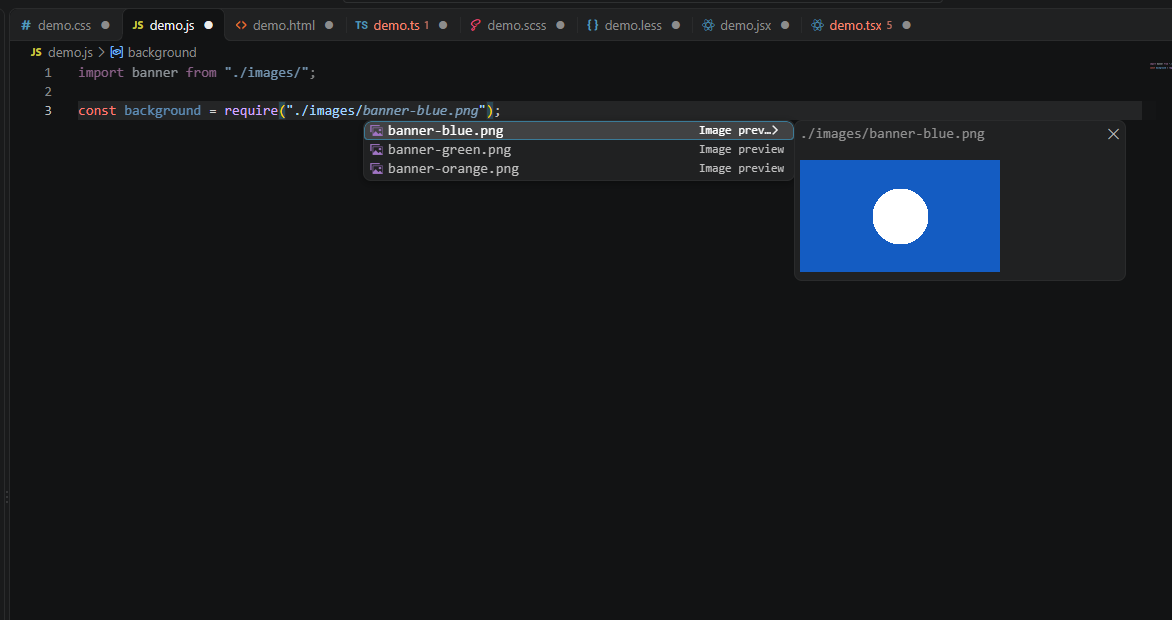
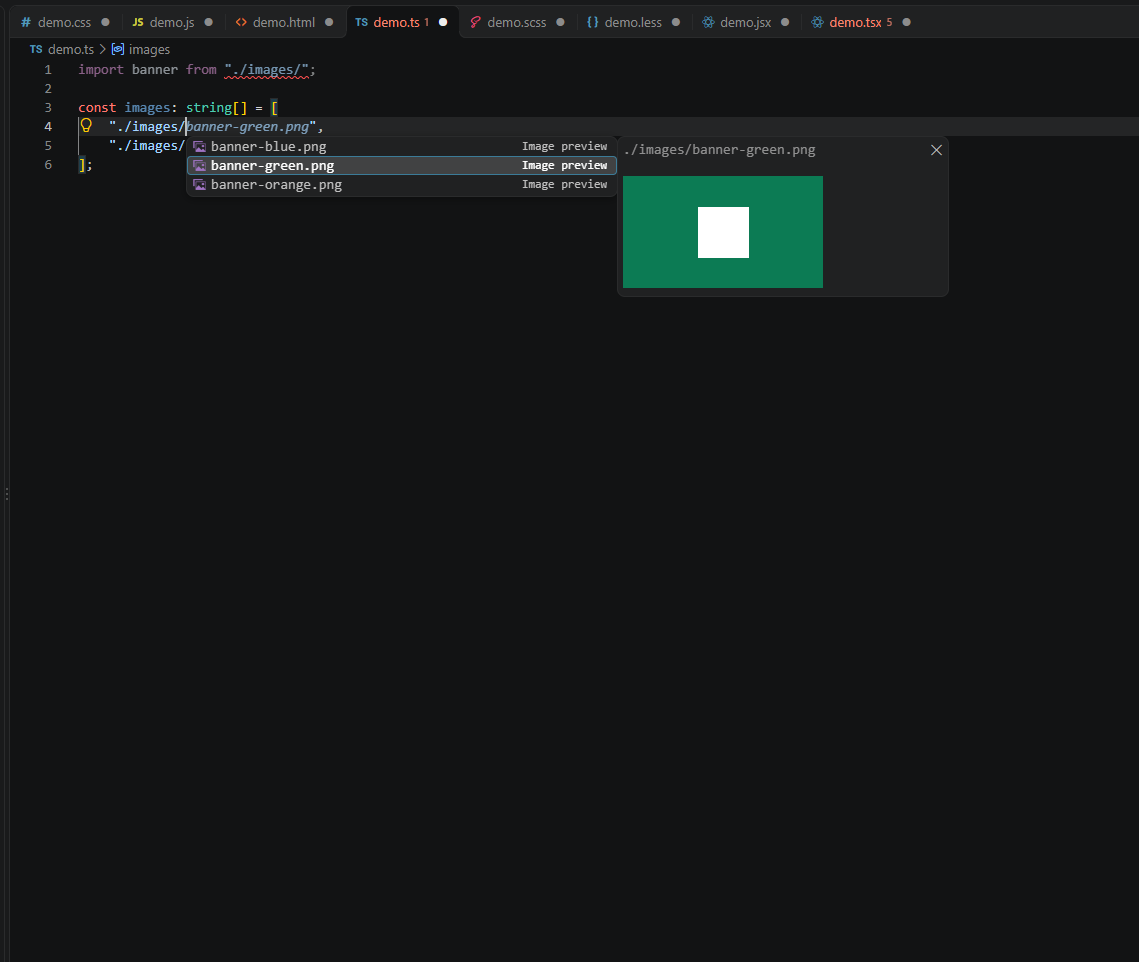
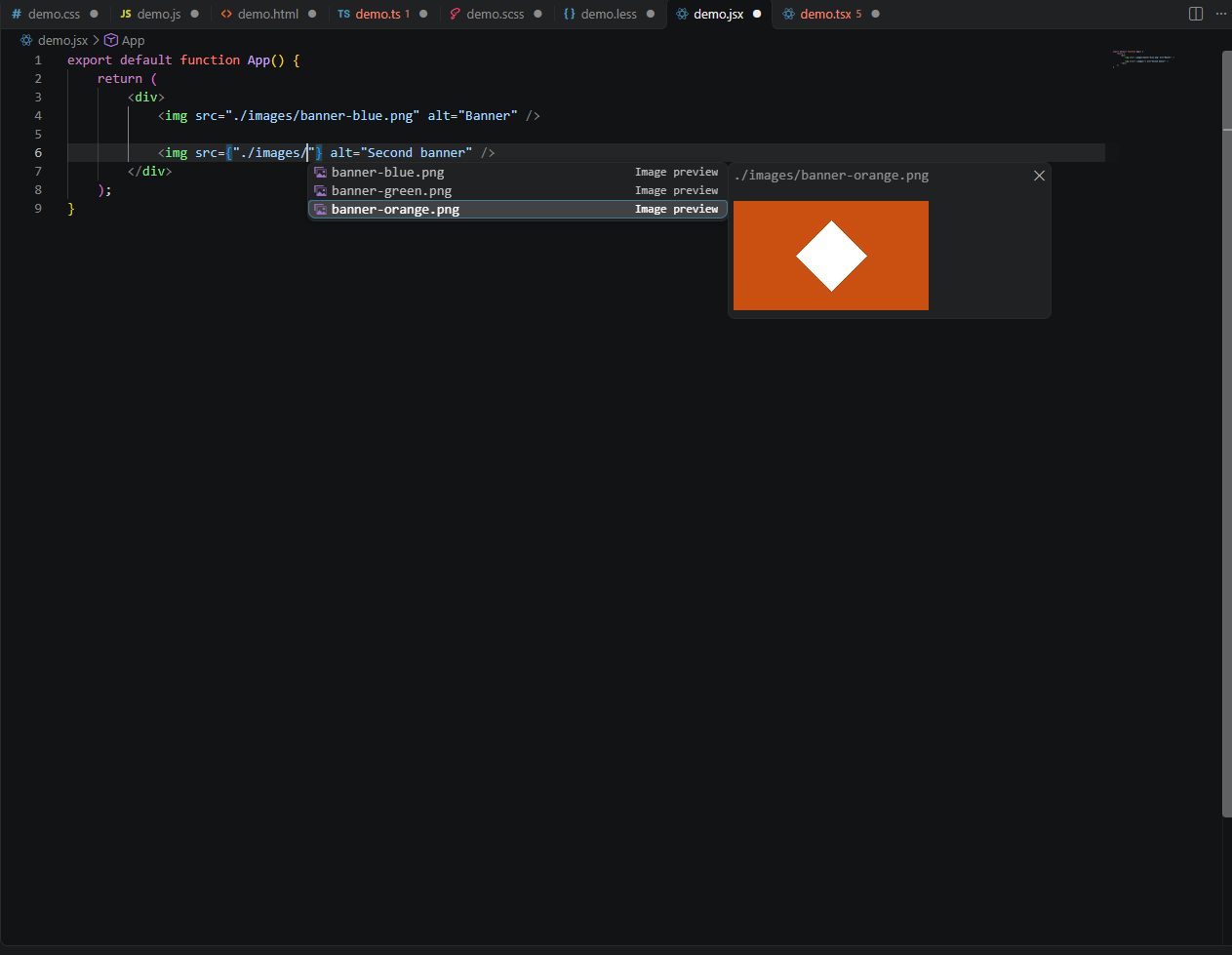
Type an image path such as ./images/, press Ctrl+Space if suggestions don't appear, and use ↑ / ↓ to preview each image. Press Enter to insert the selected filename.

JavaScript

Image preview while choosing a JavaScript image path

TypeScript

Image preview in a TypeScript string

React JSX

Image preview in a JSX expression

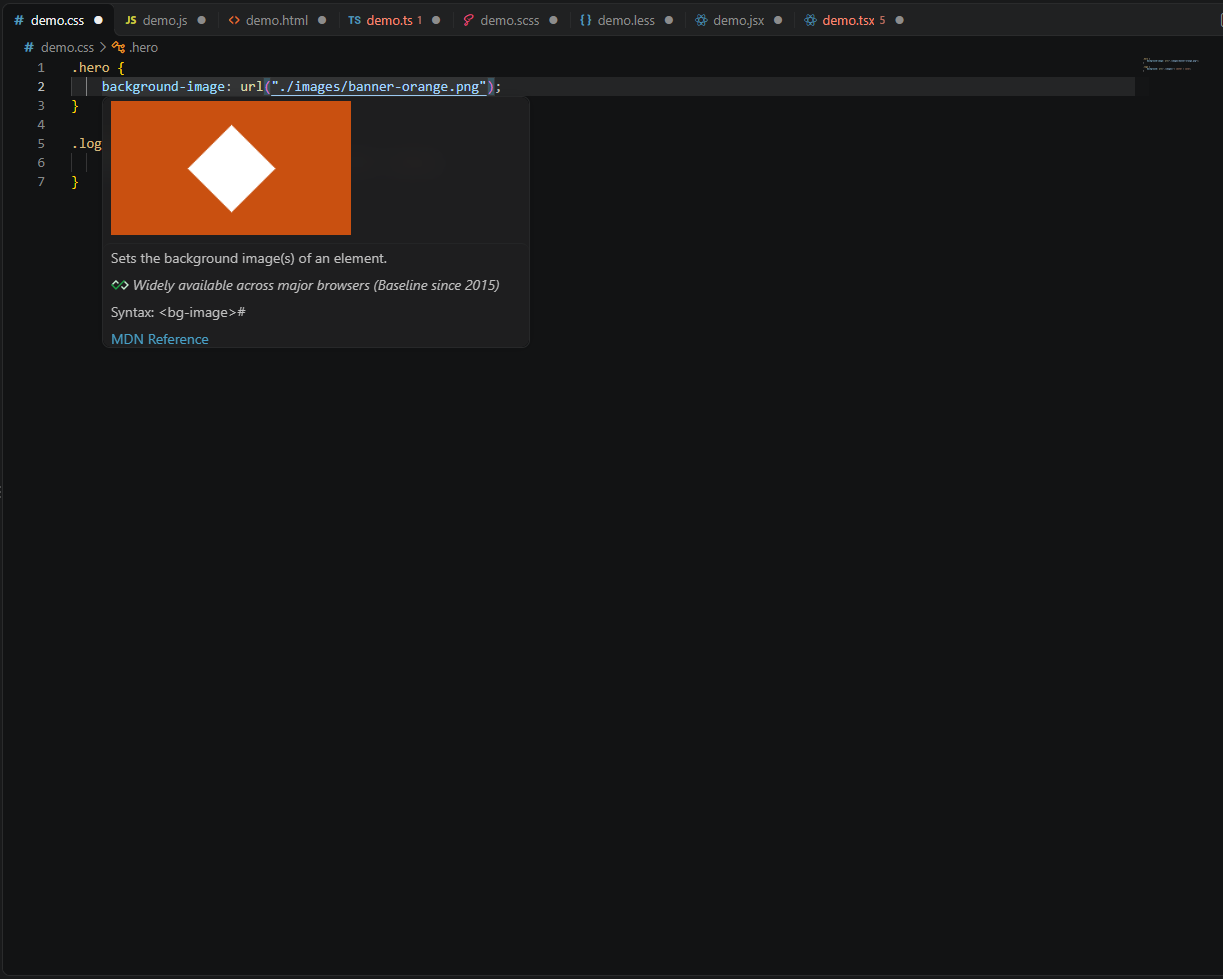
Hover preview

Hover over an image path already written in your editor to see a thumbnail in the tooltip.

Image preview when hovering over a CSS image path

Supported

  • Languages: JavaScript, TypeScript, JSX/TSX, HTML, CSS, SCSS, LESS.
  • Formats: PNG, JPEG, GIF, WebP, SVG.
  • Paths: Local relative image paths and common web-project public/ paths.
  • Privacy: Reads local workspace images only. No external image requests.

Note: If VS Code also shows its built-in filename suggestions, choose those labeled Image preview for thumbnails. The extension doesn't change your image files.

  • Contact us
  • Jobs
  • Privacy
  • Manage cookies
  • Terms of use
  • Trademarks
  • Your Privacy Choices
  • Consumer Health Privacy
© 2026 Microsoft