Skip to content
| Marketplace
Sign in
Visual Studio Code>Other>the Fold: Markdown PdfNew to Visual Studio Code? Get it now.
the Fold: Markdown Pdf

the Fold: Markdown Pdf

Richard Phillip Eigenform.art

|
1 install
| (0) | Free
Render the current Markdown or TSV file to a vector-first PDF beside the source file.
Installation
Launch VS Code Quick Open (Ctrl+P), paste the following command, and press enter.
Copied to clipboard
More Info

𝒕𝒽ℯ Fold

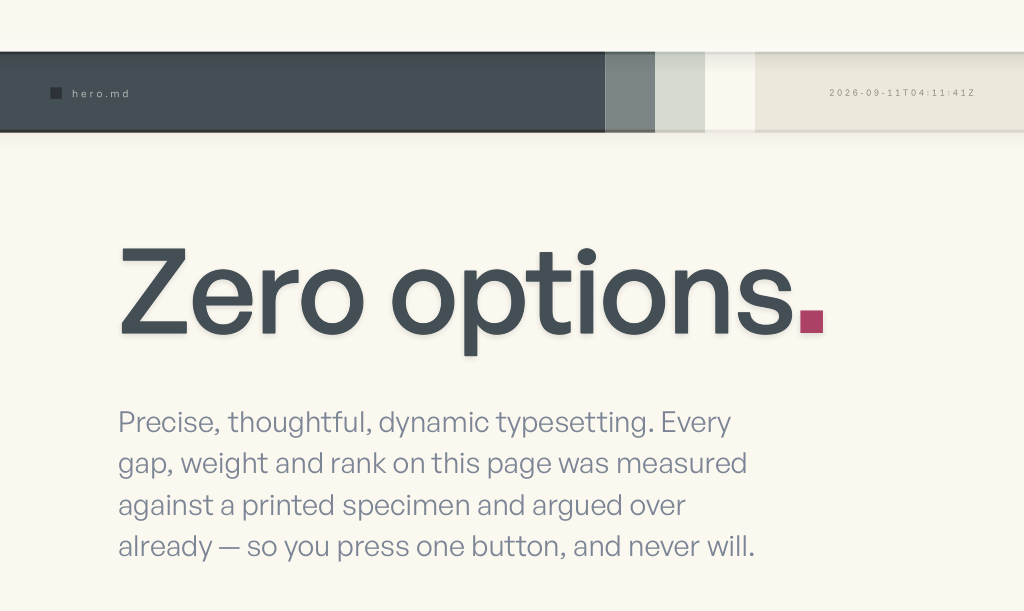
Zero options — the metabar, a title, a subtitle

  1. Press the fold pdf button.
  2. That's it.

Features

  • Vector-first 🖊️ output: real text, real curves, no rasterized shame.

  • An opinionated dark 🌘 typographic system — General Sans title and subtitle; Funnel Sans body, Oswald headings, JetBrains Mono code.

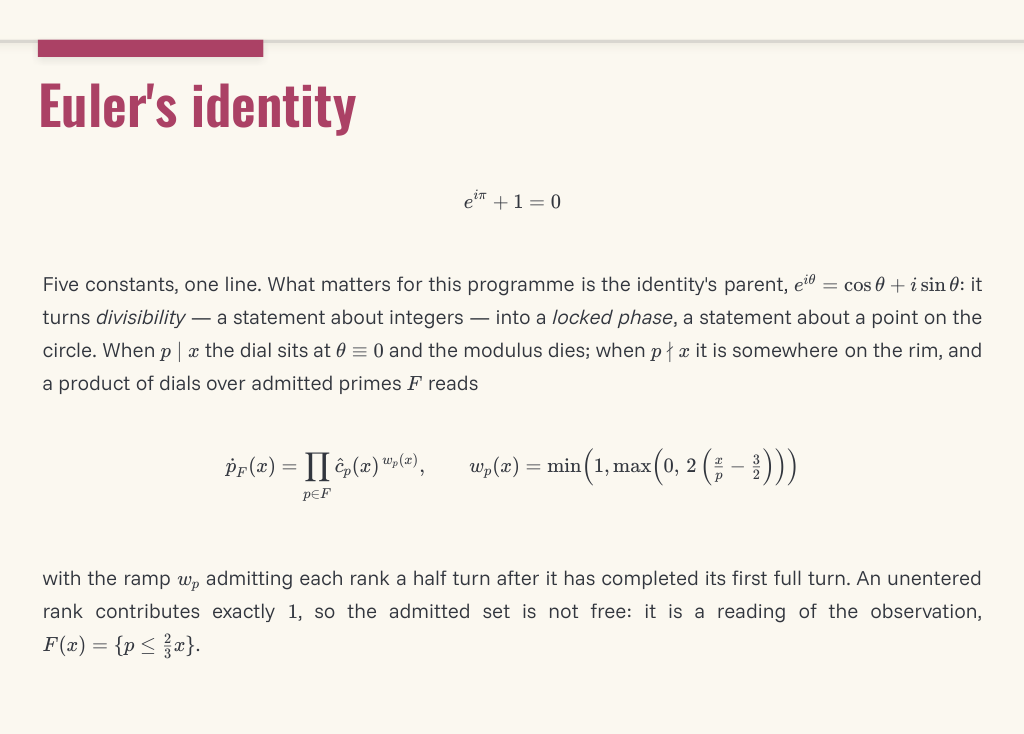
  • TeX math ✖️ equation rendering.

    Display and inline equations

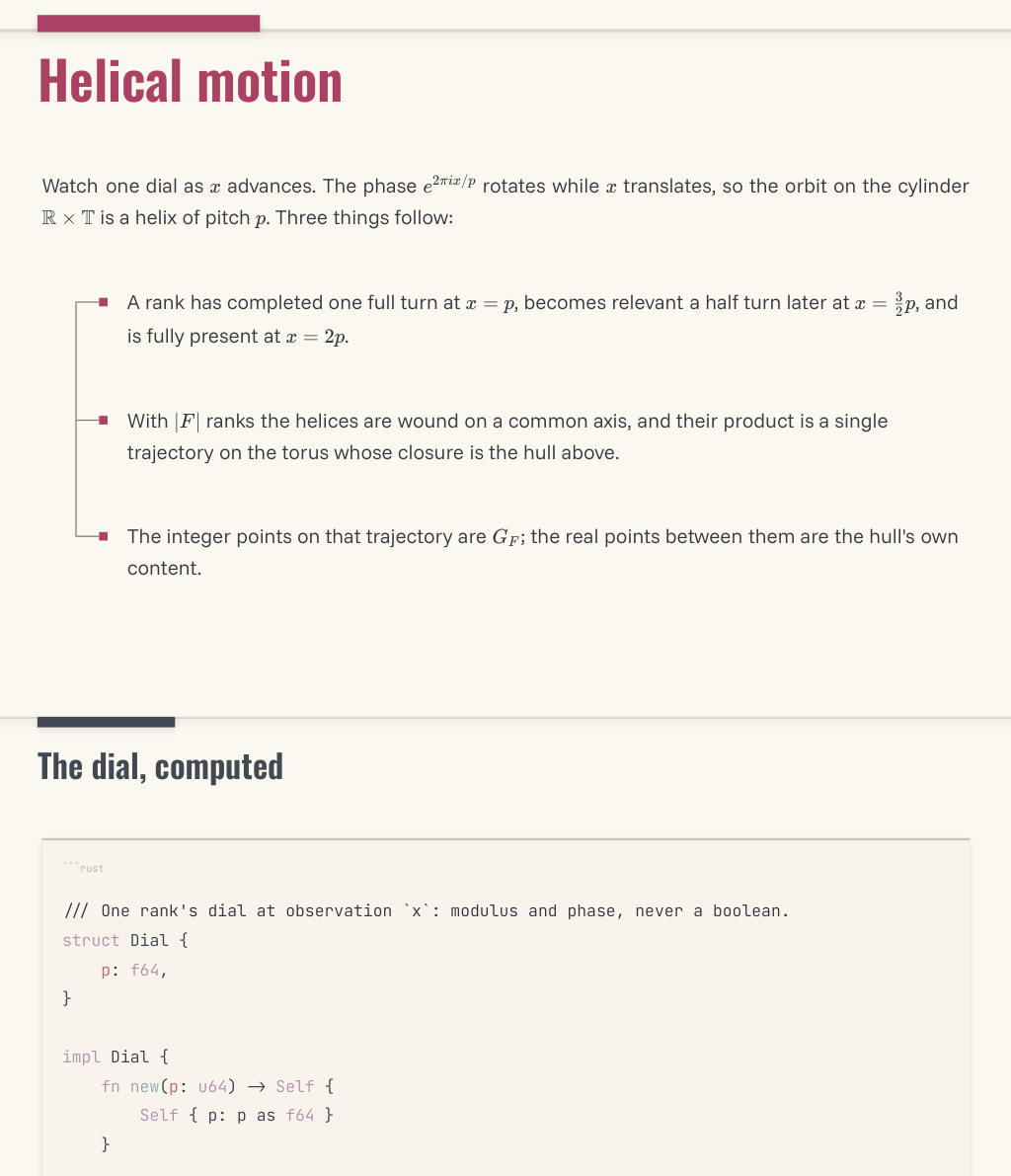
  • Dynamic typesetting: headings that respond to their page position, list geometry matched to a printed specimen, footers that know what section they're under.

    Heading, list, heading, code

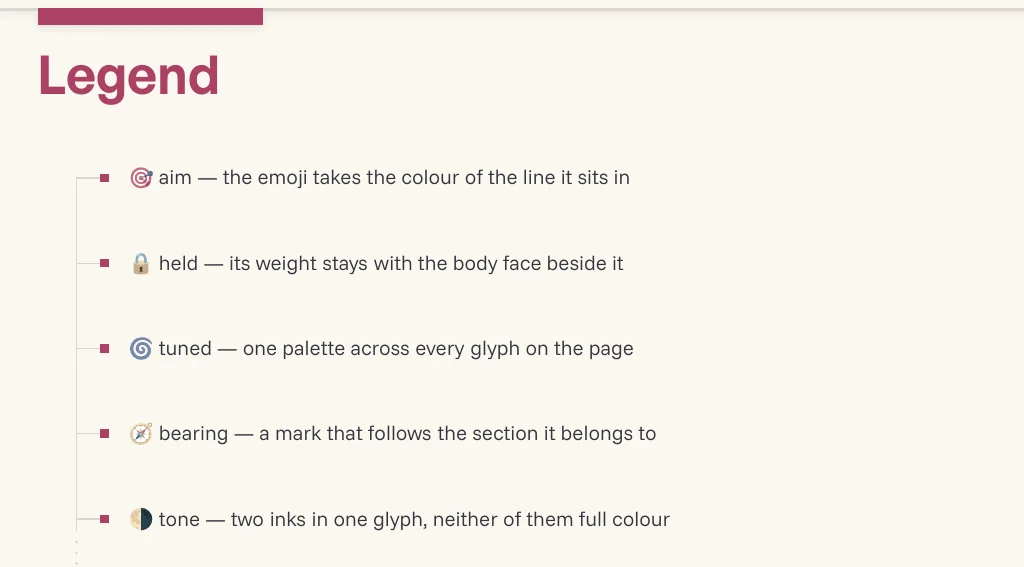
  • Color-tuned emojis

    Emoji in a list

  • Low-contrast wayfinding

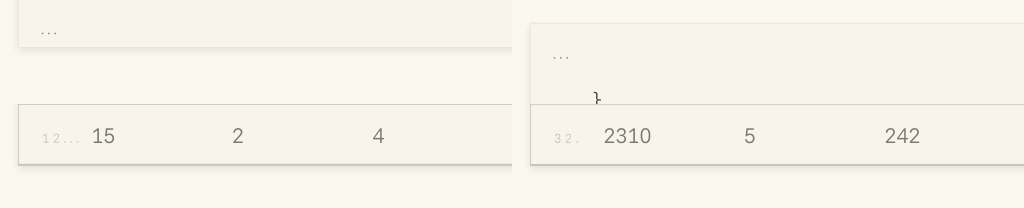
    Continuation marks on split code panels and table row indices

  • Documents are saved first, so what you see is what gets folded.

Platforms

🍎 Apple Silicon macOS (darwin-arm64) only, for now.

  • The renderer is a native 🦀 Rust binary and we ship it per-platform.

💻 Building from source, staging binaries, and packaging live in DEVELOPMENT.md.

  • Contact us
  • Jobs
  • Privacy
  • Manage cookies
  • Terms of use
  • Trademarks
  • Your Privacy Choices
  • Consumer Health Privacy
© 2026 Microsoft