Skip to content
| Marketplace
Sign in
Visual Studio Code>Themes>Zed Icons ColoredNew to Visual Studio Code? Get it now.
Zed Icons Colored

Zed Icons Colored

RespectMathias

|
4 installs
| (0) | Free
Colored Zed icon set for VS Code.
Installation
Launch VS Code Quick Open (Ctrl+P), paste the following command, and press enter.
Copied to clipboard
More Info

Zed Icons Colored for VS Code


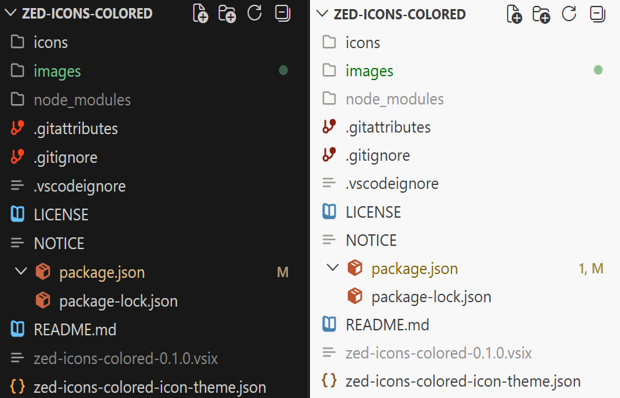
Preview


This extension packages the colored Zed file icons as a Visual Studio Code file icon theme.

Included

broad file extension coverage tuned for VS Code

dark and light theme overrides for icons that ship in both variants

generic folder and file icons from the same asset set

Source

Original licensing notes remain in NOTICE. The SVG assets live in zed-icons-colored-theme/icons. These assets are:

  • zed-icons-colored-theme, which is licensed under the MIT License
  • Zed editor, which is licensed under the Apache License 2.0.

Use

Install the extension folder, then choose Colored Zed Icons from the File Icon Theme picker in VS Code.

  • Contact us
  • Jobs
  • Privacy
  • Manage cookies
  • Terms of use
  • Trademarks
© 2026 Microsoft