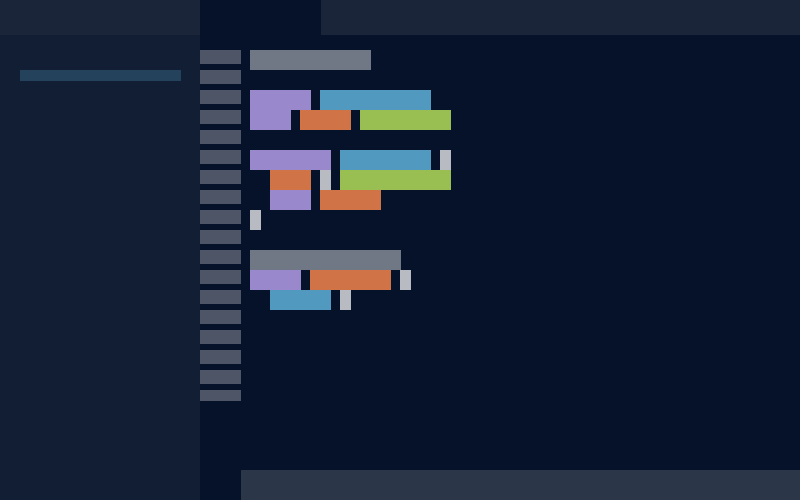
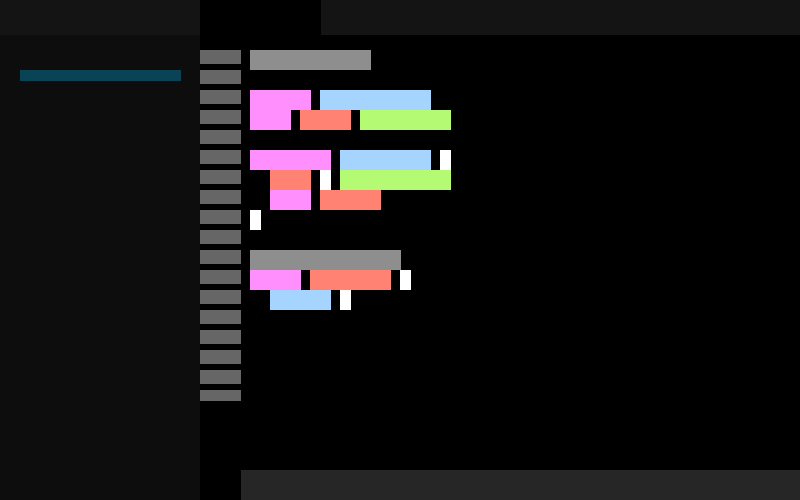
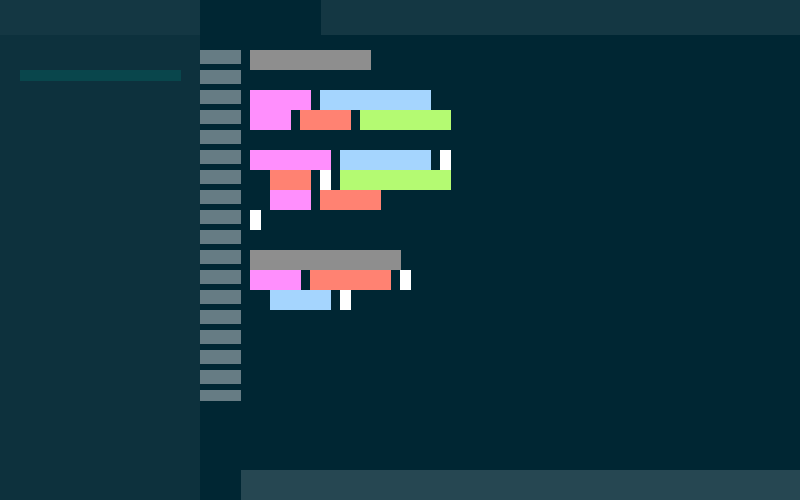
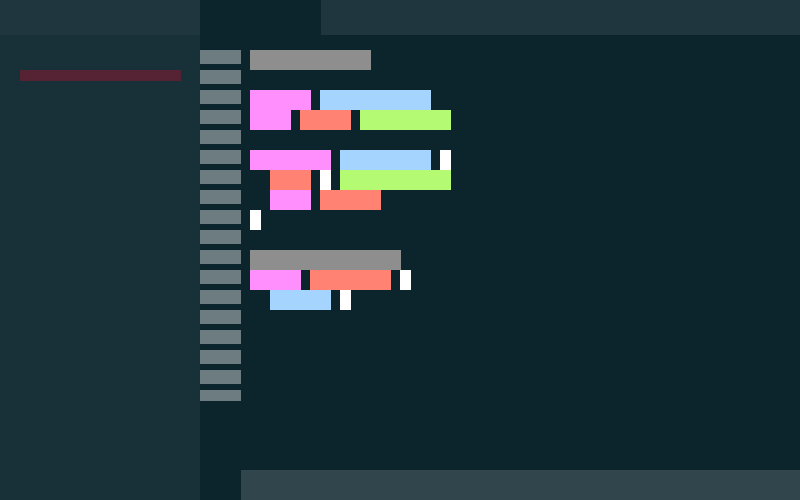
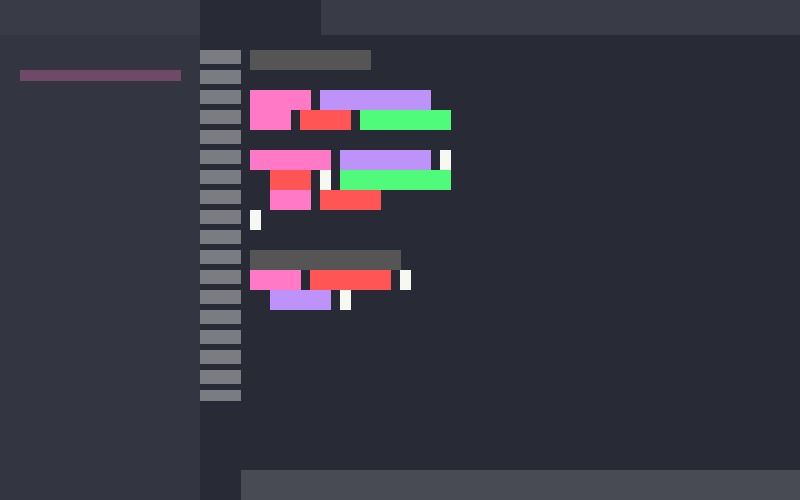
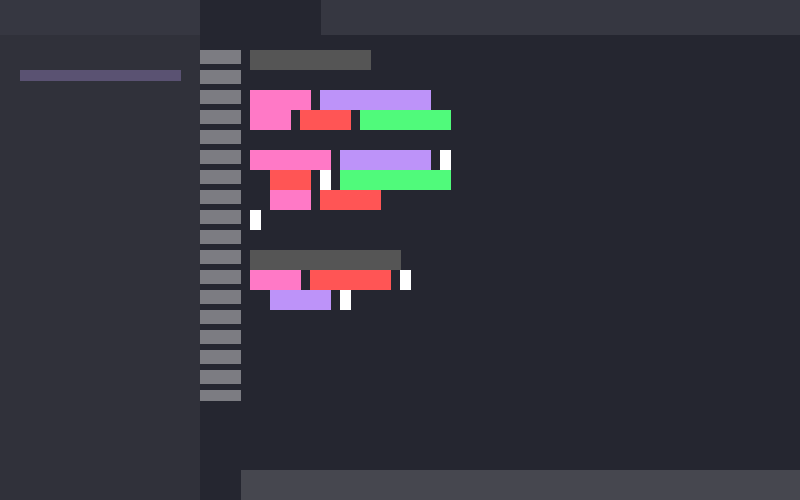
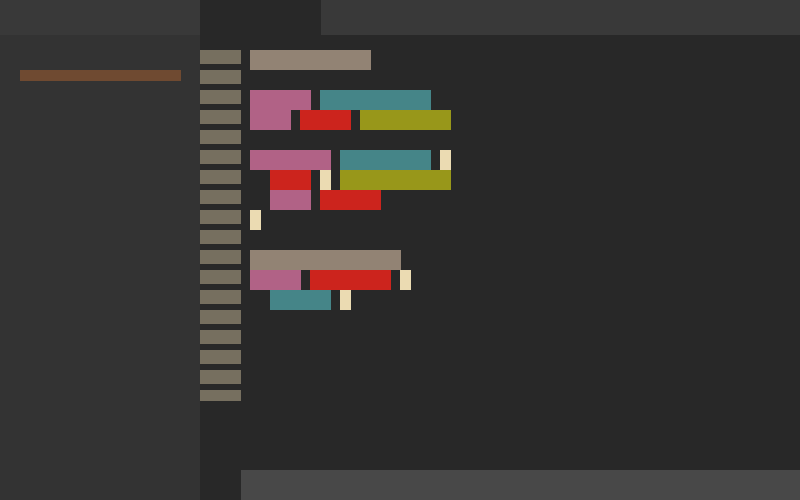
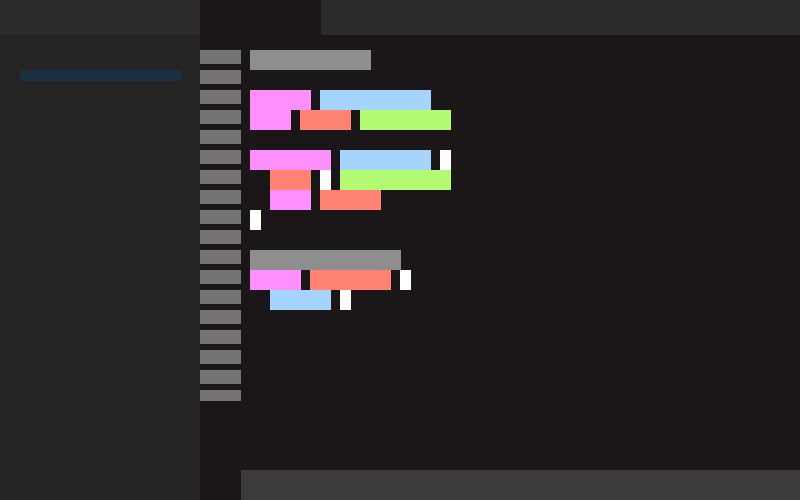
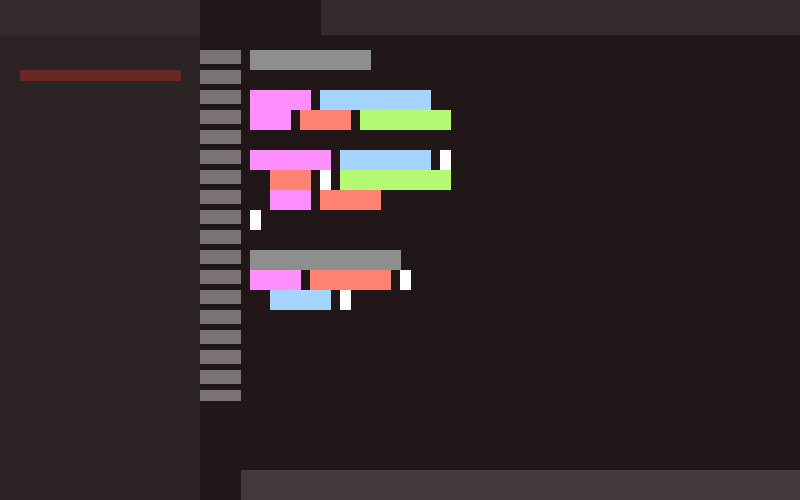
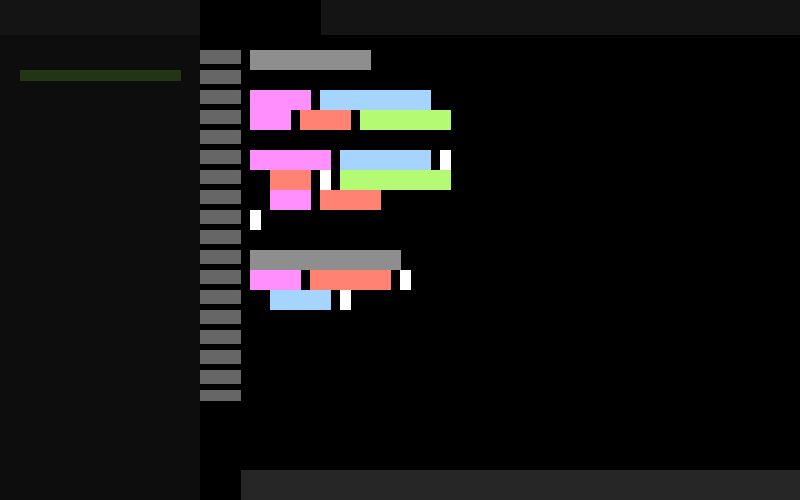
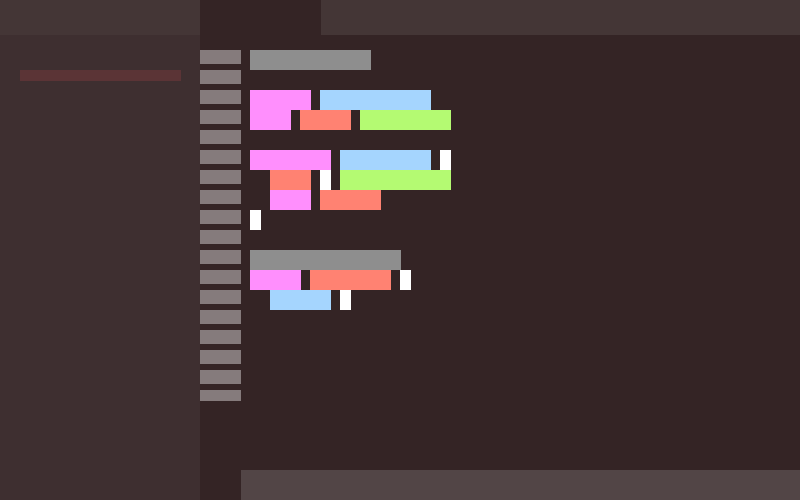
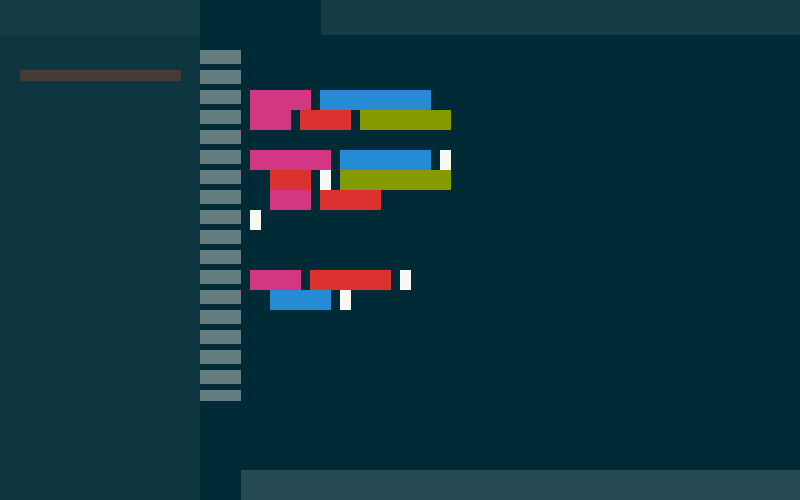
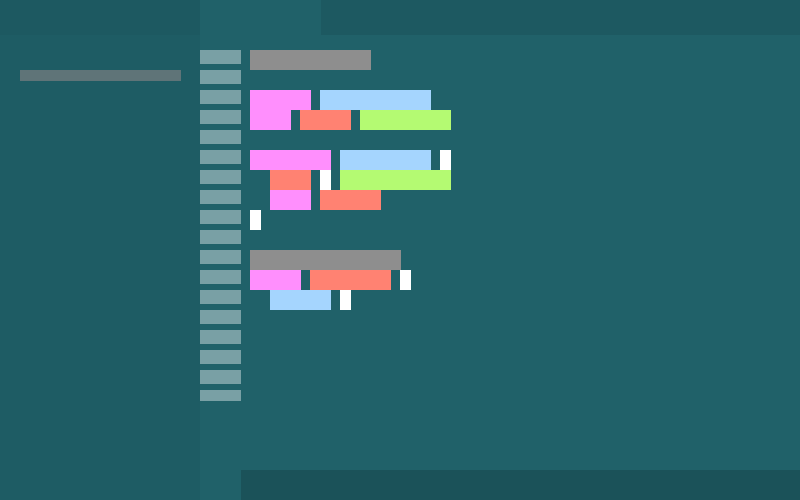
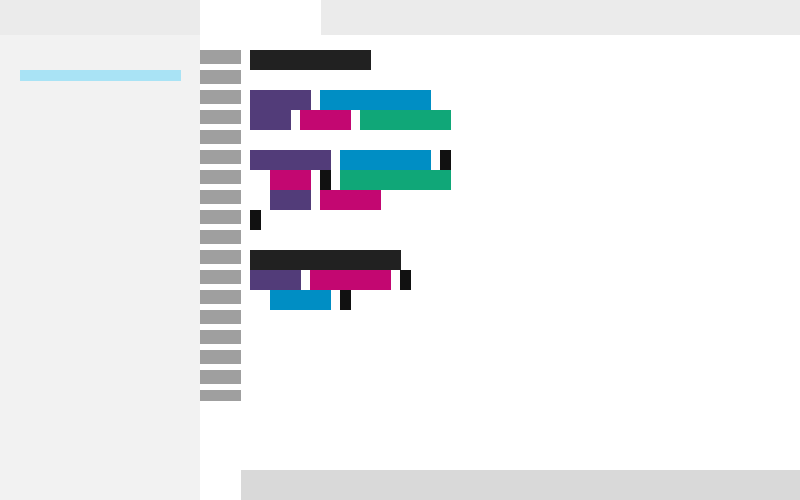
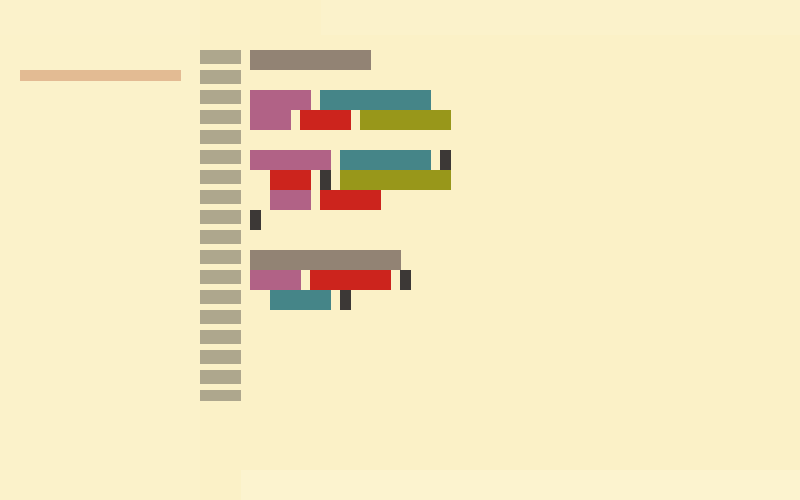
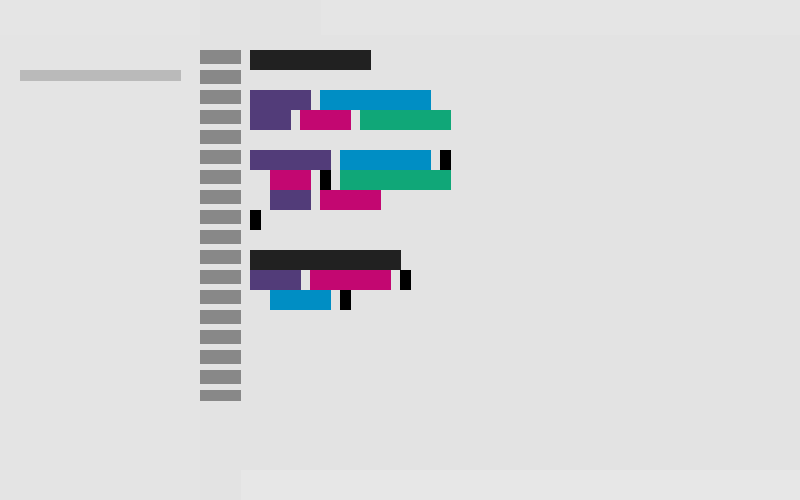
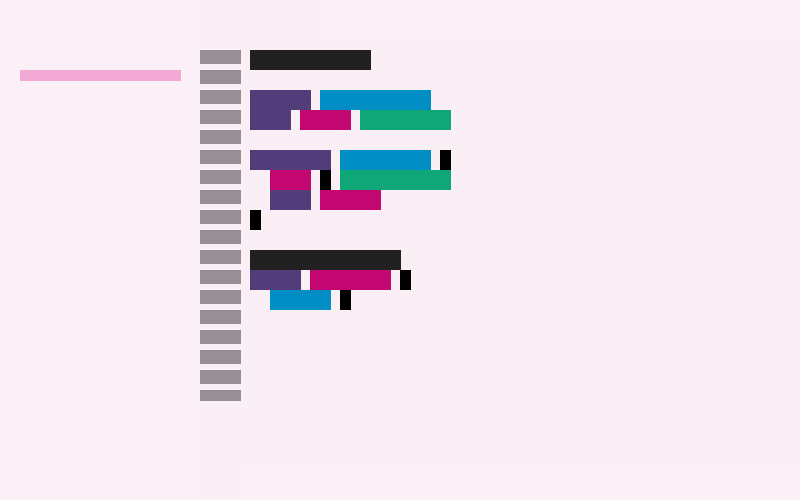
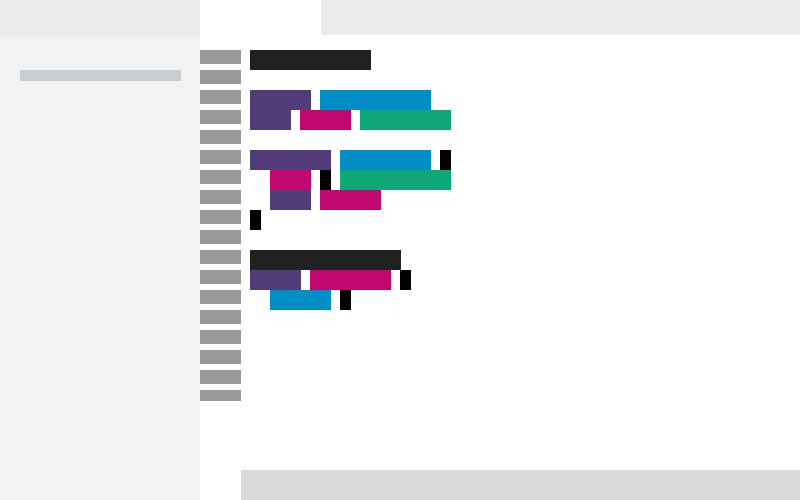
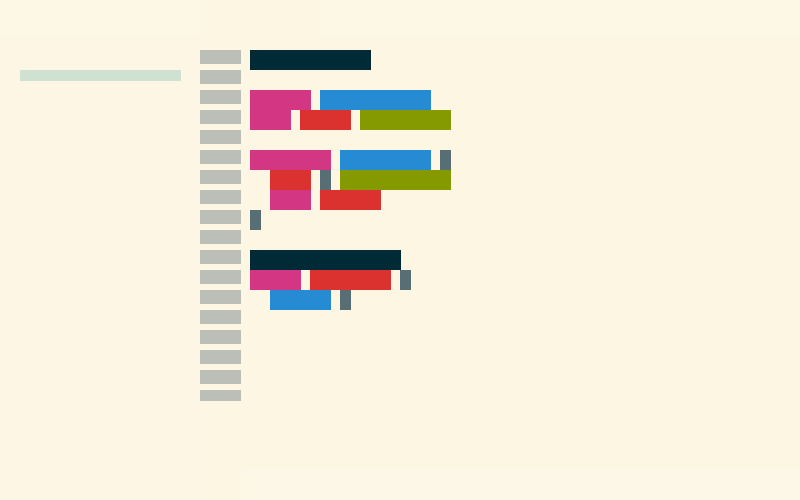
Warped: Warp Terminal Themes for VS Code19 color themes from Warp Terminal for Visual Studio Code. Dark, light, and vibrant variants including Cyber Wave, Koi, Jellyfish, Dracula, Gruvbox, Solarized, and more. Installation Launch VS Code Quick Open ( Ctrl+P), paste the following command, and press enter.Copied to clipboard |

Warped: Warp Terminal Themes for VS Code19 color themes from Warp Terminal for Visual Studio Code. ThemesDark Themes (13)
Light Themes (6)
Installation
Features
About Syntax ColorsEach theme applies its own color palette to syntax highlighting. There are 7 distinct syntax palettes across the 19 themes:
Themes sharing a palette have identical syntax colors; the visual distinction is in workbench UI colors. CreditsColor palettes from Warp Terminal bundled themes (Apache 2.0). LicenseMIT. See LICENSE for details. Warp Terminal color palettes used under Apache 2.0. |