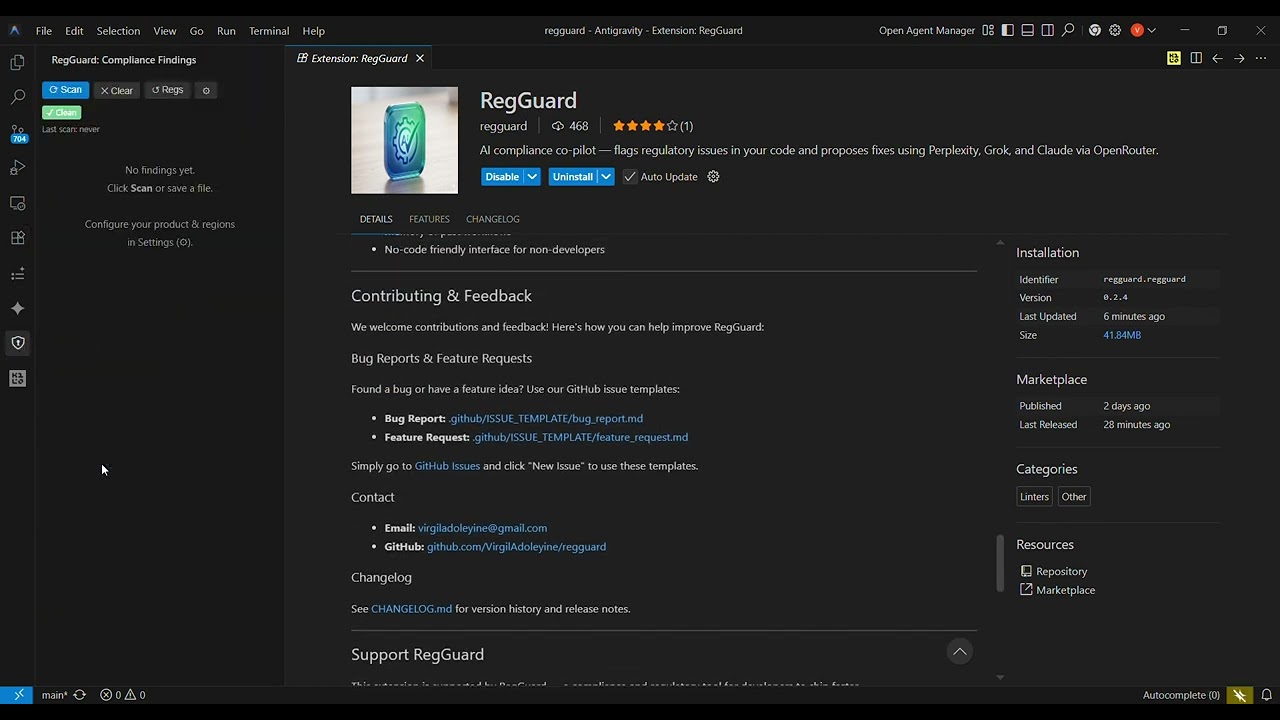
🛡️ RegGuard — Stop Shipping Compliance LandminesThe free AI compliance co-pilot that catches regulatory violations in your code — before your auditor does. 🎬 See It In ActionThe Problem Every Dev FacesCompliance violations cost companies millions in fines and months of rework. RegGuard brings compliance into your editor — for free — so you ship faster and sleep better. ⚡ What RegGuard DoesRegGuard scans your code against real, up-to-date regulations matched to your product type, release regions, and third-party tools. It flags violations with line-level precision — just like ESLint — and lets Claude propose a drop-in fix you can accept in one click. No lawyers. No consultants. No surprises at audit time. 🚀 Install Now — 30 Seconds to Your First Scan→ Install from VS Code Marketplace Or install directly in VS Code: 🔧 Setup in 3 Steps1. Get a free OpenRouter keySign up at openrouter.ai — it's free to start, pay-as-you-go after that. 2. Configure RegGuardOpen VS Code Settings (
3. Scan
🤖 How It Works Under the HoodThree AI models. One API key. Zero compliance blind spots.
All accessed through a single OpenRouter key — no juggling three subscriptions. 🔍 Using FindingsFlags appear as squiggly underlines — just like ESLint errors:
The RegGuard sidebar (🛡️ in the Activity Bar) shows all findings across every open file with jump-to-line and apply-fix buttons. 💰 What Does It Cost?A typical scan costs a few cents:
Regulation results are cached for 30 minutes — so if you scan multiple files back-to-back, you only pay for Claude's analysis each time. ⚙️ Commands
🔒 PrivacyYour code is sent to Claude via OpenRouter. Regulation context is sent to Perplexity and Grok. Review OpenRouter's privacy policy and each model provider's policies before scanning proprietary code. 🤝 ContributingRegGuard is open source and built to grow. Help us expand regulation coverage, improve detection accuracy, or add new LLM providers. → Browse open issues Bug reports and feature requests → use the issue templates in 📬 Contact
⭐ One Last ThingIf RegGuard saves you from a fine, a failed audit, or just a 2am panic — tell a fellow engineer. Star on GitHub · Install on VS Code · MIT License · Made with ❤️ in Ghana 🇬🇭 |