Mobile Canvas
Build, run, and test mobile apps without leaving VS Code.
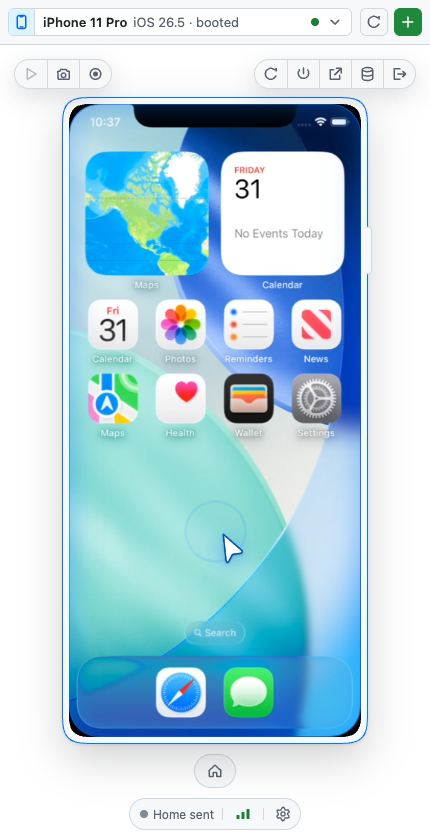
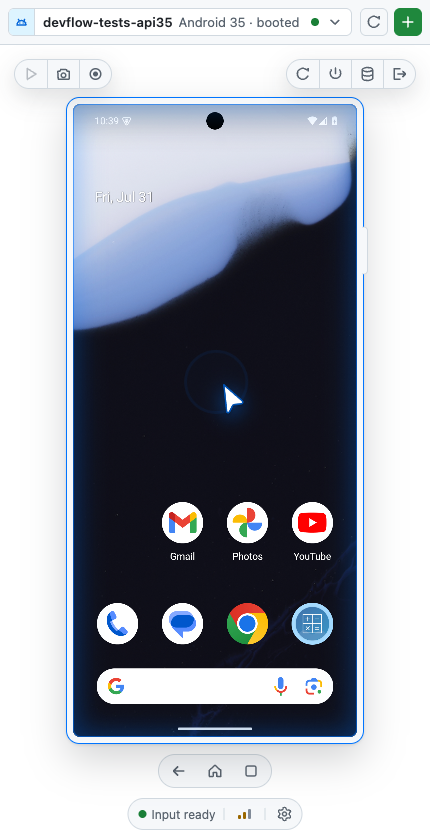
Mobile Canvas puts a live iOS Simulator or Android emulator in the Activity Bar.
Control it yourself with mouse and keyboard input, or let GitHub Copilot boot,
inspect, and drive the same device while you watch.
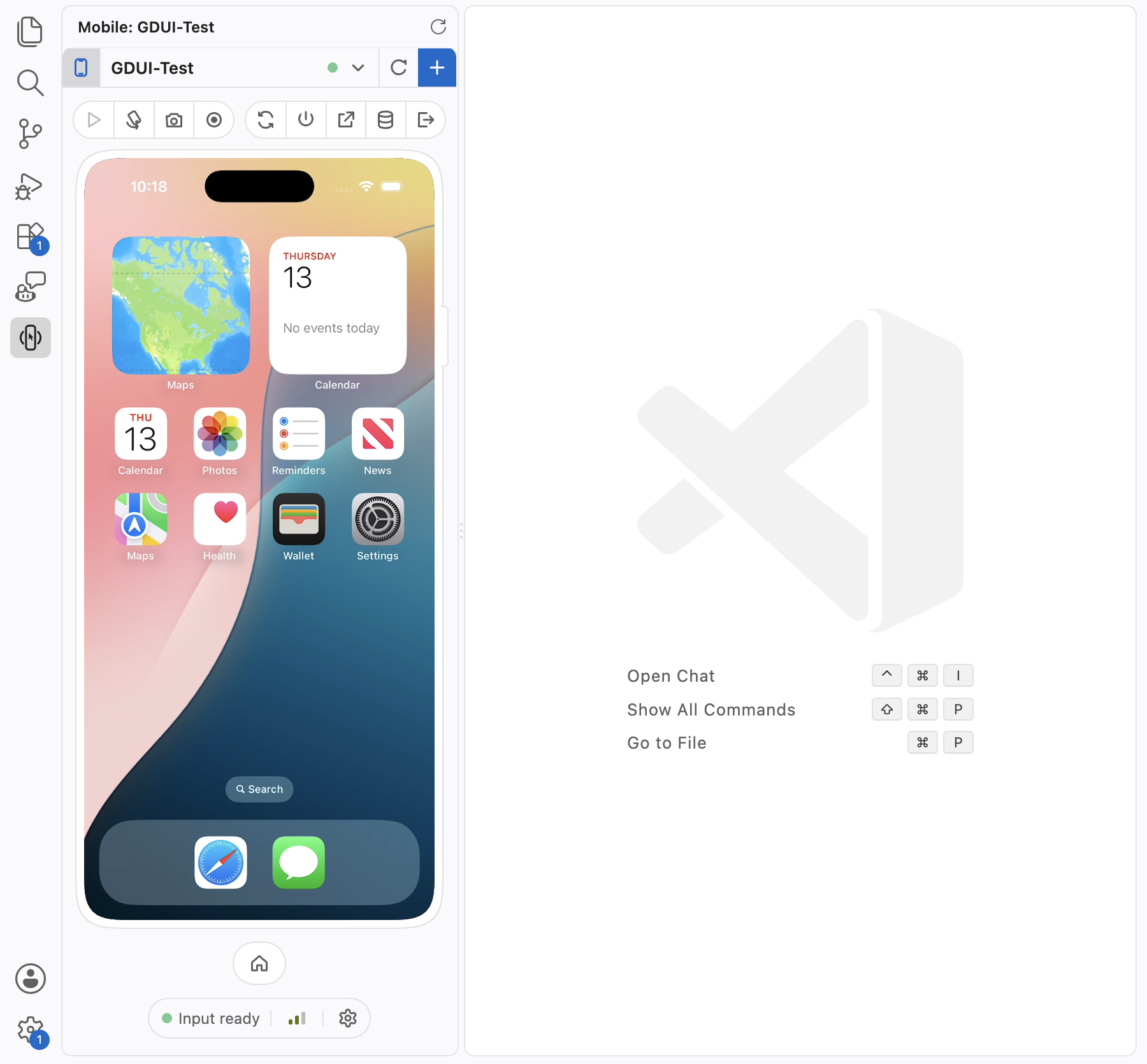
Your device lab, inside the editor
- See your app live. Stream smooth H.264 video where supported, with automatic
screenshot polling everywhere else.
- Interact naturally. Tap, drag, swipe, scroll, type, rotate, press device
buttons, capture screenshots, and record video.
- Manage the full lifecycle. Discover, create, boot, restart, reveal, erase,
and delete local simulators and emulators from one view.
- Stay in your workspace. Mobile Canvas runs locally even when your code is
open through Remote SSH, Dev Containers, or Codespaces.
Give Copilot hands and eyes
Mobile Canvas automatically registers its device tools with Copilot Chat. Ask
an agent to reproduce a bug, navigate a flow, capture evidence, or check the
accessibility hierarchy without wiring up an MCP server yourself.
Boot an iPhone simulator, install my app, and walk through sign in.
Find the Settings button on the Android emulator and tap it.
Take a screenshot of the current screen and describe any layout issues.
Agent actions select the same device shown in the Activity Bar. An animated
cursor and accent glow make automation visible, so you can follow every action
and take over at any time.
Bring the selected device into chat
Attach live device context to a prompt with built-in chat references:
| Reference |
Adds to your prompt |
#mobileDevice |
The selected device record and deployment identifier |
#mobileScreenshot |
A fresh screenshot from the selected device |
#mobileUiTree |
The current accessibility hierarchy |
Local by design
Device control, video, and screenshots stay on your machine. All host traffic
uses authenticated loopback connections, and the webview never receives the
host control token or authenticated cookie.
Native runtimes are included for macOS, Windows, and Linux. There is no separate
Mobile Canvas or .NET tool to install.
Requirements
| Platform |
What you need |
| iOS |
macOS and a full Xcode installation with Simulator runtimes |
| Android |
Android SDK tools and adb on PATH |
| Optional iOS fallbacks |
idb (provides idb_companion) |
The bundled helper provides iOS touch, keyboard, buttons, rotation,
accessibility hierarchy, and direct video capture. Meta's idb package is only
a compatibility input fallback and the final live-video fallback; Mobile Canvas
does not report it missing unless a native path actually needs it:
brew tap facebook/fb
brew trust facebook/fb
brew install facebook/fb/idb
VS Code 1.101 or newer is required. Browser-hosted vscode.dev is not supported
because it cannot launch local native runtimes.
Documentation
·
Source code
·
Report an issue