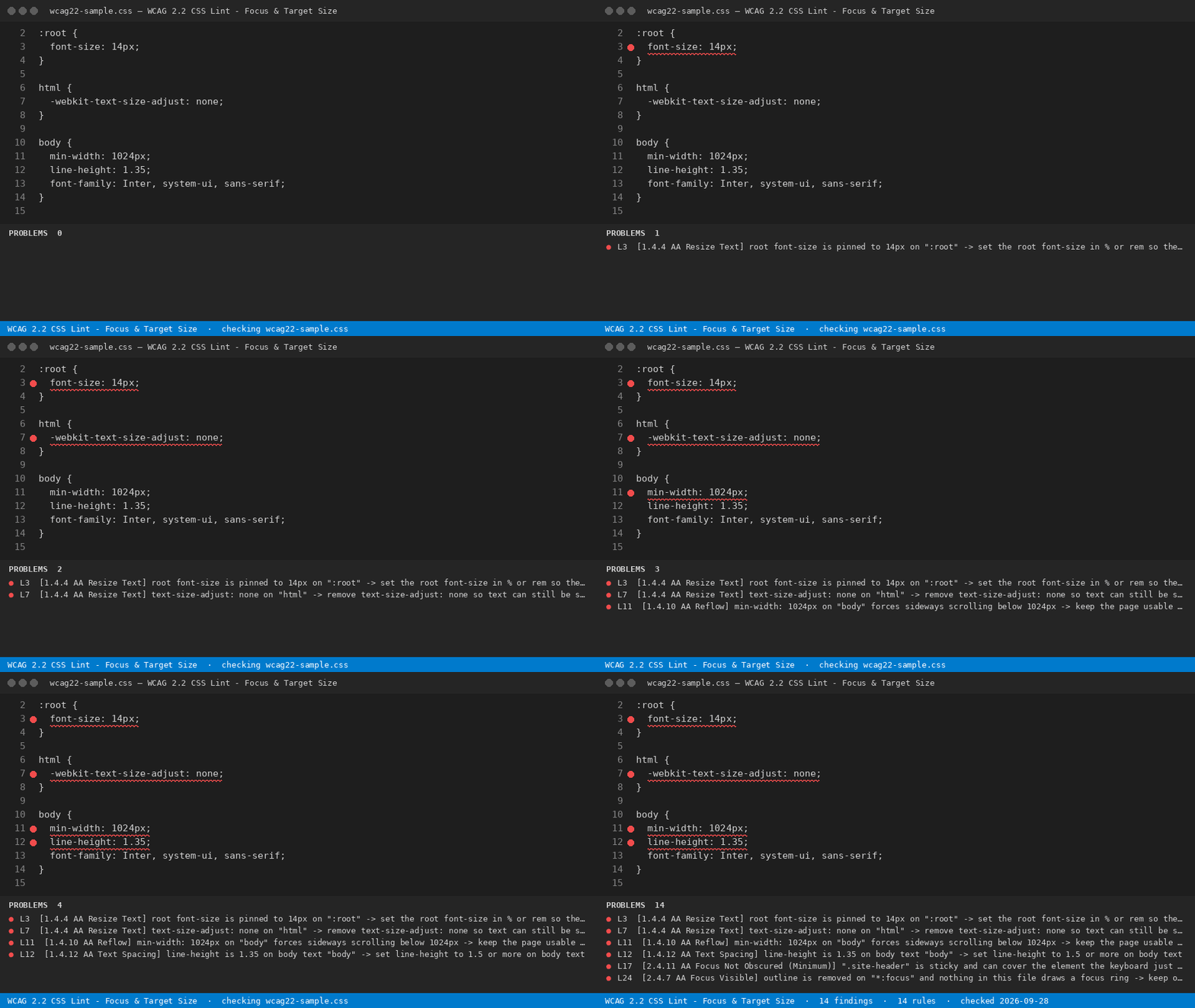
WCAG 2.2 CSS Lint - Focus & Target SizeLint stylesheets against the success criteria WCAG 2.2 added in 2023 - target size 2.5.8, focus not obscured 2.4.11, focus appearance 2.4.13 - with the SC number on every finding. Installation Launch VS Code Quick Open ( Ctrl+P), paste the following command, and press enter.Copied to clipboard |

WCAG 2.2 CSS Lint - Focus & Target Size
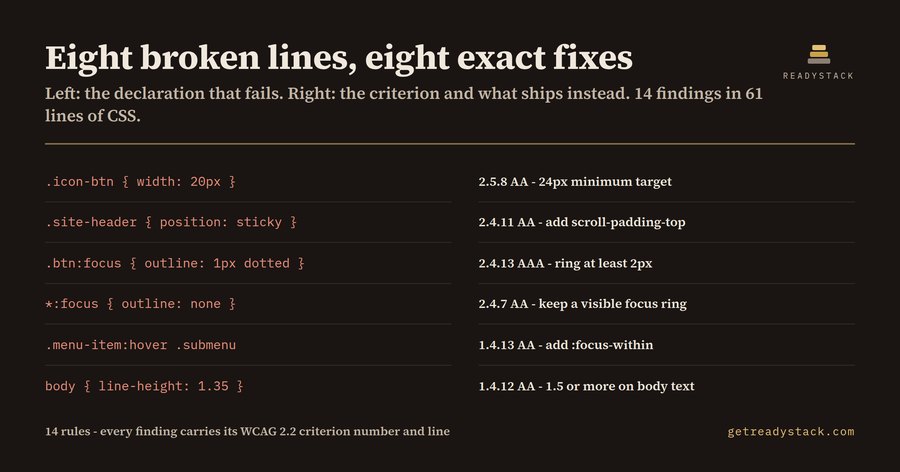
WCAG 2.2 became a W3C Recommendation on 5 October 2023 and added five success criteria on top of WCAG 2.1. Three of them are decided almost entirely in CSS: 2.5.8 Target Size (Minimum), 2.4.11 Focus Not Obscured (Minimum) and 2.4.13 Focus Appearance. Stylesheet tooling and code assistants built on 2.1-era material do not look for them, so the rules pass review and the criteria fail. This extension reads the stylesheet itself - not a rendered page - and reports the declarations that break a criterion, with the criterion number, its conformance level and the line. What it checks14 rules, covering 11 success criteria:
Using it
Findings open as a report next to the file. Two sample stylesheets ship in Free and licensedLinting the open file is free and finishes the job on its own - all 14 rules, every criterion number, no watermark, no usage counter, no limit on how often you run it. A licence key adds a different job: Sweep workspace and write report reads every stylesheet in the workspace in one pass and writes a dated criterion-by-criterion table (Markdown + CSV) - the paper record that sits behind an accessibility statement, with file and line for each criterion. Enter it with Enter licence key. Full workspace sweep and report: licence key. $29 once - one licence key per person or team seat. An accessibility consultant reading one stylesheet by hand bills a $150-$250 hour. YardstickAn accessibility consultant reading one stylesheet by hand bills a $150-$250 hour; a third-party WCAG audit of a whole site is quoted in the thousands. ScopeCSS is one layer. These rules read declarations and selectors, so they see what a stylesheet can decide on its own; contrast pairs that depend on computed inheritance, and anything decided in markup (labels, headings, aria), are outside them. A finding is a place to look with the criterion already identified, not a conformance claim. Browser versionThe same engine and the same 14 rules run as a page, with nothing to install: https://getreadystack.com/tools/wcag22-css-lint |