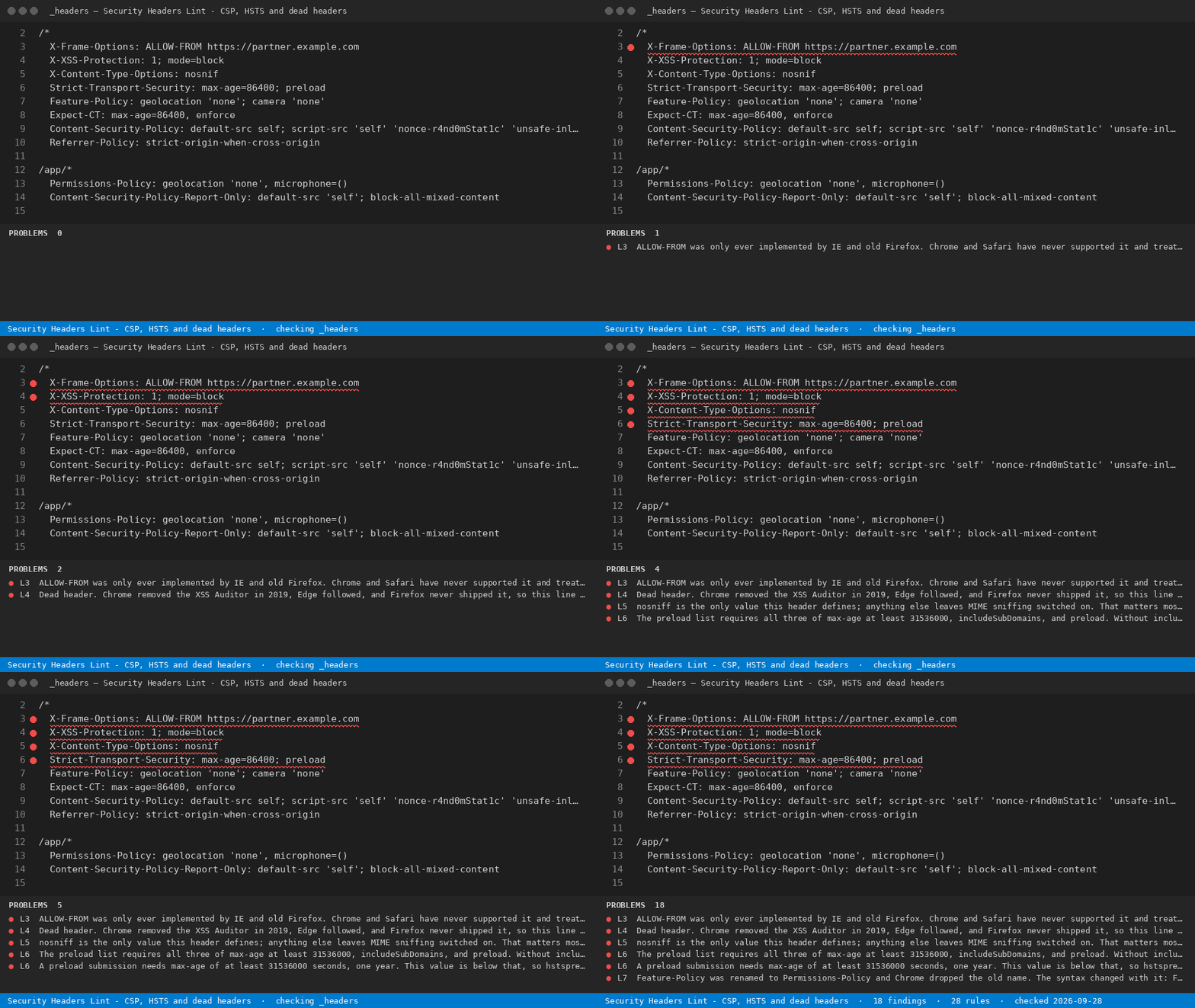
Reads security headers and CSP line by line in your config file and names the lines that silently do nothing: retired headers, keywords missing their quotes, directives the browser throws away.
Installation
Launch VS Code Quick Open (Ctrl+P), paste the following command, and press enter.
Reads security headers and CSP line by line in your config file and names the lines that silently do nothing: retired headers, keywords missing their quotes, directives the browser throws away.
What it does for free
Check the open config against all 28 rules - every finding shown, nothing withheld
Check only the lines you highlight
See every rule and what each retired header or dropped directive actually does
Reopen the last report
With a licence
Full workspace sweep and report: free for 7 days from your first sweep, then a licence key.
Scan every config file in the workspace — One command across a monorepo or an agency's whole client folder, instead of opening files one at a time.
Export the report as CSV, JSON or HTML — A file you can attach to a PCI evidence pack, a ticket, or a client report.
CI output that fails the build on errors — Machine-readable JSON, so a header that silently does nothing never reaches production twice.
Add your own house policy rules — Your own patterns checked alongside the 28 built in - required directives, banned hosts, internal naming.
Re-check automatically on every save — Findings refresh while you edit the policy, without running a command.
Apply the safe fixes for you — Quotes bare CSP keywords and corrects X-Content-Type-Options in place; anything that cannot be rewritten safely is left alone and listed for a manual edit.