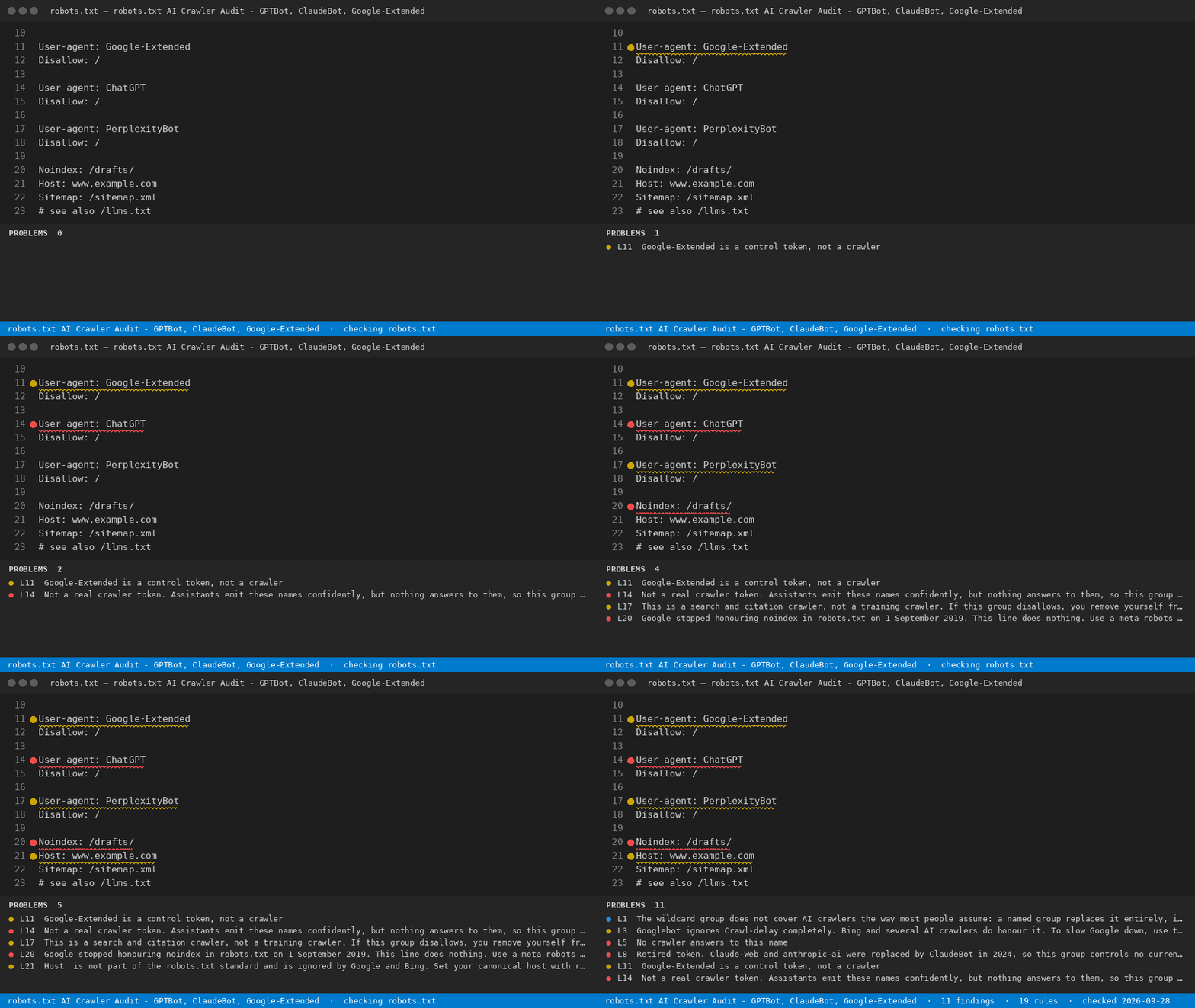
Checks robots.txt line by line and says what each AI crawler token actually controls - training, AI-search citation, or user fetch - and which lines silently do nothing.
Installation
Launch VS Code Quick Open (Ctrl+P), paste the following command, and press enter.
robots.txt AI Crawler Audit - GPTBot, ClaudeBot, Google-Extended
Checks robots.txt line by line and says what each AI crawler token actually controls - training, AI-search citation, or user fetch - and which lines silently do nothing.
For site owners and SEO teams: decide bot by bot which AI crawlers may read your site, and see which rules are silently ignored.
What it finds
robots.txt
   1  INFO  The wildcard group does not cover AI crawlers the way most people assume: a named group replaces it e...
   4  ERROR No crawler answers to this name - the real token has no hyphen (GPTBot, ClaudeBot, PerplexityBot, Ama...
   7  ERROR Retired token. Claude-Web and anthropic-ai were replaced by ClaudeBot in 2024, so this group controls...
  10  WARN  Google-Extended is a control token, not a crawler - it only opts content out of Gemini model training...
  13  ERROR Sitemap must be an absolute URL including scheme and host. A relative path is ignored, so your sitema...
What it does for free
Check the open robots.txt against every rule - full results, nothing withheld
Check only the lines you highlight
See every rule and what each AI token controls
Reopen the last report
With a licence
Scan every robots.txt in the workspace — One command over all the sites in a monorepo instead of opening files one at a time.
Export the report as CSV, JSON or HTML — A file you can hand a client or attach to a ticket.
CI output that fails the build on errors — Machine-readable JSON so a broken token never reaches production again.
Add your own agency policy tokens — Extra rules from settings, checked alongside the built-in ones.
Re-check automatically on every save — Findings refresh as you edit, without running a command.