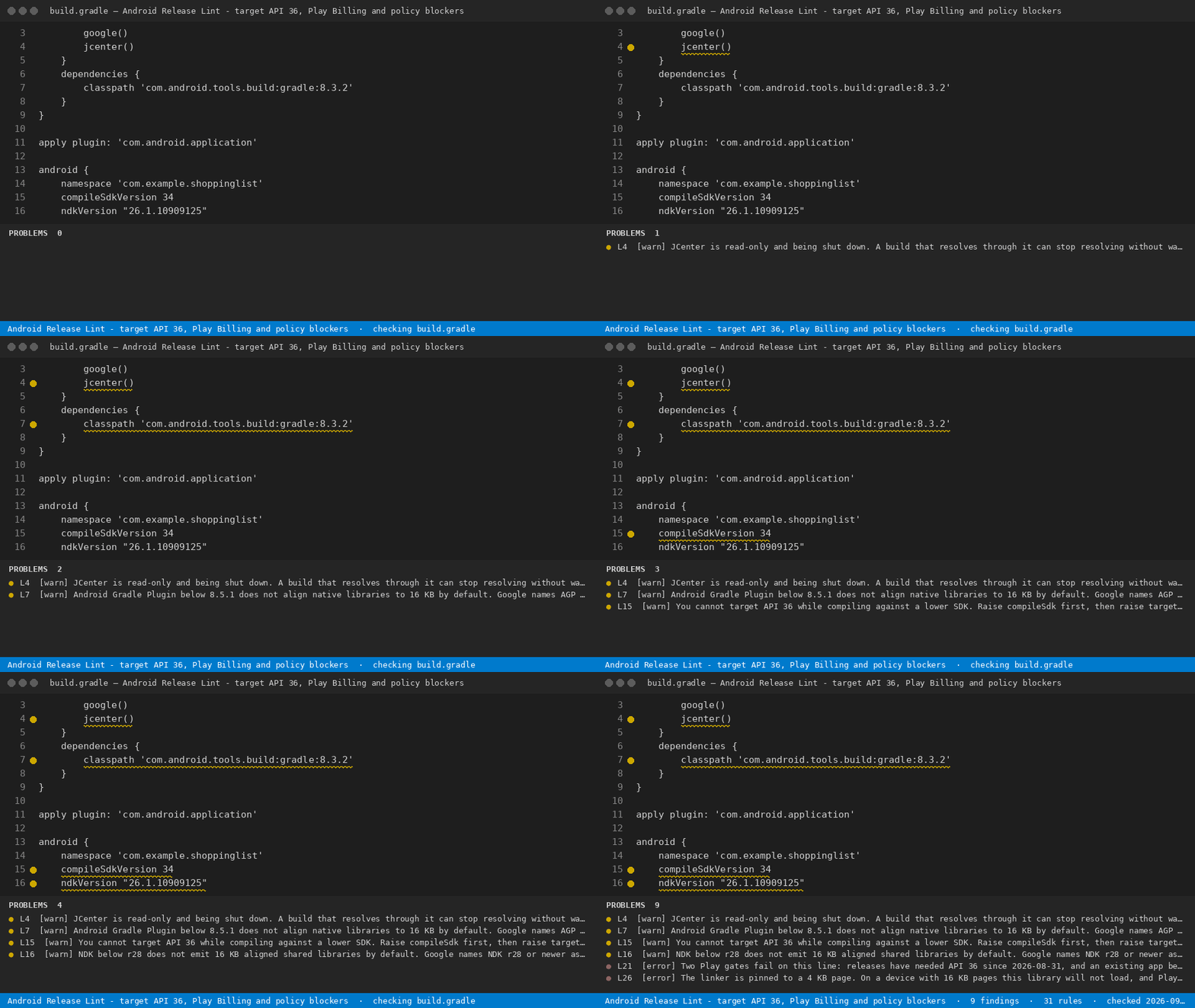
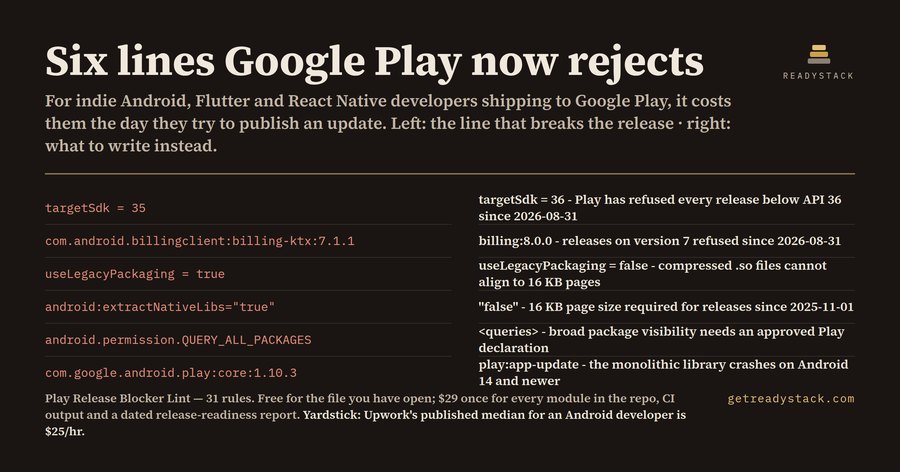
Android Release Lint - target API 36, Play Billing and policy blockersFinds the lines that make Google Play reject your release - target API below 36, Billing Library below 8, 4 KB-only native libs - and prints the date each gate closed. Installation Launch VS Code Quick Open ( Ctrl+P), paste the following command, and press enter.Copied to clipboard |

Android Release Lint - target API 36, Play Billing and policy blockers
Finds the lines that make Google Play reject your release - target API below 36, Billing Library below 8, 4 KB-only native libs - and prints the date each gate closed. For Android teams: new apps and updates must target API 35 or higher from 31 August 2025 and API 36 from 31 August 2026. What it does for free
With a licence
Get the full version - $29 - $29 once, one licence key per person or team seat. Full workspace sweep and report: licence key. Install |