Lacquer Theme — Black lacquer, vermilion, gold leaf and abalone shell inlayBlack lacquer, vermilion, gold leaf and abalone shell inlay. A lacquer box is built up coat by coat until its surface goes deep and still, then decorated with vermilion, sprinkled gold and slivers of abalone shell. Every code colour measured: body te Installation Launch VS Code Quick Open ( Ctrl+P), paste the following command, and press enter.Copied to clipboard |

Lacquer — Black lacquer, vermilion, gold leaf and abalone shell inlay
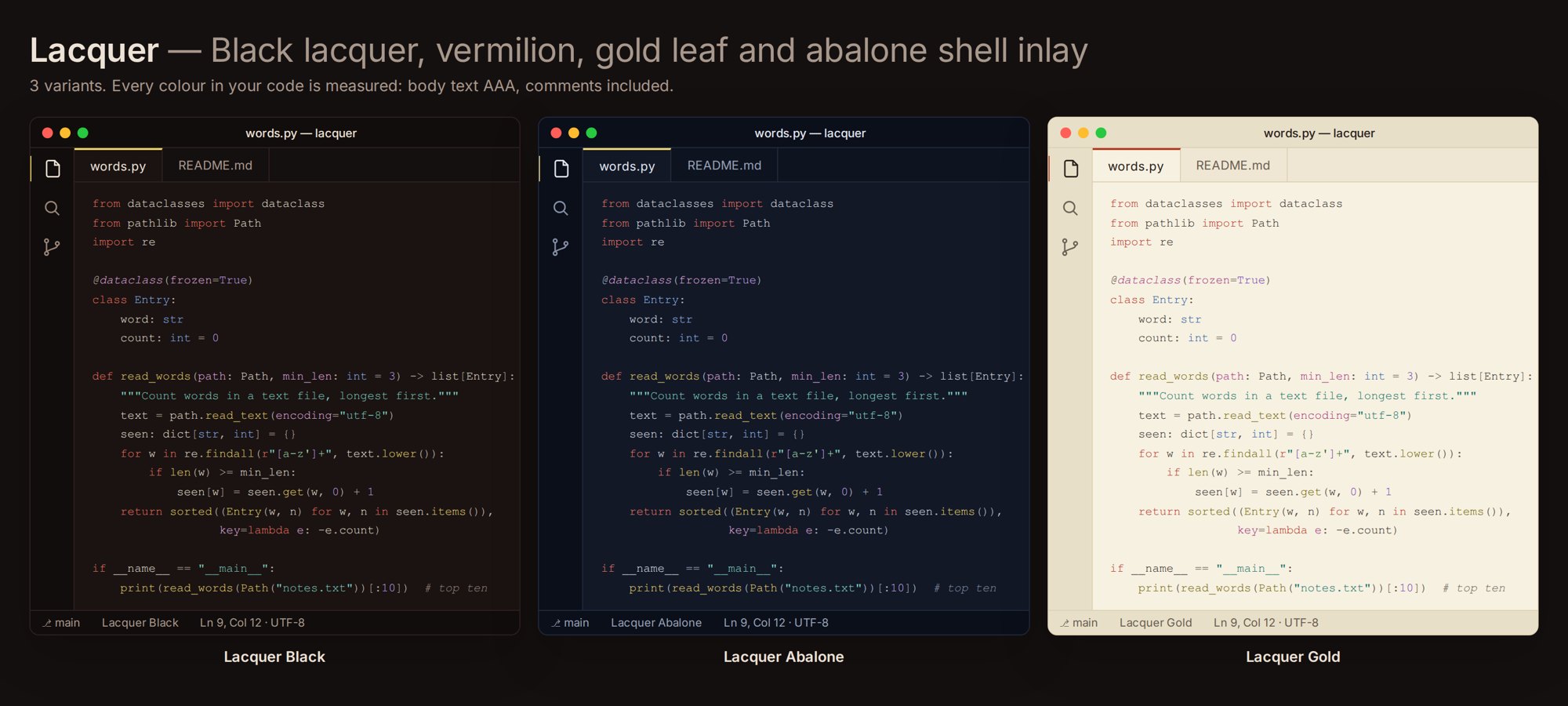
Three themes in one extension: Lacquer Black, Lacquer Abalone, Lacquer Gold. A lacquer box is built up coat by coat until its surface goes deep and still, then decorated with vermilion, sprinkled gold and slivers of abalone shell. Lacquer brings that box into the editor: a warm red-black ground, a cool shell-blue night, and a pale gold-leaf day. The grounds stay low-glare, and each syntax role gets its own pigment, so keywords, strings and numbers never melt into one another. Every colour in your code is measured against its background. Body text passes WCAG AAA, and every syntax colour passes AA, comments included.
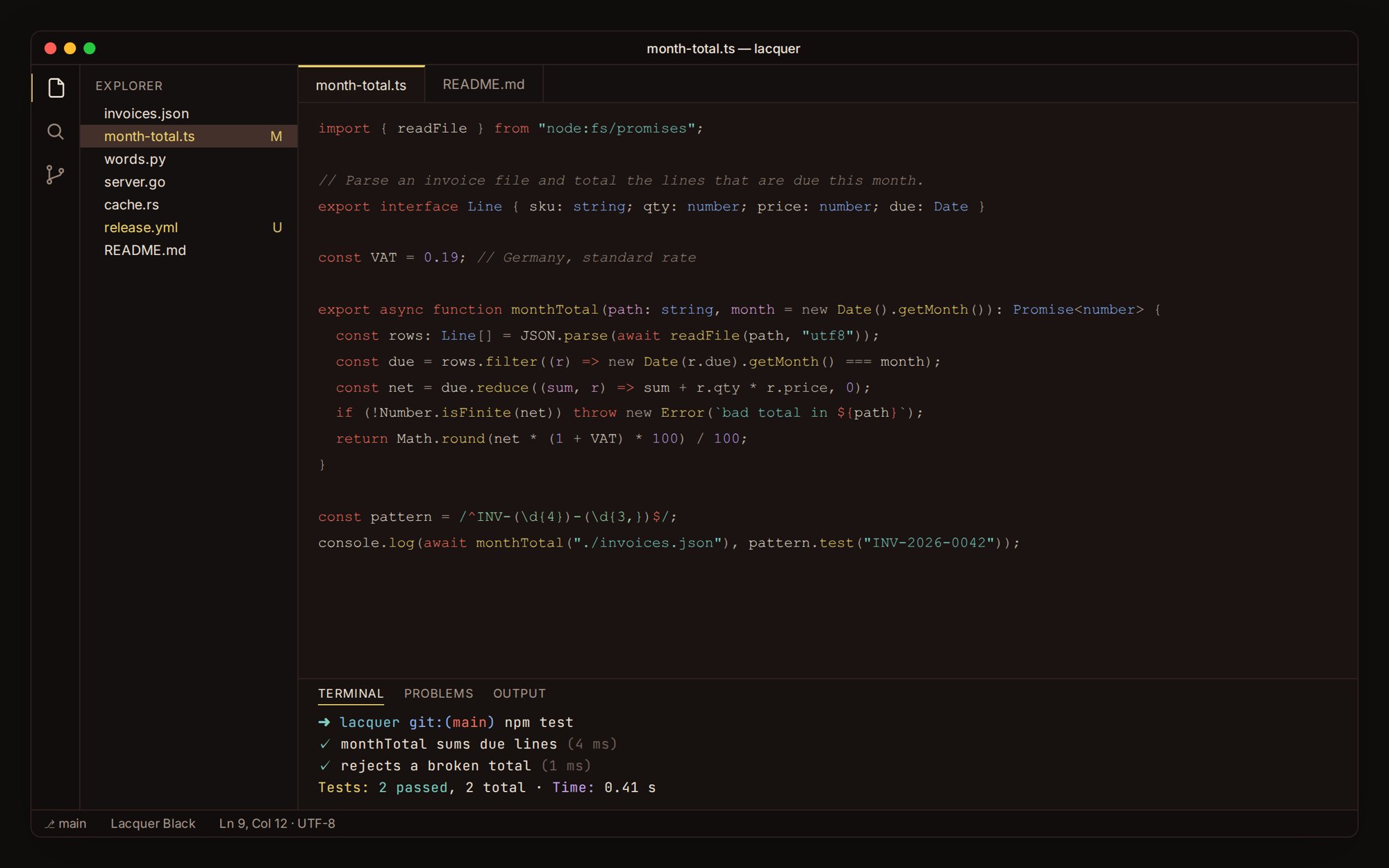
Lacquer Black
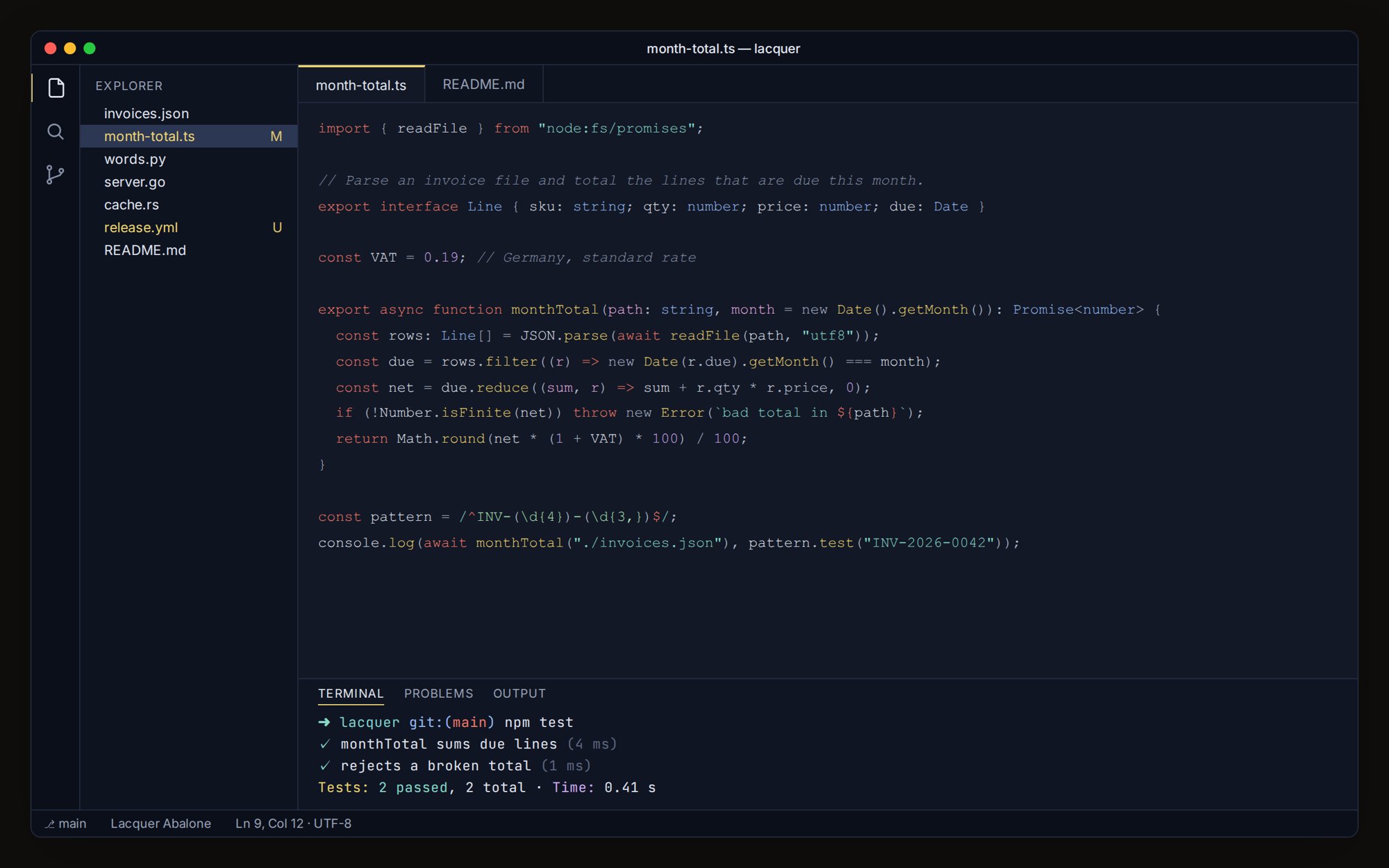
Lacquer Abalone
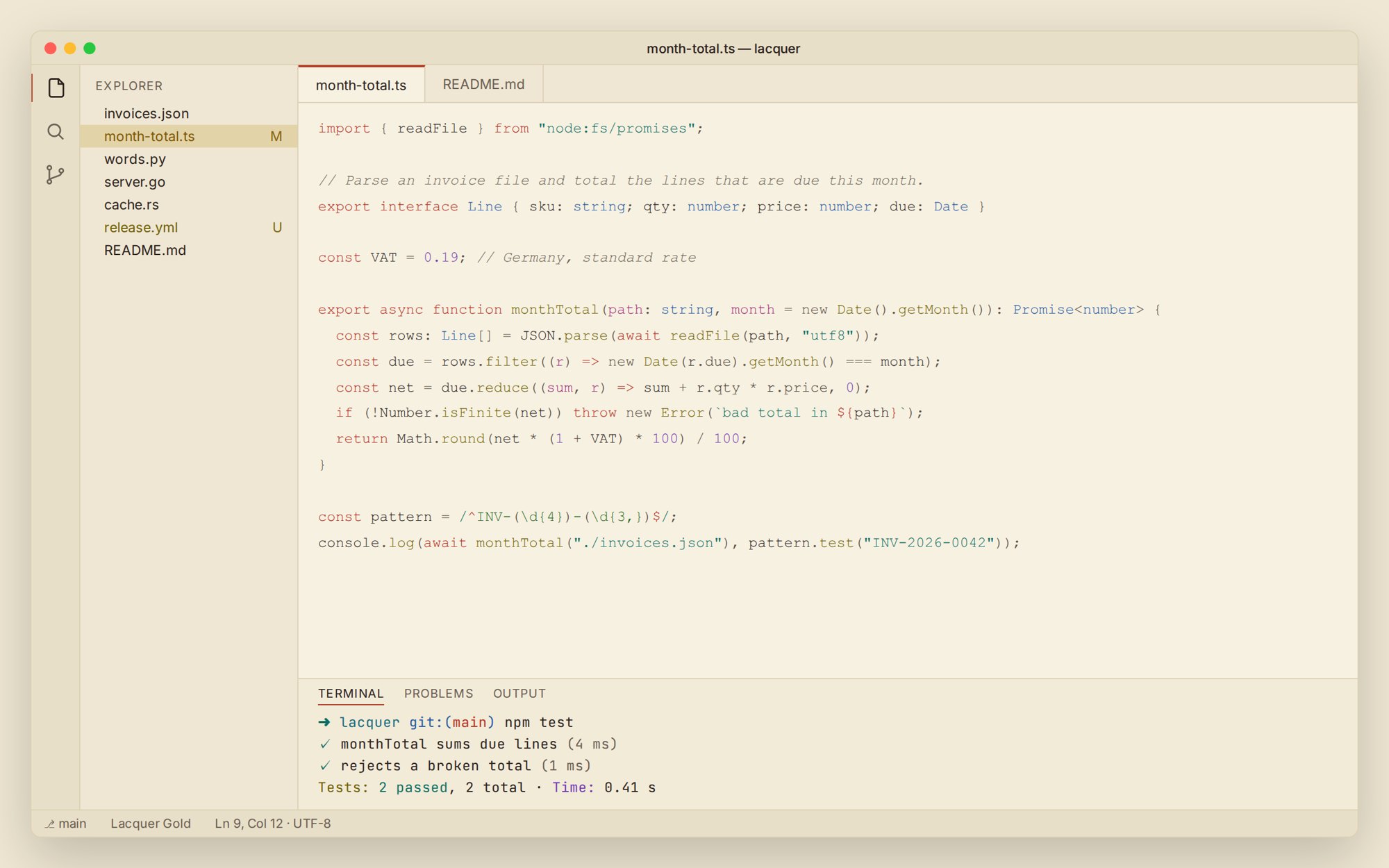
Lacquer Gold
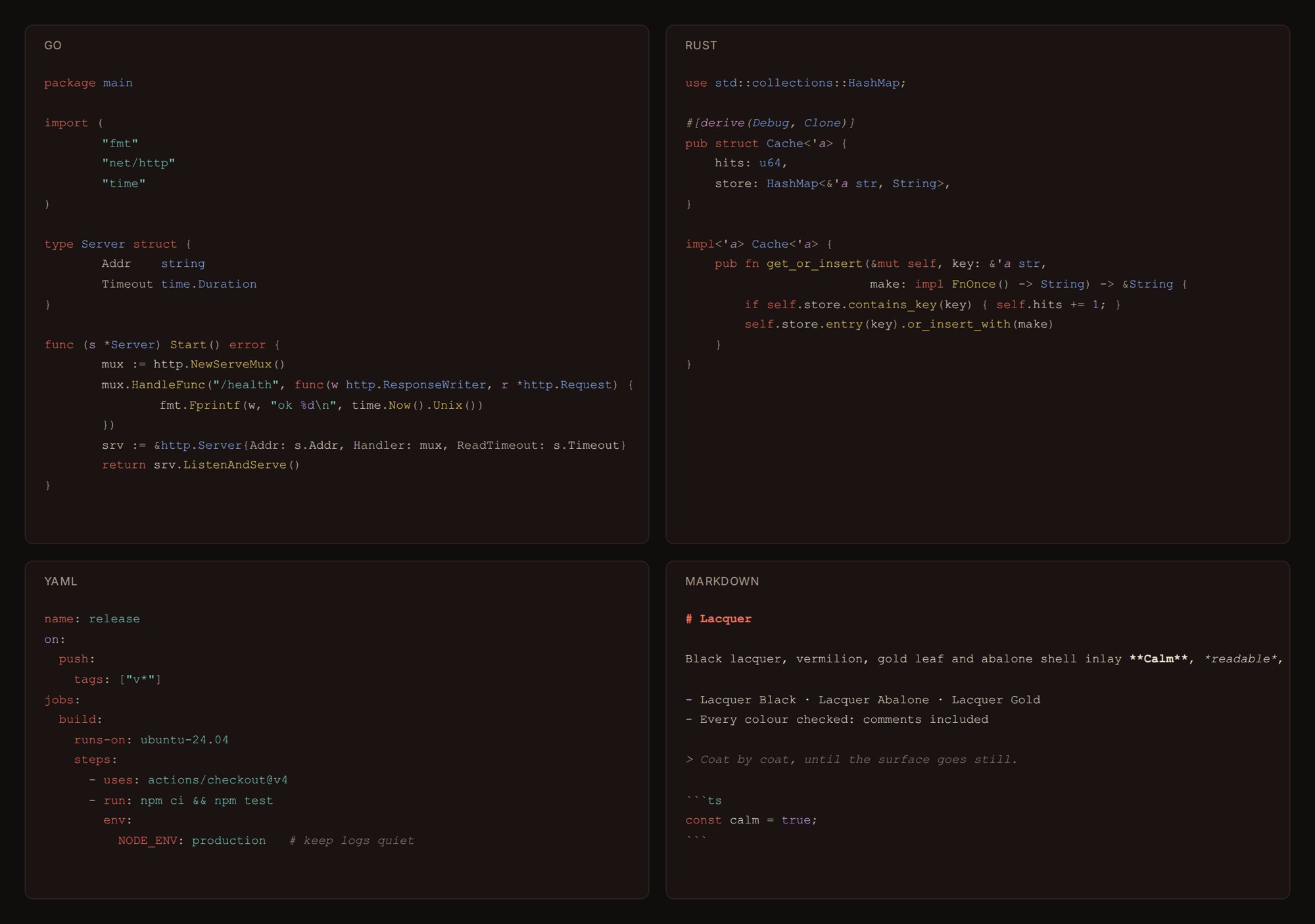
Every language, the same calm
Tuned for JavaScript, TypeScript, Python, Go, Rust, Markdown, JSON, YAML, HTML and CSS, with semantic highlighting on. The terminal's 16 colours, git decorations, diffs and bracket pairs all use the same palette. Install
The same colours everywhere elseThe theme pack ($14.99 once) carries these palettes to iTerm2, Windows Terminal, Alacritty, kitty, Obsidian and JetBrains IDEs, together with every other palette we make. The free theme above is complete on its own. Made by ReadyStack · https://getreadystack.com |