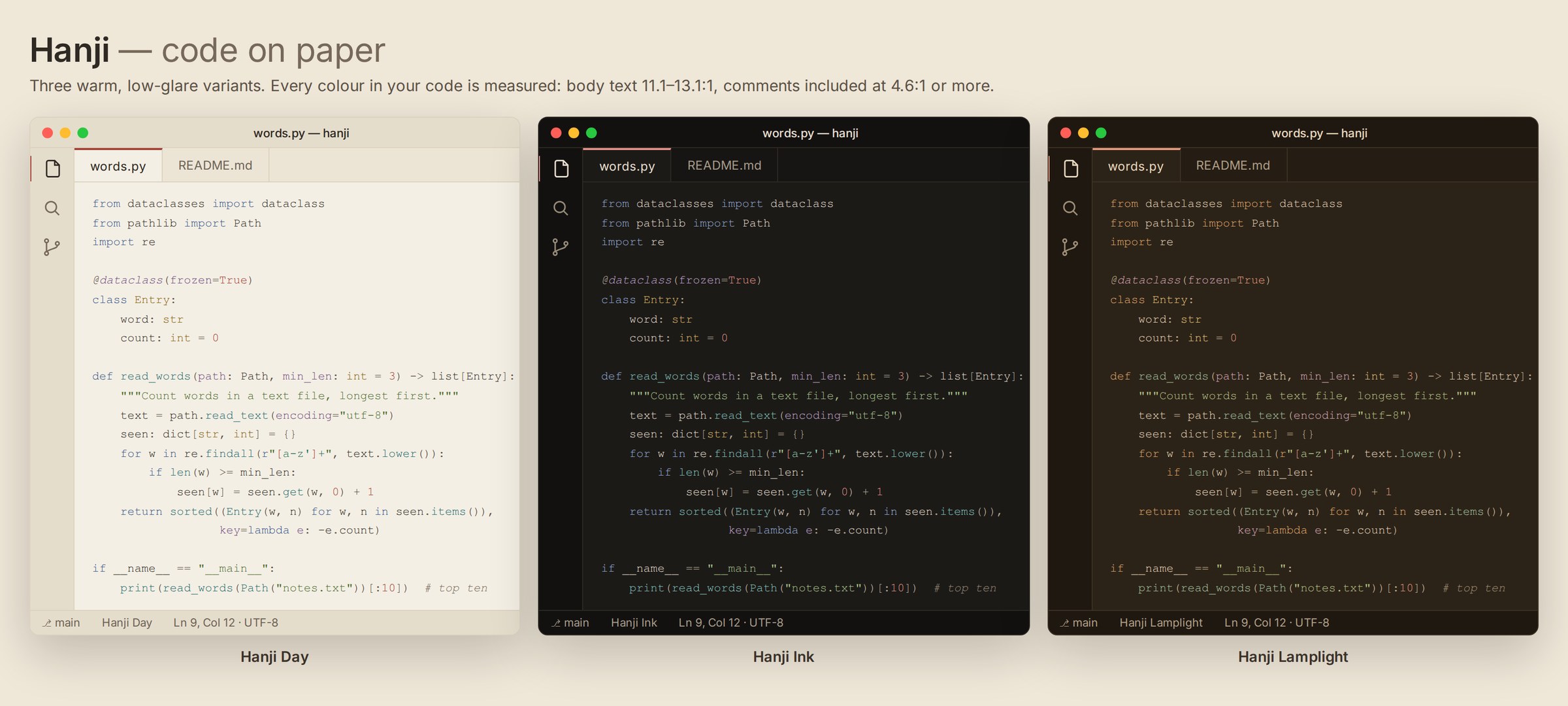
Hanji Theme — Warm Paper & InkCode on paper. Three warm, low-glare themes: Day, Ink and Lamplight. Every code colour measured: body text 11.1-13.1:1 (WCAG AAA), comments 4.6:1 or more. Installation Launch VS Code Quick Open ( Ctrl+P), paste the following command, and press enter.Copied to clipboard |

Hanji — code on paper
Three warm, low-glare themes in one extension: Day, Ink and Lamplight. Hanji is Korean mulberry paper, made by hand for a thousand years: warm, soft and easy on the eyes. This theme brings that paper, its ink and the old natural dyes to your editor: indigo, pine, safflower red, ochre, celadon and gromwell purple. Every colour in your code is measured against its background. Body text passes WCAG AAA, and every syntax colour passes AA, comments included. Many themes fade comments below readable contrast. Hanji doesn't.
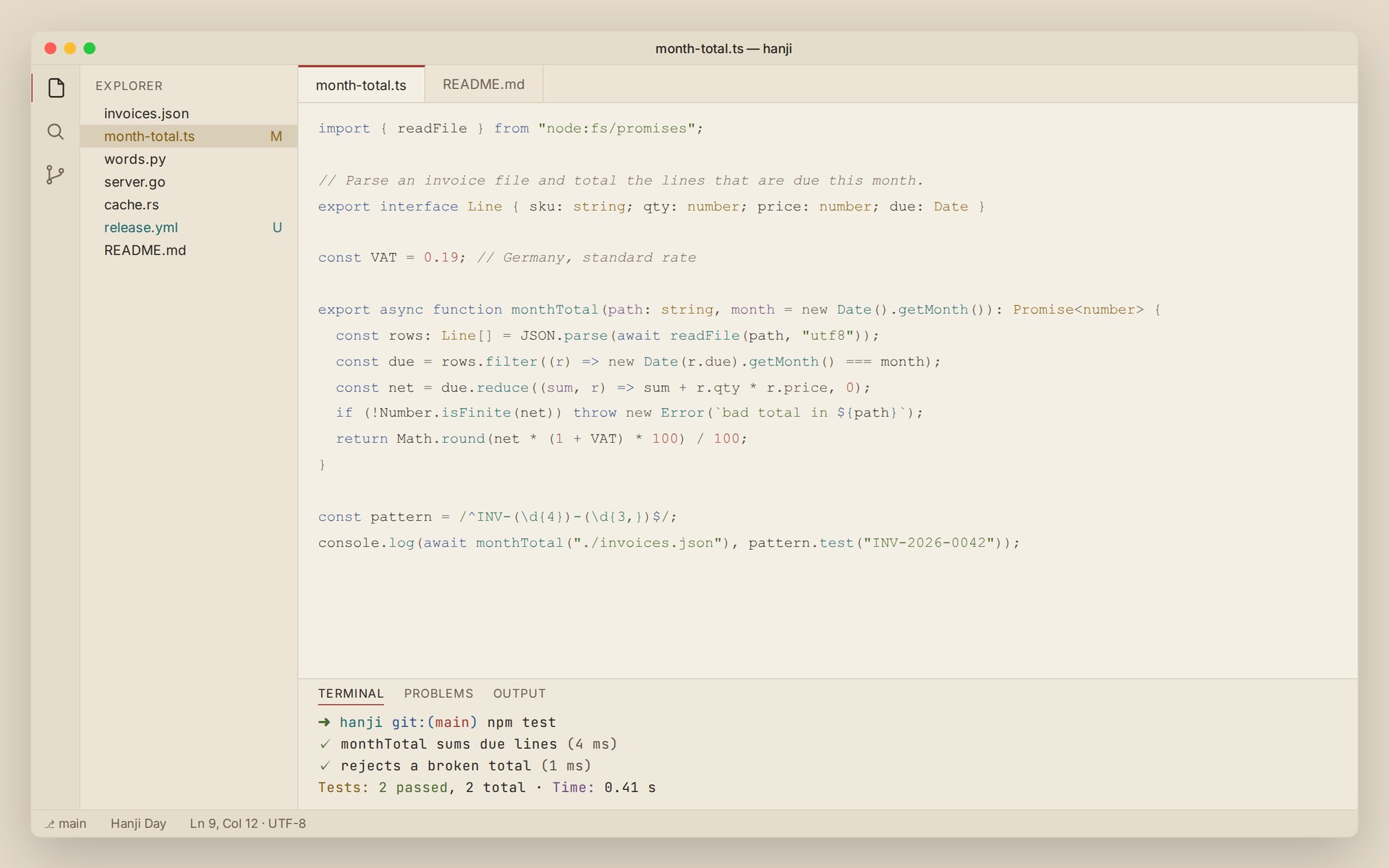
Hanji Day — warm paper, no glare
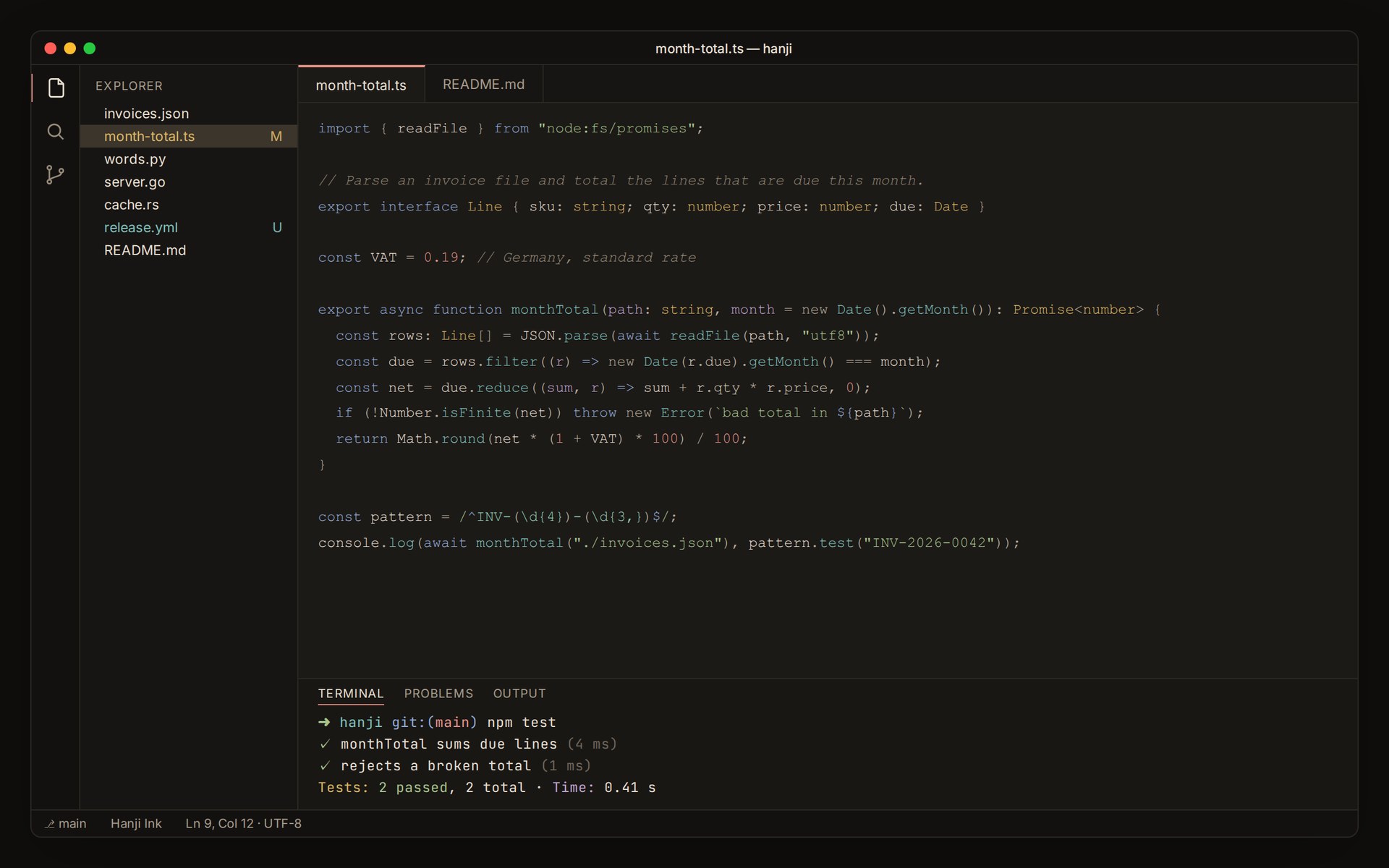
Hanji Ink — meok ink black
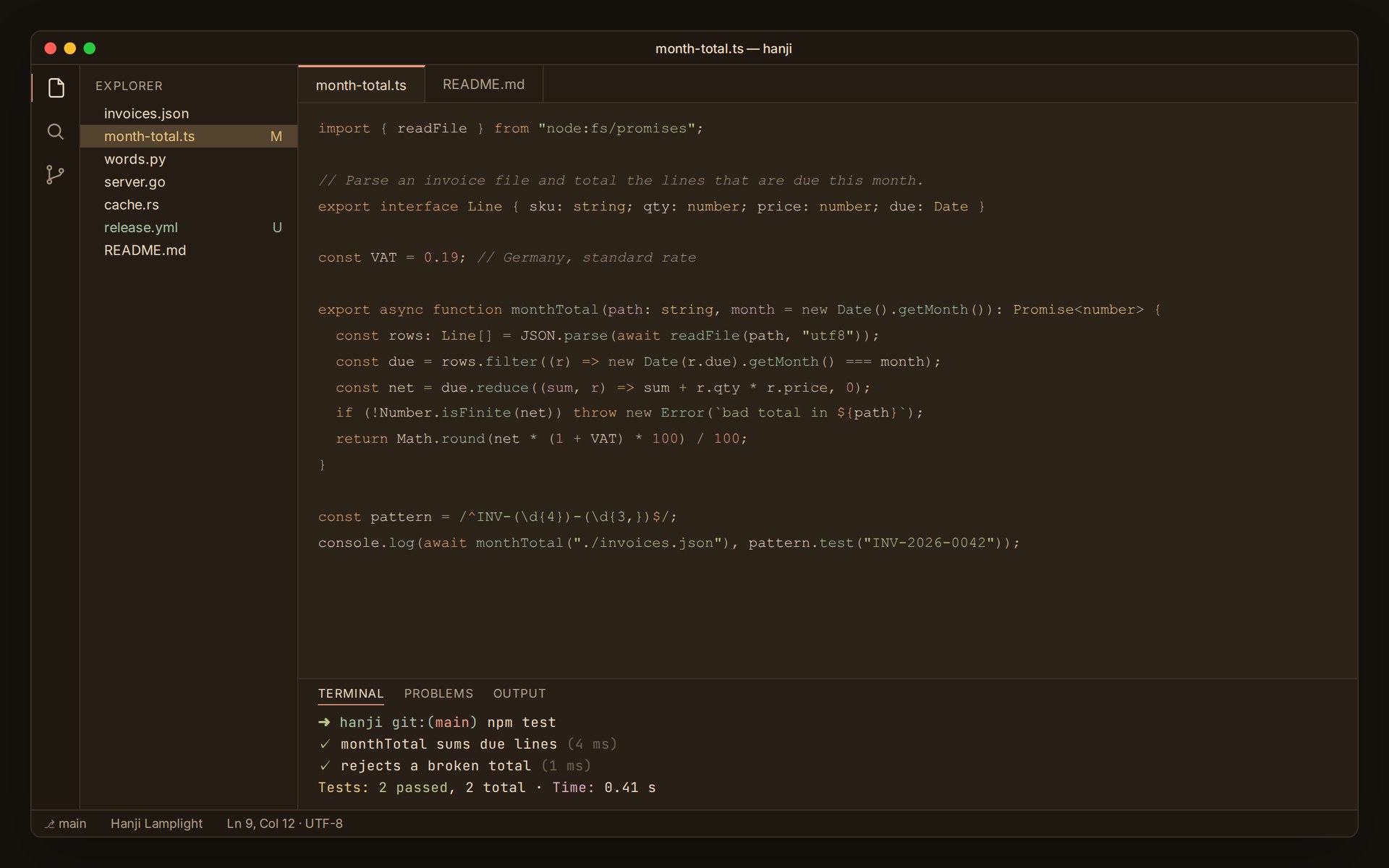
Hanji Lamplight — dim and warm, no blue in the codeFor late nights: a lamp-lit brown background, and keywords in amber instead of blue.
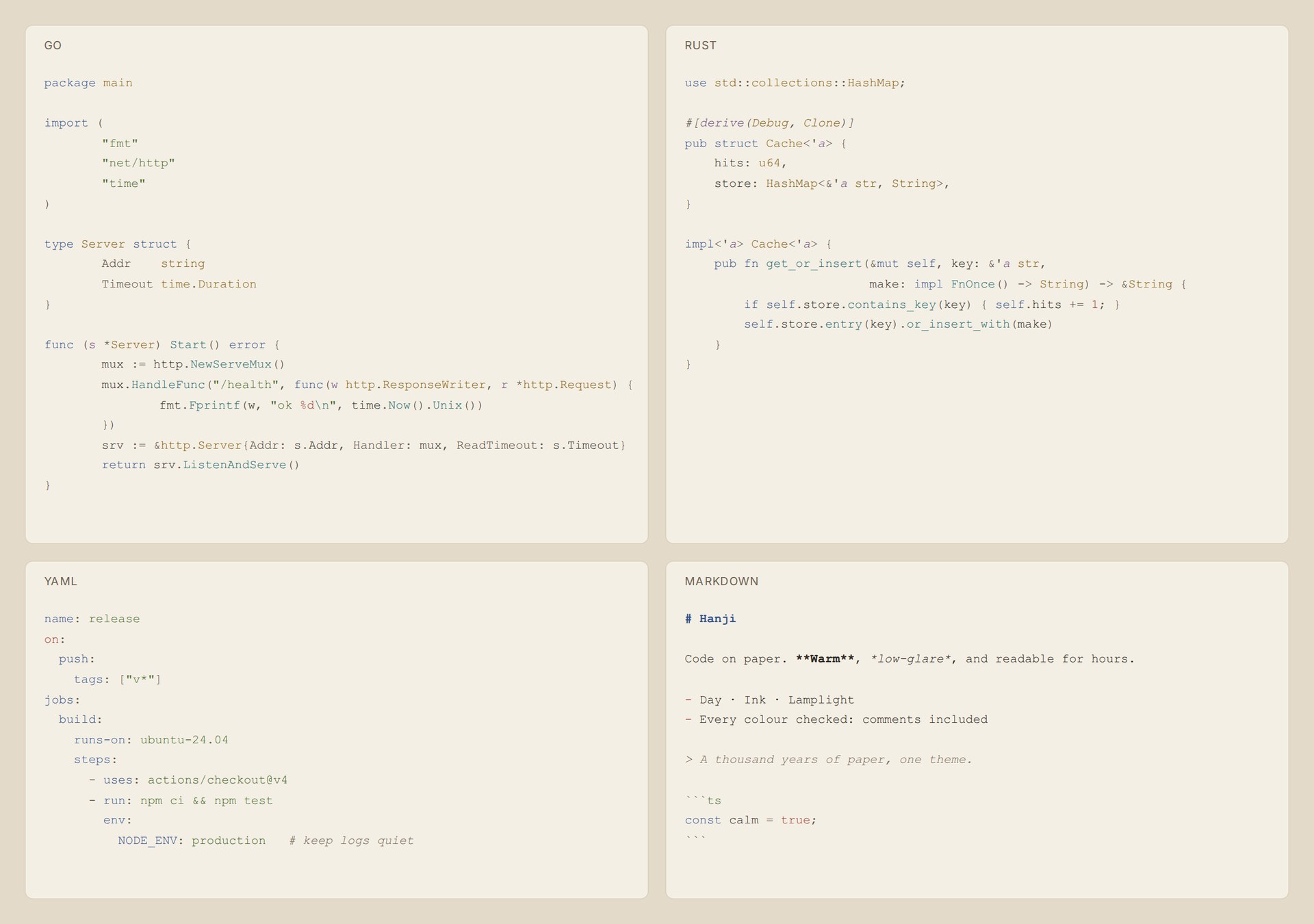
Every language, the same calmGo, Rust, YAML and Markdown in Hanji Day:
Tuned for JavaScript, TypeScript, Python, Go, Rust, Markdown, JSON, YAML, HTML and CSS, with semantic highlighting on. The terminal's 16 colours, git decorations, diffs and bracket pairs all use the same palette. Install
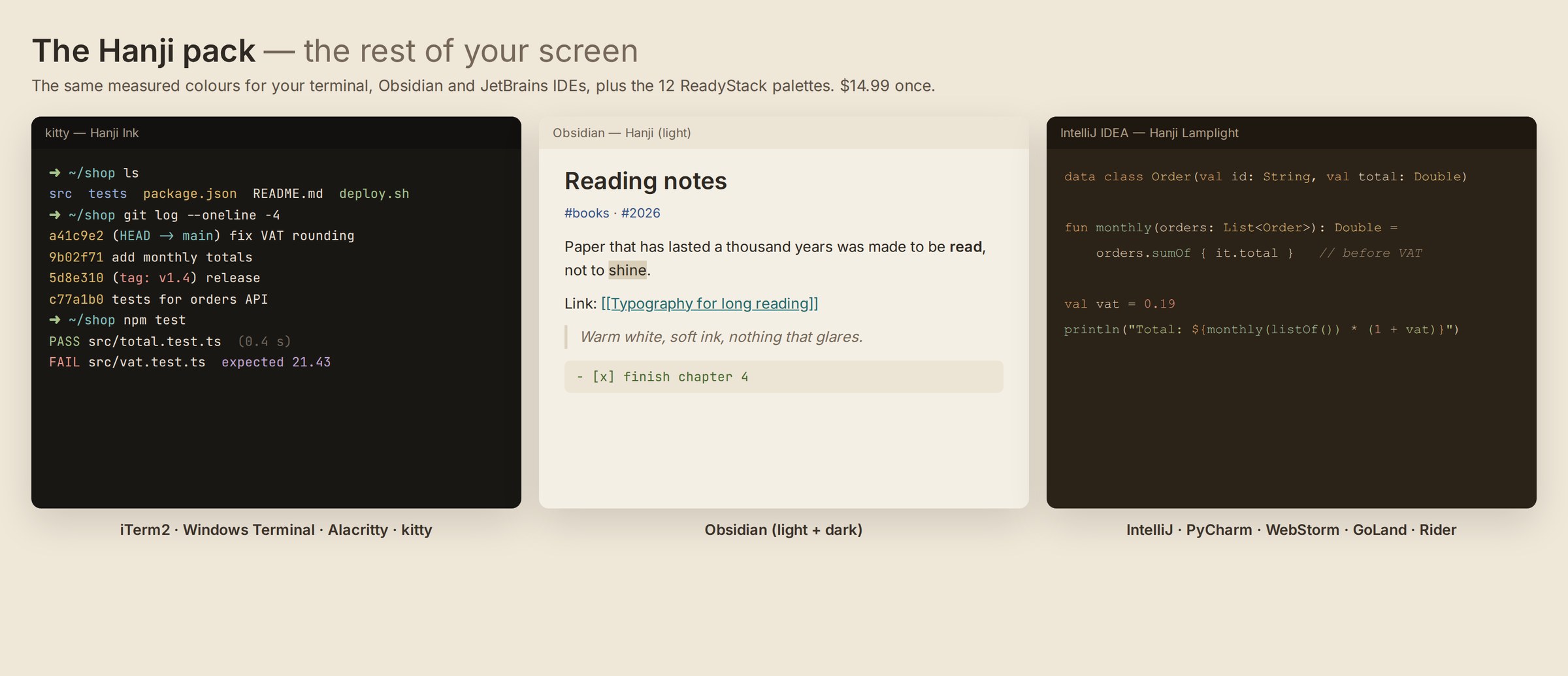
The rest of your screen — the Hanji pack
Your editor is half of what you look at all day. The pack puts the same measured colours on everything else:
$14.99 once, as a download: Get the Hanji pack (the checkout calls it ReadyStack Theme Pack; Hanji is inside) The theme itself is free and stays free. It shows the pack offer once, and only while a Hanji theme is active. It sends one anonymous count (shown or clicked) and respects VS Code's telemetry setting. MIT licensed. |