GitLab CI Break Lint
A .gitlab-ci.yml that works today can stop working the day your GitLab instance crosses a
major upgrade. GitLab removes CI keywords only in major releases, so a retired keyword sits in
your file for months looking perfectly healthy: your current runner still accepts it, and
GitLab's own CI Lint validates the file against the version you are on right now — the version
where it still works. The failure arrives later, on the first push after the upgrade, in a job
that nobody touched.
This extension reads a .gitlab-ci.yml (or any pipeline YAML you have open) and names the lines
that will not survive, with the replacement line for each one.
What it checks — 16 rules
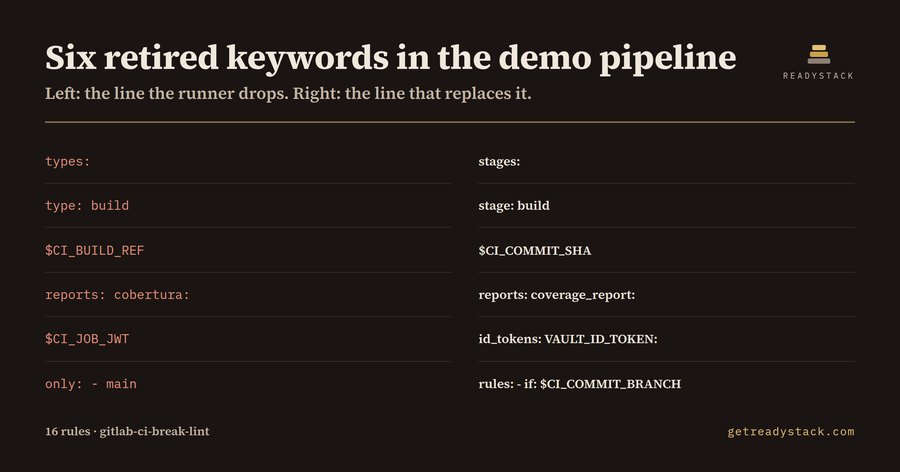
Keywords GitLab retired
| In your file |
What replaces it |
types: / type: |
stages: / stage: |
CI_BUILD_REF, CI_BUILD_ID, any CI_BUILD_* |
CI_COMMIT_SHA, CI_JOB_ID, the CI_JOB_* / CI_COMMIT_* equivalent |
artifacts:reports:cobertura |
artifacts:reports:coverage_report with coverage_format: cobertura |
CI_JOB_JWT, CI_JOB_JWT_V1, CI_JOB_JWT_V2 |
an id_tokens: block on the job |
only: / except: |
rules: with if:, changes: or exists: |
GitHub Actions syntax that ended up in a GitLab file
runs-on:, steps:, - uses:, ${{ ... }} expressions, and a top-level on: or jobs:
mapping. An assistant asked for "a CI pipeline" will reach for whichever syntax it saw most,
and GitLab rejects the whole file rather than the one line.
Job wiring GitLab will not accept
rules: and only: in the same job, a stage: that is missing from stages:, a needs: or
extends: that points at a job or key which does not exist in the file, start_in: without
when: delayed, parallel: outside the 2–200 range, and a job with no script:, trigger:
or extends:.
Free and paid
Free, no key: lint the pipeline file you have open. Every finding comes with its line number and
its replacement, so the file you have open is finished when the report is empty.
Paid: scan every pipeline file in the repository in one pass and export a dated Markdown upgrade
report — one table of file, line, keyword and replacement — to attach to the change ticket.
That is a repository-wide scope and an artefact you keep, not a larger version of the same check.
Yardstick
A freelance DevOps engineer's hour runs about $100, and reading a repository's pipelines by hand
against a removals list is most of a morning.
Measured on the bundled fixtures
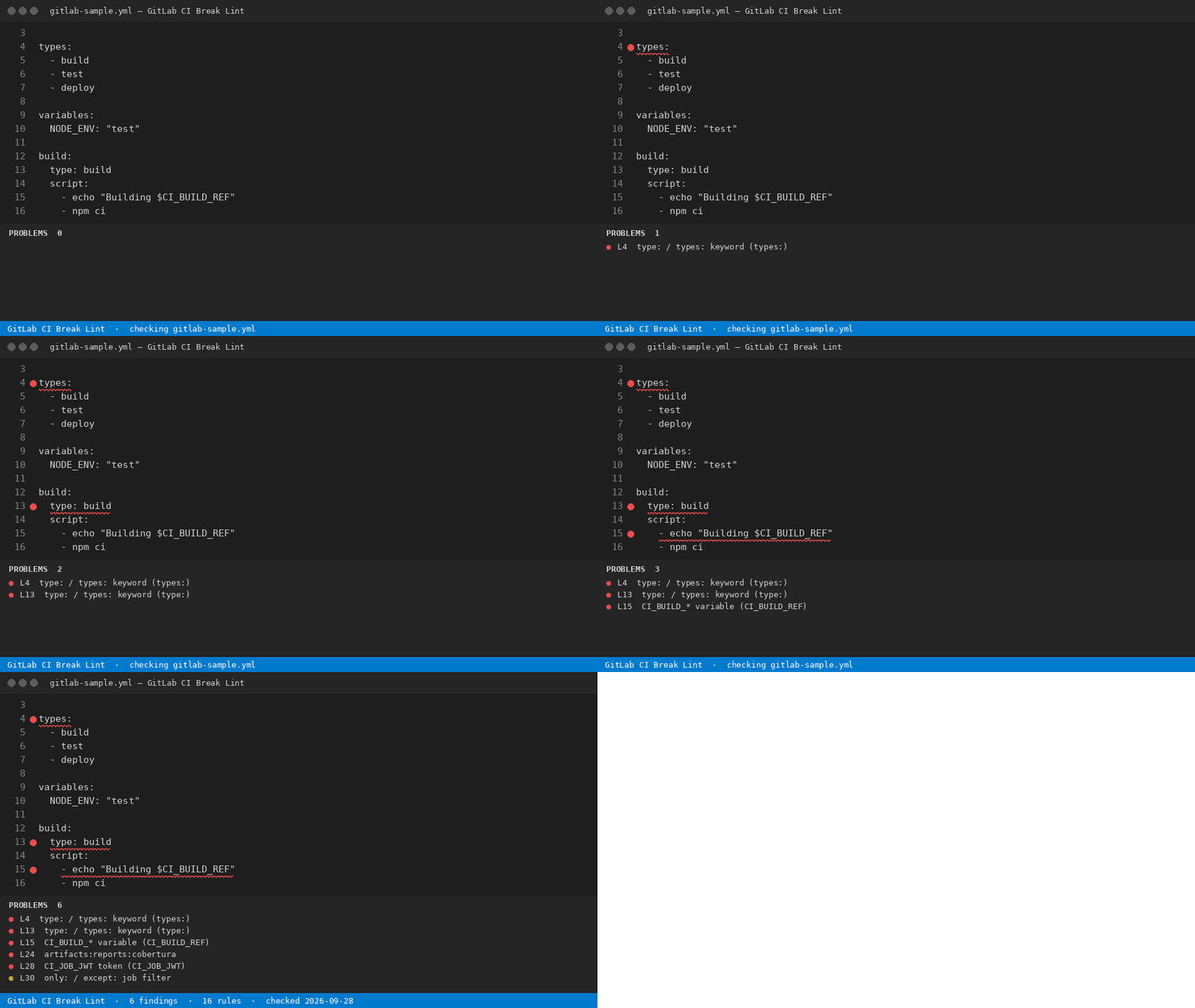
_fixtures/dirty.yml is 31 lines and returns six findings. _fixtures/clean.yml is the same
pipeline written the way GitLab accepts it, and returns none.
Notes
The linter reads the file as text. It does not resolve include: targets, so a template pulled
in from another project is checked only when that file is itself open (free) or present in the
repository (paid). Replacement lines are the documented GitLab equivalents; the extension does
not rewrite your file.
Hub: https://getreadystack.com/tools/gitlab-ci-break-lint

