Age Gate Lint — UK Online Safety ActFinds age gates that Ofcom does not count as highly effective — self-declared 18+ checkboxes, date-of-birth forms, localStorage-only memory — in your HTML. Installation Launch VS Code Quick Open ( Ctrl+P), paste the following command, and press enter.Copied to clipboard |

Age Verification Lint - UK Online Safety Act age gate
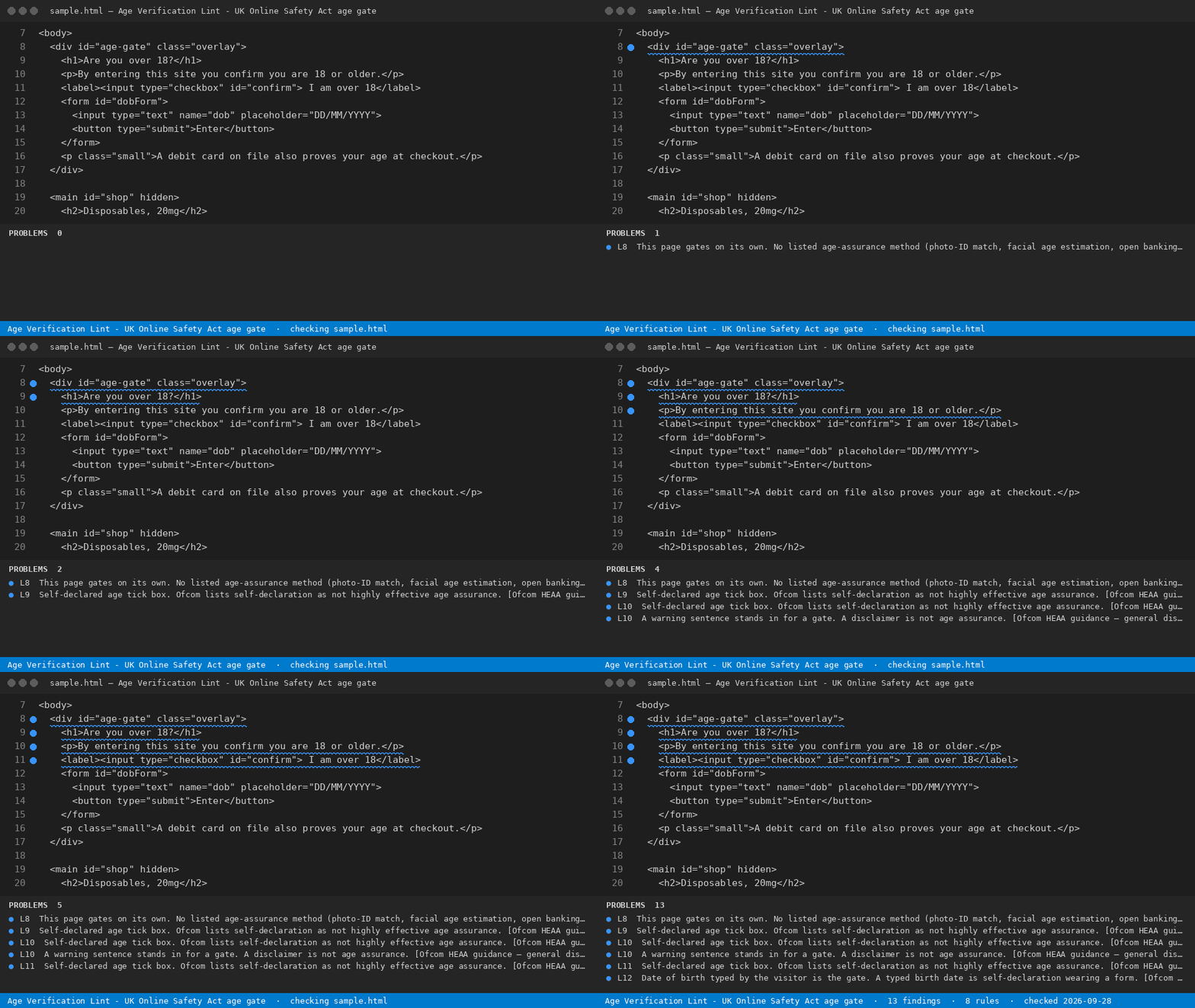
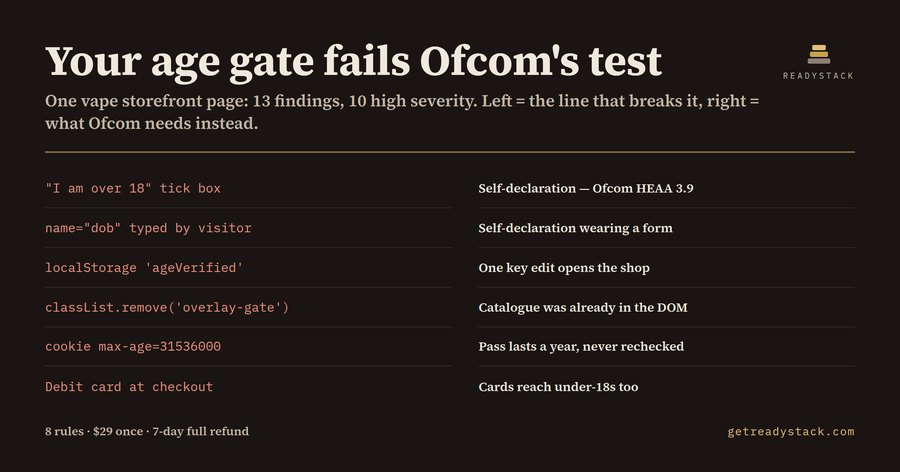
Open an HTML file that carries an age gate. The extension reads the markup and the inline For sites with UK users: Ofcom can fine up to GBP 18m or 10% of global revenue for missing age checks. script, and names every part of that gate which Ofcom does not count as highly effective age assurance, with the line number and the clause it fails. What the duty actually saysThe Online Safety Act 2023 requires services that publish or host content harmful to children — pornography, and the priority categories that include vapes, alcohol, gambling and knives — to use highly effective age assurance. Ofcom's guidance has applied since 25 July 2025. The guidance is explicit about what does not qualify: self-declaration ("I am over 18"), a birth date typed by the visitor, general disclaimers ("by entering this site you confirm…"), and payment methods that under-18s can also hold. The listed methods that do qualify include photo-ID matching, facial age estimation, open banking, mobile network operator checks and digital identity wallets. Enforcement sits with Ofcom, whose penalty ceiling is £18 million or 10% of qualifying worldwide revenue, whichever is greater. Most age gates on small storefronts were written before any of this and still decide everything in the browser. That is the gap this tool reads for. The 8 rules
Each finding carries a severity, the line, the Ofcom clause, and one sentence on what the gate would have to do instead. Free and fullThe free command reads the file you have open and finishes that job: every weak point in that page, named. The full version reads every HTML file in the workspace in one pass and writes a dated evidence report you keep — the file list, the findings per file, the rule set and the date it was run. Full version — whole-workspace sweep + dated evidence report, $29 once · one licence key per person or CI seat. YardstickA freelance web developer bills about $60/hour, and a manual pass over one storefront's gate plus a written note is roughly half a day. Same brain in the browserThe rule engine ( Hub: https://getreadystack.com/tools/age-gate-lint LimitsThis reads markup and inline script. It cannot see your server, so a page that gates correctly server-side and ships no restricted markup reads as clean — which is the point. It is a lint, not legal advice. |