Skip to content
| Marketplace
Sign in
Visual Studio Code>Themes>Lumina ThemesNew to Visual Studio Code? Get it now.
Lumina Themes

Lumina Themes

Razik Ikhlef

| (0) | Free
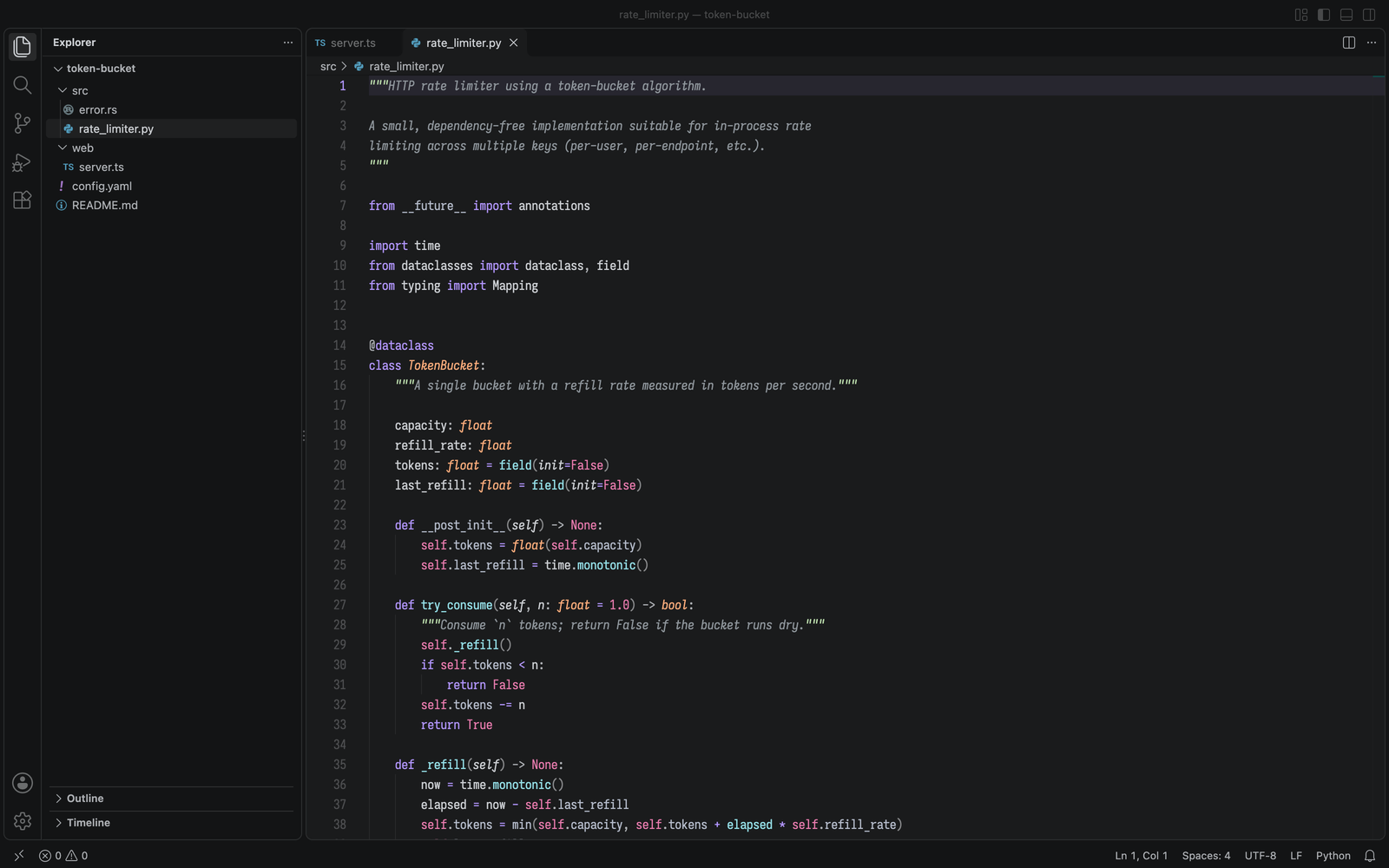
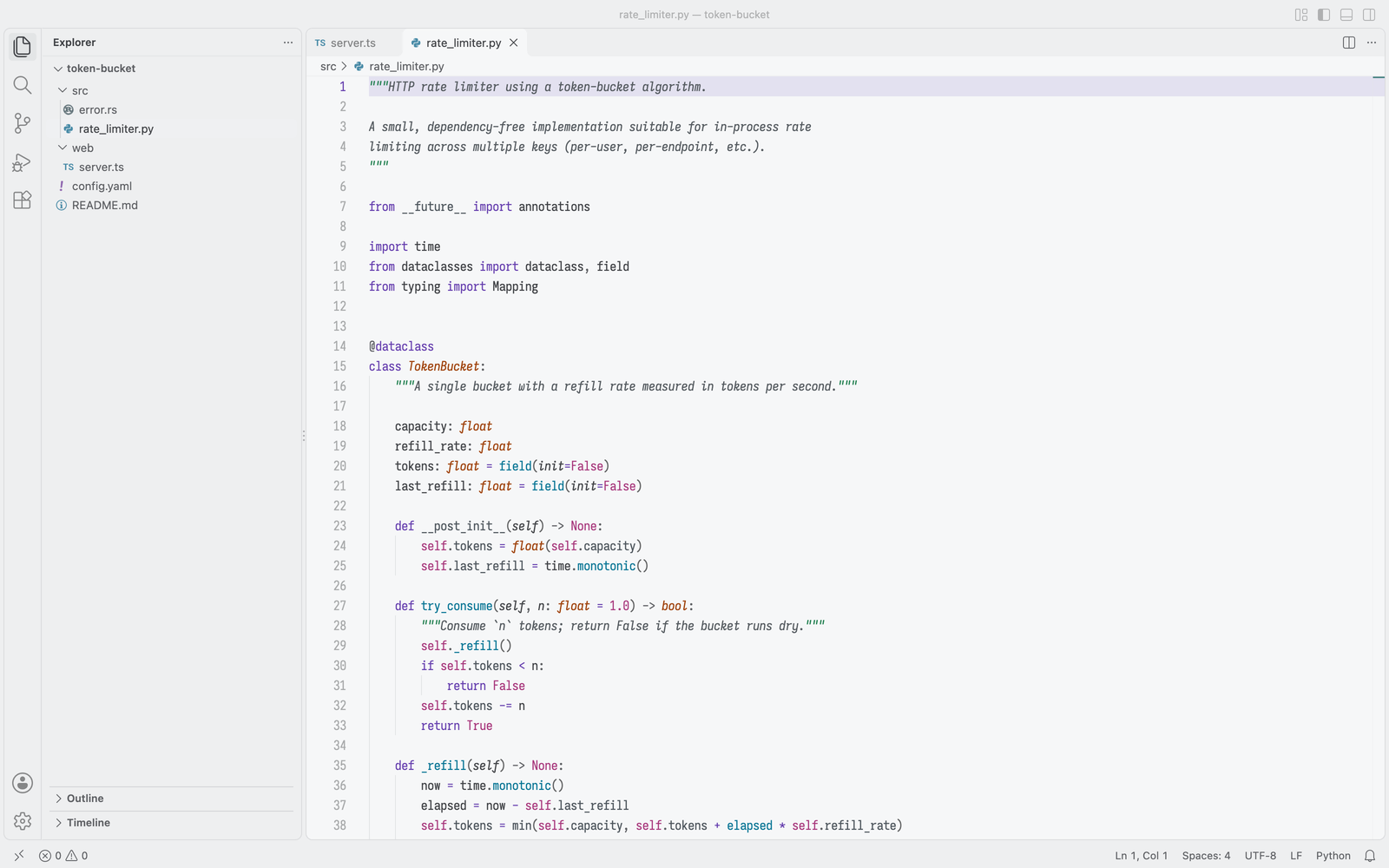
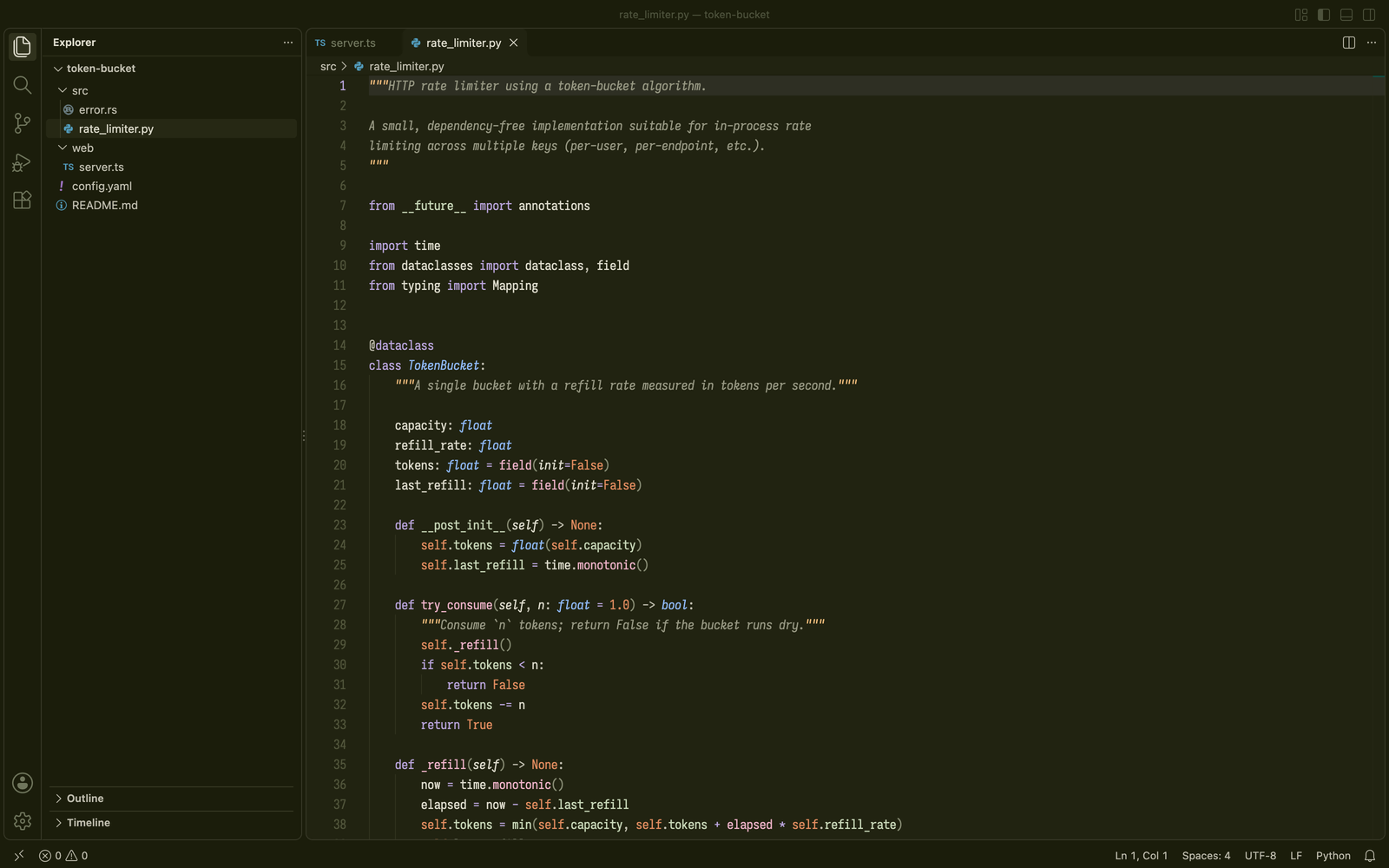
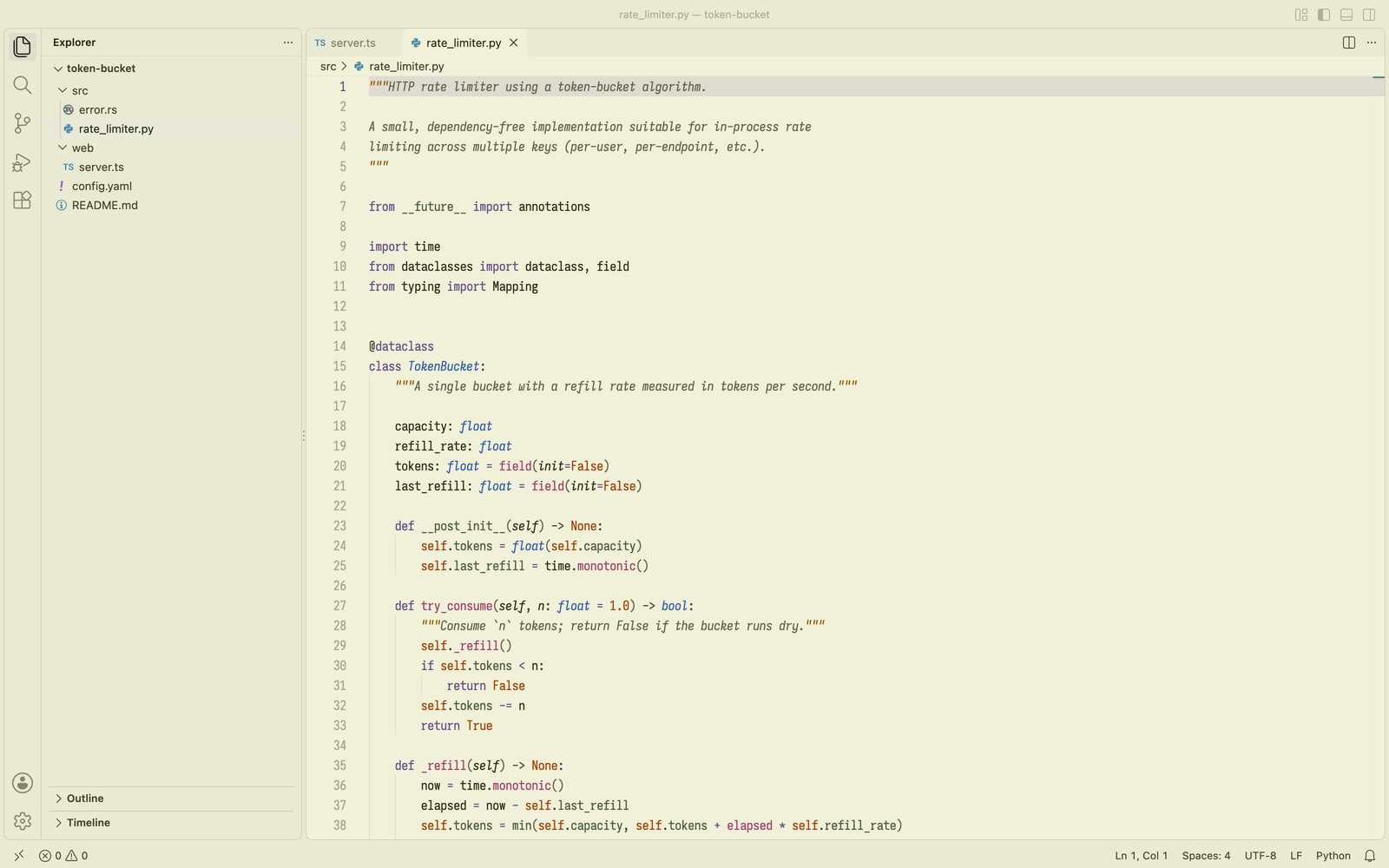
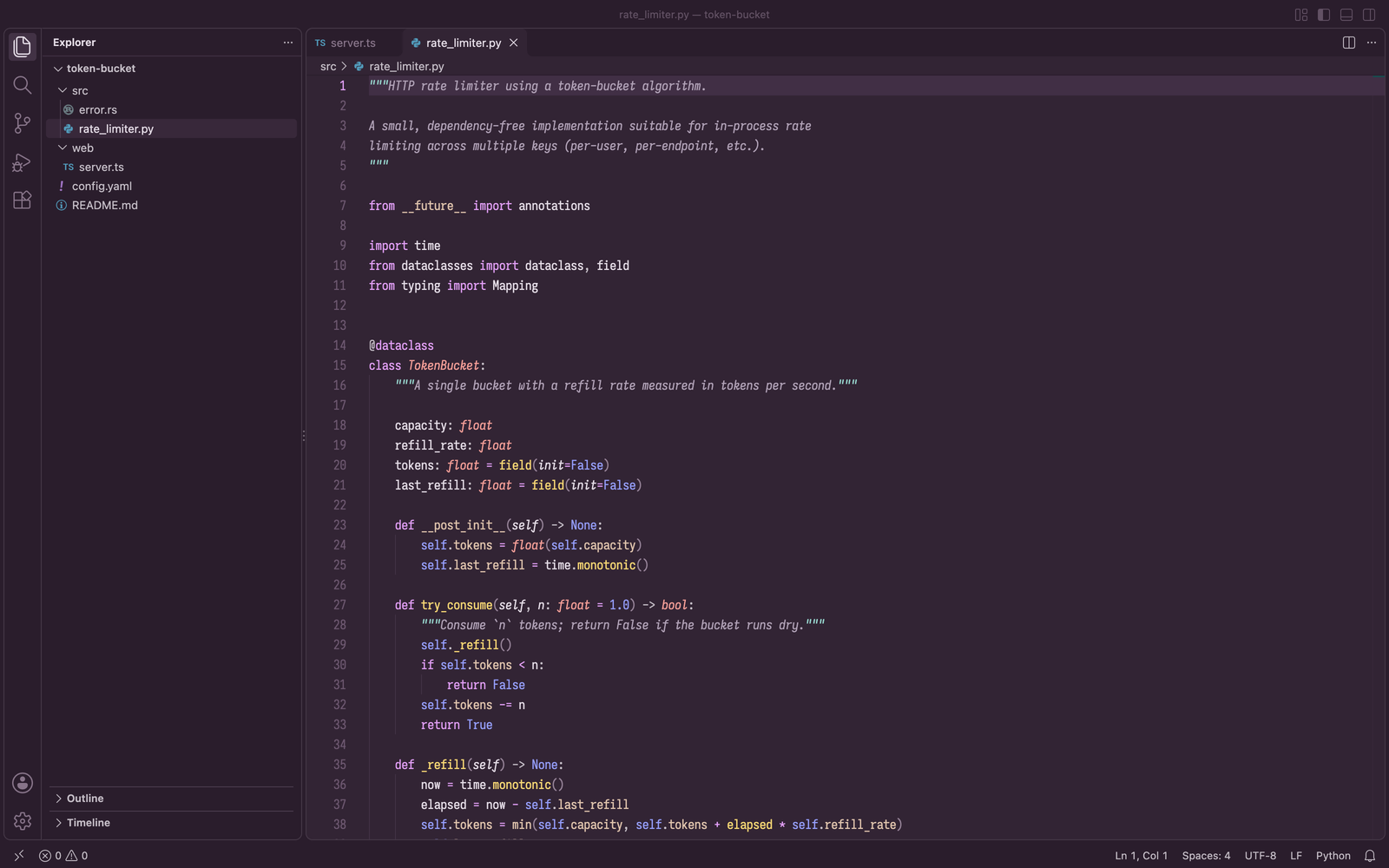
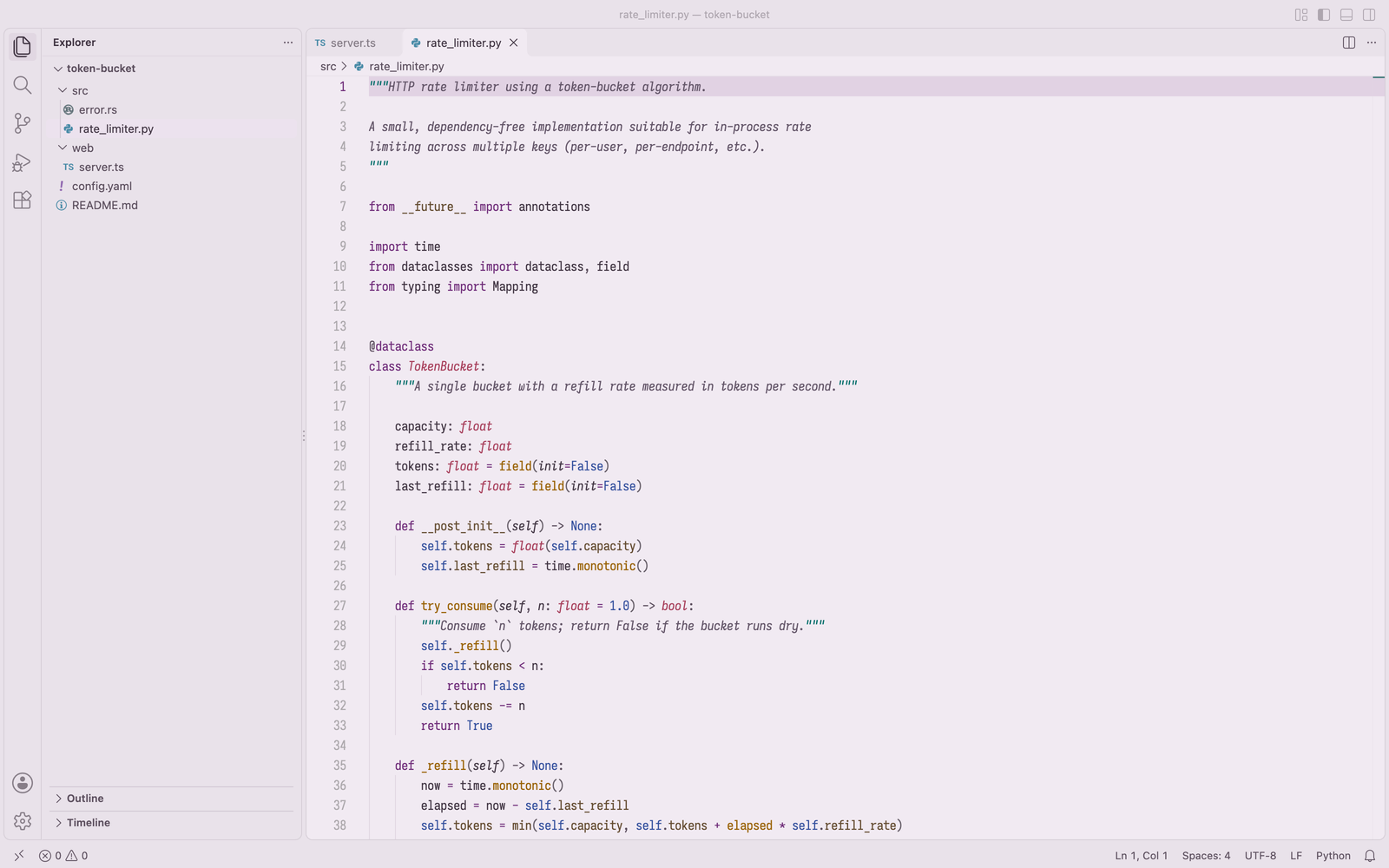
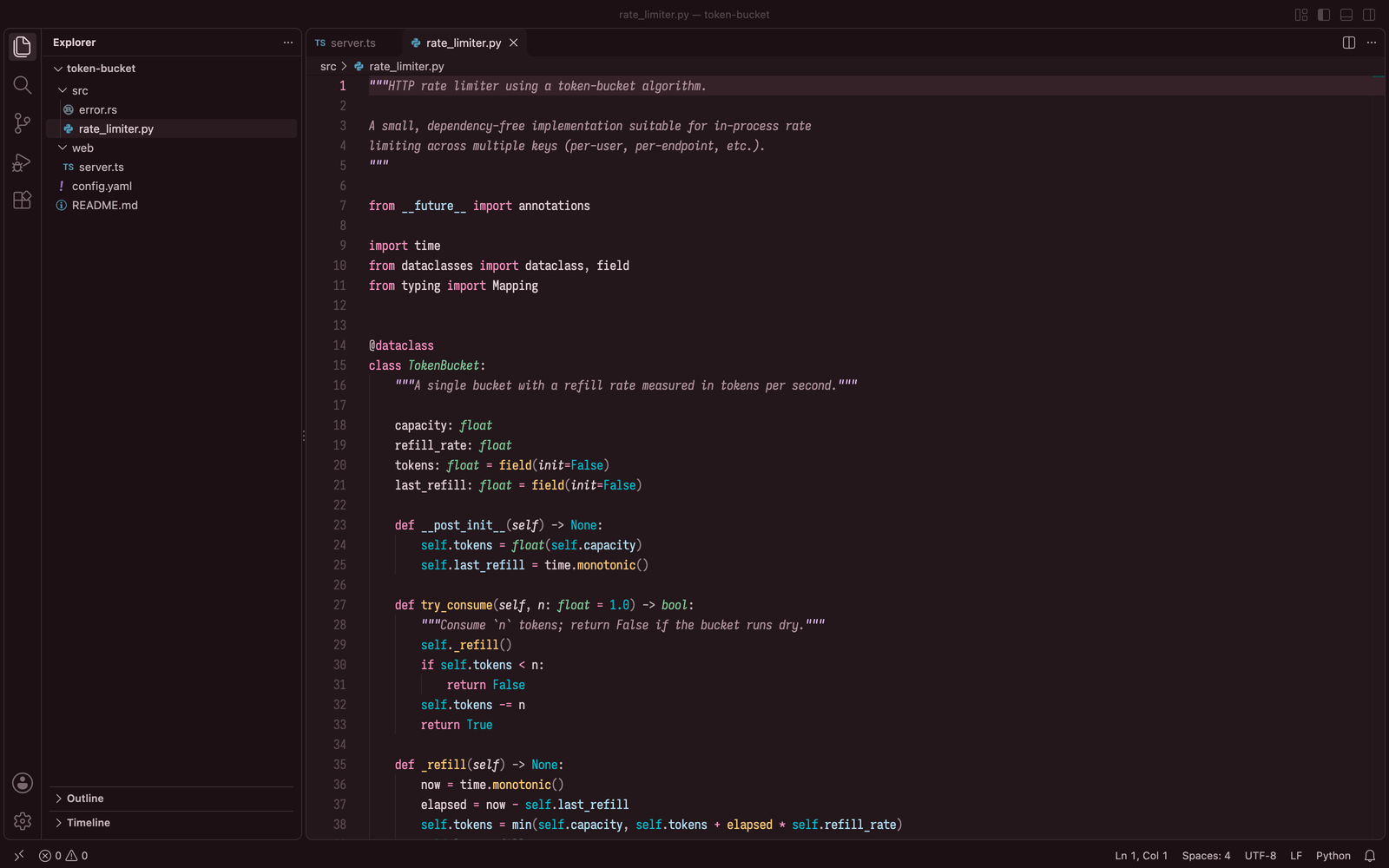
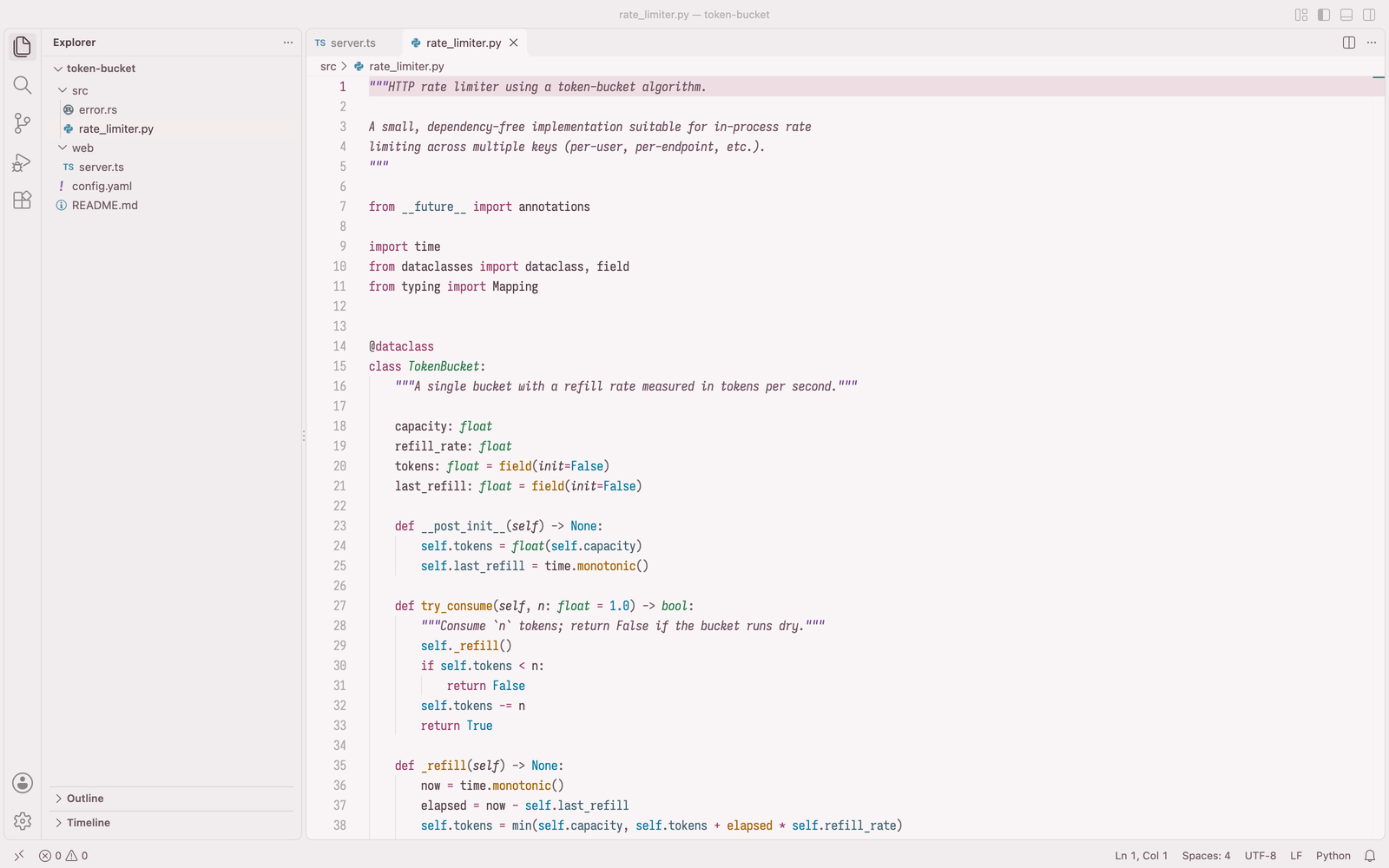
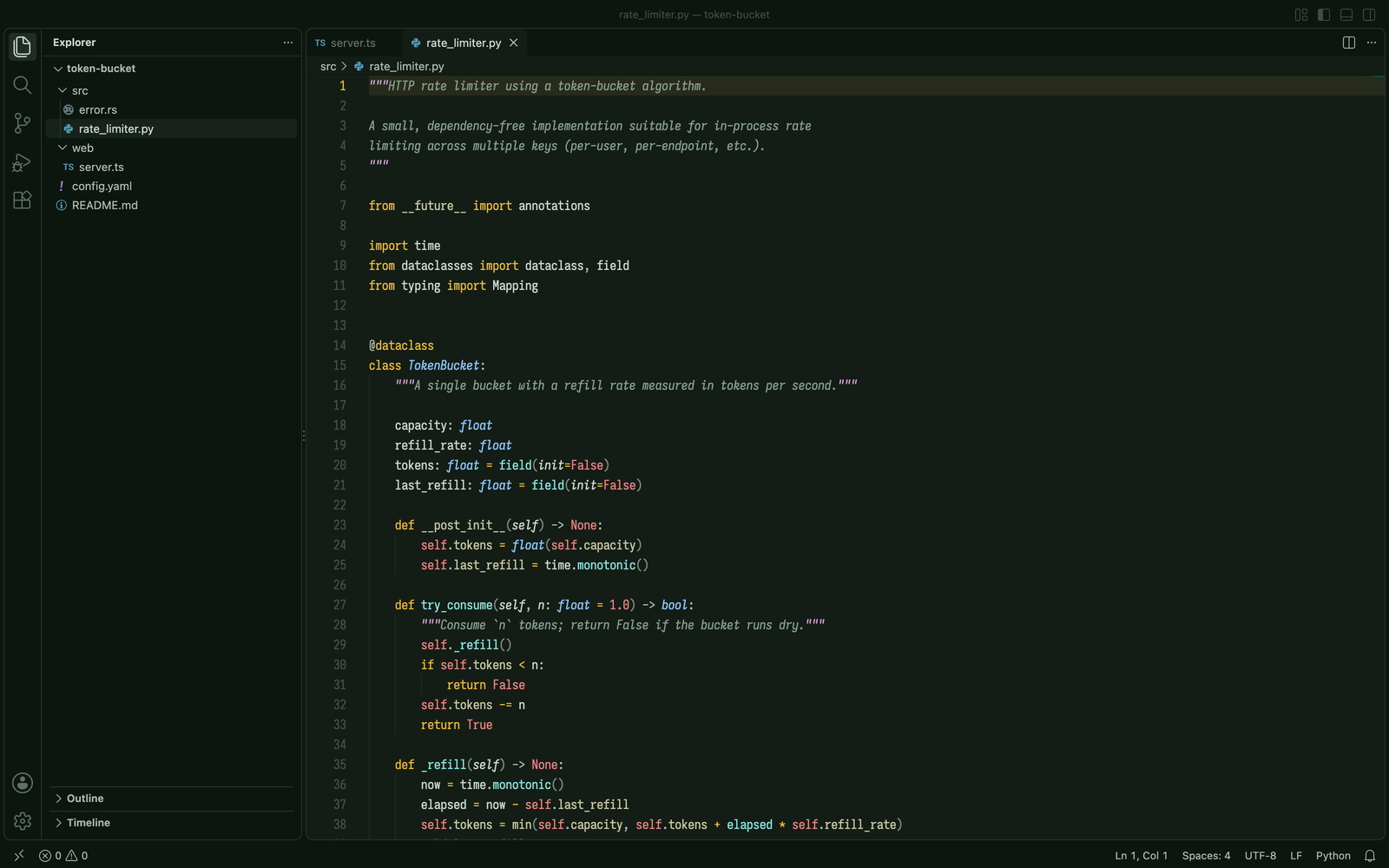
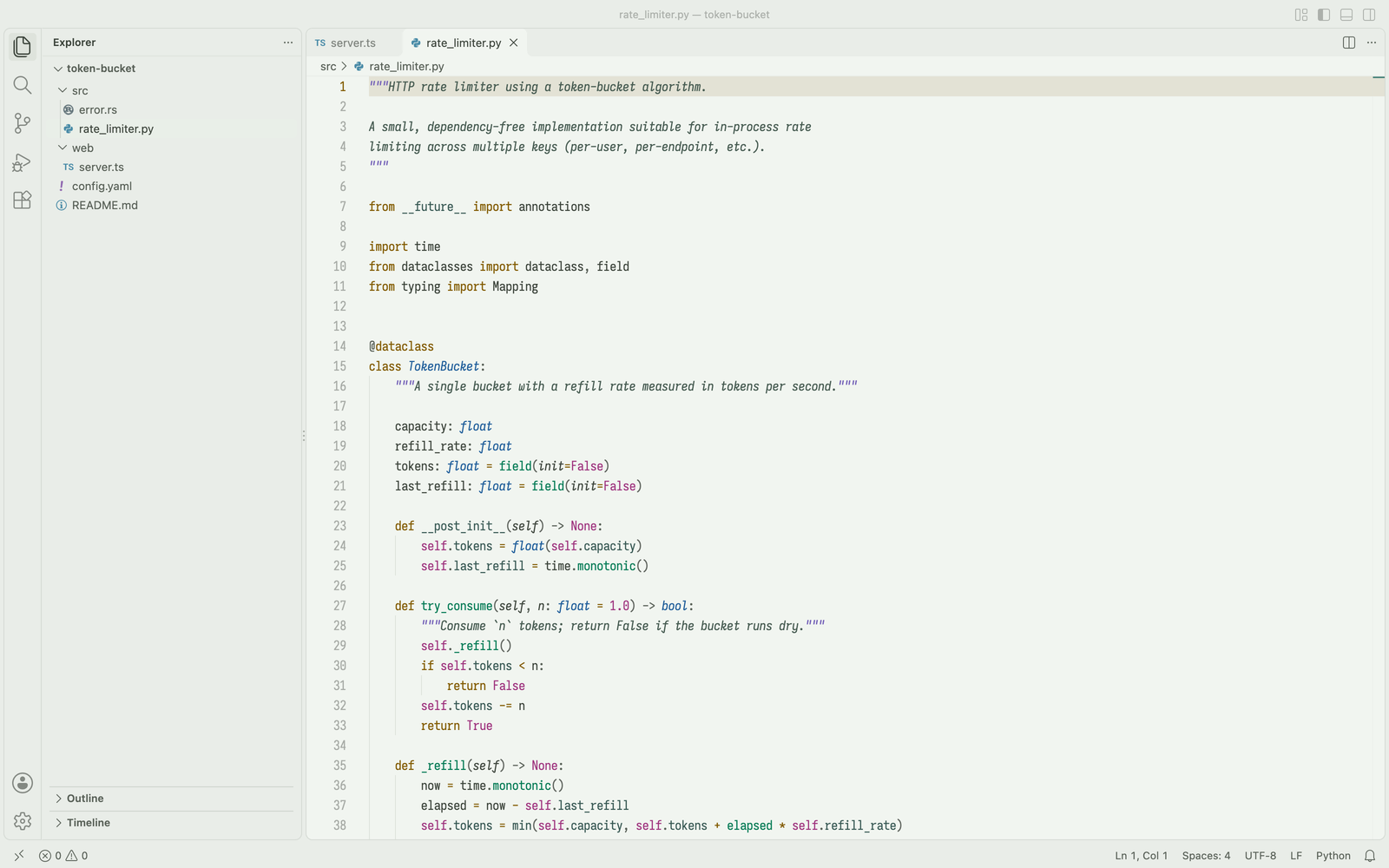
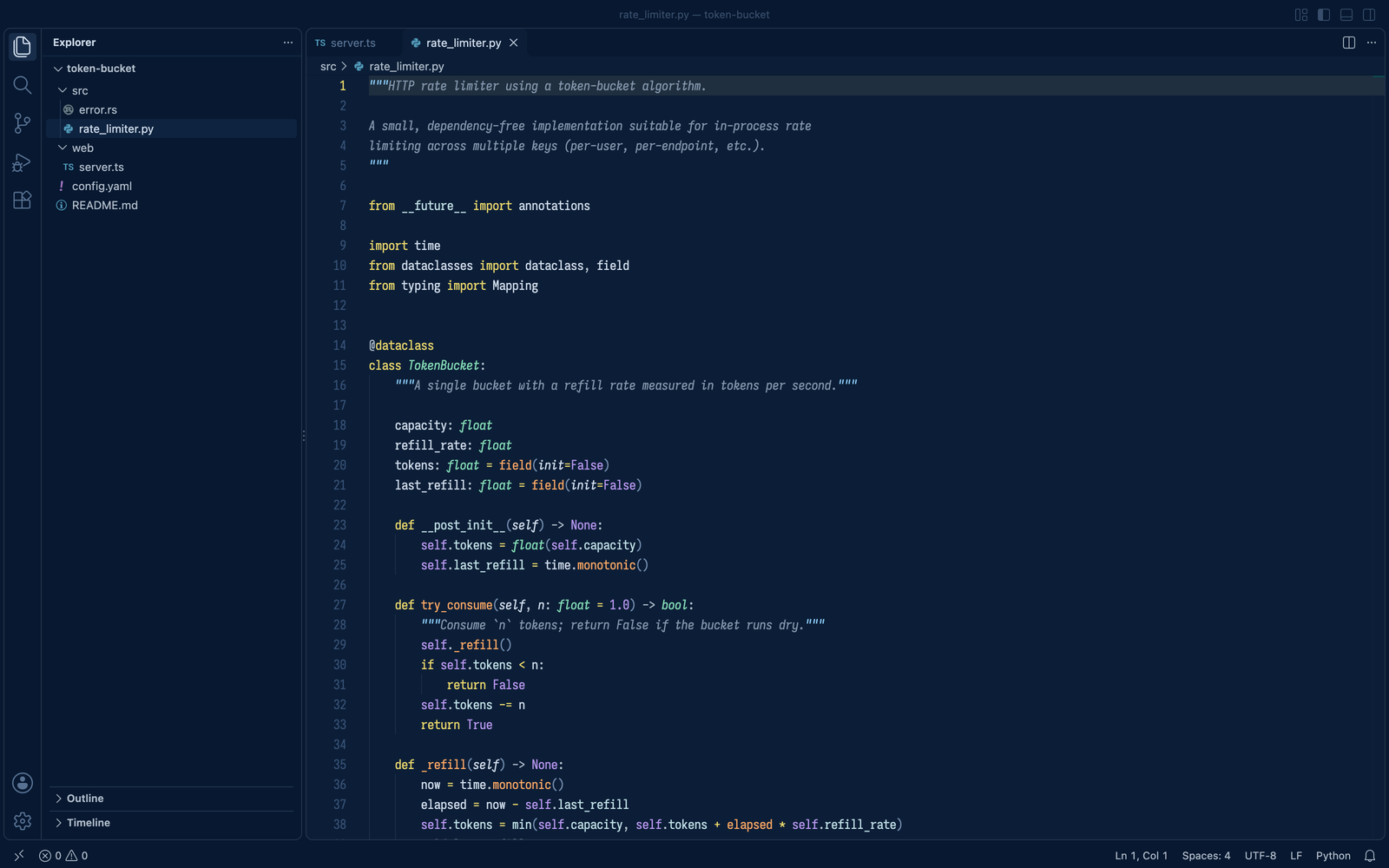
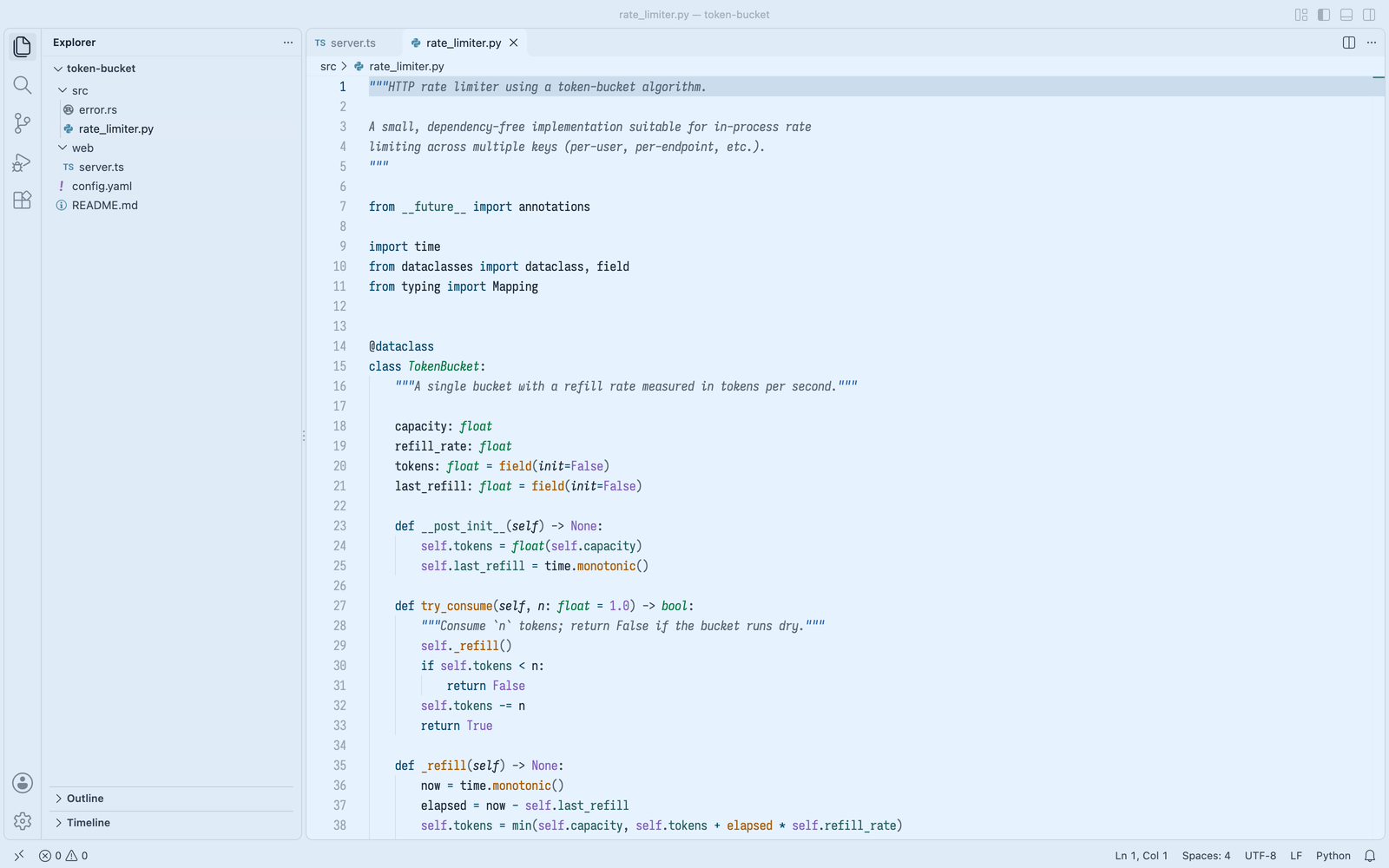
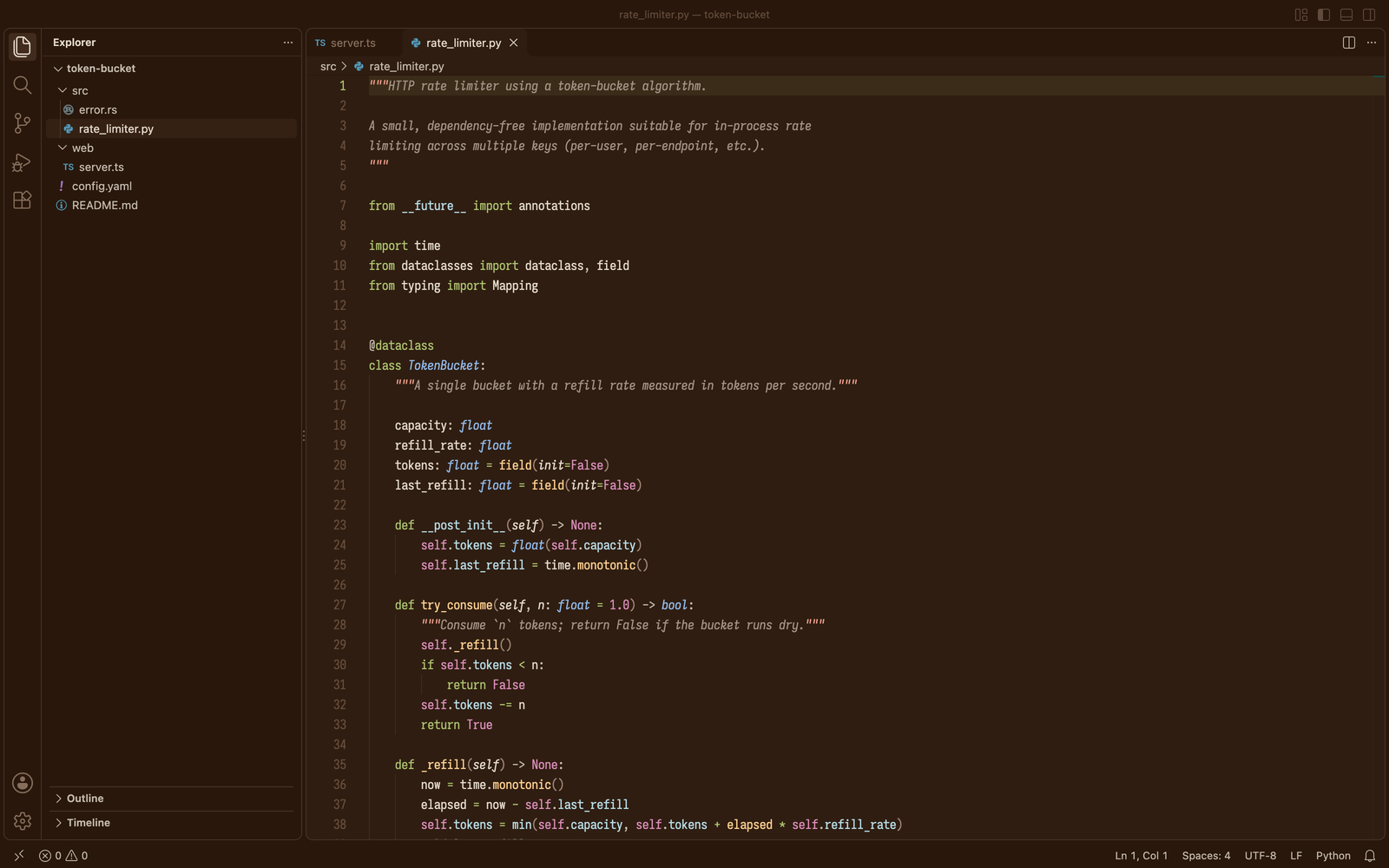
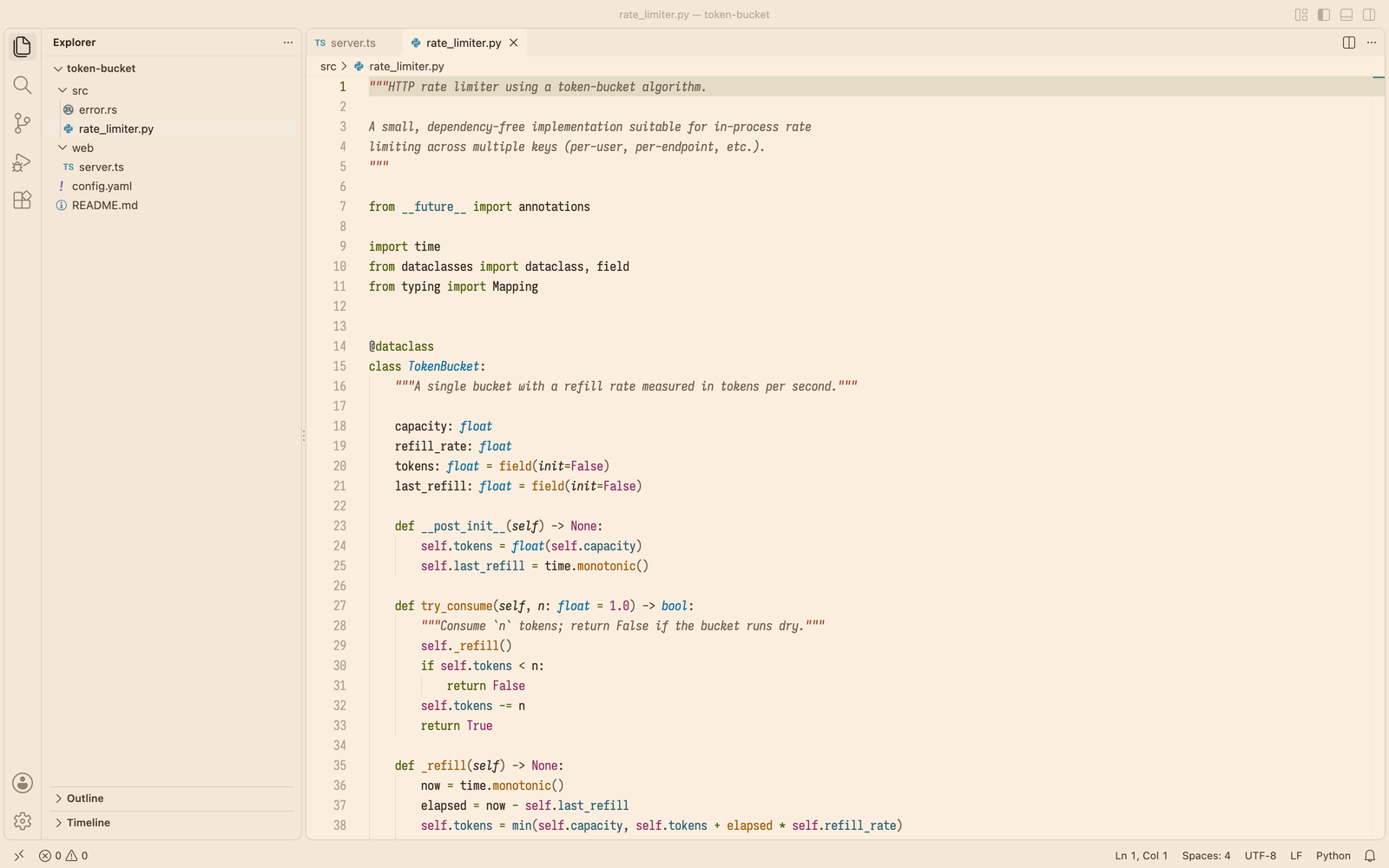
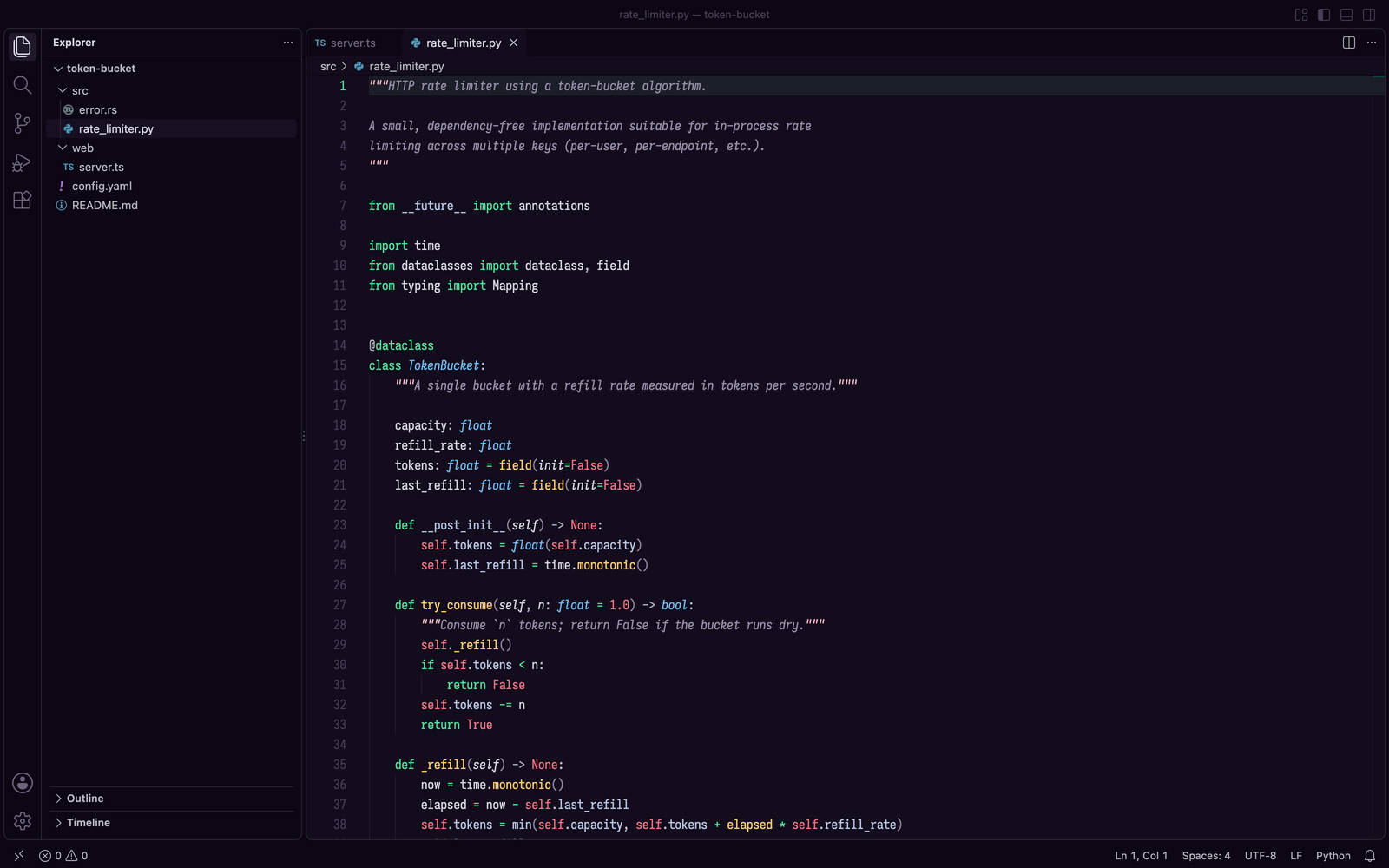
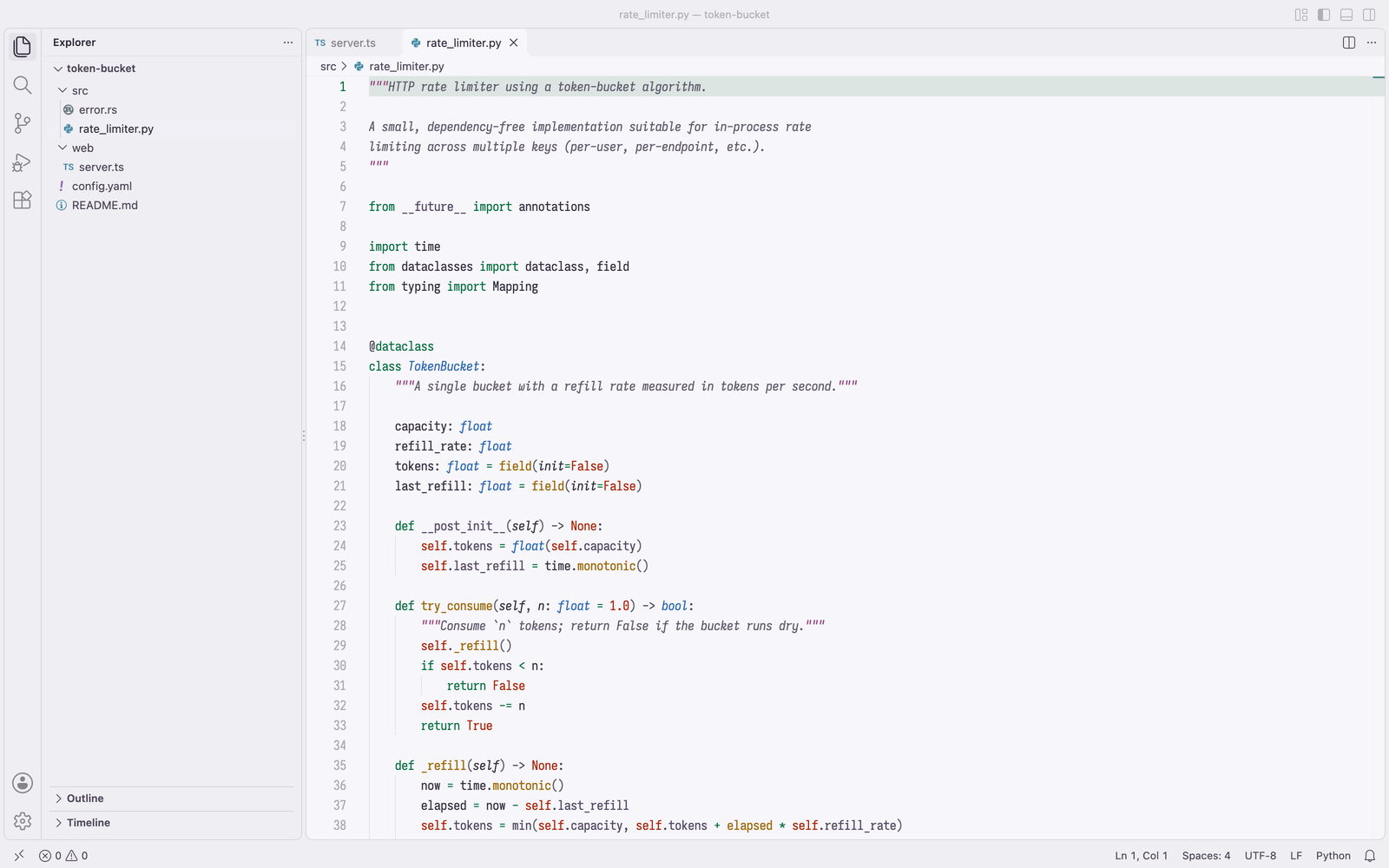
Fourteen flavors, each in dark and light: six code colours drawn from one scene, on tinted grounds. Quartz adds a high-contrast pair.
Installation
Launch VS Code Quick Open (Ctrl+P), paste the following command, and press enter.
Copied to clipboard
More Info

Lumina

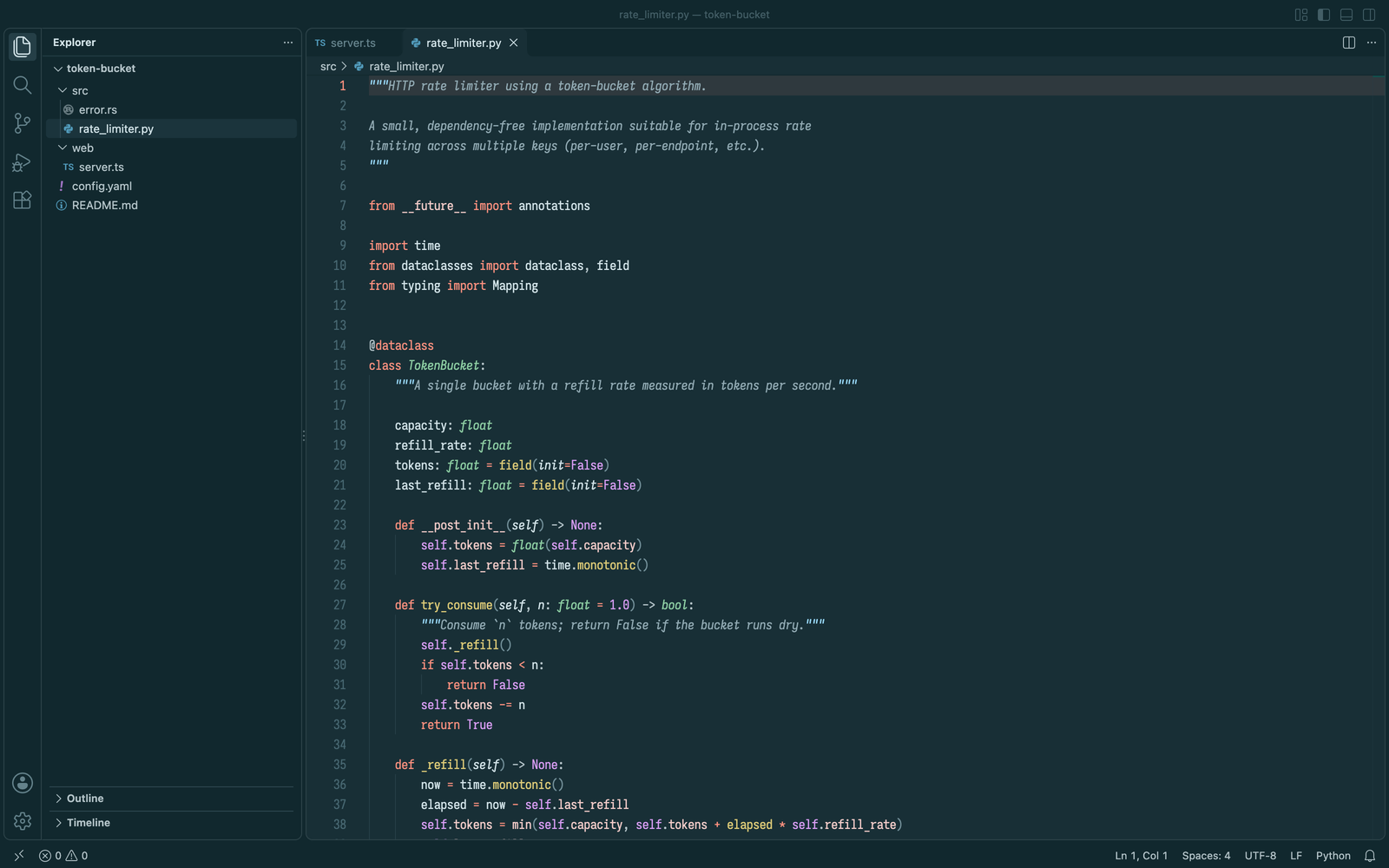
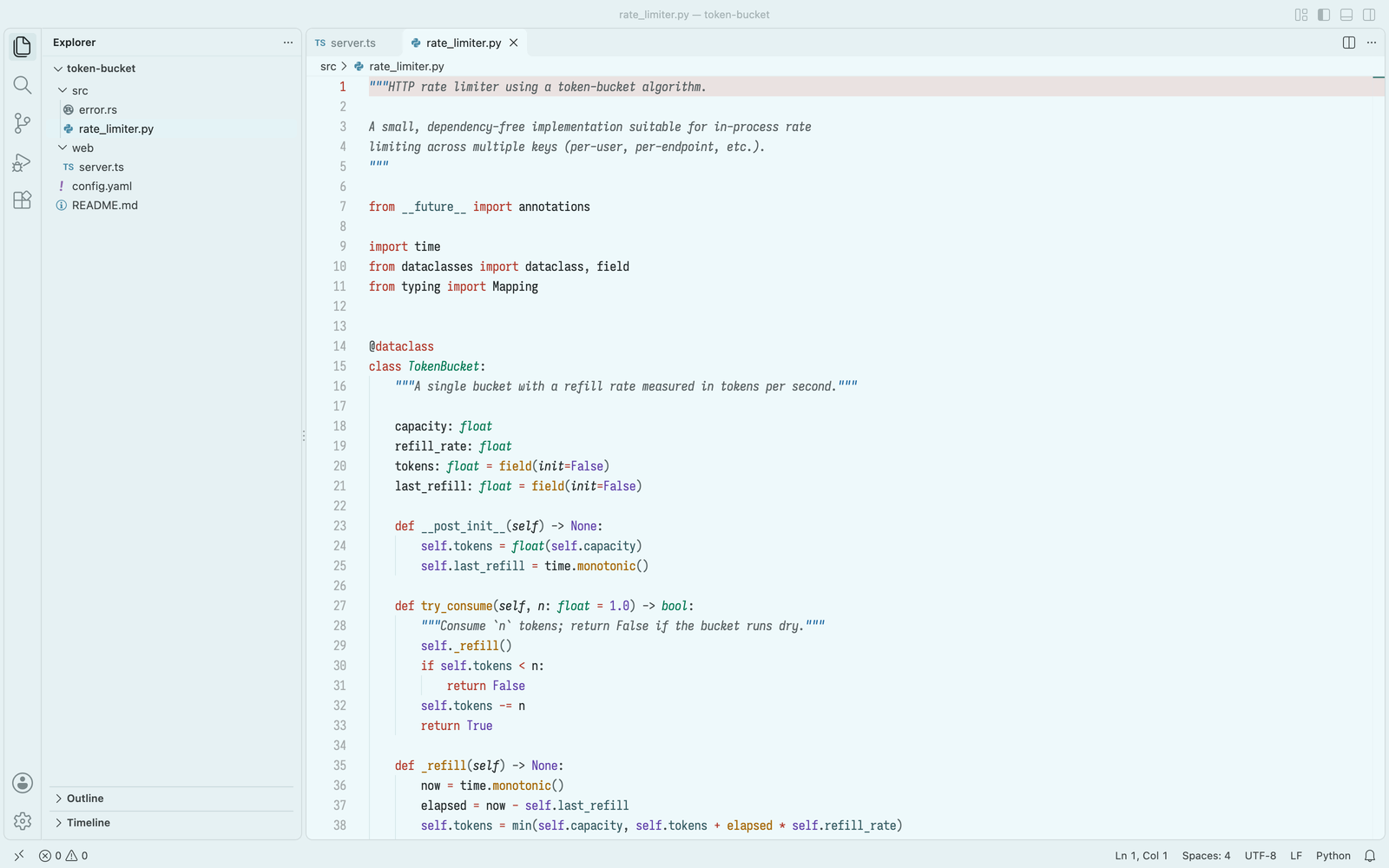
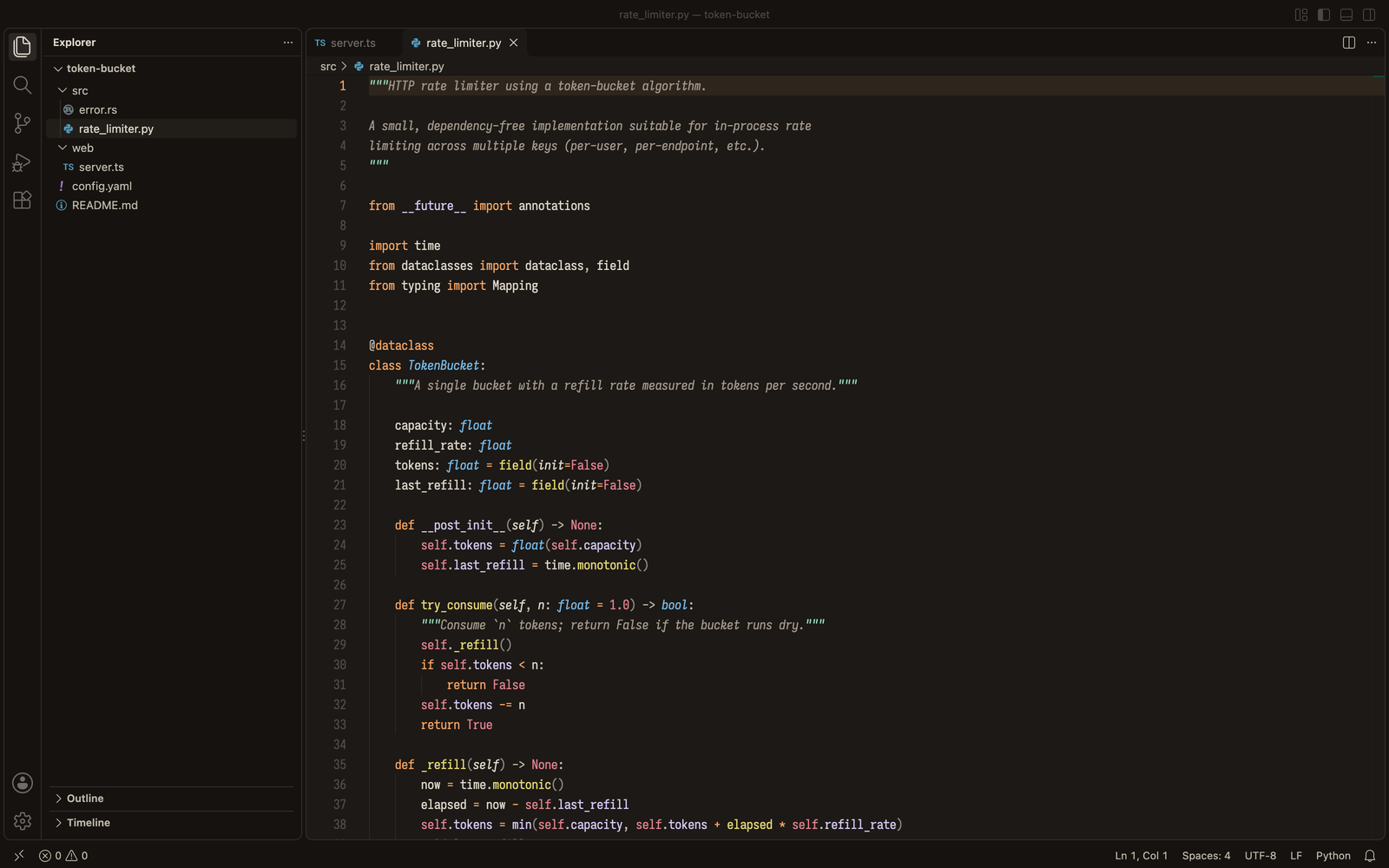
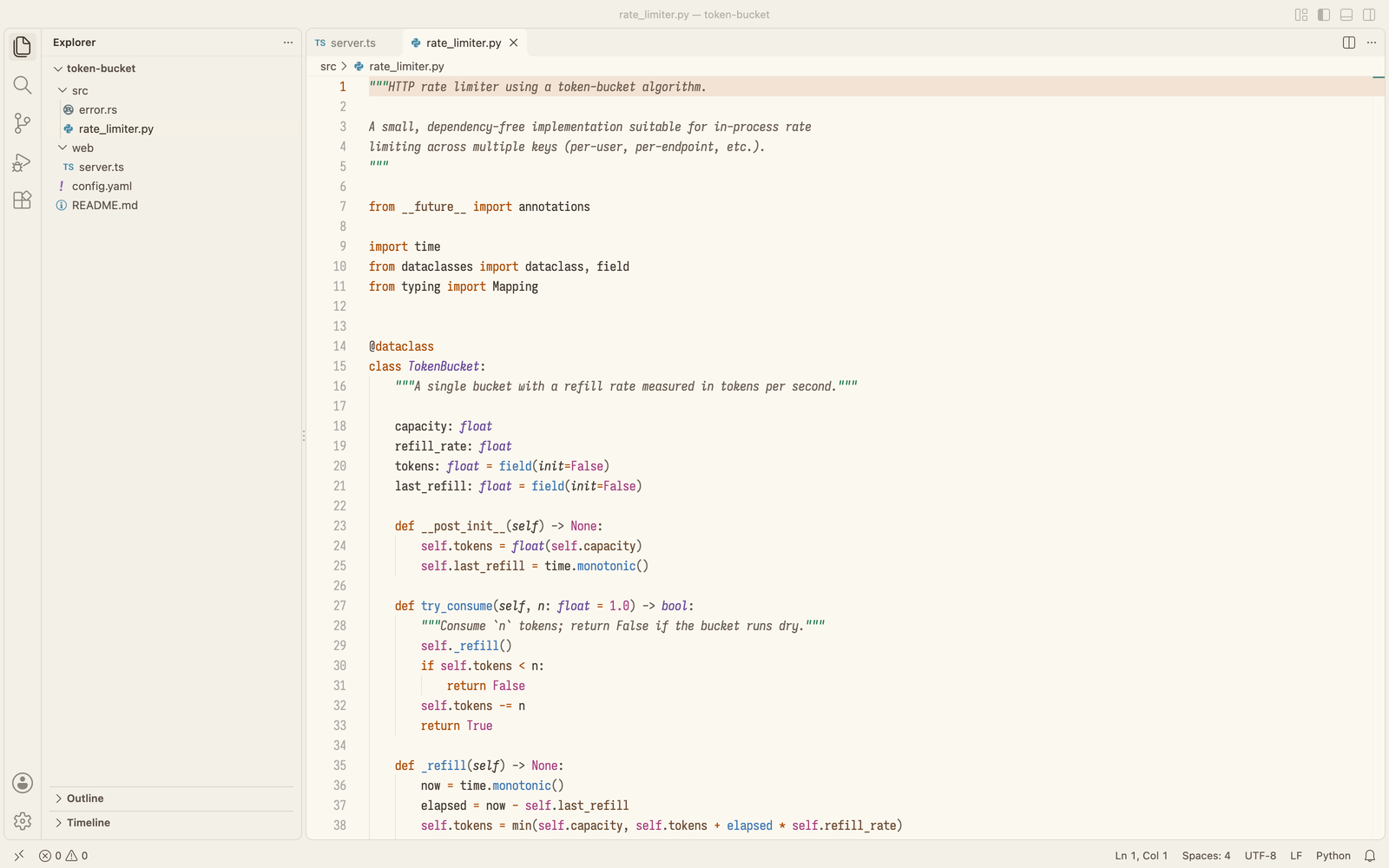
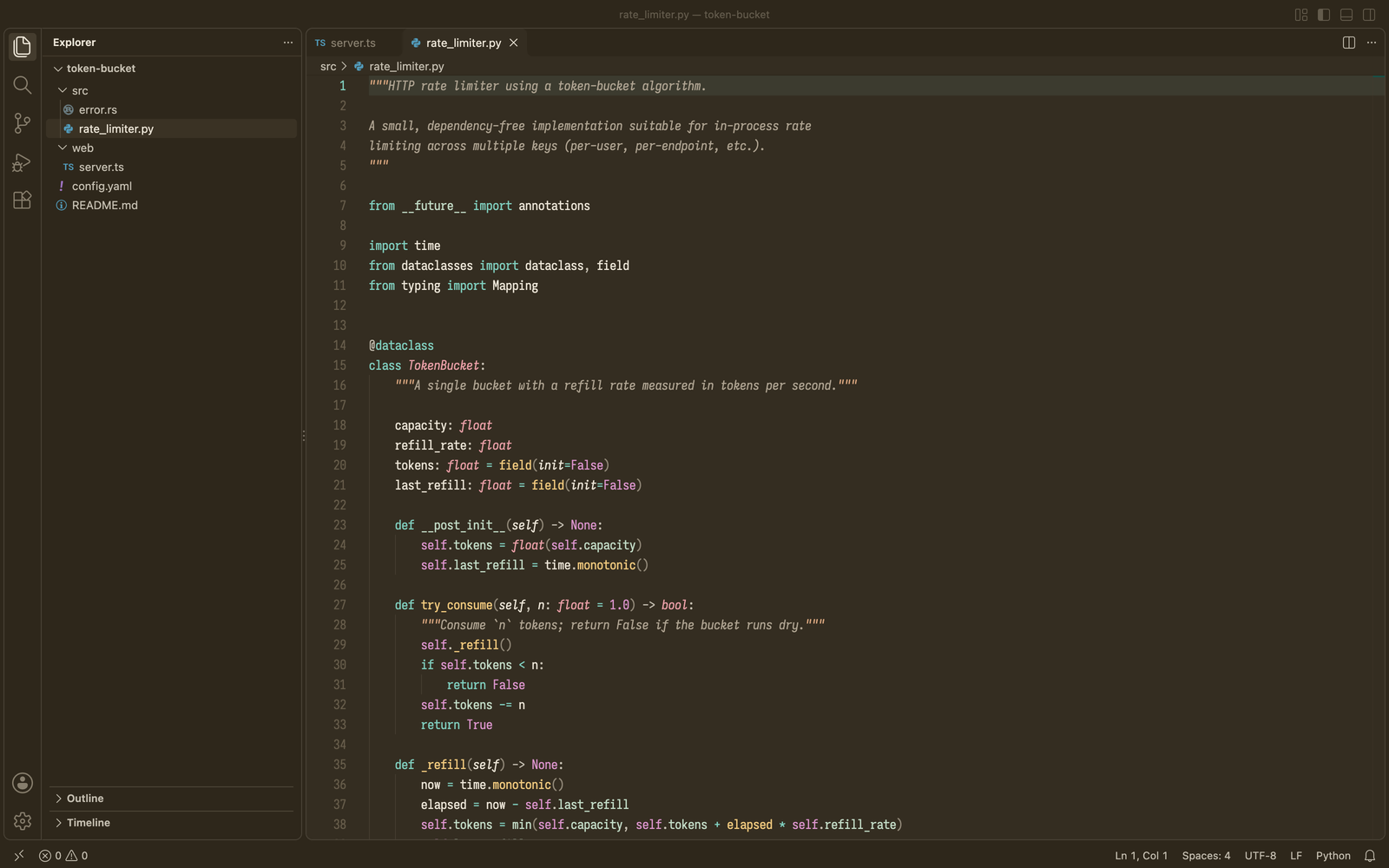
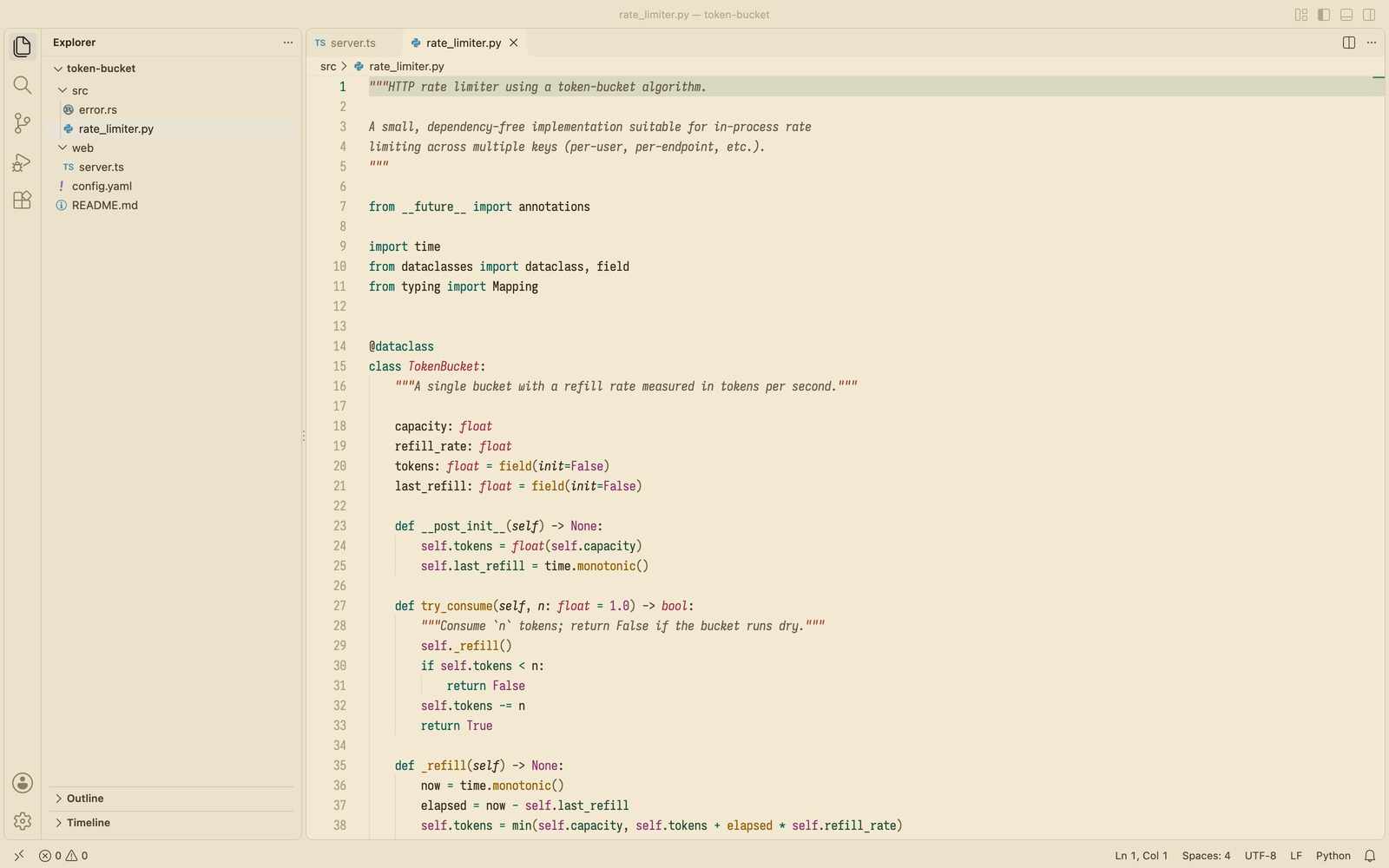
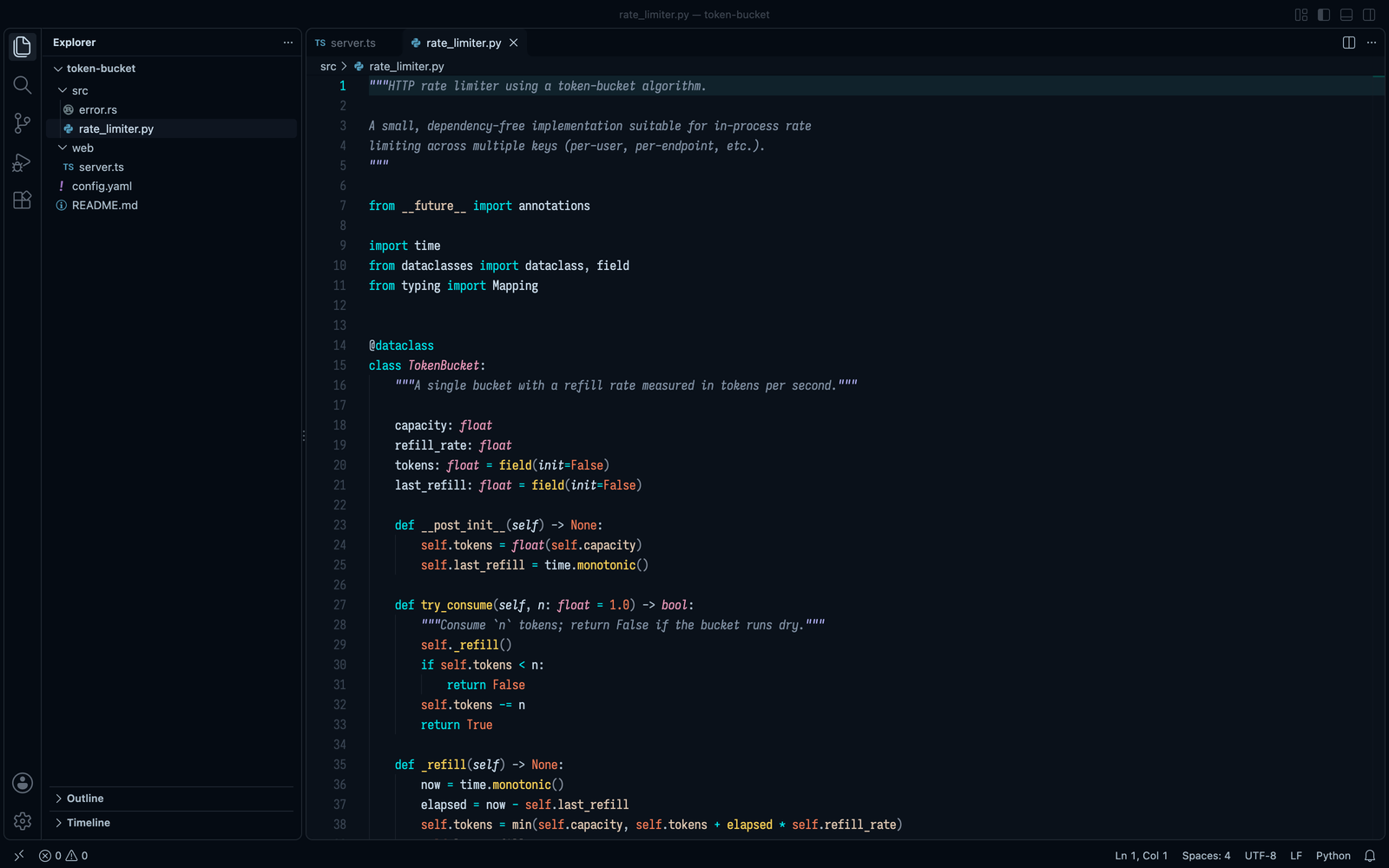
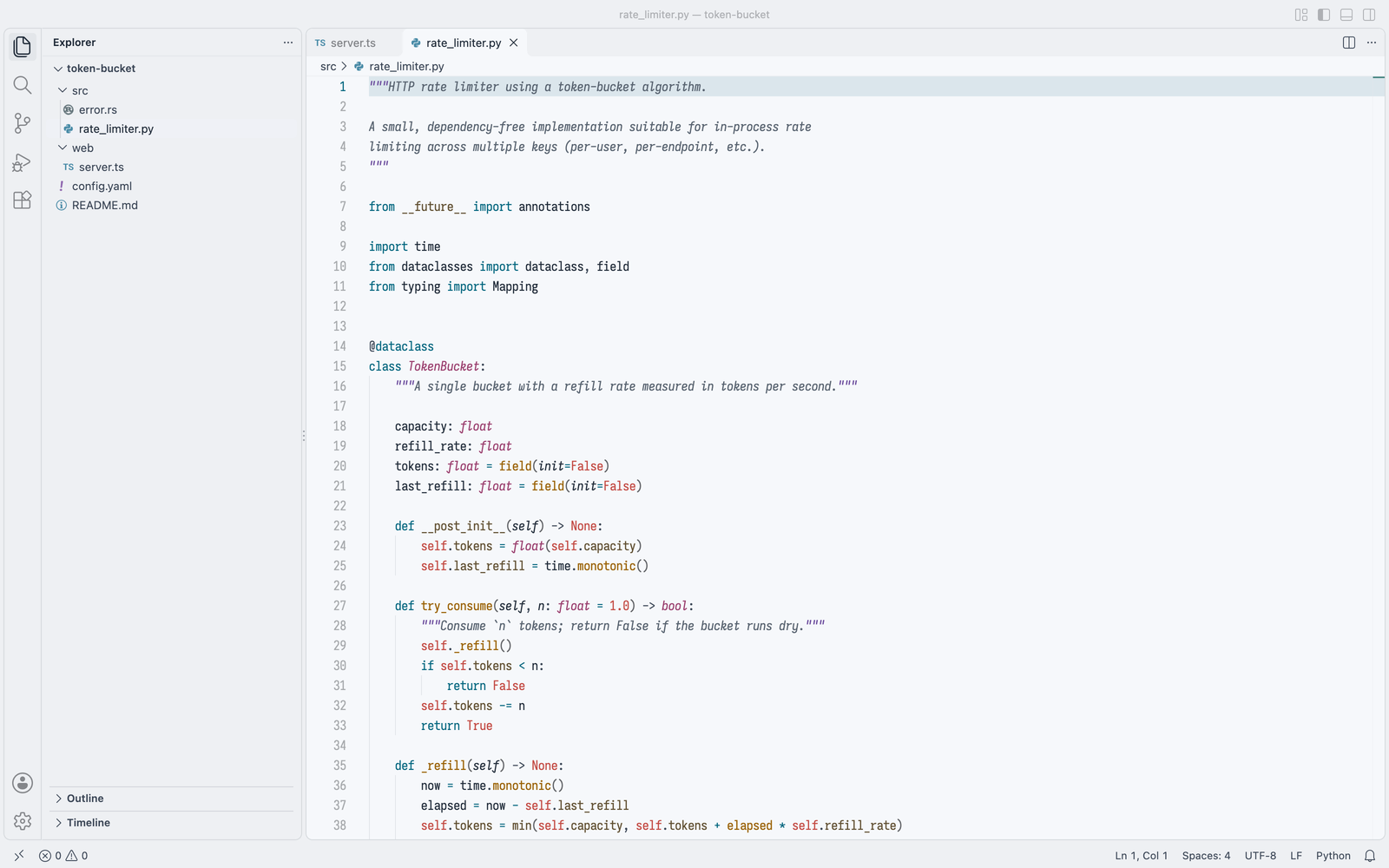
Fourteen colour themes, each with a dark and a light version, plus a high-contrast pair for low vision.

Each flavor starts from a scene, a sky at dusk, a lagoon, a café, a library, and takes its colours from it. The colours are calm and of even strength: none shouts louder than the others, so your eyes can rest anywhere on the screen. Rayleigh is the default flavor.

  • Easy on the eyes. Soft text, tinted by the background.
  • Readable by everyone. Every colour stays legible and distinct, colour-blind readers included.
  • The same everywhere. One design in every editor, and in over 150 Emacs packages.

Open the theme picker (Ctrl+K Ctrl+T, Cmd+K Cmd+T on macOS) and choose a Lumina flavor.

The same themes exist for Emacs, Neovim, WezTerm and terminals: github.com/RazikSF/lumina-themes.

Flavors

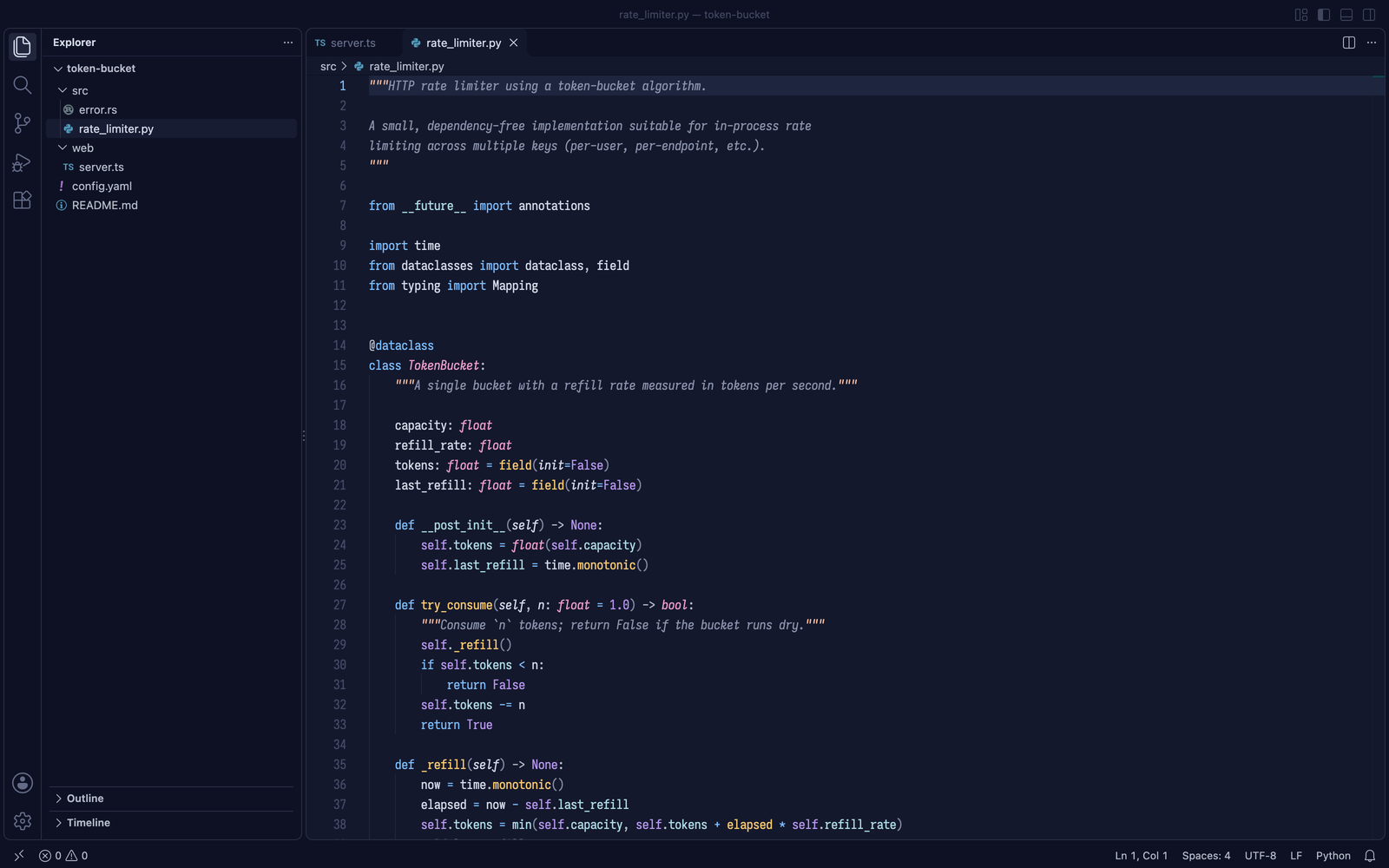
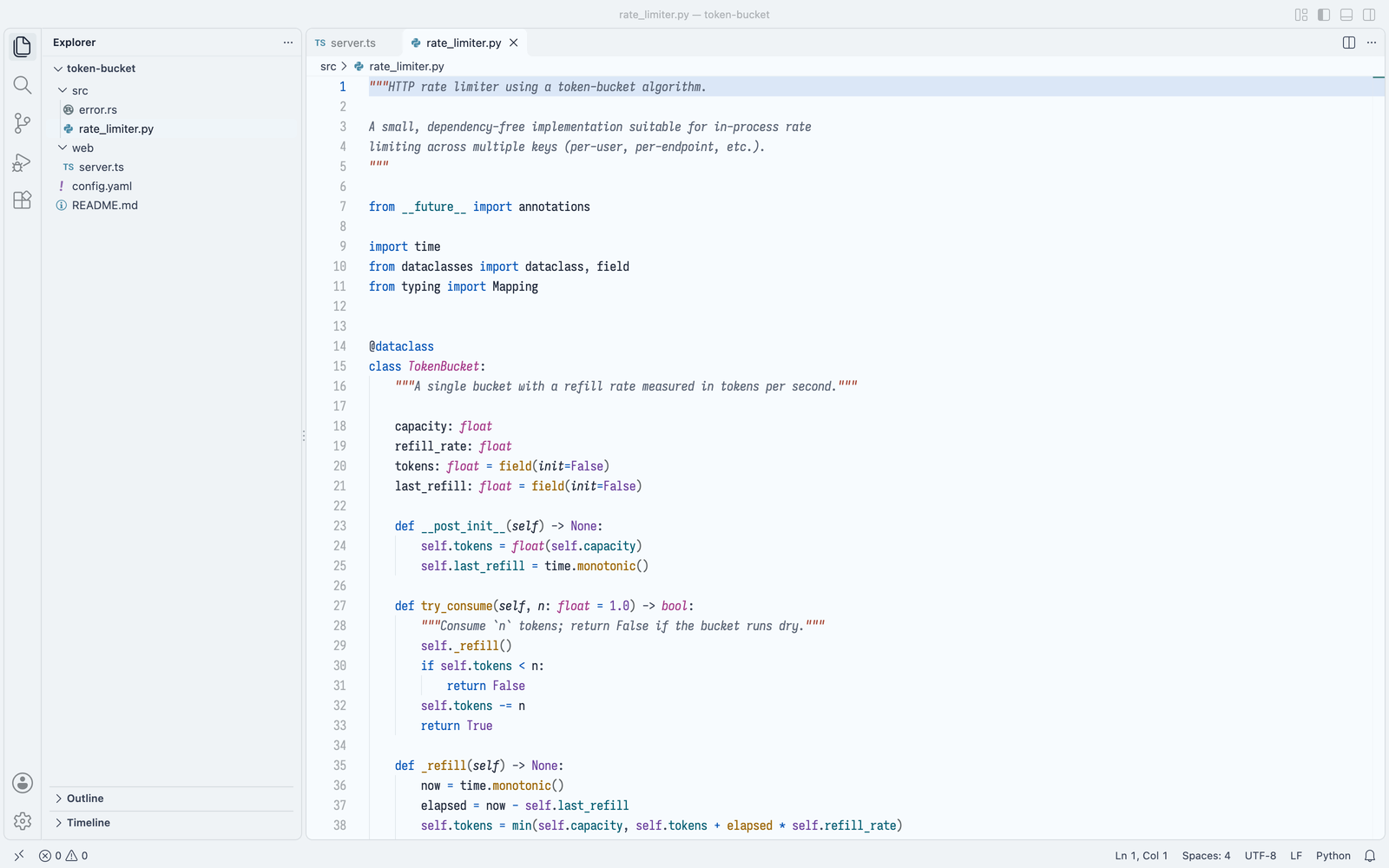
Rayleigh

Rayleigh dark Rayleigh light

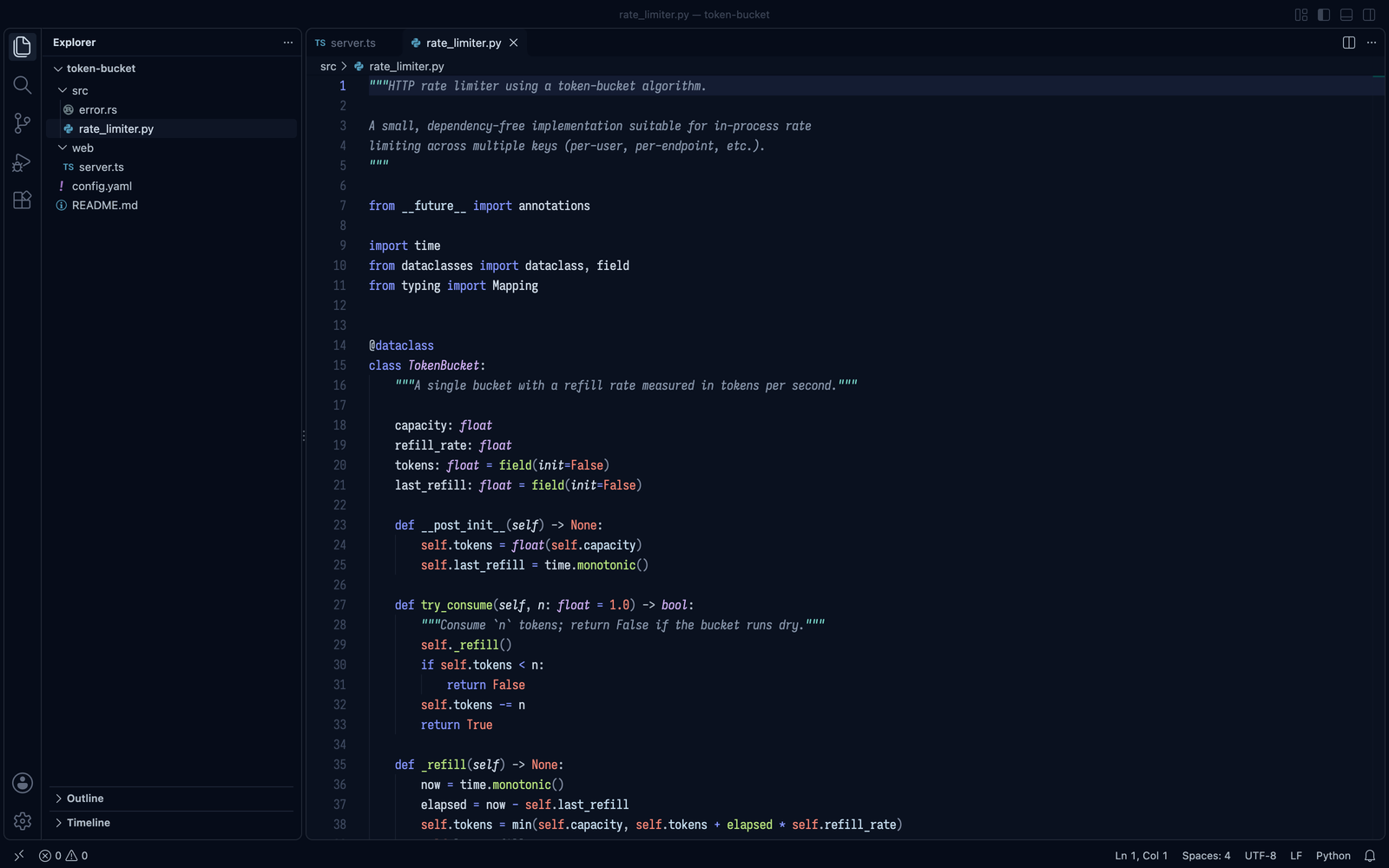
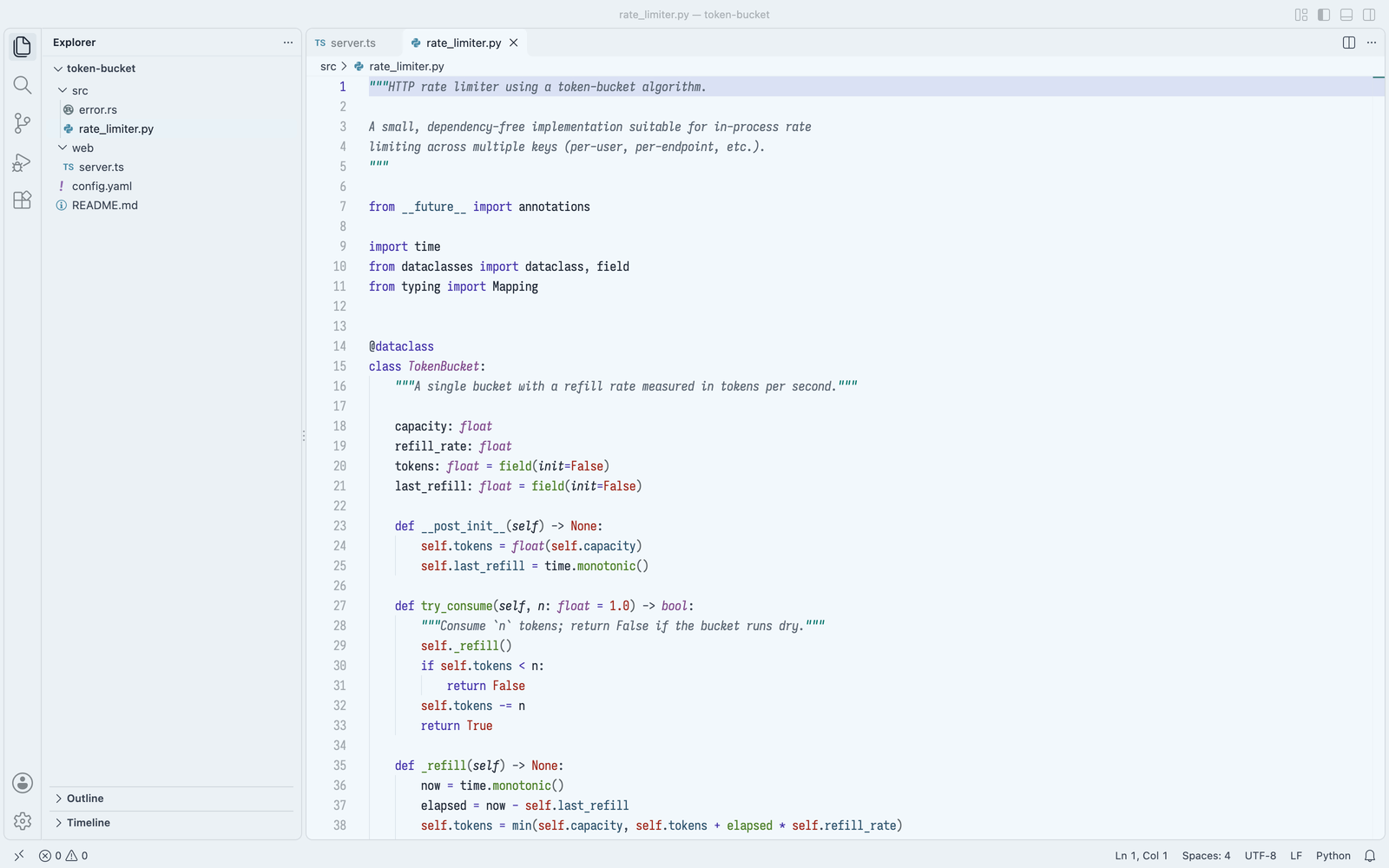
Cherenkov

Cherenkov dark Cherenkov light

Quartz

Quartz dark Quartz light

Olive

Olive dark Olive light

Dusk

Dusk dark Dusk light

Oxblood

Oxblood dark Oxblood light

Lagoon

Lagoon dark Lagoon light

Ember

Ember dark Ember light

Canopy

Canopy dark Canopy light

Harbor

Harbor dark Harbor light

Espresso

Espresso dark Espresso light

Aurora

Aurora dark Aurora light

Parchment

Parchment dark Parchment light

Nebula

Nebula dark Nebula light

License

MIT

  • Contact us
  • Jobs
  • Privacy
  • Manage cookies
  • Terms of use
  • Trademarks
  • Your Privacy Choices
  • Consumer Health Privacy
© 2026 Microsoft