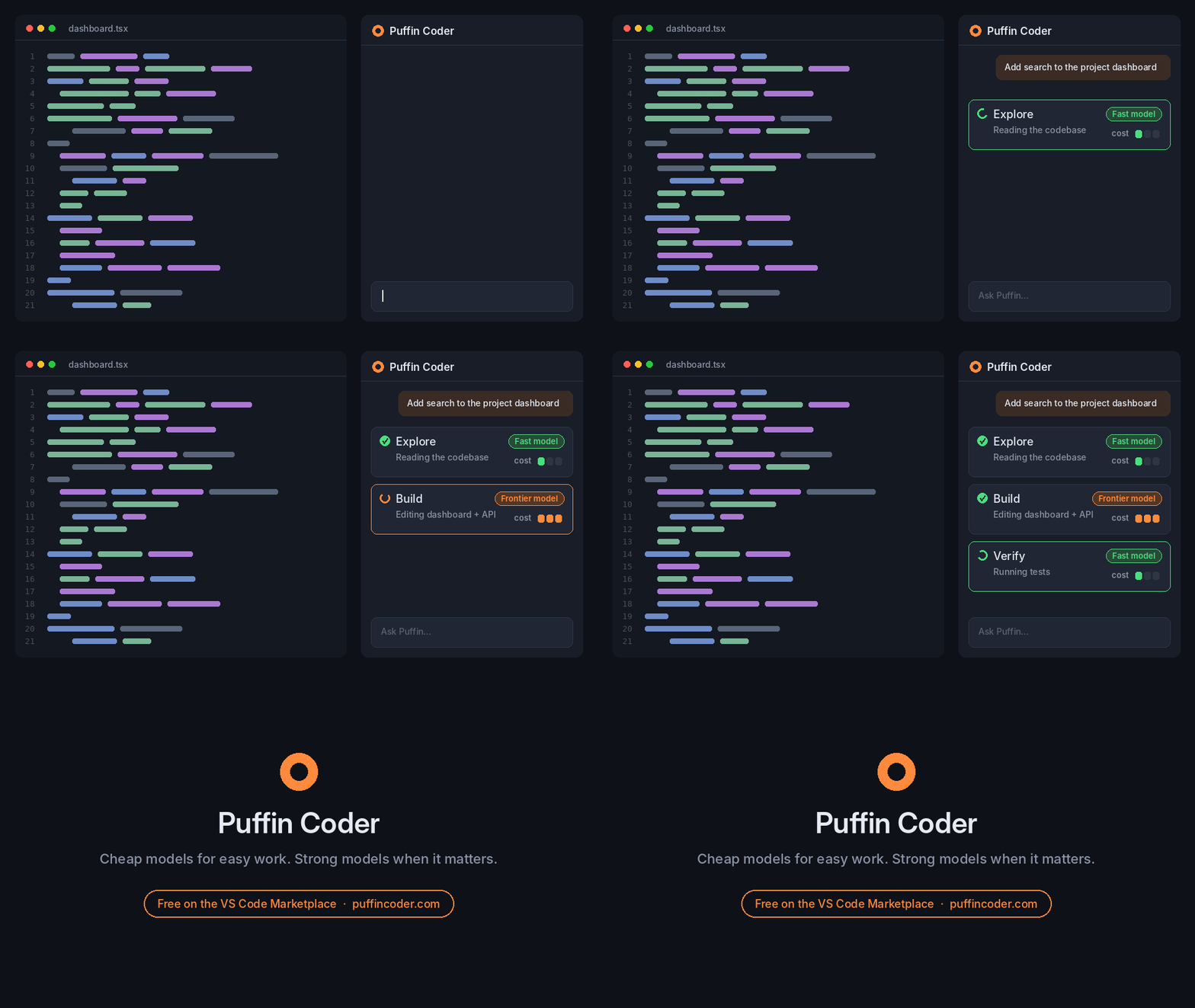
Puffin CoderPuffin Coder: your hosted coding assistant with project context, automatic routing, recovery, Stop, Undo and Resume. Installation Launch VS Code Quick Open ( Ctrl+P), paste the following command, and press enter.Copied to clipboard |

Puffin CoderAn AI coding assistant for VS Code that helps you build, edit, debug and run projects while keeping token usage and API costs in mind. Features
Get started
No local gateway server is needed. Provider keys remain on the hosted service; the extension stores its account token in VS Code SecretStorage. Manage selected BYOK models, plan and account settings in the dashboard. Upgrading from the earlier website editionThis Marketplace release uses the PuffinCoder publisher. Disable the older extension copy before installing this one to avoid duplicate commands, then sign in again. The publisher change creates a separate VS Code extension identity; local chats from the older identity are not automatically migrated. |