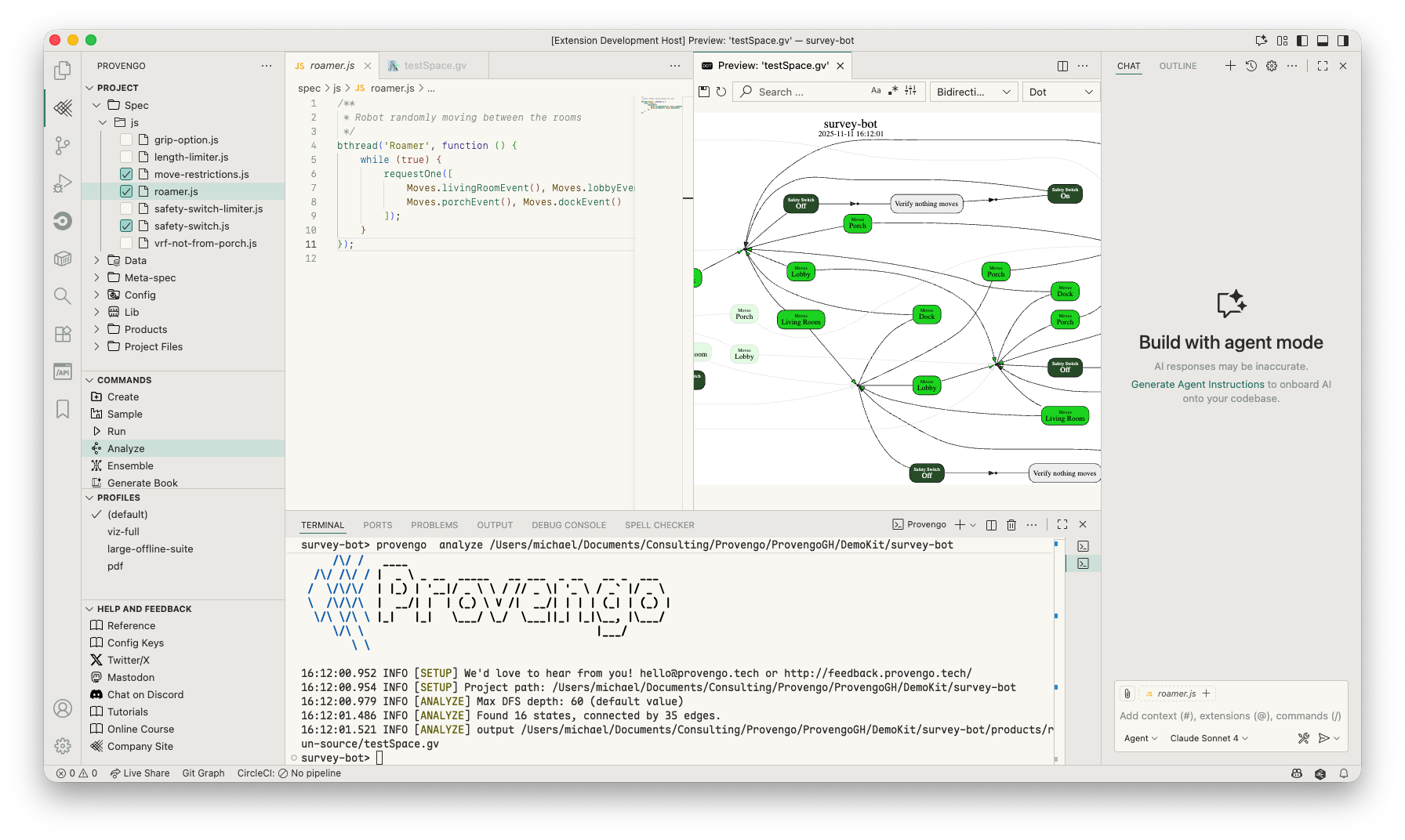
Provengo IDE by Provengo is a VSCode extensions for creating and working with Provengo models.
What's Supported
Better navigation within a project
GUI for selecting profiles and invoking provengo commands
Access to help, reference materials, and other useful resources
Requirements
The Provengo tool should be installed on your machine. See Installation instructions for more information.
Configuration
Normally, no configuration is required, and the IDE works immediately after being installed.
Some configuration are supported, however. E.g. to support cases where multiple provengo tools are installed, or when certain flags have to be added for any provengo invocation.
To open the settings editor, navigate to: File > Preferences > Settings, or use keyboard shortcut:
Ctrl + , / command + ,. Then type provengo in the settings search box.