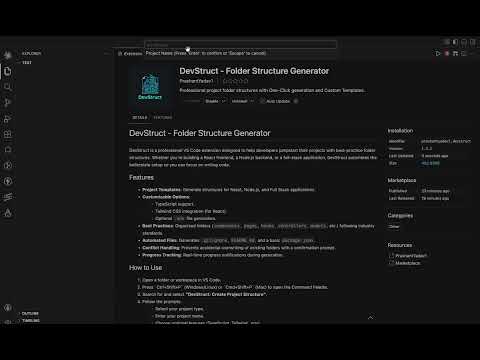
DevStruct - Folder Structure GeneratorProfessional project folder structures with One-Click generation and Custom Templates. Installation Launch VS Code Quick Open ( Ctrl+P), paste the following command, and press enter.Copied to clipboard |

DevStruct 🚀Generate clean, production-ready project structures in seconds. 🎥 Demo
⚡ What it doesDevStruct helps you skip repetitive setup by instantly generating a well-structured project layout based on modern development practices. No more manually creating folders or thinking about structure — just run a command and start building. 🧩 Supported Templates
Each template follows a clean and scalable architecture. 🔥 Key Features
🏗️ Example StructureReactsrc/ ├── components/ ├── pages/ ├── hooks/ ├── services/ ├── assets/ Node.jssrc/ ├── controllers/ ├── routes/ ├── models/ ├── middlewares/ ├── config/ 🚀 How to Use
🎯 Command
💡 Why DevStruct?
⭐ SupportIf this extension helps you, consider:
Start building faster with DevStruct 🚀 |