BLP Image Preview
Preview Blizzard .blp texture files directly in VS Code — no external tools required.
Features
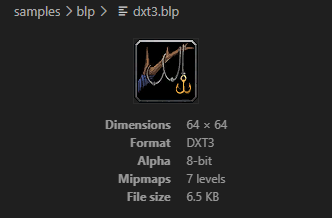
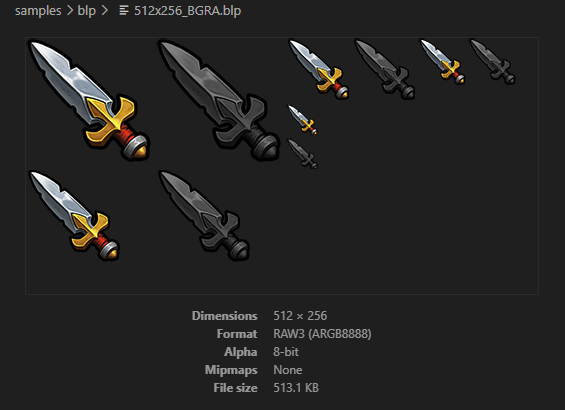
- Opens
.blp files as image previews automatically
- Displays image metadata: format, alpha depth, mipmap count, and file size
- Supports BLP1 and BLP2 texture files:
- BLP1 JPEG
- BLP1 RAW1 — palettized (256-color)
- BLP2 DXT1 — no alpha or 1-bit alpha
- BLP2 DXT3 — explicit 4-bit alpha
- BLP2 DXT5 — interpolated 8-bit alpha
- BLP2 RAW1 — palettized (256-color)
- BLP2 RAW3 — uncompressed ARGB8888
- Respects VS Code's light/dark theme for the preview background
Usage
Open any .blp file in VS Code. The preview renders automatically in place of the text editor.
Supported File Types
| Extension |
Format |
.blp |
Blizzard Picture (BLP1/BLP2) |
Requirements
No external tools or runtimes required. Decoding is handled entirely within the extension using the @pinta365/blp library.
Known Limitations
- Only the main mipmap level (level 0) is displayed
License
MIT
| |

