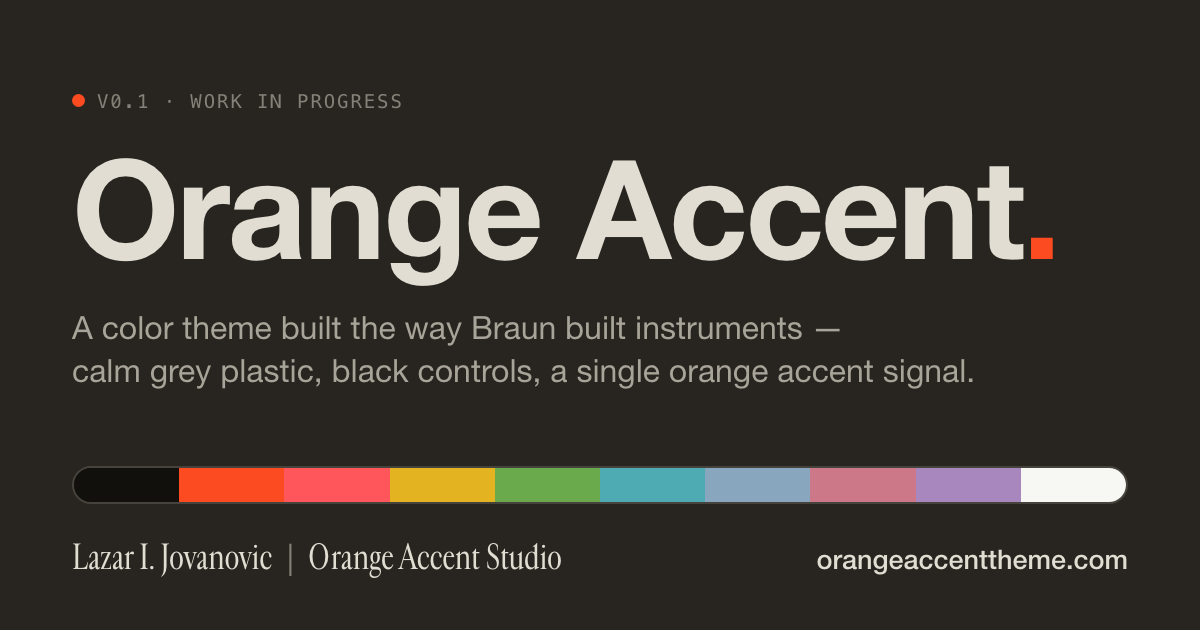
A color theme built the way Braun built instruments: calm grey plastic,
black controls, and a single orange accent signal. One specification, dark
and light, the same voice in every app.
Version 0.1, a work in progress. The same palette is available for the
Ghostty terminal at orangeaccenttheme.com.
Two variants
Orange Accent Dark: warm umber surfaces. Keywords carry the orange
signal; types glow in watch-hand amber and attributes in the teal of a
vacuum-fluorescent display.
Orange Accent Light: instrument-grey paper and black ink. The orange
fills buttons, badges and the cursor; keywords take a deep rust that
stays readable on light paper.
Design principles
One signal. A single orange, #FD4B21, does the job of the knob,
the switch and the second hand: the cursor, focus, buttons and active
tabs. Hover is the same orange, slightly translucent.
Black controls. Operators are set in the text color, the way every
control on a Braun device is black.
Grey plastic. Surfaces are one neutral ramp, from the housing down
to the text.
Readable. Every syntax color clears WCAG AA (4.5:1) against its
background. Only comments and Markdown quotes are deliberately quieter.
Install
Open the Extensions view (Cmd+Shift+X on macOS, Ctrl+Shift+X on
Windows and Linux), search for Orange Accent Theme, and select
Install.
Run Preferences: Color Theme and choose Orange Accent Dark or
Orange Accent Light.
To switch between the two with your system appearance, add this to your
settings.json: