Repolit VS Code Extension (repolit-vscode)
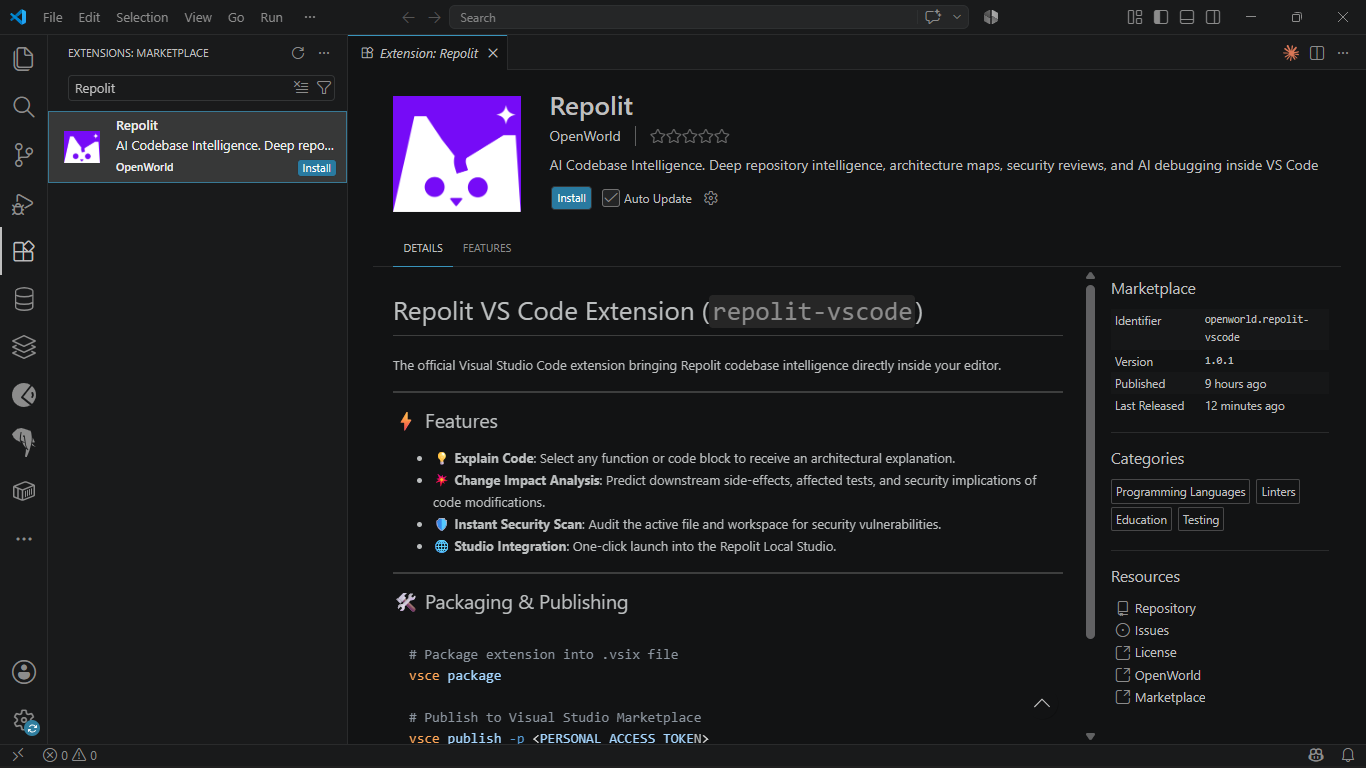
The official Visual Studio Code extension bringing Repolit codebase intelligence directly inside your editor.
Proprietary and confidential. Part of the commercial Repolit platform — not open source.
⚡ Commands
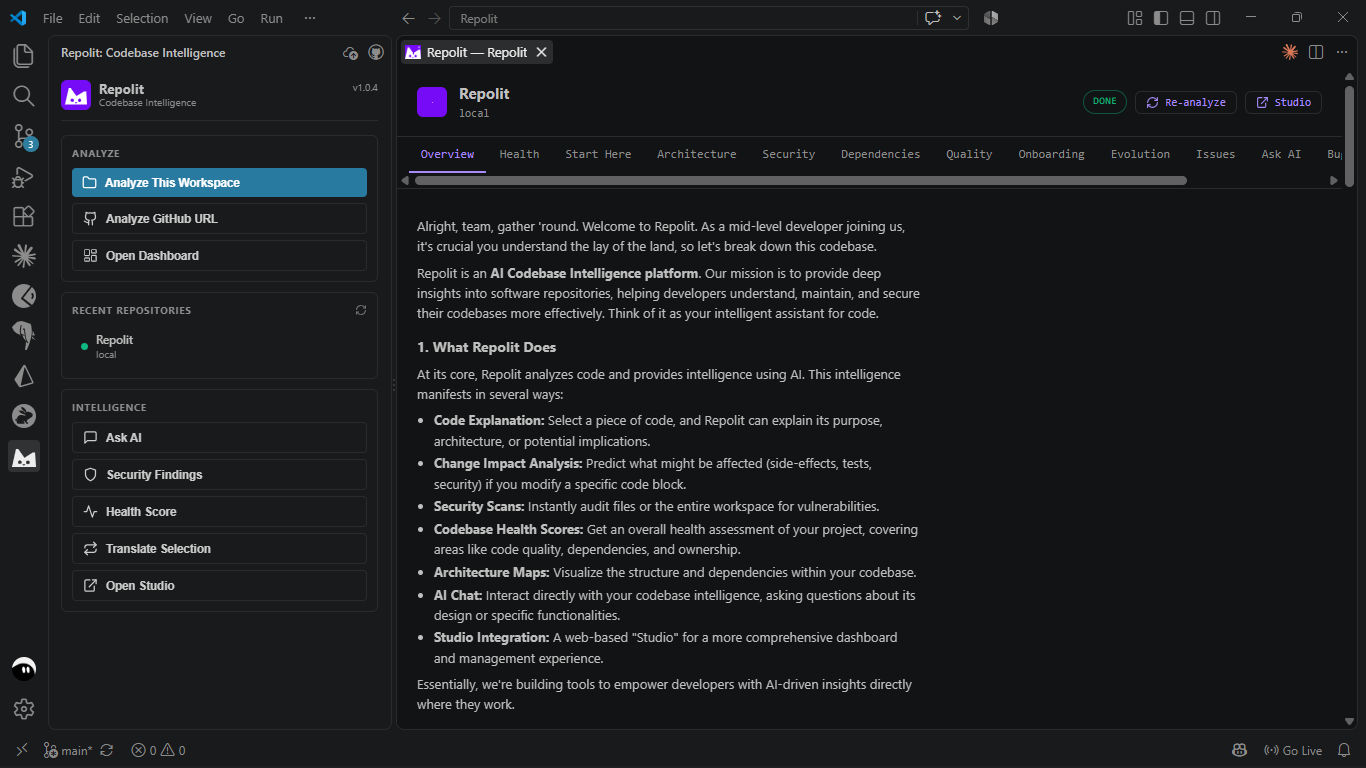
- 🔎 Analyze Workspace — Analyze the current workspace with Repolit.
- 🌐 Analyze GitHub URL — Analyze any repository by URL.
- 📊 Open Intelligence Dashboard — Open the Repolit dashboard for the workspace.
- 💬 Chat with Codebase — Ask context-aware questions about your code.
- 💡 Explain Selected Code — Get an architectural explanation of a selection.
- 🔄 Translate Selected Code — Translate a selection to another language.
- 💥 Analyze Change Impact — Predict downstream side-effects of a change.
- 🛡️ Show Security Findings — Surface security findings for the workspace.
- 💚 Show Health Score — View the repository health score.
- 🚀 Open Studio in Browser — One-click launch into the Repolit studio.
Commands are available from the Command Palette, the editor context menu, and the Repolit sidebar view.
🛠️ Packaging & Publishing
# Package extension into .vsix file
vsce package

# Publish to Visual Studio Marketplace
vsce publish -p <PERSONAL_ACCESS_TOKEN>
| |

