

Play MP4, WebM, MOV, MKV, and AVI ,videos directly inside VS Code all in one — with full audio and a clean player UI.
Demos
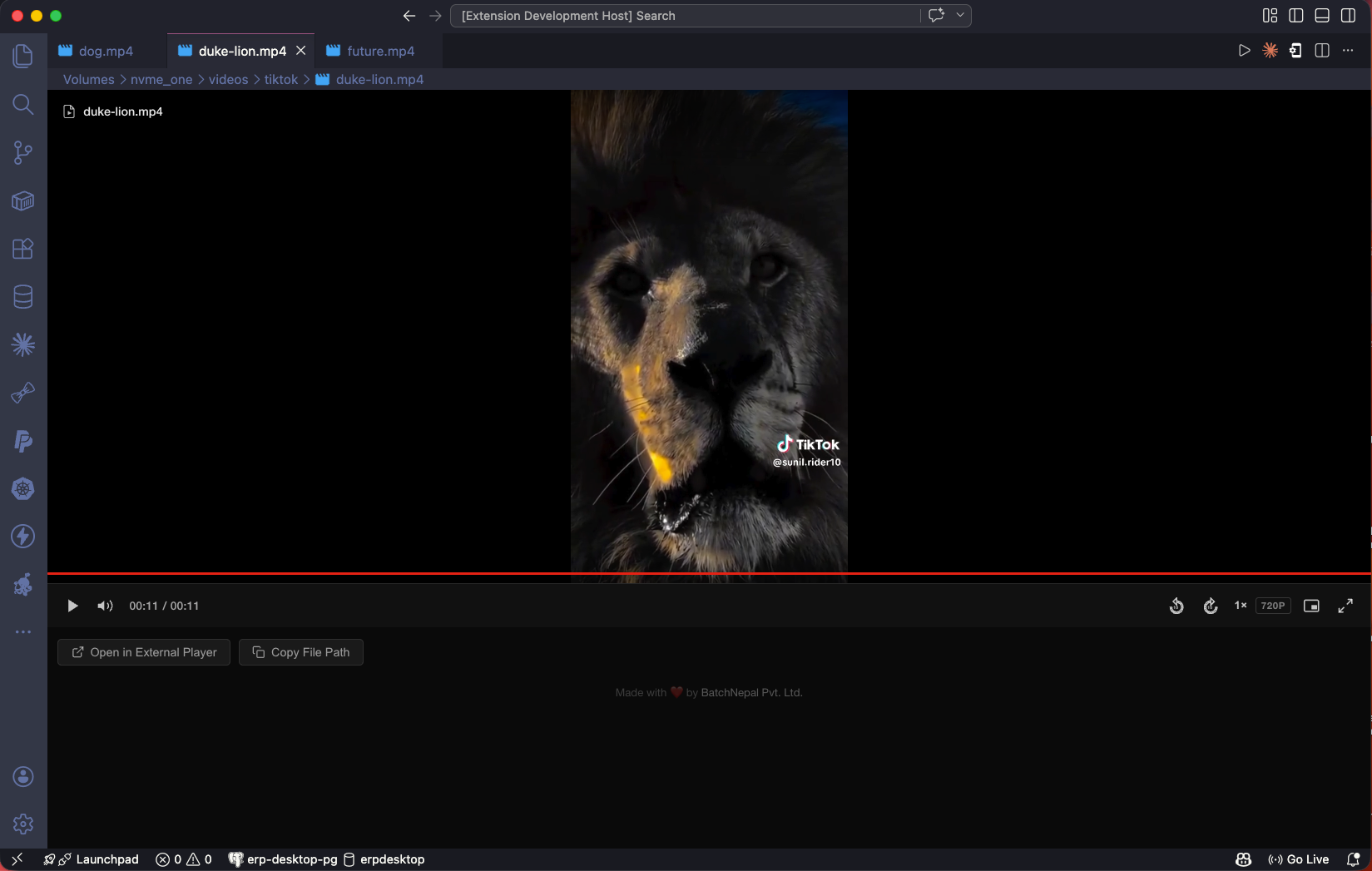
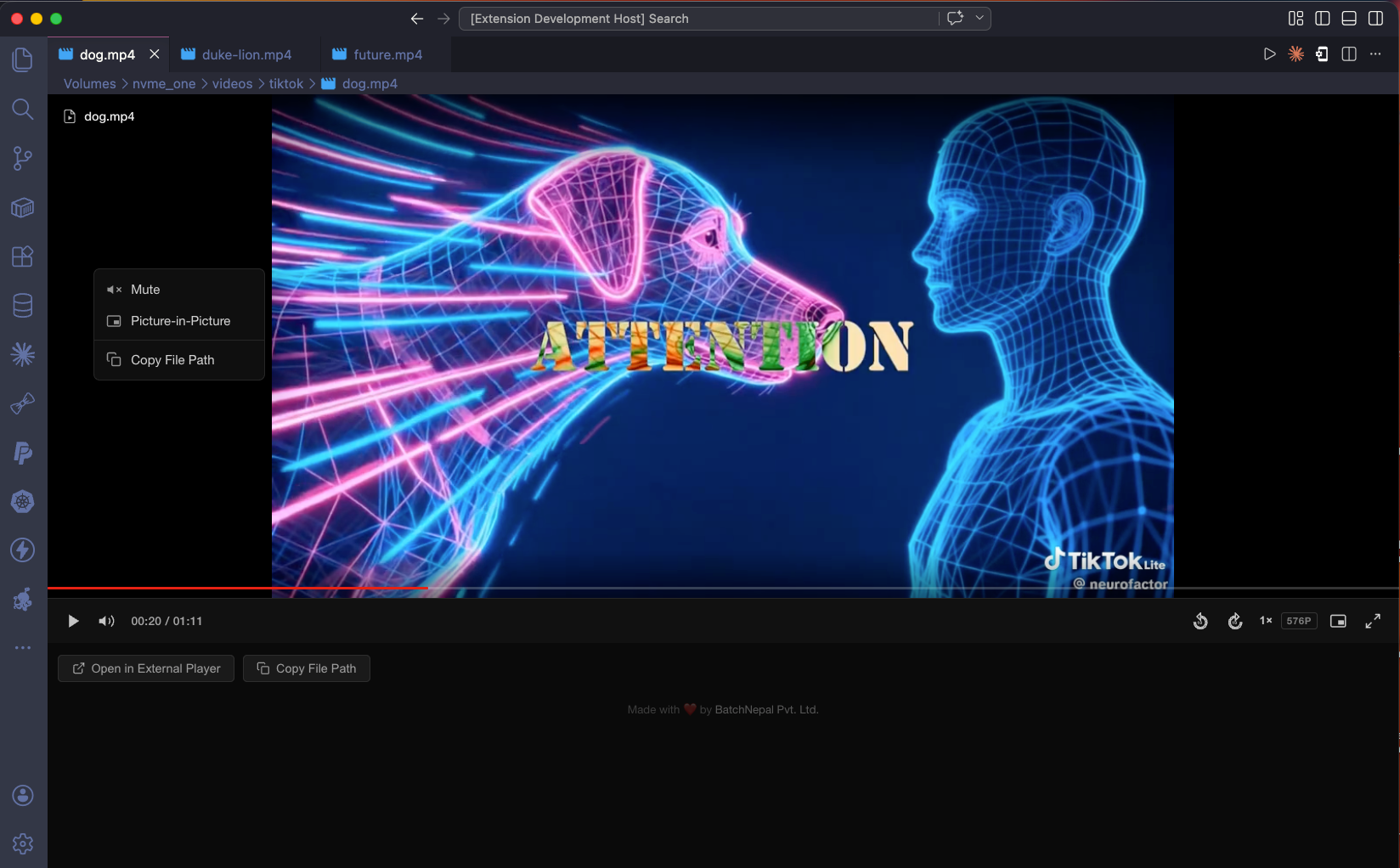
Thanks BNPL!
Features
- Broad codec support — automatically detects the actual codec via ffprobe and transcodes anything Electron can't play natively (H.265, VP8, VP9, MPEG-4, MJPEG, etc.) to H.264/yuv420p on the fly.
- Full audio playback — automatically extracts audio via ffmpeg for formats that need it (MP4, MOV, MKV, AVI). Correctly skips the audio step for videos that have no audio track.
- All major formats — MP4, WebM, MOV, MKV, AVI, M4V.
- Transcode progress bar — shows real-time transcoding progress ("Transcoding video... 42%") so you always know what's happening. takes about 15s to transcode a 1-hour-long mp4 video.
Audio Support
Most VS Code video extensions have no audio — because VS Code's webview uses Chromium, which excludes AAC patent licensing.
This extension solves it using ffmpeg to extract audio in the background. Video plays immediately while audio loads within seconds. Videos with no audio track are detected automatically and play without any spurious warnings.
ffmpeg is required for transcoding and audio on MP4, MOV, MKV, and AVI files.
Install ffmpeg
macOS:
brew install ffmpeg
Linux:
sudo apt install ffmpeg
Windows: Download from ffmpeg.org and add to PATH.
or
scoop install ffmpeg
| Format |
Playback |
Audio |
Notes |
.mp4 |
✅ |
✅ (requires ffmpeg) |
H.264/yuv420p plays natively; other codecs (H.265, MPEG-4, etc.) are transcoded |
.mov |
✅ |
✅ (requires ffmpeg) |
Same codec detection as MP4 |
.m4v |
✅ |
✅ (requires ffmpeg) |
Same codec detection as MP4 |
.webm |
✅ |
✅ (requires ffmpeg) |
Transcoded to H.264 for reliable playback |
.mkv |
✅ |
✅ (requires ffmpeg) |
Transcoded to H.264 |
.avi |
✅ |
✅ (requires ffmpeg) |
Transcoded to H.264 |
Keyboard Shortcuts
| Key |
Action |
Space / K |
Play / Pause |
← / J |
Back 10 seconds |
→ / L |
Forward 10 seconds |
M |
Mute / Unmute |
P |
Picture-in-Picture |
F |
Fullscreen |
Installation
Install from the VS Code Marketplace or manually:
code --install-extension omnimedia-player-0.3.0.vsix
Requirements
- VS Code
1.90.0 or higher
- ffmpeg (optional — required for audio on MP4, MOV, MKV, AVI)
Testing
Generate test videos
Requires Python ≥ 3.12 and ffmpeg 4.4+ in PATH.
python scripts/generate_test_videos.py
All output files are written to tests/. The script is idempotent — existing files are skipped.
Inspect each file in VS Code
Open the tests/ folder in VS Code and click each file in the Explorer to open it in the video player.
code tests/
Work through each file in order (A01 → J07). For every file check:
| What to check |
How |
| Video renders correctly |
watch a few seconds |
| Audio plays (where expected) |
listen |
| Transcode progress bar appears (non-native paths) |
watch the loading state |
| No console errors |
Help → Toggle Developer Tools → Console |
J01 and J02 are intentionally broken files — the extension should show a graceful error state, not crash.
Test results (ffmpeg 4.4.2, VS Code 1.90+)
| ID |
File |
Code path |
Audio |
Result |
| A01 |
A01_mp4_h264_yuv420p_audio.mp4 |
Native (H.264 + yuv420p) |
AAC → mp3 extracted |
✅ Pass |
| A02 |
A02_mp4_h264_yuv420p_noaudio.mp4 |
Native |
None (skipped) |
✅ Pass |
| A03 |
A03_mov_h264_yuv420p_audio.mov |
Native |
AAC → mp3 extracted |
✅ Pass |
| A04 |
A04_mov_h264_yuv420p_noaudio.mov |
Native |
None (skipped) |
✅ Pass |
| A05 |
A05_m4v_h264_yuv420p_audio.m4v |
Native |
AAC → mp3 extracted |
✅ Pass |
| A06 |
A06_m4v_h264_yuv420p_noaudio.m4v |
Native |
None (skipped) |
✅ Pass |
| A07 |
A07_webm_vp8_vorbis.webm |
Transcode (VP8) |
Vorbis extracted |
✅ Pass |
| A08 |
A08_webm_vp9_vorbis.webm |
Transcode (VP9) |
Vorbis extracted |
✅ Pass |
| A09 |
A09_webm_vp9_noaudio.webm |
Transcode (VP9) |
None (skipped) |
✅ Pass |
| A10 |
A10_mkv_h264_aac.mkv |
Transcode (MKV container) |
AAC extracted |
✅ Pass |
| A11 |
A11_mkv_h264_noaudio.mkv |
Transcode (MKV container) |
None (skipped) |
✅ Pass |
| A12 |
A12_avi_xvid_mp3.avi |
Transcode (XVID) |
MP3 extracted |
✅ Pass |
| A13 |
A13_avi_mjpeg_noaudio.avi |
Transcode (MJPEG) |
None (skipped) |
✅ Pass |
B — Codec variants in MP4 (all trigger transcode)
| ID |
File |
Codec |
Audio |
Result |
| B01 |
B01_mp4_hevc_yuv420p_audio.mp4 |
H.265/HEVC |
AAC extracted |
✅ Pass |
| B02 |
B02_mp4_hevc_yuv420p_noaudio.mp4 |
H.265/HEVC |
None (skipped) |
✅ Pass |
| B03 |
B03_mp4_mpeg4_yuv420p_audio.mp4 |
MPEG-4 |
AAC extracted |
✅ Pass |
| B04 |
B04_mp4_mpeg4_yuv420p_noaudio.mp4 |
MPEG-4 |
None (skipped) |
✅ Pass |
| ID |
File |
pix_fmt |
Result |
| C01 |
C01_mp4_h264_yuv444p.mp4 |
yuv444p |
✅ Pass |
| C02 |
C02_mp4_h264_yuv422p.mp4 |
yuv422p |
✅ Pass |
| C03 |
C03_mp4_h264_yuv420p10le.mp4 |
yuv420p10le (10-bit) |
✅ Pass |
| C04 |
C04_mkv_h264_yuv444p.mkv |
yuv444p + MKV container |
✅ Pass |
D — Audio codec variants
| ID |
File |
Video codec |
Audio codec |
Result |
| D01 |
D01_mp4_h264_aac_audio.mp4 |
H.264 native |
AAC |
✅ Pass |
| D02 |
D02_mp4_h264_mp3_audio.mp4 |
H.264 native |
MP3 |
✅ Pass |
| D03 |
D03_mkv_h265_aac_audio.mkv |
H.265 transcode |
AAC |
✅ Pass |
| D04 |
D04_avi_xvid_mp3_audio.avi |
XVID transcode |
MP3 |
✅ Pass |
| D05 |
D05_webm_vp9_vorbis_audio.webm |
VP9 transcode |
Vorbis |
✅ Pass |
| D06 |
D06_webm_vp8_opus_audio.webm |
VP8 transcode |
Opus |
✅ Pass |
E — Resolution & aspect ratio
| ID |
File |
Resolution |
Aspect ratio |
Result |
| E01 |
E01_3840x2160_4K.mp4 |
3840×2160 |
16:9 |
✅ Pass |
| E02 |
E02_2560x1440_2K.mp4 |
2560×1440 |
16:9 |
✅ Pass |
| E03 |
E03_1920x1080_FHD.mp4 |
1920×1080 |
16:9 |
✅ Pass |
| E04 |
E04_1280x720_HD.mp4 |
1280×720 |
16:9 |
✅ Pass |
| E05 |
E05_854x480_SD_16x9.mp4 |
854×480 |
16:9 |
✅ Pass |
| E06 |
E06_640x480_SD_4x3.mp4 |
640×480 |
4:3 |
✅ Pass |
| E07 |
E07_1080x1920_portrait.mp4 |
1080×1920 |
Portrait 9:16 |
✅ Pass |
| E08 |
E08_1080x1080_square.mp4 |
1080×1080 |
Square 1:1 |
✅ Pass |
| E09 |
E09_2560x1080_ultrawide.mp4 |
2560×1080 |
Ultrawide 21:9 |
✅ Pass |
| E10 |
E10_320x240_tiny.mp4 |
320×240 |
4:3 |
✅ Pass |
F — Duration coverage
| ID |
File |
Duration |
Result |
| F01 |
F01_1frame.mp4 |
1 frame (~42 ms) |
✅ Pass |
| F02 |
F02_1sec.mp4 |
1 second |
✅ Pass |
| F03 |
F03_5sec.mp4 |
5 seconds |
✅ Pass |
| F04 |
F04_30sec.mp4 |
30 seconds |
✅ Pass |
| F05 |
F05_2min.mp4 |
2 minutes |
✅ Pass |
| F06 |
F06_1h.mp4 |
1 hour |
✅ Pass |
G — Frame rate coverage
| ID |
File |
FPS |
Result |
| G01 |
G_10fps.mp4 |
10 fps |
✅ Pass |
| G02 |
G_24fps-cinema.mp4 |
24 fps |
✅ Pass |
| G03 |
G_30fps-NTSC.mp4 |
30 fps |
✅ Pass |
| G04 |
G_60fps-smooth.mp4 |
60 fps |
✅ Pass |
| G05 |
G_120fps-slowmo.mp4 |
120 fps |
✅ Pass |
H — MKV codec variants (all trigger transcode)
| ID |
File |
Codec |
Audio |
Result |
| H01 |
H01_mkv_hevc_aac.mkv |
H.265/HEVC |
AAC extracted |
✅ Pass |
| H02 |
H02_mkv_vp8.mkv |
VP8 |
None (skipped) |
✅ Pass |
| H03 |
H03_mkv_vp9.mkv |
VP9 |
None (skipped) |
✅ Pass |
| H04 |
H04_mkv_mpeg4.mkv |
MPEG-4 |
AAC extracted |
✅ Pass |
I — MOV & M4V codec variants
| ID |
File |
Codec / pix_fmt |
Audio |
Result |
| I01 |
I01_mov_hevc_audio.mov |
H.265 transcode |
AAC extracted |
✅ Pass |
| I02 |
I02_mov_mpeg4_audio.mov |
MPEG-4 transcode |
AAC extracted |
✅ Pass |
| I03 |
I03_mov_h264_yuv444p.mov |
H.264 + yuv444p transcode |
None |
✅ Pass |
| I04 |
I04_m4v_mpeg4_audio.m4v |
MPEG-4 transcode |
AAC extracted |
✅ Pass |
J — Edge cases
| ID |
File |
Scenario |
Expected |
Result |
| J01 |
J01_zero_byte.mp4 |
0-byte file |
Graceful error (no crash) |
✅ Pass (error shown) |
| J02 |
J02_truncated.mp4 |
First 512 bytes of a valid MP4 |
Graceful error (no crash) |
✅ Pass (error shown) |
| J03 |
J03_multi_audio_tracks.mkv |
MKV with 2 audio tracks |
Plays with first audio track |
✅ Pass |
| J04 |
J04_high_bitrate_20mbps.mp4 |
20 Mbps H.264 |
Native playback, large file |
✅ Pass |
| J05 |
J05_16x16_minimal_res.mp4 |
16×16 resolution |
Plays (tiny frame, UI scales) |
✅ Pass |
| J06 |
J06_mp4_with_subtitle.mp4 |
MP4 with subtitle stream |
Subtitle ignored, plays |
✅ Pass |
| J07 |
J07_avi_mjpeg_mp3_audio.avi |
AVI MJPEG + MP3 |
Transcode + audio extracted |
✅ Pass |
Total: 57 test cases — 55 play correctly, 2 correctly show error (J01, J02)
Contribution
Contributions are welcome!
- Fork the repository
- Create your feature branch (
git checkout -b feature-name)
- Commit your changes (
git commit -m 'Add new feature')
- Push to the branch (
git push origin feature-name)
- Submit a Pull Request
Report issues or feature requests on GitHub.
License
MIT License. See LICENSE.md for details.
Acknowledgements
Originally created by BatchNepal Consultancy Pvt. Ltd.
Changelog
See CHANGELOG.md for the full version history.

