SharpLspThe open-source alternative to Visual Studio and Rider: full C# and F# with NuGet, debugging, profiling and testing. VS Code, Cursor and Windsurf on Windows, macOS and Linux. Installation Launch VS Code Quick Open ( Ctrl+P), paste the following command, and press enter.Copied to clipboard |

SharpLsp
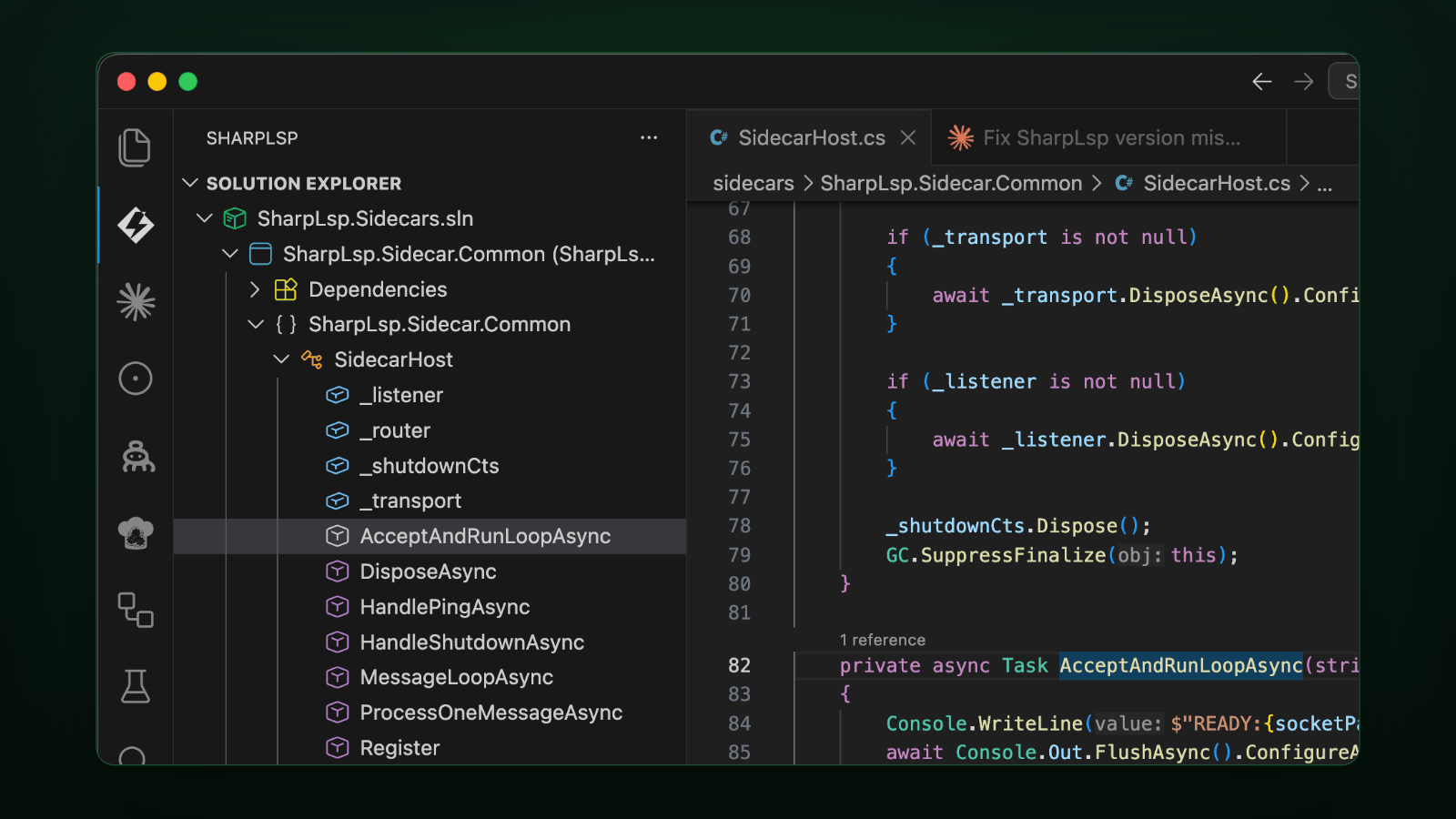
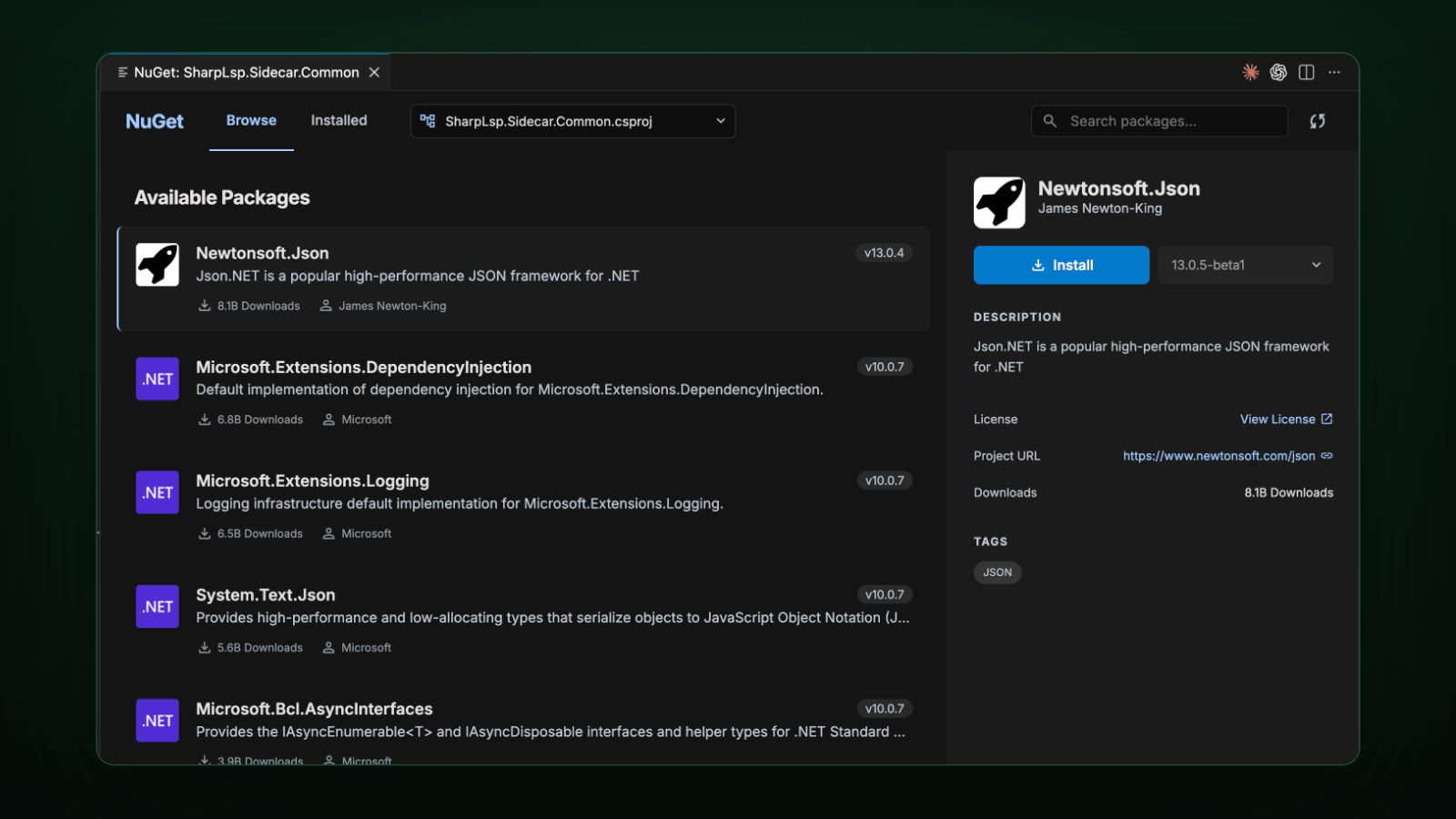
The open-source alternative to Visual Studio and Rider. Docs · Blog · GitHub · Issues · 日本語 · 简体中文 🥊 Ditch the heavyweight IDE. Keep the power.Solution Explorer, project and package references, build, refactoring, NuGet, a debugger, a profiler and a Test Explorer — the whole IDE workflow, inside VS Code. No subscription. No license server. No account. MIT, forever.
⚖️ C# and F#. No favorites.C# runs on Roslyn. F# runs on FSharp.Compiler.Service. Both get completions, hover, go to definition, references, rename, code actions, semantic highlighting, inlay hints and live diagnostics — and both get the same Solution Explorer, Test Explorer, debugger and profiler. F# extras: F# Interactive, 🐞 Debug, profile, test. All the good stuff.
🌍 Runs everywhere.Windows and Linux (x64 and Arm64) and macOS (Apple silicon). Install from the VS Code Marketplace or Open VSX — VS Code, Cursor, Windsurf, VSCodium and the rest of the family. The debugger is open source too, so F5 works in every one of them. ⚡ Get started in 30 seconds
The extension bundles the language server, both .NET sidecars and the debugger, and fetches the .NET 10 SDK through Microsoft's .NET Install Tool if you don't have one. The profiler drives the standard .NET diagnostic tools — install them once: Tune everything with a 💚 Open sourceSharpLsp is built in the open on GitHub under the MIT license. Bugs, ideas and pull requests are welcome. |