Nexo SQL Studio
Nexo SQL Studio is a Visual Studio Code extension for Oracle SQL and PL/SQL development. It brings Oracle-aware editing, navigation, execution, testing, and database tooling into one VS Code workflow.
The current release offers an anonymous Free plan and one all-inclusive Pro license.
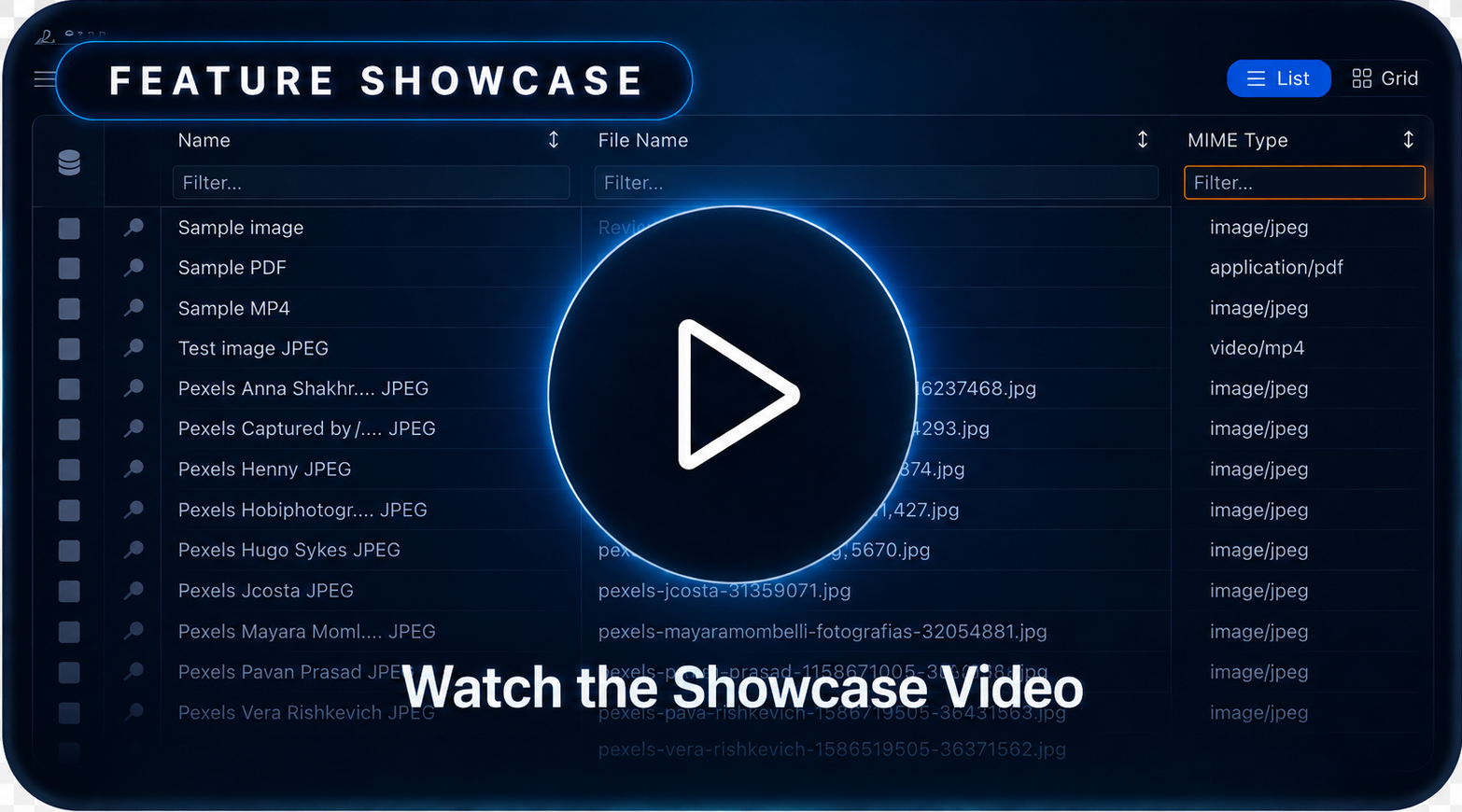
Watch Nexo SQL Studio Showcase on Youtube
Free plan
No login is required to use the core workflow:
- SQL/PLSQL editing, syntax highlighting, formatting, navigation, symbols, and snippets
- Connections, online schema browsing, and cross-schema online autocomplete
- Worksheets, execution, transactions, DBMS output, pagination, and standard result grids
Pro license
One all-inclusive Pro license unlocks these Pro-only modules and workflows:
- AI assistants, agent workflows, MCP, and MCP Companion — Use AI-assisted Oracle workflows, Oracle Apex 26.1 app development, Data Model creation, Build SQL and PL/SQL packages, query data, SQL optimization, fine grained per connection AI permissions, customizable confirm AI actions, full step debugging, deployments, all through MCP-compatible tools like Codex, Claude or Github Copilot.
- Oracle Apex 26.1 AI Development — Just ask Nexo MCP companion to develop a full apex application or changes.
- Offline project intelligence — Nexo autocomplete and language assistance for offline SQL/PLSQL files and projects, including files created by other tools.
- Live code validation — Validate SQL and PL/SQL as you type with linting, compiler diagnostics, and guided compile workflows before sending code to Oracle.
- Automatic offline workspace generation — Generate, refresh, and synchronize local Oracle object and project files from database metadata for review and Git-based delivery.
- Database and DDL comparison — Compare schemas, DDL, and object changes to understand drift and prepare controlled synchronization work.
- DB Manager and administration — Inspect and manage Oracle sessions, storage, parameters, pools, access controls, scheduler resources, and other administrative workflows.
- Deployments, migrations, and backups — Prepare repeatable database delivery workflows with previews, migrations, deployment targets, and recoverable backups.
- Object locking, history, and advanced maintenance — Coordinate development changes, review object history and versions, detect collisions, and run batch or other advanced maintenance operations.
- Remote File Explorer — Browse and synchronize remote project files over SFTP, FTPS, and S3-compatible storage.
- Local Docker environments — Create and manage local Oracle development environments with Docker, including APEX and ORDS setup workflows.
- Data Modeler — Create, validate, edit, synchronize, and export structured Oracle data models as workspace files.
- Query Builder — Compose SELECT statements visually from tables, joins, filters, grouping, sorting, and columns, then send the generated SQL to a worksheet.
- SQL Load Tester — Run repeatable SQL workloads with configurable concurrency, duration, pacing, repetitions, fetch controls, and live latency statistics.
- SQL Results Gallery and advanced results — Explore result sets in a visual gallery, work across multiple connections, use editable grids, inspect BLOB/CLOB values.
- API Collections management and debugging — Build, run, organize, and debug API requests and collections, with OpenAPI import and Sync OpenAPI refresh support.
- Advanced Data Import and Data Export — Define repeatable parallel transfers with concurrent items, reader sessions, conversion workers, batching, split files, and preserved row order.
- APEX and ORDS workflows — Validate, export, import, and manage Oracle APEX and ORDS workflows from VS Code.
- Integrated utPLSQL tests — Discover, run, and inspect utPLSQL suites from the VS Code Test Explorer.
- PL/SQL debugging — Debug Oracle PL/SQL execution with breakpoints, stepping, watches, stack frames, and runtime output.
- Portable packs — Package and move professional Nexo project and configuration workflows, including double-click portable files.
Free still covers connections, worksheets, snippets, online cross-schema autocomplete, object browsing, object editing, and standard results without login. Sign in with Google, Microsoft, or email only when you want to activate Pro, get a free trial now, create an account and login https://www.nexosqlstudio.com/login.
Why teams use it
- AI develpment for Data modeling, building SQL and PL/SQL packages, query data and Oracle Apex development.
- Stay in VS Code from discovery to editing, execution, validation, and export
- Work against live Oracle databases or generate local files for offline review and Git-based delivery
- Reduce context switching across object browsing, query execution, test runs, formatting, and navigation
Learn More
| |

