Skip to content
| Marketplace
Sign in
Visual Studio Code>Machine Learning>Auto Accept AgentNew to Visual Studio Code? Get it now.
Auto Accept Agent

Auto Accept Agent

Mun Khin

| (0) | Free
Automatically accepts AI suggestions and run commands for Cursor and Antigravity.
Installation
Launch VS Code Quick Open (Ctrl+P), paste the following command, and press enter.
Copied to clipboard
More Info

⚡ Auto Accept Agent

Tired of babysitting your AI?

Auto Accept Agent is the missing link for AI-assisted coding. Whether you use Cursor, or Antigravity, this extension automatically clicks those repetitive "Accept", "Run", and "Confirm" buttons so you can focus on the code, not the UI.

🚀 Features

  • Universal Support: Works with Cursor AI, Antigravity, Github Copilot, and standard VS Code Inline Suggestions.
  • Smart Polling: Intelligent 200ms polling loop that is easy on your CPU but instant to your eyes.
  • Status Bar Toggle: One-click enable/disable from your status bar.
  • Lazy Loading: Automatically detects new AI tools even if they load after VS Code starts.

📦 Installation

Option 1: VS Code Marketplace (Recommended)

  1. Open VS Code.
  2. Go to Extensions (Ctrl+Shift+X).
  3. Search for Auto Accept Agent.
  4. Click Install.

Option 2: Manual Download (.vsix) If you prefer manual installation:

  1. Download the .vsix file from our Releases page.
  2. Open VS Code.
  3. Go to Extensions -> ... (Menu) -> Install from VSIX...
  4. Select the downloaded file.

⚙️ Usage

  1. Install the extension.
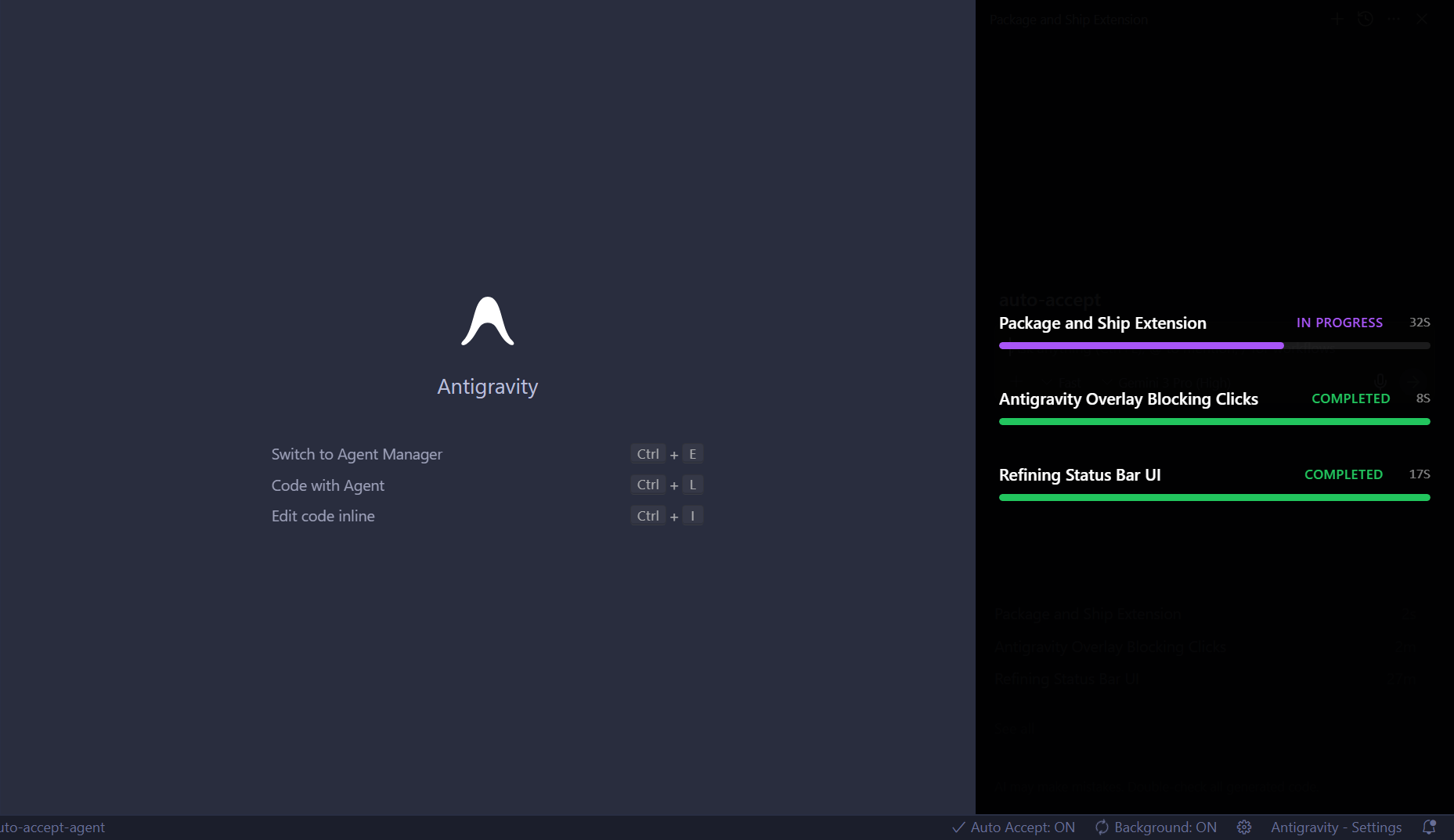
  2. Look for the $(x) Auto Accept: OFF indicator in your status bar. Click it to enable auto-accepting.
  3. Start coding with your AI agent.
  4. Watch as permissions and accept dialogs vanish instantly!

To toggle the agent off (useful if you want to review sensitive commands manually):

  • Click the Status Bar item.
  • Or run the command Auto Accept: Toggle ON/OFF.

📈 Performance

We care about your battery life.

  • Some ineffective autoclicker: Spamming commands 100 times a second.
  • Our way: Efficient adaptive polling (5x/second) with smart filtering to only check for tools you actually have installed.

License

MIT

  • Contact us
  • Jobs
  • Privacy
  • Manage cookies
  • Terms of use
  • Trademarks
© 2025 Microsoft