Skip to content
| Marketplace
Sign in
Visual Studio Code>Data Science>Mitosheet for VSCodeNew to Visual Studio Code? Get it now.
Mitosheet for VSCode

Mitosheet for VSCode

Mito Labs

| (0) | Free
Spreadsheets in VSCode — filter, create pivot tables, and more.
Installation
Launch VS Code Quick Open (Ctrl+P), paste the following command, and press enter.
Copied to clipboard
More Info

Mitosheet for Visual Studio Code

The Mito spreadsheet is desgined to help folks automate their repeititive reporting with Python. Every edit you make to the Mito spreadsheet is automatically converted to production-ready Python code. Use spreadsheet formulas like VLOOKUP, pivot tables, and all of your favorite Excel functionality.

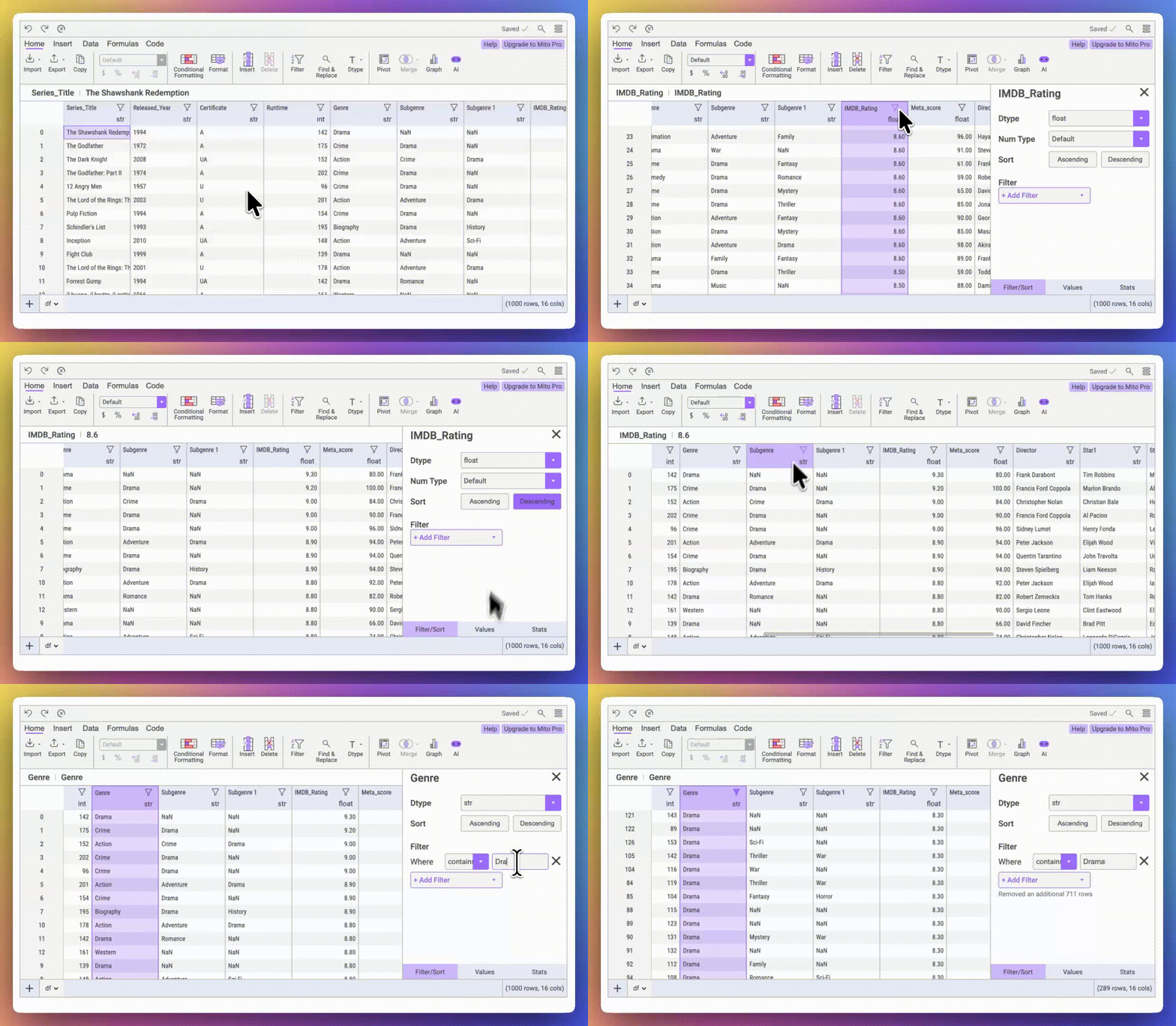
Filtering

Filtering columns

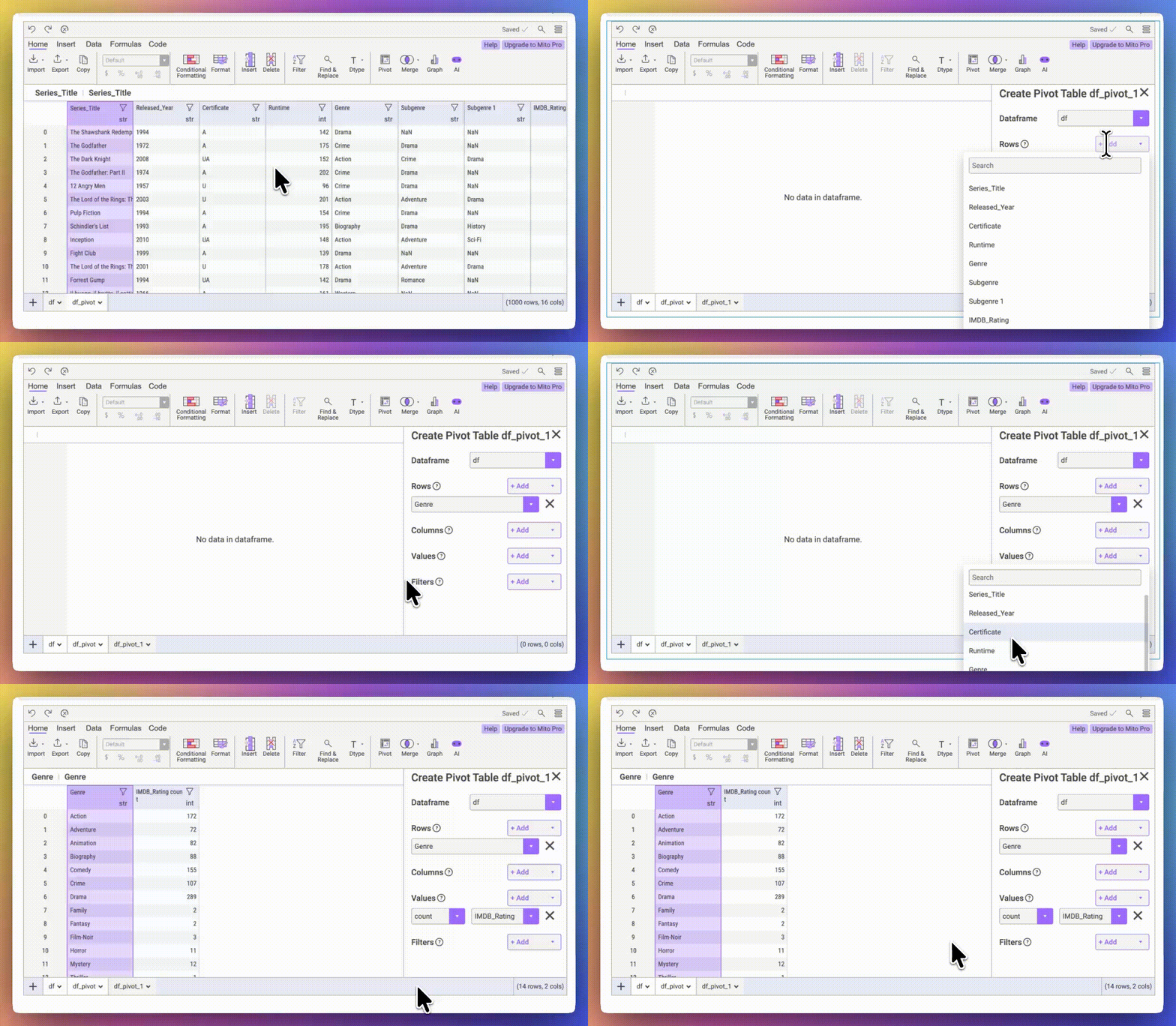
Pivot Tables

Pivot tables

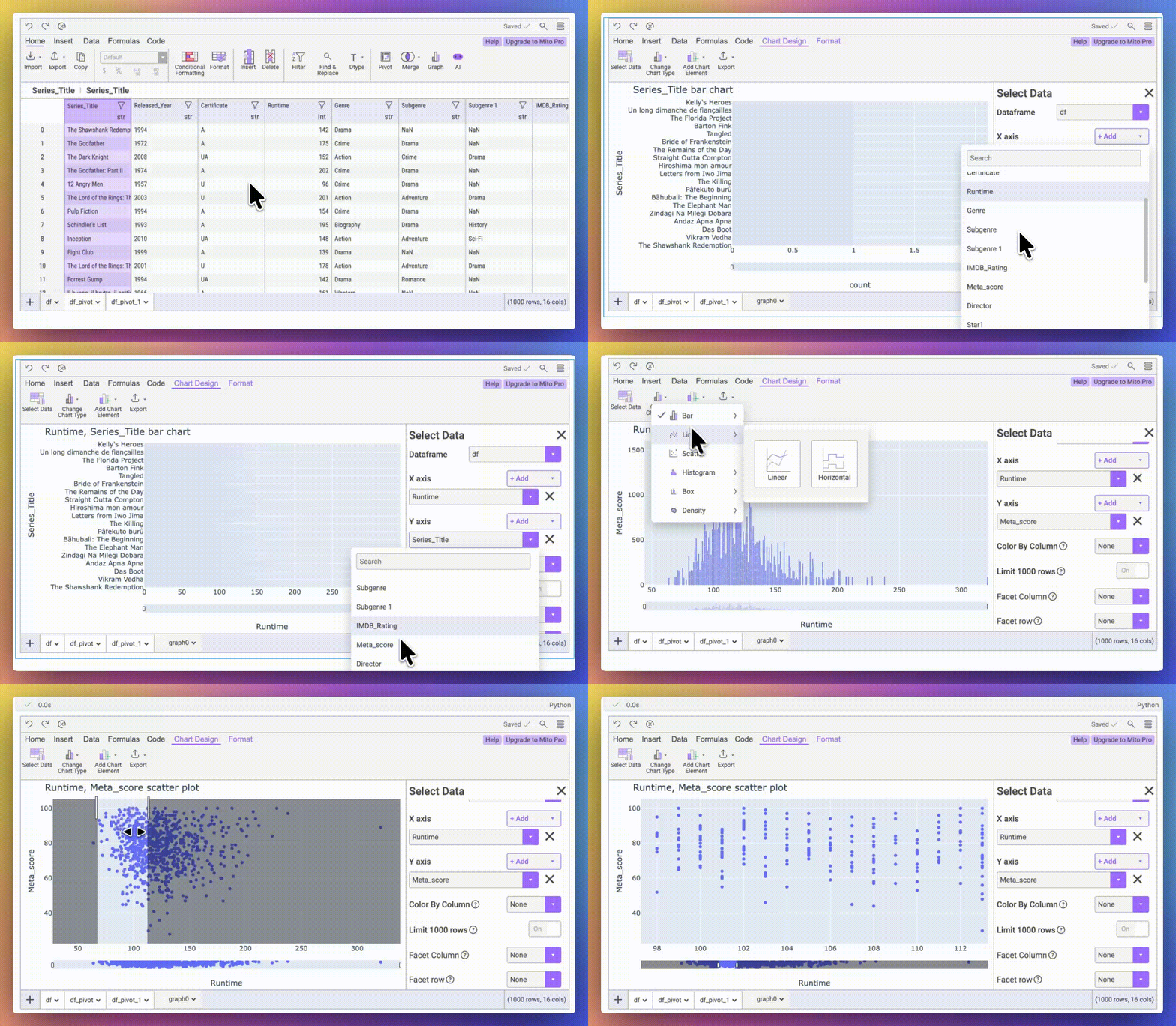
Charting

Charts

Install

In addition to installing this extension, you will also need the mitosheet Python package:

pip install mitosheet

Getting Started

To create your first Mitosheet, open a new Jupyter Notebook and run:

import mitosheet
import pandas as pd

df = pd.DataFrame({
    'A': [1, 2, 3],
    'B': [4, 5, 6]
})

mitosheet.sheet(df)
  • Contact us
  • Jobs
  • Privacy
  • Manage cookies
  • Terms of use
  • Trademarks
© 2026 Microsoft