Skip to content
| Marketplace
Sign in
Visual Studio Code>Themes>Dragan Color ThemeNew to Visual Studio Code? Get it now.
Dragan Color Theme

Dragan Color Theme

Milad Fathy

|
72,212 installs
| (9) | Free
A Beautiful Dark Color Theme For VSCode
Installation
Launch VS Code Quick Open (Ctrl+P), paste the following command, and press enter.
Copied to clipboard
More Info

Dragan Color Theme

Welcome to the Dragan Color Theme! A beautifully crafted, highly customized dark coding environment designed to reduce eye strain and make your code pop.

Whether you code in the standard VS Code (Stable) or live on the edge with VS Code Insiders, Dragan has you covered. This extension provides two distinct UI variants out-of-the-box:

  • 🔵 Dragan Dark (Stable): Workbench and UI perfectly synced with the standard VS Code blue.
  • 🟢 Dragan Dark (Insiders): Workbench and UI beautifully matched with the VS Code Insiders green.

✨ What's New?

This version represents a massive leap forward compared to previous releases! The entire color engine has been overhauled to provide an incredible coding experience.

It now features deep, comprehensive support for a vast array of programming languages, popular libraries, and modern web frameworks (React, Vue, Laravel, Django, Flutter, and many more).


📸 Language & Syntax Previews

🔥 Web & Scripting (JS, TS, TSX, HTML, CSS, Vue)

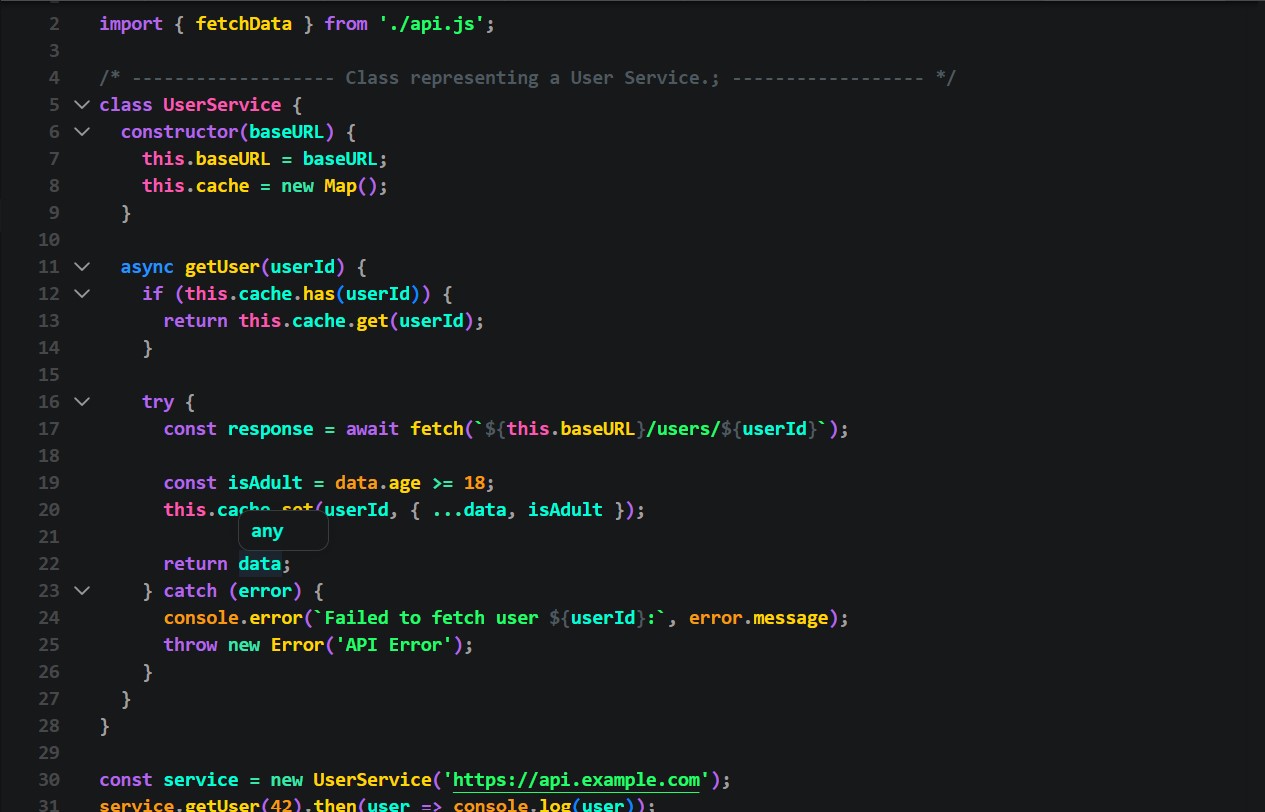
JavaScript
JavaScript Syntax Preview

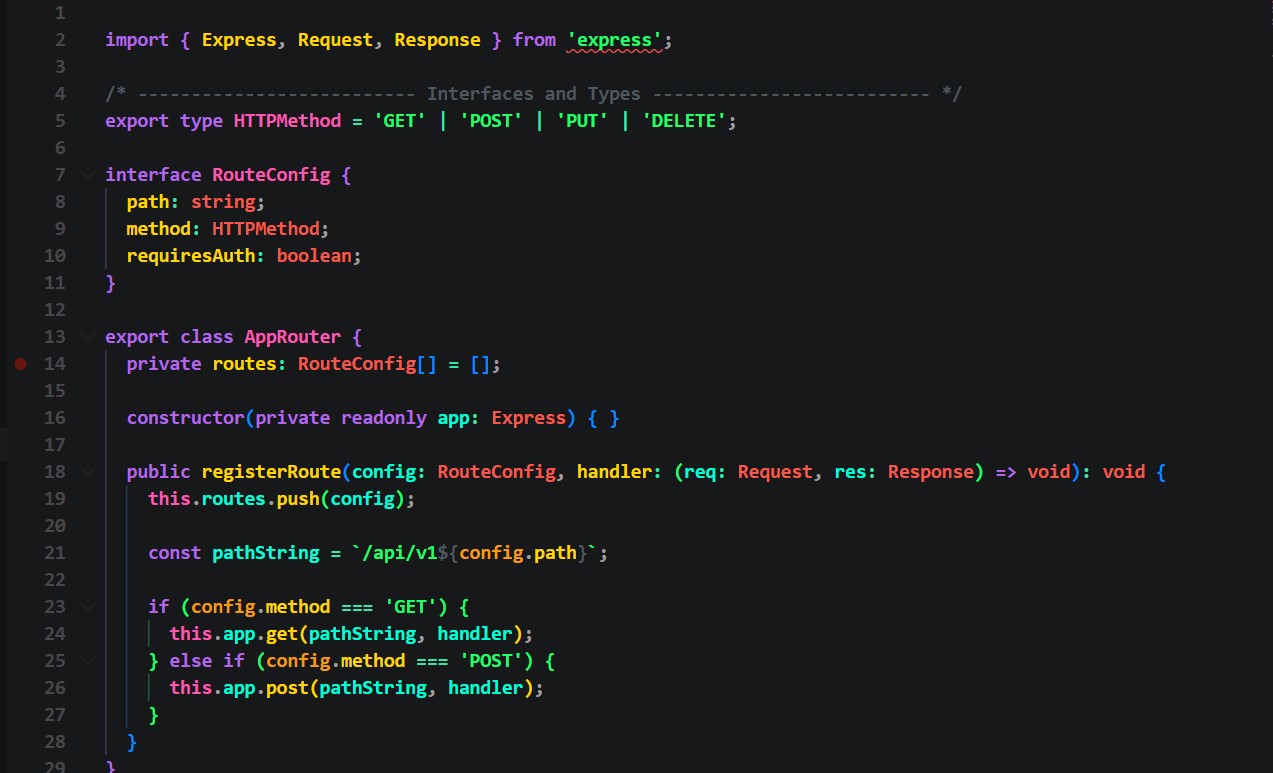
TypeScript
TypeScript Syntax Preview

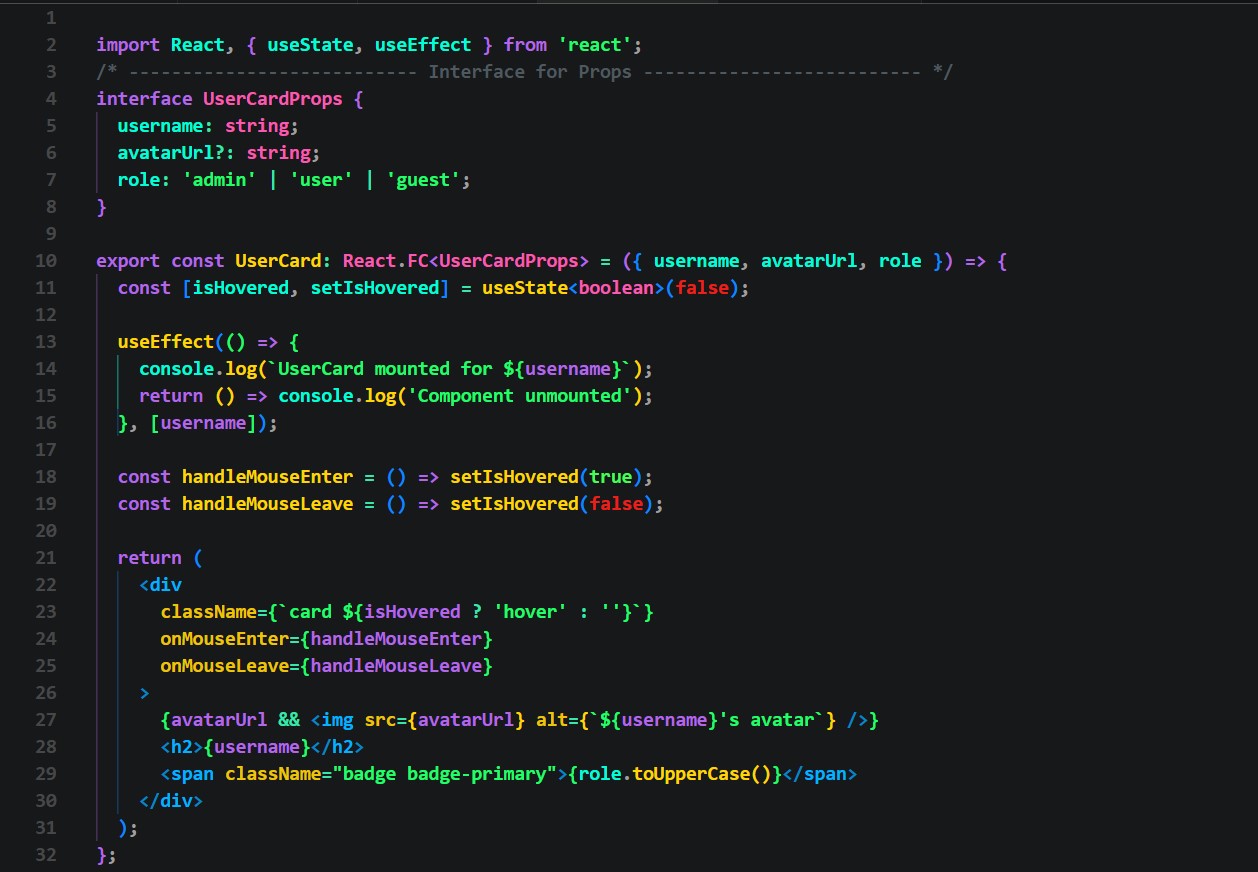
TSX (React)
TSX React Syntax Preview

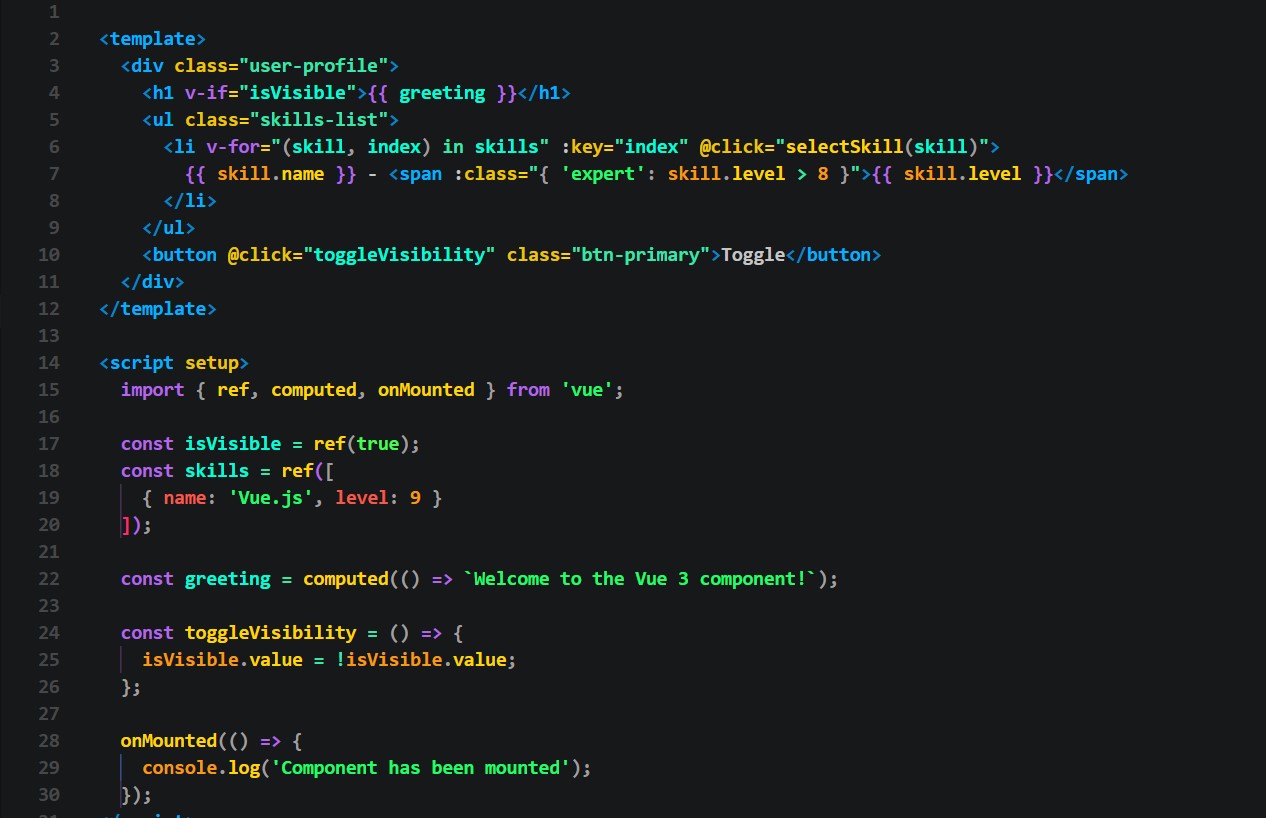
Vue.js
Vue.js Syntax Preview

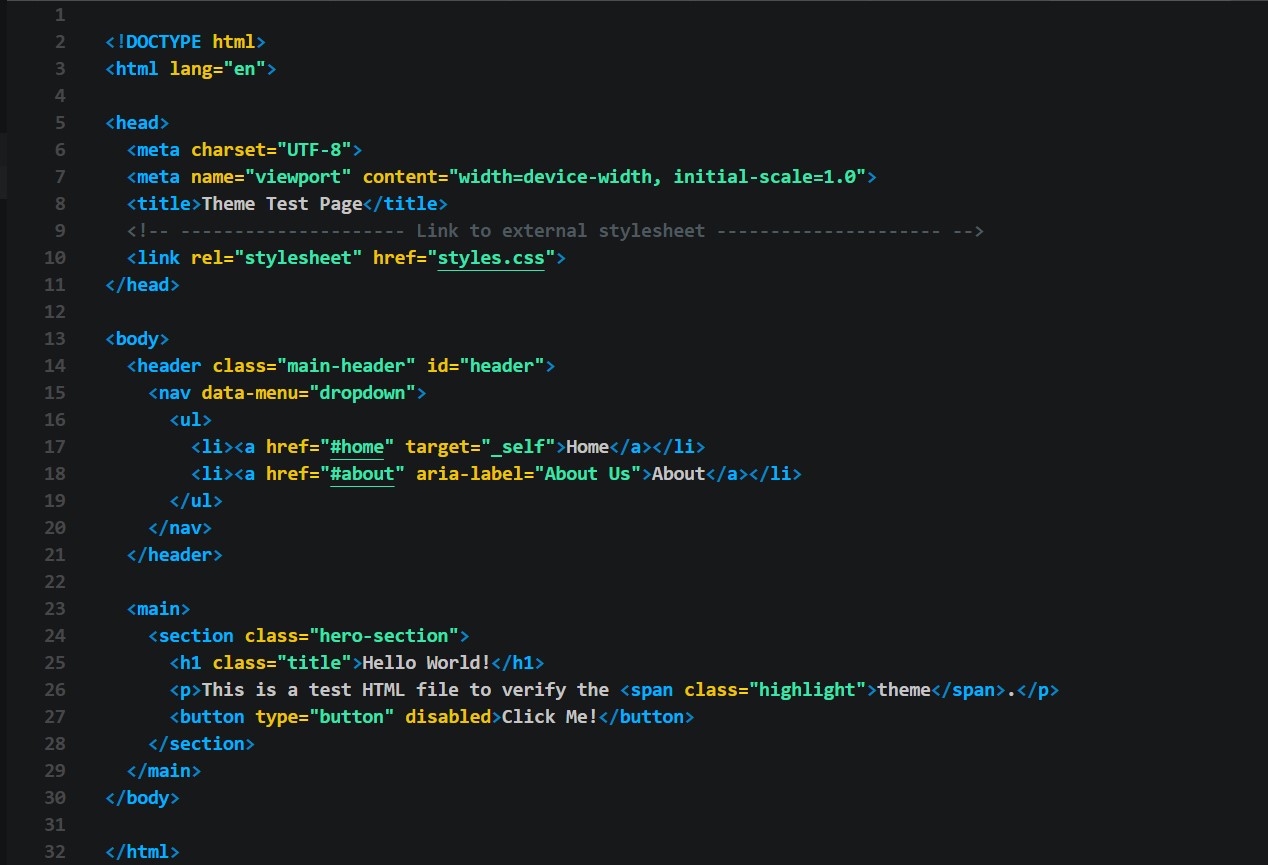
HTML
HTML Syntax Preview

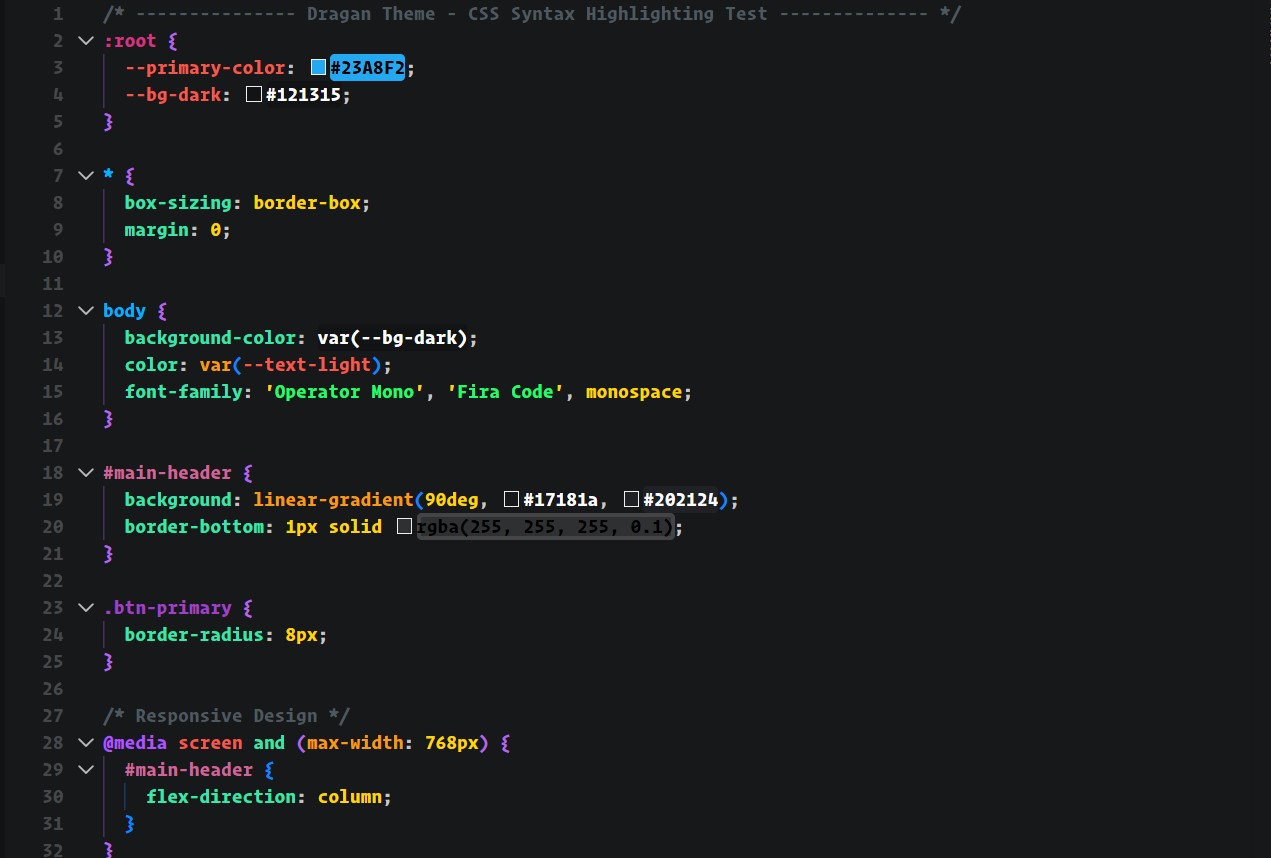
CSS
CSS Syntax Preview

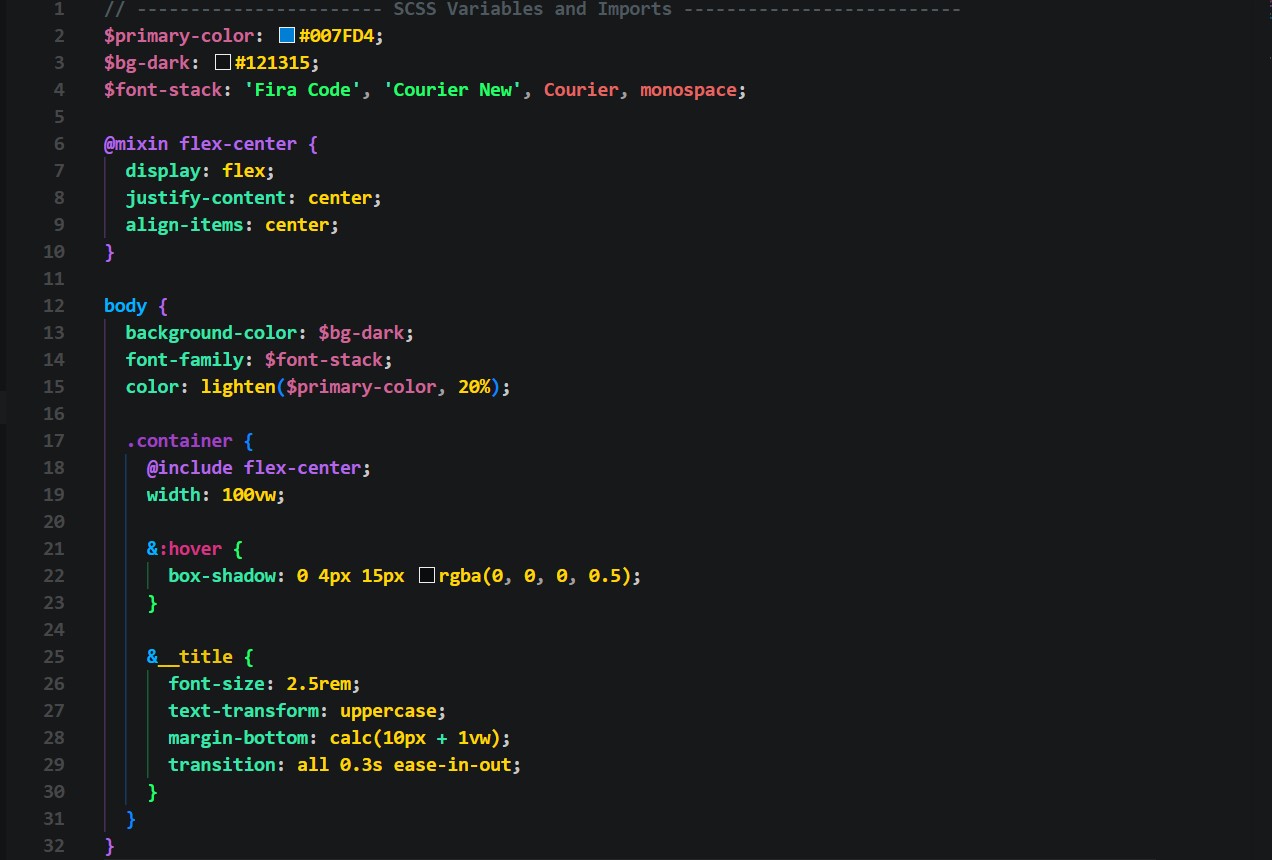
SCSS
SCSS Syntax Preview

⚙️ Backend & System (PHP, Go, Rust, Java, C++, C#, Ruby)

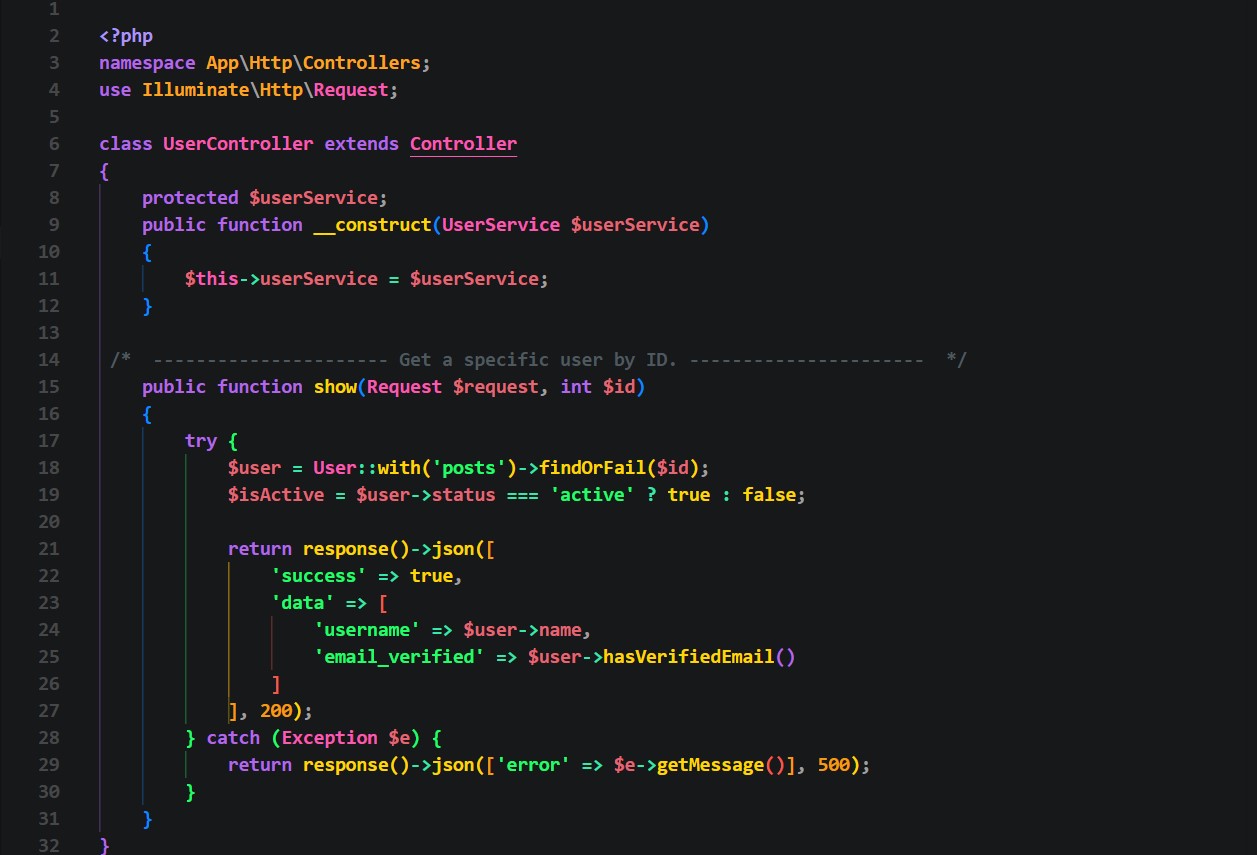
PHP
PHP Syntax Preview

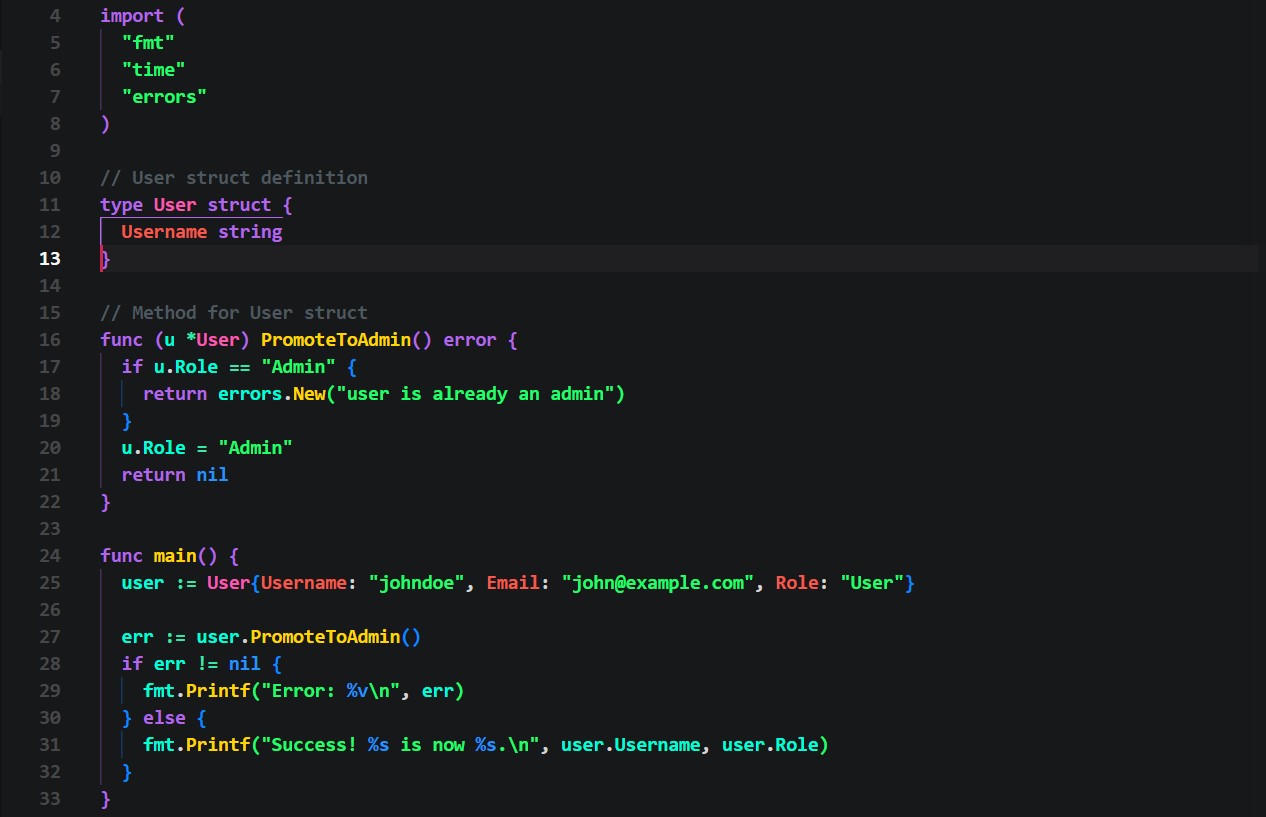
Go
Go Syntax Preview

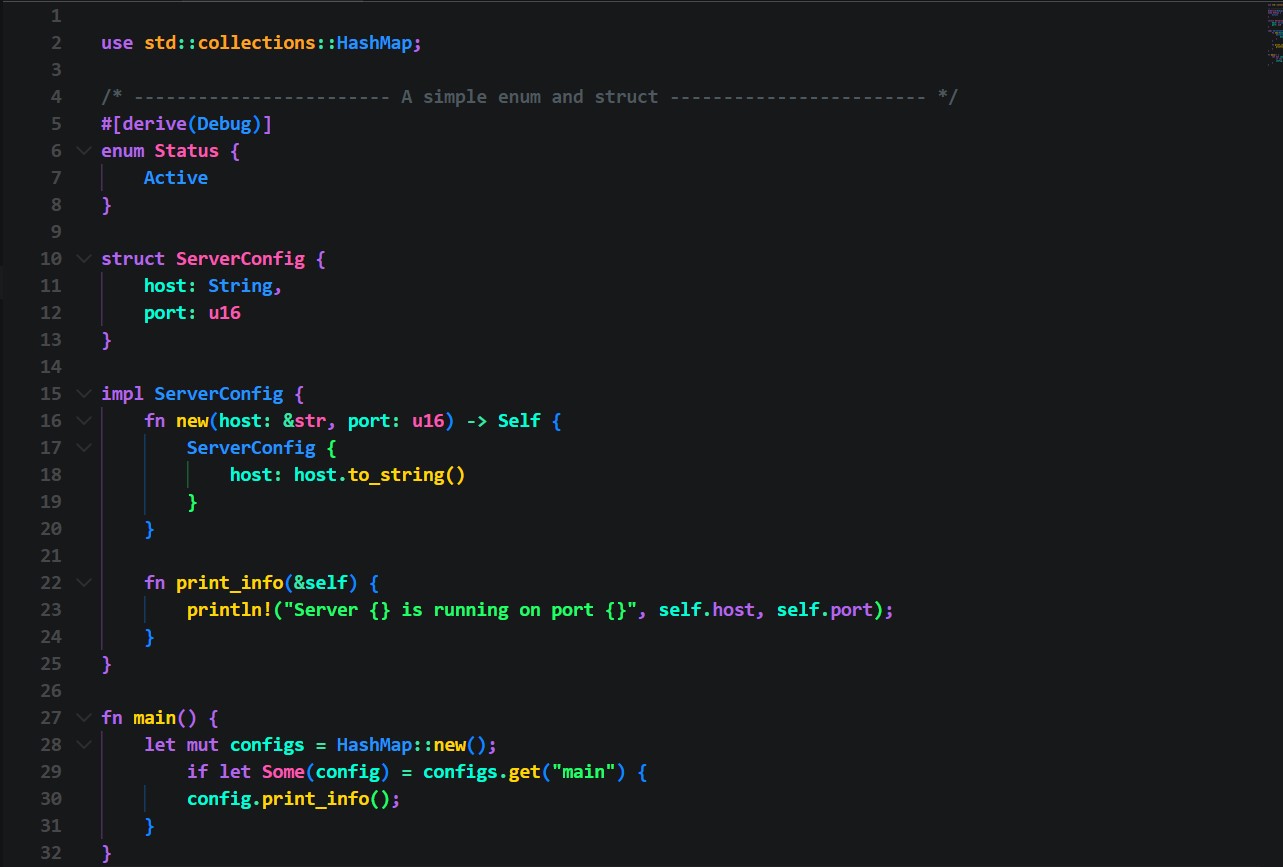
Rust
Rust Syntax Preview

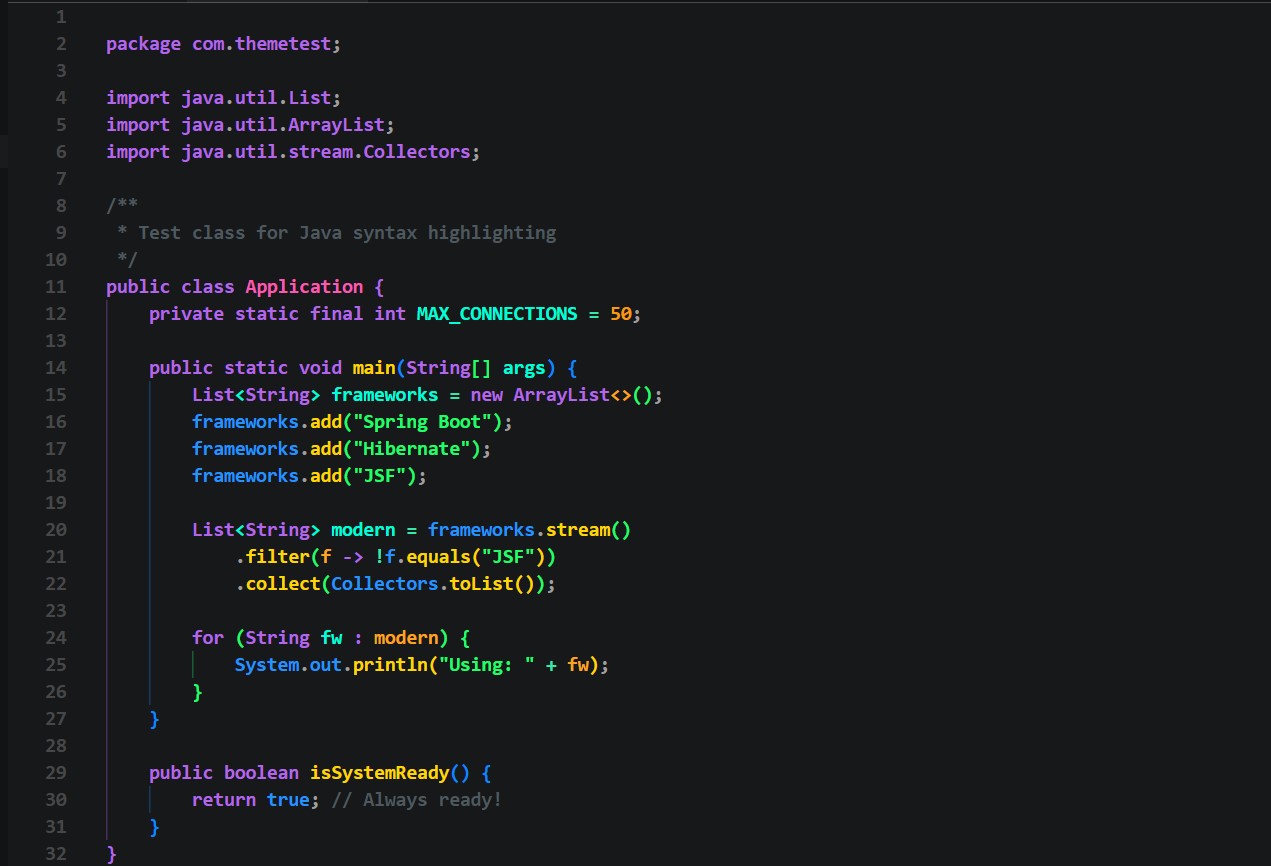
Java
Java Syntax Preview

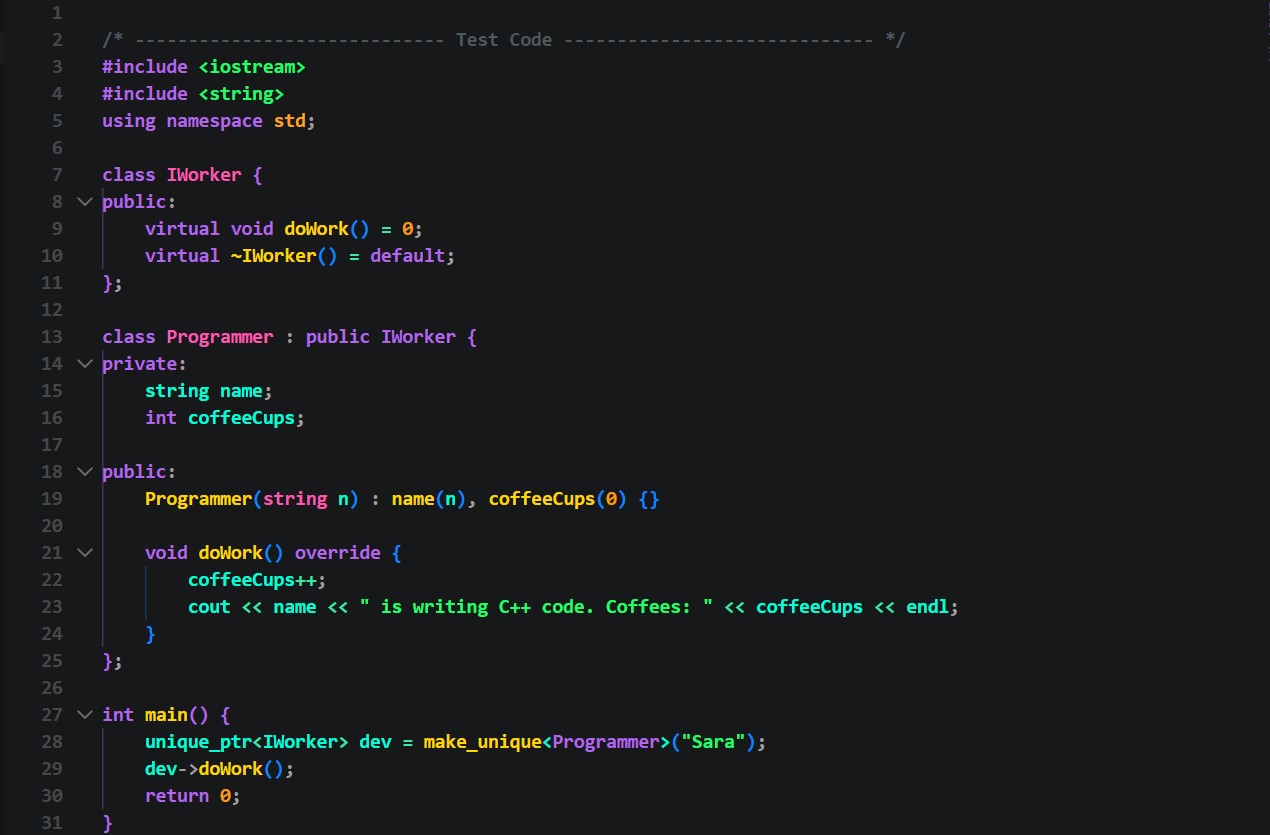
C++
C++ Syntax Preview

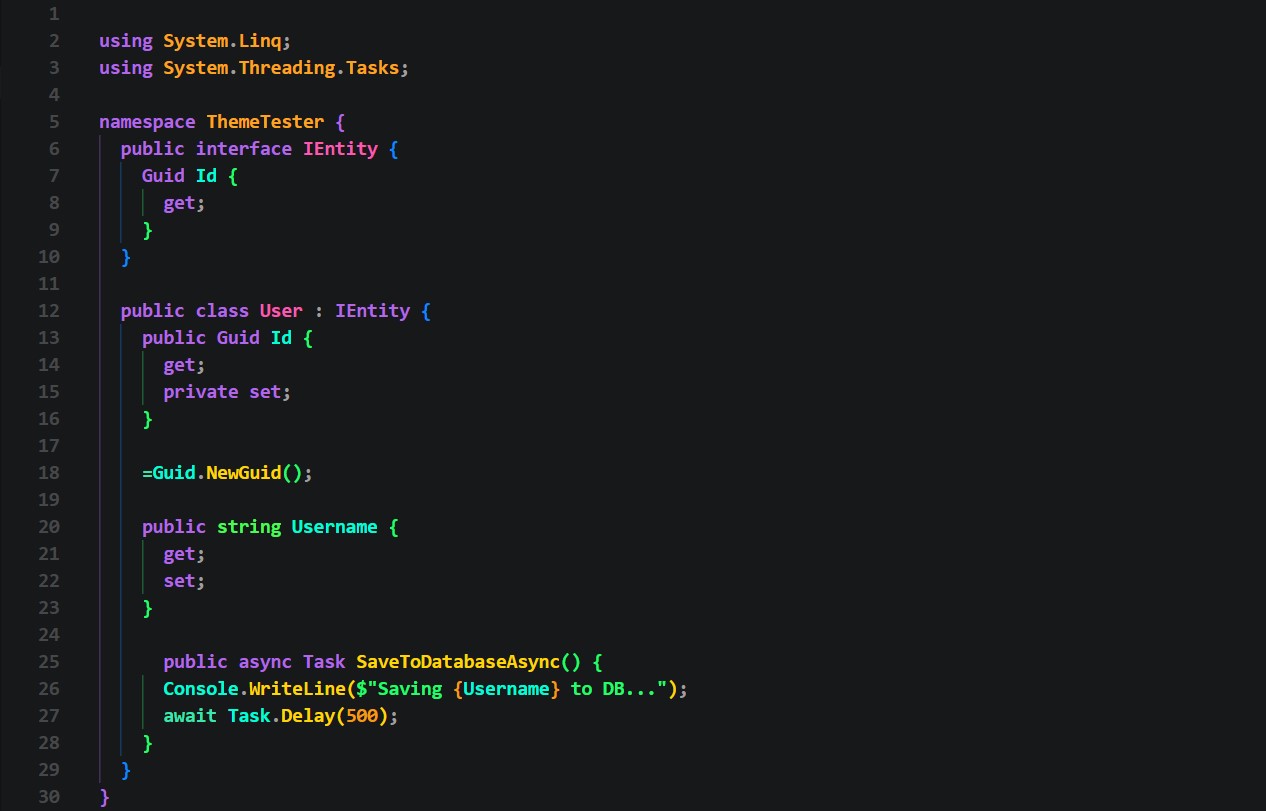
C#
C# Syntax Preview

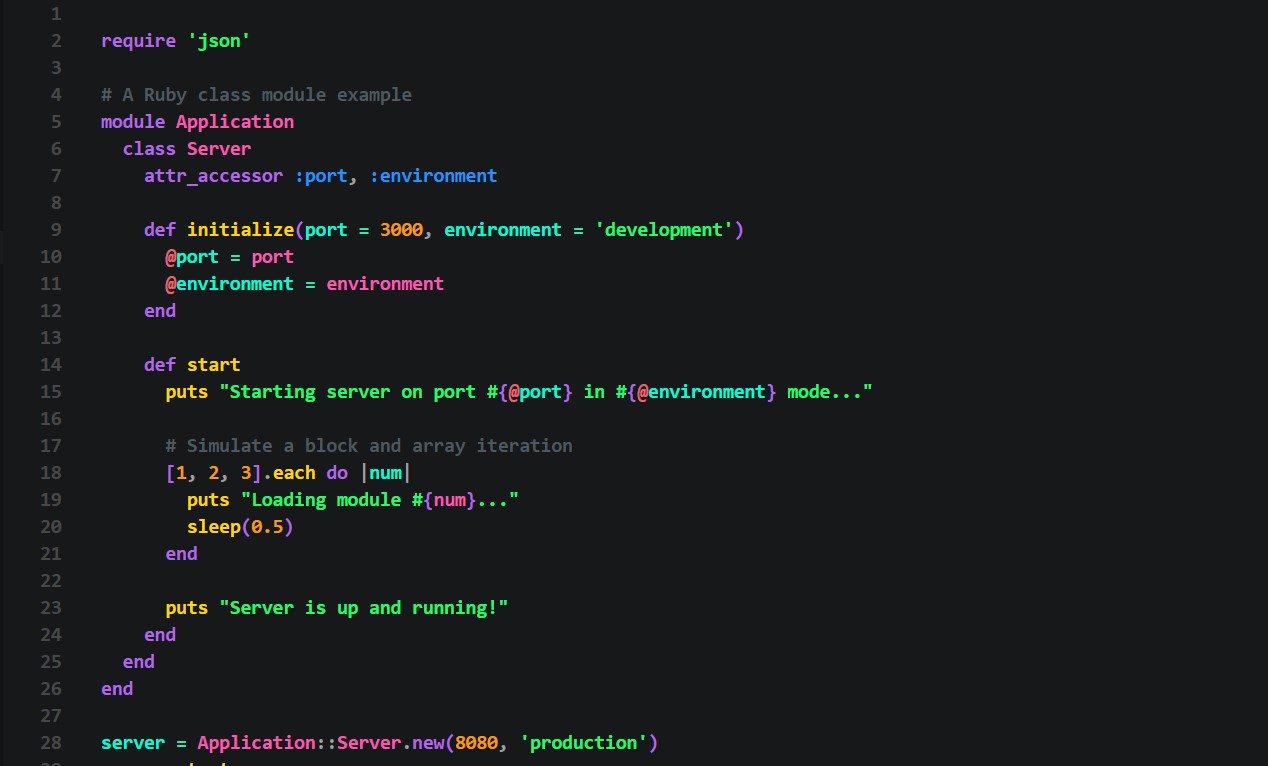
Ruby
Ruby Syntax Preview

📱 Mobile (Dart / Kotlin)

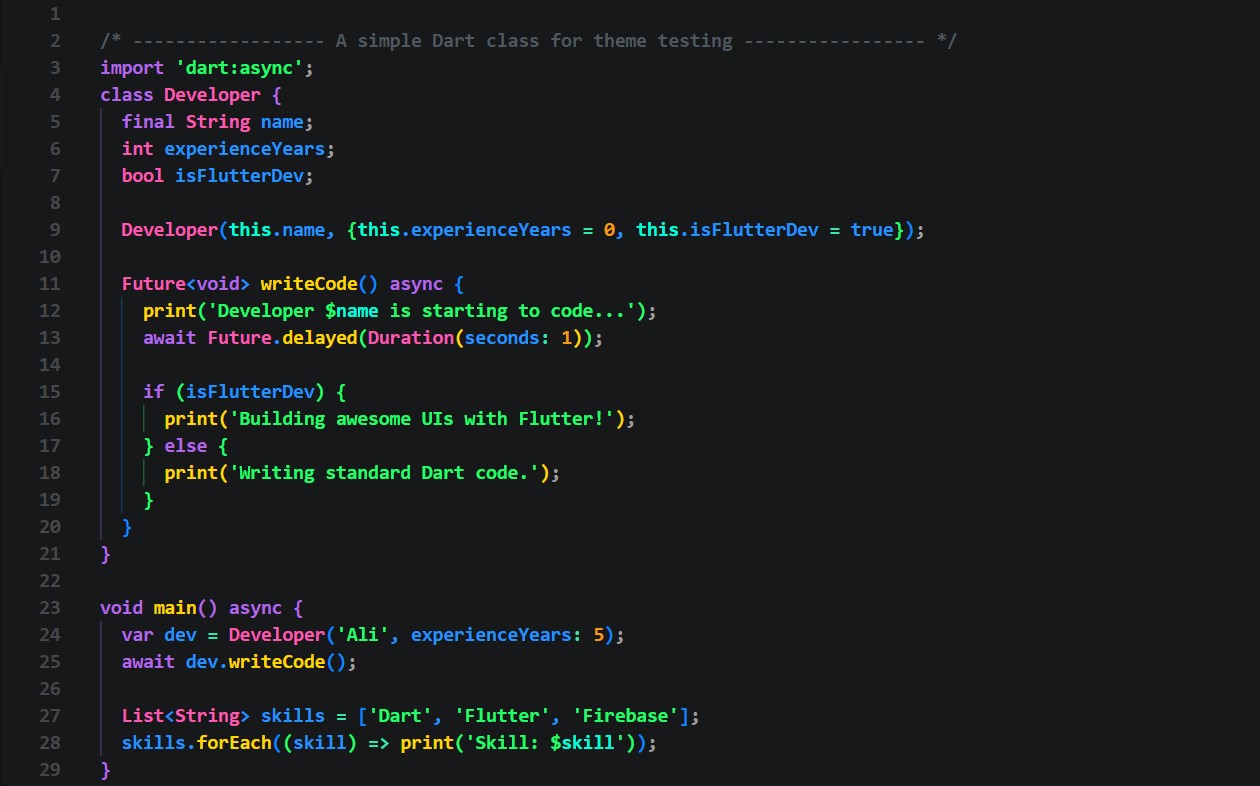
Dart
Dart Syntax Preview

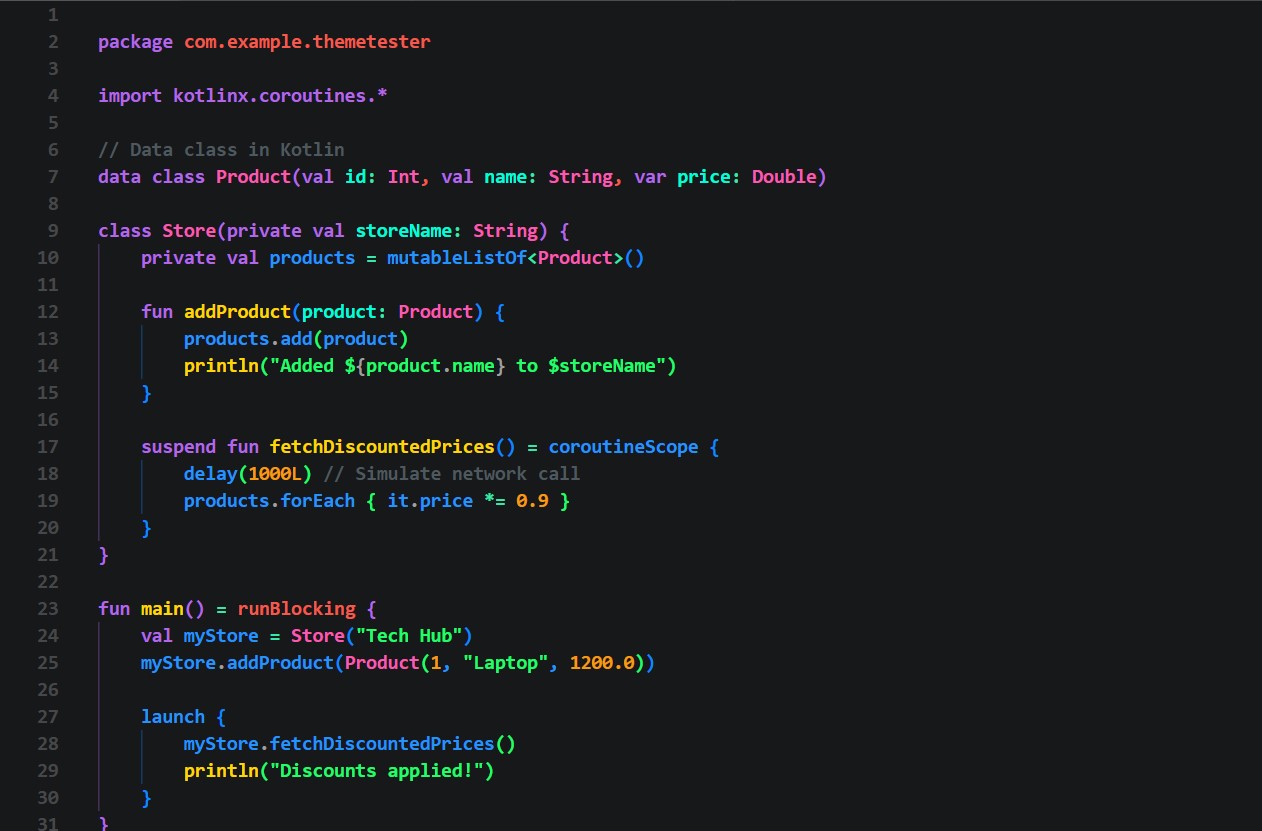
Kotlin
Kotlin Syntax Preview

🗄️ Database, Config & Docs (SQL, MongoDB, JSON, YAML, Bash, Markdown)

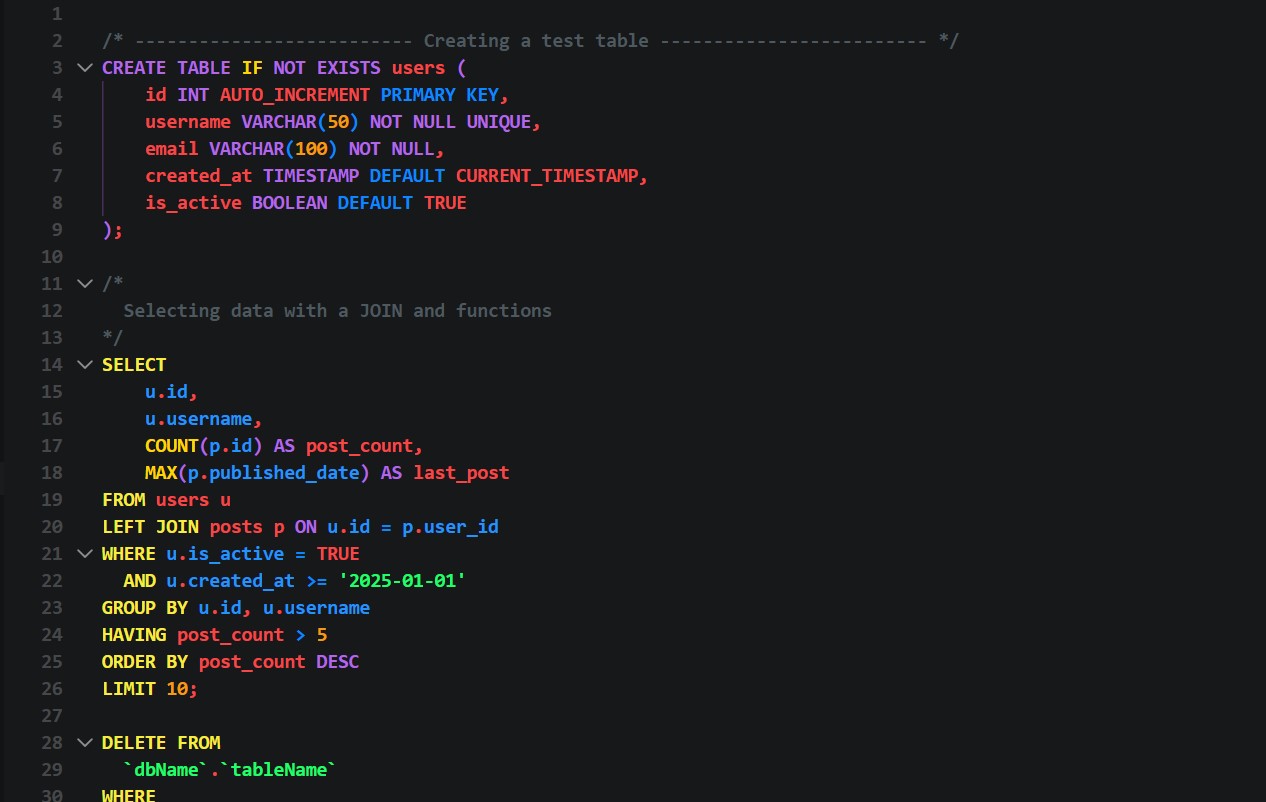
SQL
SQL Syntax Preview

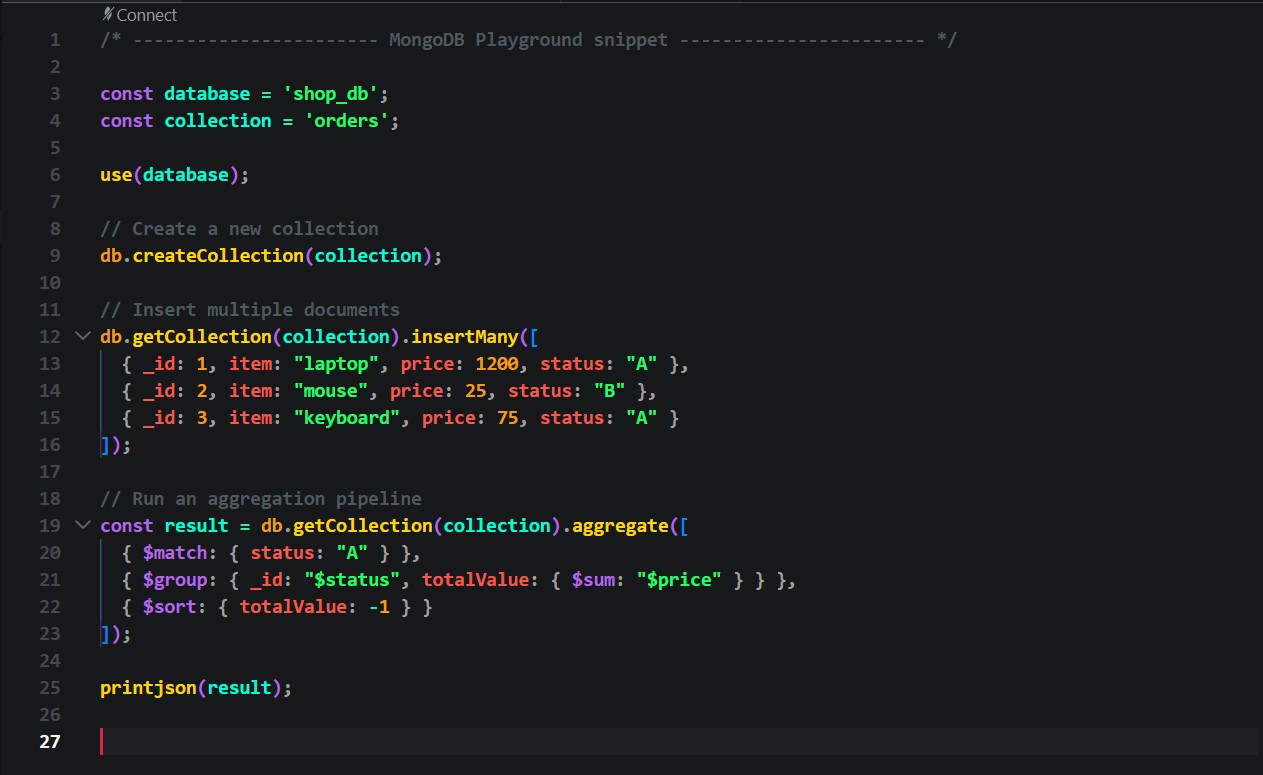
MongoDB
MongoDB Syntax Preview

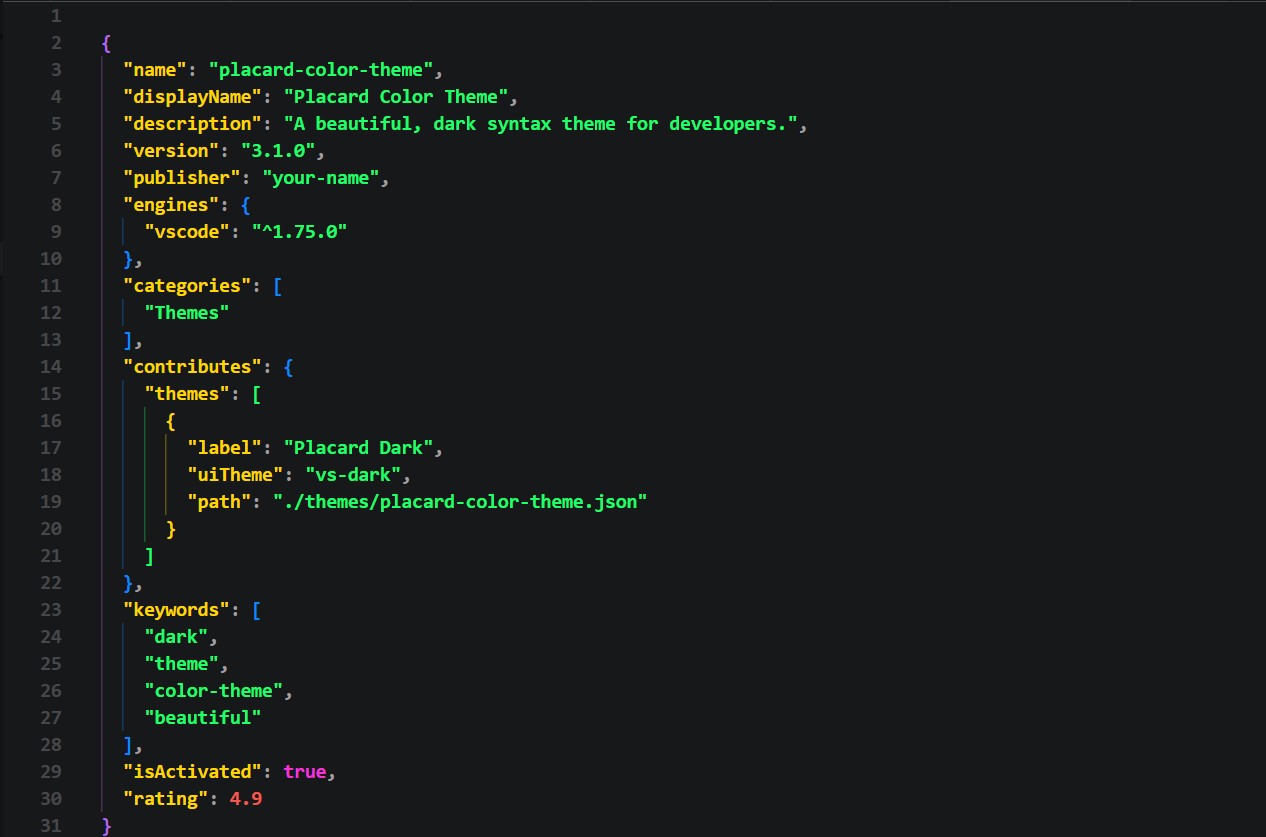
JSON
JSON Syntax Preview

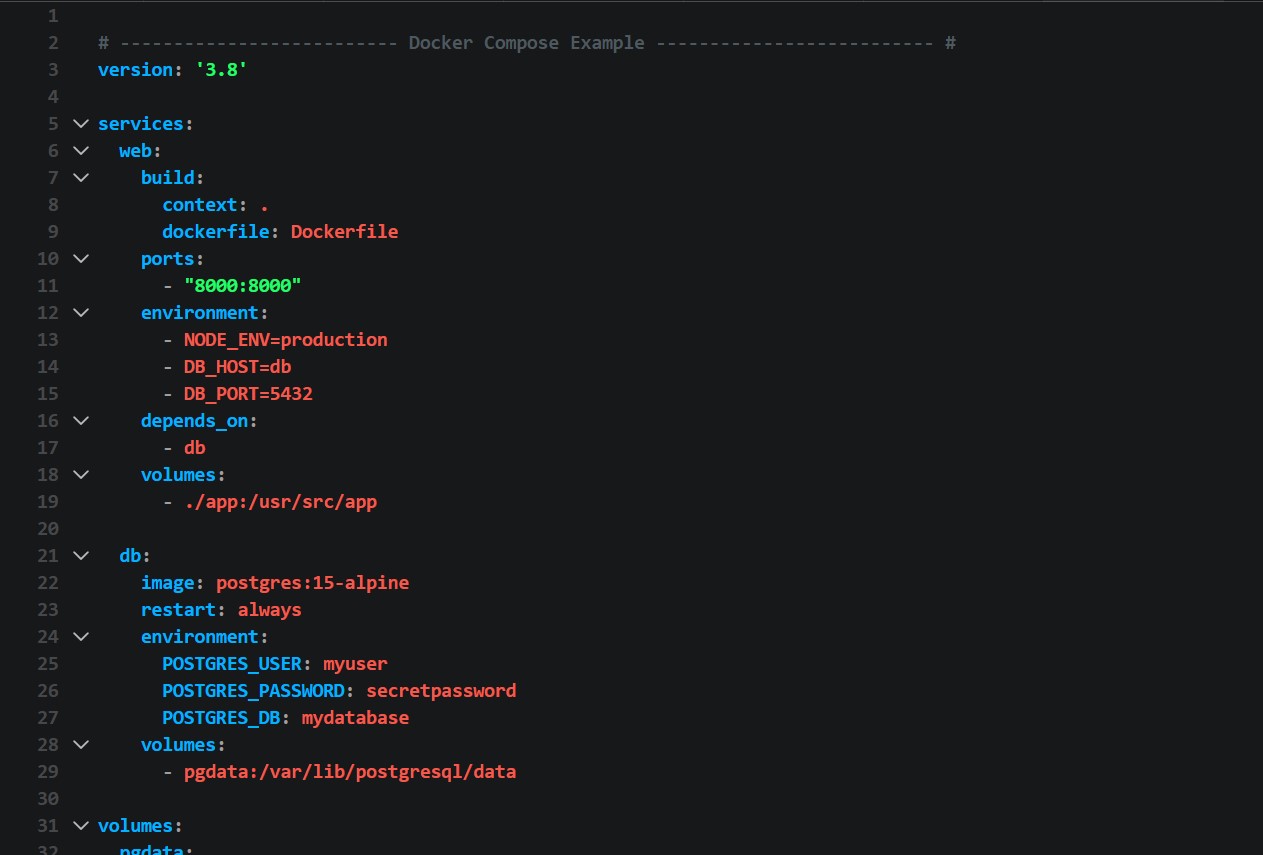
YAML
YAML Syntax Preview

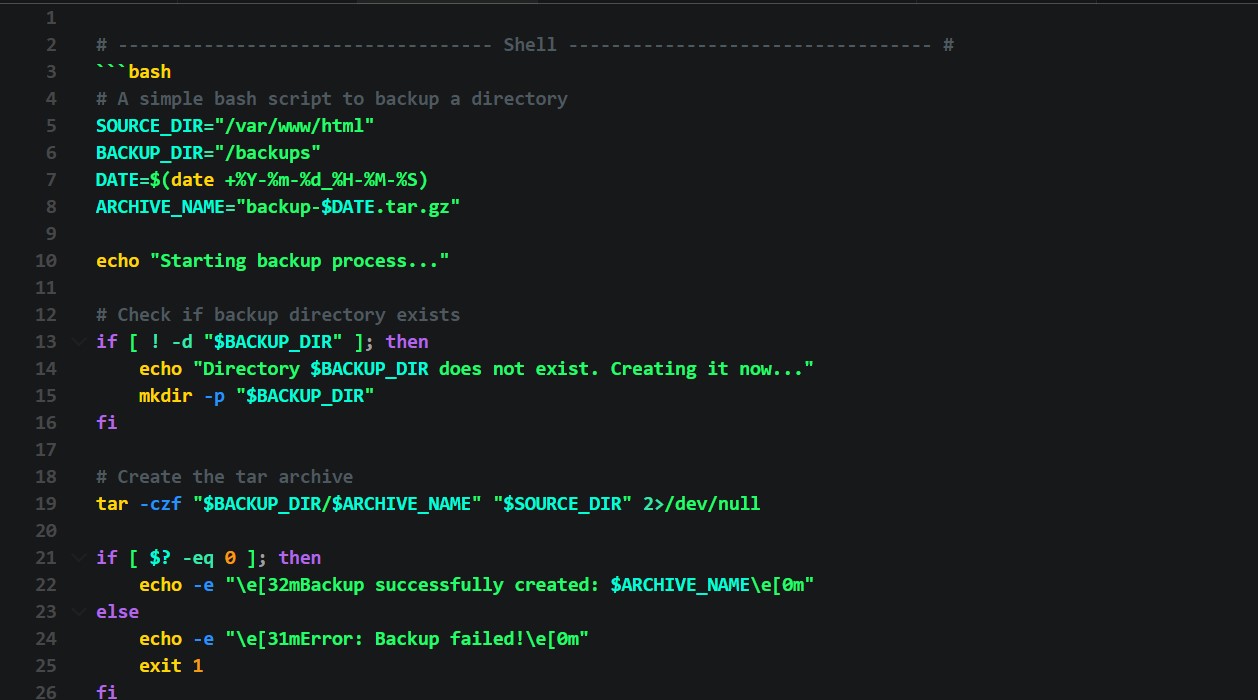
Shell / Bash
Shell Script Syntax Preview

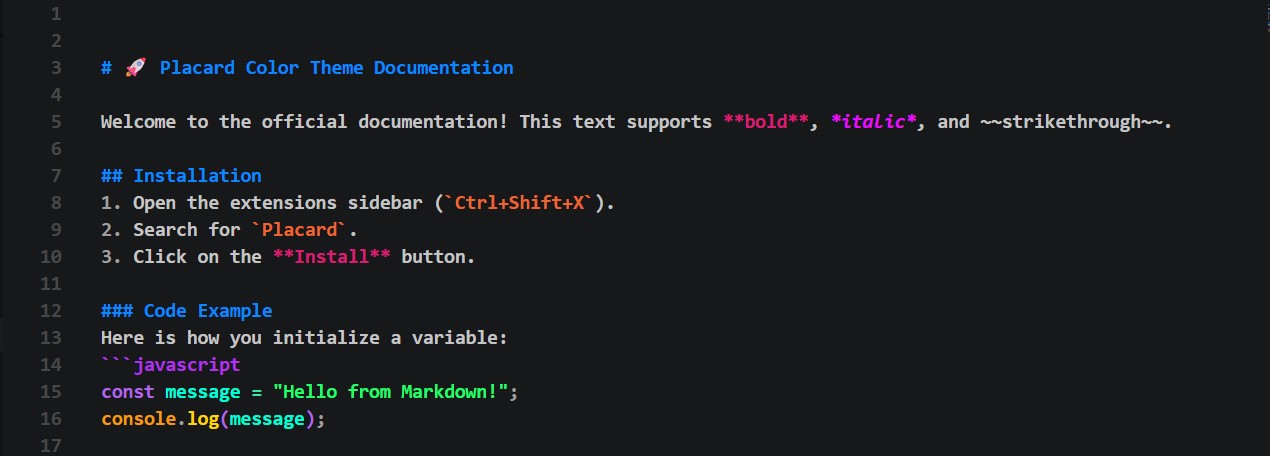
Markdown
Markdown Syntax Preview


🛠️ I'm Using These Extensions

To get the exact look and feel from the screenshots, I highly recommend installing these extensions:

  • Bundle Size
  • Comment Divider
  • Inline Parameters for VSCode
  • Color Highlight
  • Bracket Pair Color DLW

⚙️ If You Want to Apply My Settings

For the best experience, you can add my personal configuration to your settings.json file. This adds gorgeous bracket colors, smooth cursor styles, and activates font ligatures!

  // Bracket Colorize Without Any Extension
  "workbench.colorCustomizations": {
    "inlineparameters.annotationBackground": "#17181a",
    "inlineparameters.annotationForeground": "#45A9F9",
    "editorBracketHighlight.foreground1": "#FF75B5",
    "editorBracketHighlight.foreground2": "#45A9F9",
    "editorBracketHighlight.foreground3": "#924cee",
    "editorBracketHighlight.foreground4": "#46fc55",
    "editorBracketHighlight.foreground5": "#FFB86C",
    "editorBracketHighlight.foreground6": "#F39C12",
    "editorBracketHighlight.unexpectedBracket.foreground": "#FF2C6D",
    "editorCursor.foreground": "#ce2952",
    "terminalCursor.foreground": "#ce2952"
  },
  "editor.cursorStyle": "line",
  "editor.cursorWidth": 8,

  "[javascript]": {
    "editor.language.brackets": [
      ["[", "]"],
      ["(", ")"]
    ]
  },

  "comment-divider.languagesMap": {
    "toml": ["#", "#"],
    "php": ["/* ", " */"],
    "scss": ["//"],
    "js": ["/* ", " */"]
  },

  "editor.fontLigatures": true,
  "editor.fontFamily": "'Operator Mono', 'Cascadia Code PL Semilight', Menlo, Inconsolata, Roboto, 'Fira Code', 'Ubuntu Mono', monospace, 'Space Mono', Monaco, Sudo, Consolas"

🎨 How to Activate / Switch Themes

You can easily activate the theme directly from the extension page by clicking the Set Color Theme button.

Once the menu opens, select the option that fits your taste:

  • DRAGAN COLOR THEME: Designed for the Stable version of VS Code (🟦 Blue icon).
  • DRAGAN COLOR THEME (Insiders): Designed for VS Code Insiders (🟩 Green icon).

💡 Note: The syntax highlighting for your code is exactly the same in both versions! The only difference is a very slight change in the software's UI environment to match each version perfectly. Feel free to try both and see which one you like best!

🤝 Feedback & Contributions

If you spot any visual issues, bugs, or if you'd love to see support added for a new programming language, library, or framework—please let me know! Open an issue on GitHub, and I will gladly add it whenever I have free time.

Thank you so much for using my theme! Enjoy coding!

Designed with ❤️ in a quiet corner of Iran by Milad Fathy.

  • Contact us
  • Jobs
  • Privacy
  • Manage cookies
  • Terms of use
  • Trademarks
© 2026 Microsoft