MicroDegree Prayog — Guided hands-on GenAI practice, inside VS Code
Prayog (Sanskrit: applied practice) gives MicroDegree students a guided,
hands-on environment to practise calling large language models — right inside
their own editor. No API keys, no billing setup: sign in once and call real
models through MicroDegree's hosted gateway using plan-based credits.
What you get
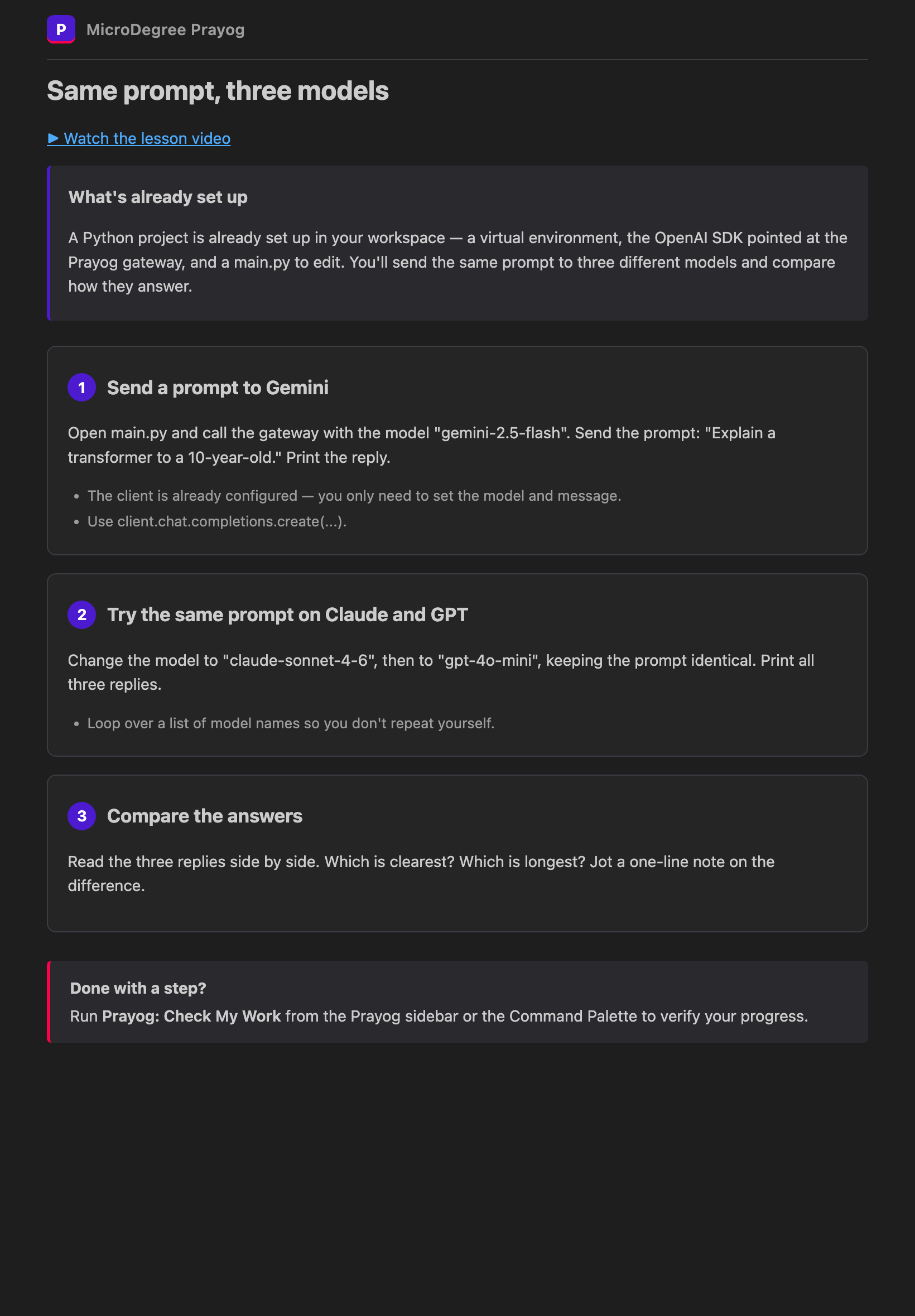
Real exercises, guided step by step. Open an exercise and a polished
guidance panel walks you through it, card by card, with a scaffold project
dropped straight into your workspace.
Call real models. Send prompts to Gemini, GPT, and Claude through one
OpenAI-compatible gateway and compare how they answer.
Check your work. A one-click check confirms each step — including that your
code actually reached a model.
Credits, not keys. Your MicroDegree plan grants credits. No API keys to
manage, no surprise bills.
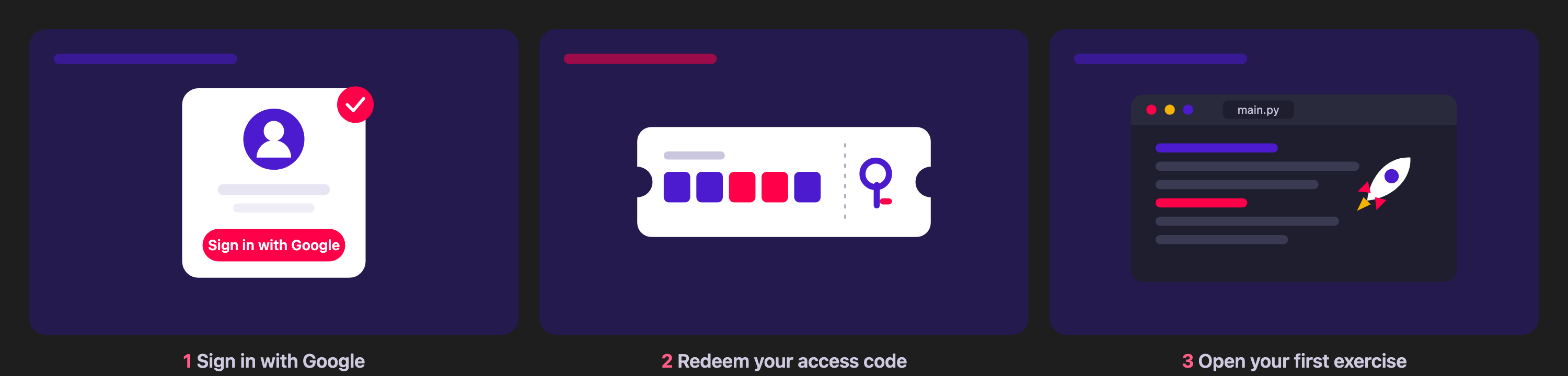
Get started in 3 steps
Install Prayog from the Marketplace (VS Code) or Open VSX (Cursor / VSCodium).
Run Prayog: Sign In and sign in with Google.
Have an access code from a workshop or your plan? Run Prayog: Redeem Access Code.
Run Prayog: Open Exercise to start practising — or follow the built-in
Get started with Prayog walkthrough.
Requirements
A MicroDegree account. Without an account (and credits) the extension simply
shows a sign-in prompt — there is nothing to abuse.