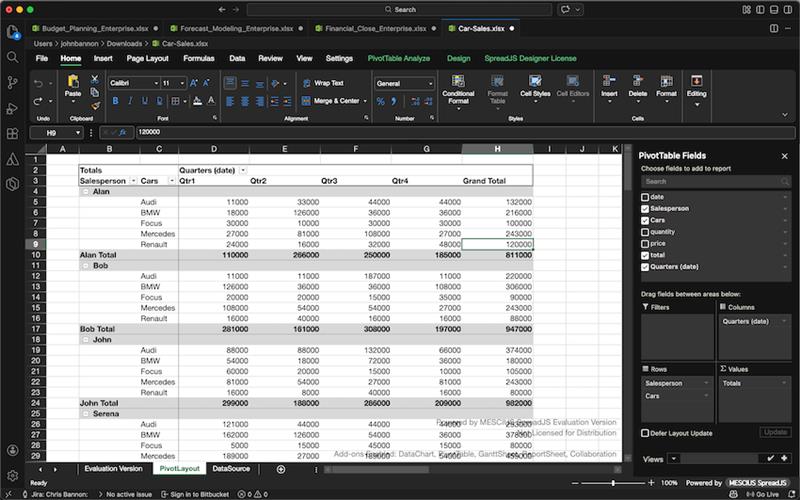
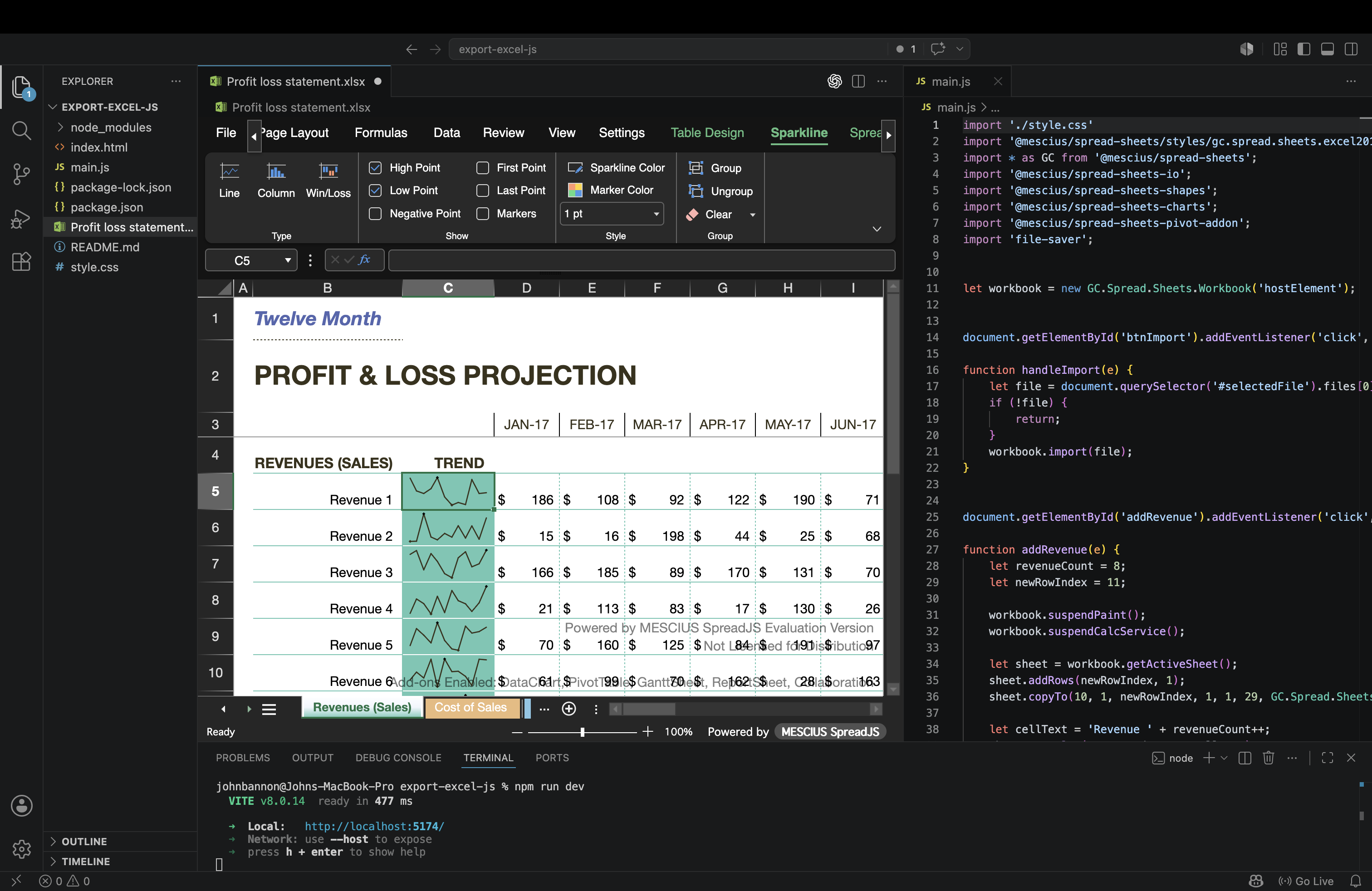
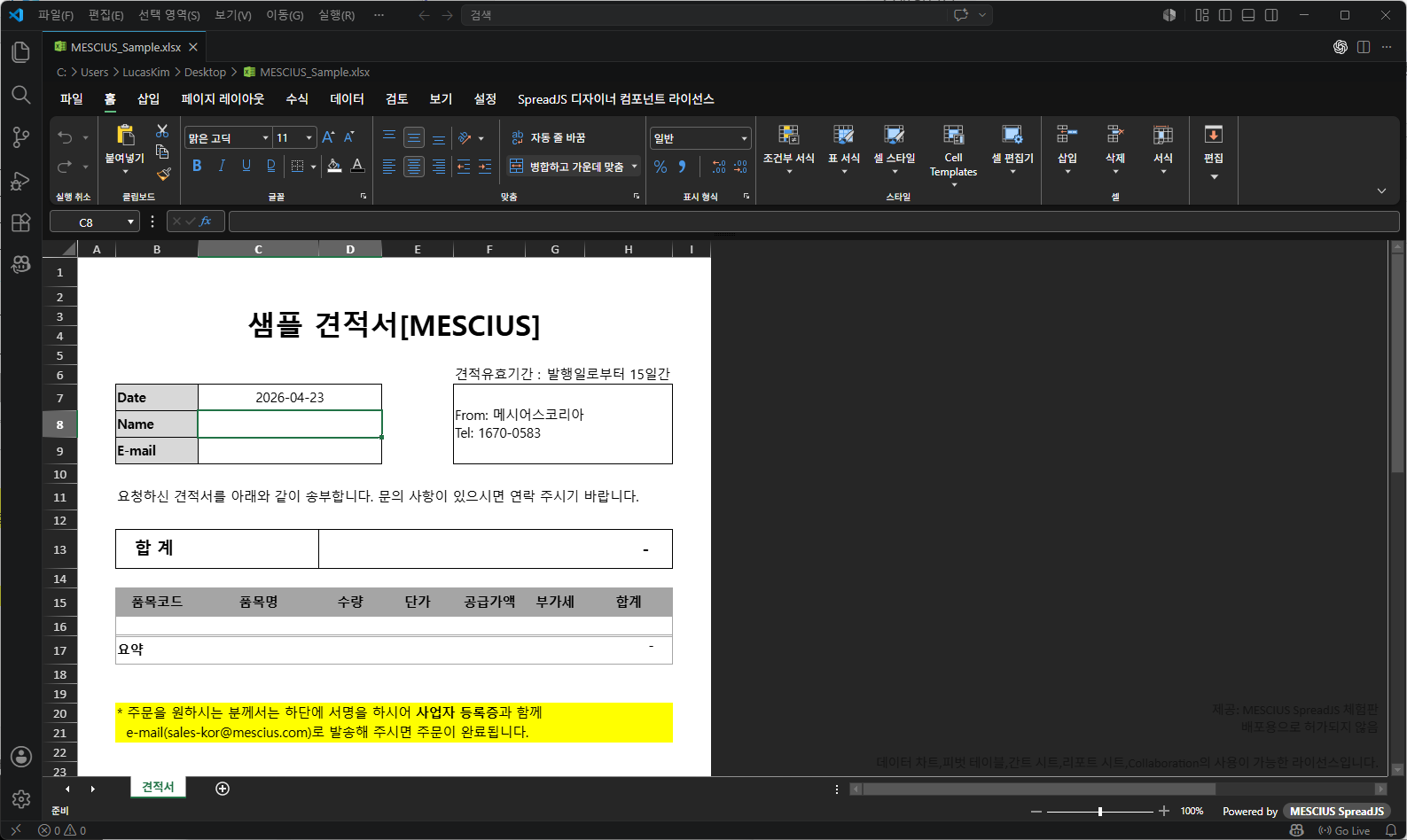
SpreadJS XLSX EditorDevelopers can now easily create, edit, and view spreadsheets, including full support for Microsoft Excel, directly within VSCode with a familiar spreadsheet experience. Supports advanced Excel features, 500+ functions, Pivot Tables and much more. Installation Launch VS Code Quick Open ( Ctrl+P), paste the following command, and press enter.Copied to clipboard |

English 日本語 한국어SpreadJS XLSX Editor for VSCodePowered by SpreadJS, this developer-focused extension provides developers a familiar spreadsheet experience for those working with complex spreadsheets directly in VSCode. Complete support for XLSX, XLSM, XLTM, CSV as well as SpreadJS formats like SJS and SSJSON.
About SpreadJSSpreadJS is the most complete JavaScript spreadsheet component that allows developers to embed this same Microsoft® Excel-like spreadsheet experience directly within their own applications. SpreadJS also provides full support for React, Vue, Angular, and TypeScript. This enterprise-grade JavaScript spreadsheet supports many popular features such as a powerful formula engine (500+ functions), native Excel input and output, PivotTables, charting, slicers, sparklines, conditional formatting, tables, international localization, printing, sorting, filtering, drag-fill, grouping, undo/redo, data validation, input controls, and so much more. Developers typically use the SpreadJS spreadsheet component to create financial, budgeting/forecasting, scientific, engineering, healthcare, insurance, and many other similar JavaScript spreadsheet business applications.
Features
Commands
Extension Settings
Learn MoreFor more information on using this extension or integrating SpreadJS spreadsheet capabilities in your own projects and applications, visit our documentation. VS Code 用 SpreadJS XLSX エディタSpreadJSを搭載したこの拡張機能は、VS Codeでスプレッドシートの優れた編集機能とExcelライクな操作性を提供します。XLSX、XLSM、XLTM、CSVに加え、SJSやSSJSONといったSpreadJS形式にも対応しています。 SpreadJSについてSpreadJSは、WebアプリケーションでExcelライクなUIを実現するために開発されたJavaScriptコントロールです。チャート、表計算関数、フィルタリング、条件付き書式など、豊富なExcel互換機能を搭載したスプレッドシートをブラウザ上に描画し、エンドユーザーになじみのあるUIと操作性を提供します。 機能
Commands
拡張機能の設定
VSCode 전용 SpreadJS XLSX 에디터SpreadJS기반으로 제공되는 이 확장 프로그램은 VS Code에서 스프레드시트를 사용할 수 있도록 Excel과 유사한 완전한 환경을 제공합니다. XLSX, XLSM, XLTM, CSV는 물론 SJS 및 SSJSON과 같은 SpreadJS 형식도 지원합니다.
SpreadJS 소개SpreadJS는 빠르게 Microsoft® Excel과 유사한 스프레드시트 환경을 제공할 수 있는 가장 완전한 엔터프라이즈 JavaScript 스프레드시트 솔루션입니다. 또한 React, Vue, Angular, TypeScript를 완벽하게 지원합니다. 이 엔터프라이즈급 JavaScript 스프레드시트는 강력한 수식 엔진(500개 이상의 함수), 기본 Excel 가져오기/내보내기, 피벗 테이블, 차트, 슬라이서, 스파크라인, 조건부 서식, 표, 다국어 지원, 인쇄, 정렬, 필터링, 채우기 핸들, 그룹화, 실행 취소/다시 실행, 데이터 유효성 검사, 입력 컨트롤 등 다양한 기능을 제공합니다.
기능
명령
확장 설정
|