DevTools - AppianDevTools for Appian language: syntax highlighting, completions, hover, signature help, diagnostics, and formatting. Installation Launch VS Code Quick Open ( Ctrl+P), paste the following command, and press enter.Copied to clipboard |

Devtools for AppianThe missing developer experience for Appian in Visual Studio Code
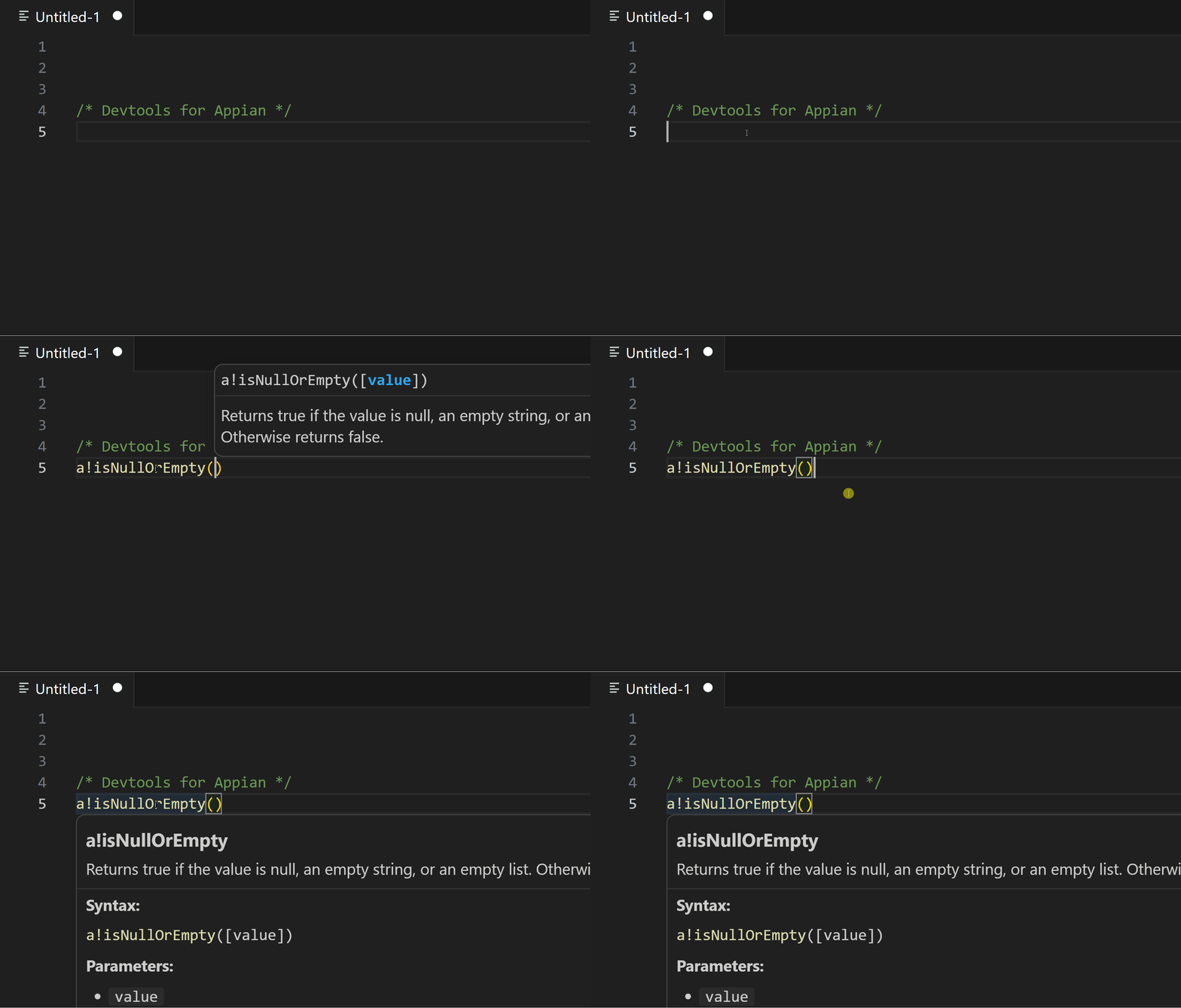
FeaturesSyntax highlightingFull TextMate grammar for Appian SAIL. Covers variables ( Themes: Scopes follow standard TextMate names ( Autocomplete 600+ functionsContext-aware suggestions as you type, backed by a bundled catalog of 630+ Appian functions: description, syntax signature, parameters, and examples where available. Hover documentationHover over a function name to see its description, syntax, parameters, and examples without leaving the editor. DiagnosticsLive diagnostics for unknown Code formattingFormat the document with Shift+Alt+F (or the Format Document command). Indentation is heuristic, based on bracket structure. InstallationFrom the Marketplace
Supported file types
Requirements
ContributingIssues and pull requests are welcome. For larger changes, please open an issue first. ChangelogSee CHANGELOG.md for release notes. DisclaimerThis extension is an independent open-source project and is not affiliated with, endorsed by, or sponsored by Appian Corporation. LicenseDistributed under the MIT license. Developed by Max Pastor · Marketplace · GitHub |