iNoU Agent for VS Code
Combine cloud and local LLMs in a single chat, and keep working without internet or LLM credits.
- Auto-compacted chats
- Static code analysis and UML and C4 diagram generation
- Combine any LLM in Plan/Act
- Automatically Detect what Ollama and OpenAi models can your machine can run
- Extendable local skills (ISK)
- Unify the way you interact with any LLM (/status and many other agnostic commands
- Undo/Redo and Keep (when your LLM crashes or credits run out you can decide to keep the changes and continue)
👤 Mauricio Gracia Gutierrez · 🚀 Getting started · 🔐 Privacy
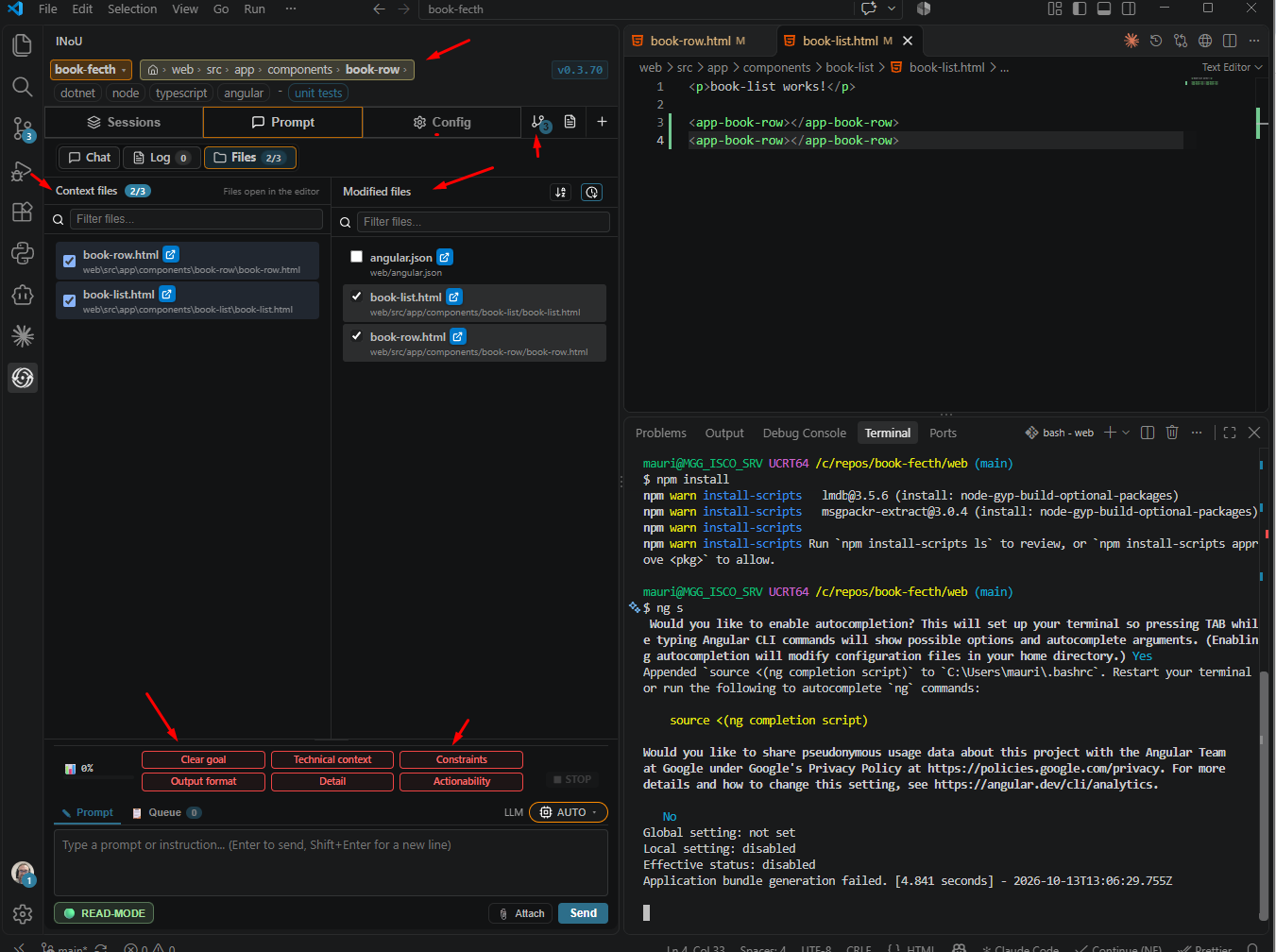
✨ Main features
- Supported models: Gemini, Claude, OpenAI, GitHub Copilot, the Claude Code CLI, local Ollama models and any OpenAI-compatible model, including the ones you use in OpenCode. Your keys stay in VS Code SecretStorage.
- Local models with Ollama: Start and stop Ollama from CONFIG; iNoU checks your RAM and GPU and suggests models that fit.
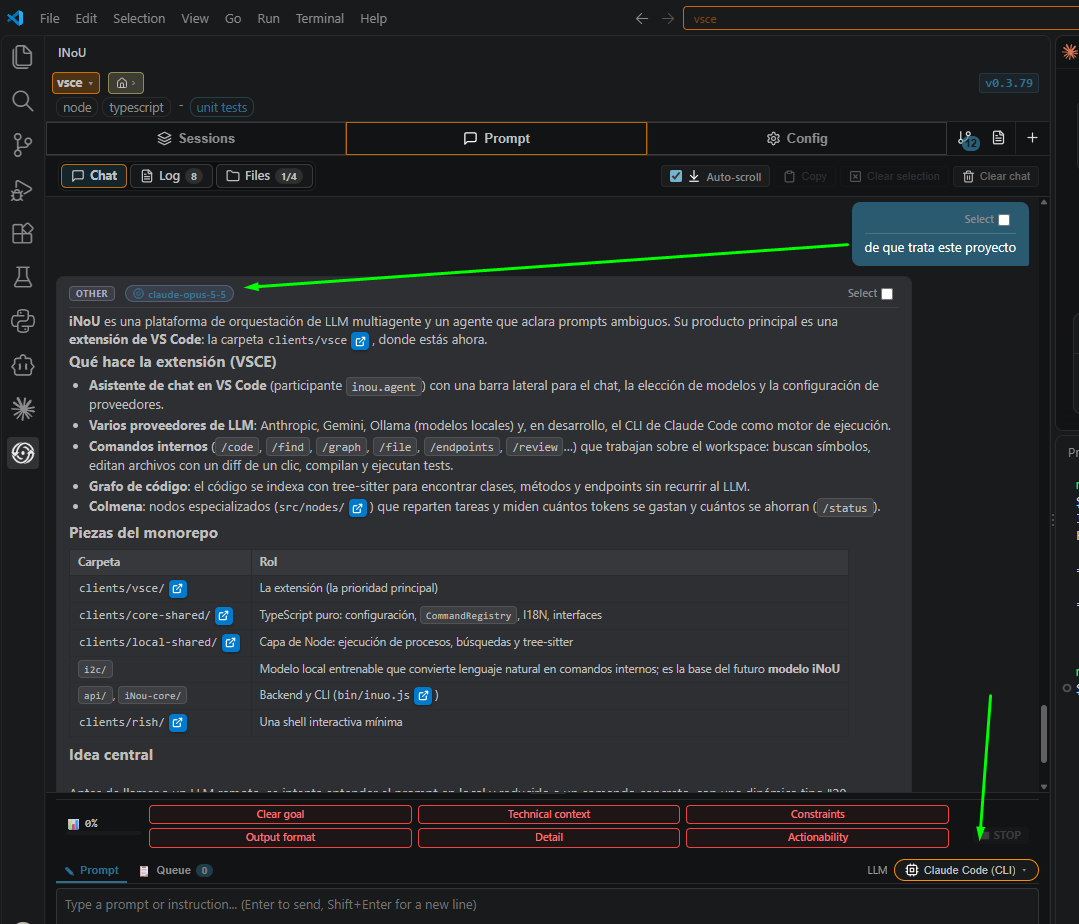
- Claude Code CLI: Use Claude Code with your own Claude login; iNoU finds or installs the CLI and keeps one session per chat. (in development)
- Plan with one model, code with another: Developer Profiles pair any planning model with any coding model: fully local, or a cloud planner with a local coder. Switch per chat.
- READ and WRITE modes: In READ mode nothing changes your files or runs commands. Switch to WRITE when you want iNoU to act.
- Review every change: Changes are shown as a diff and applied with one click.
- Commands that cost no tokens: Slash commands run without a model or internet. You can also type them in plain words: a local model maps them to commands.
- Add your own skills: Skills are ISK scripts (.ish + .iss): bash plus iNoU commands, run from the chat by name. A .sh script can become a skill.
- Knows your project: Detects the stack of each sub-project and the commands to build, lint and test it.
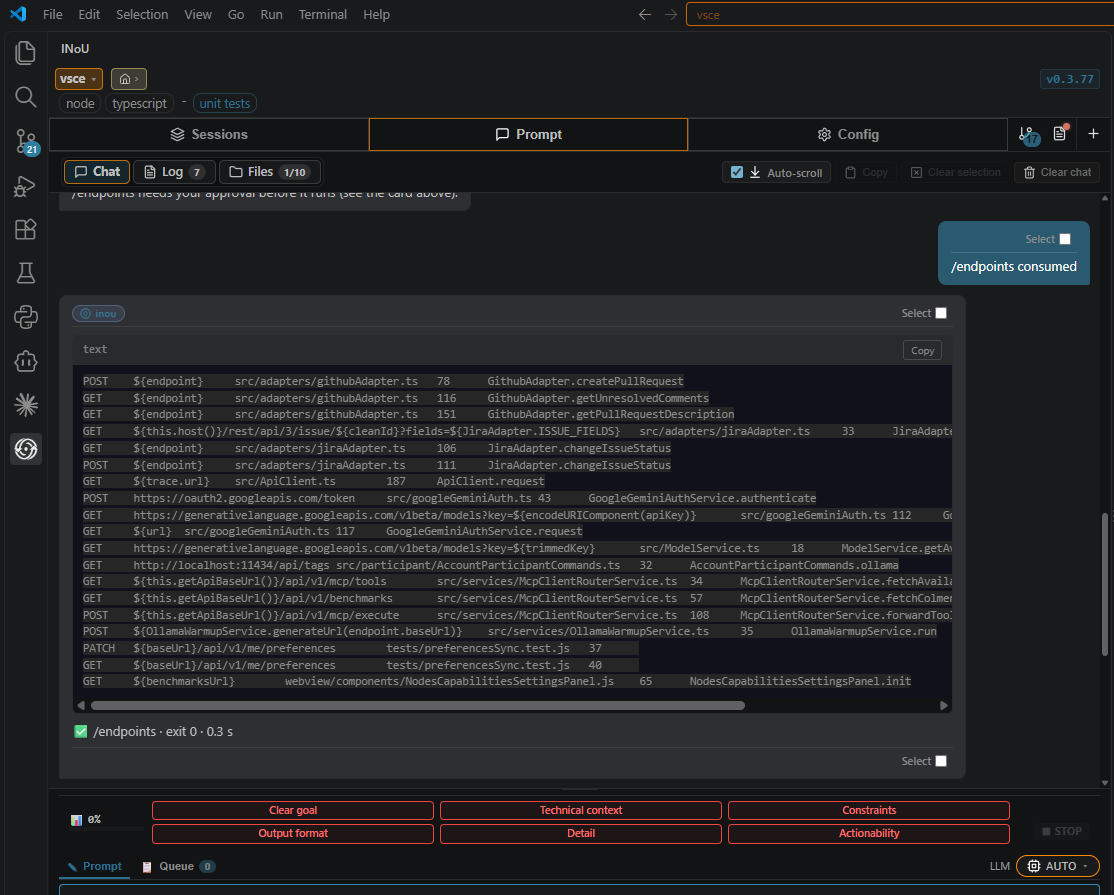
- Endpoint detection: Lists the endpoints a project exposes and consumes, and matches them. C# and Angular today.
- Always up-to-date code graph: A map of your code that updates as you save, change files or switch branches.
- Chats that never overflow: Long chats are summarized by the model in use, automatically or with /compact; every message stays visible. (in development)
- Prompt quality meter: Shows how specific your prompt is while you type.
- Survives crashes: Chats, the queue and the running task are saved on your machine; /recover picks up where you left off.
- See the model think: Reasoning streams live in a block that folds away when the answer arrives.
- Trello: List, search, read, create and move cards without a model; create a card straight from a spec file.
🧰 More features
💬 Chat
- Clickable file references: File paths in answers open in the editor.
- Prompt queue: Keep typing while a task runs; prompts wait in a queue. Stop, send now, or review the queue between tasks.
- Usage & savings report: /status shows tokens spent per model and tokens saved.
- Ask iNoU about itself: Ask who it is and iNoU explains what it does, your usable models, the chat mode.
- Asks before guessing: A vague task gets a short choice card instead of a guess that wastes tokens.
- Answers in your language: iNoU answers in the same language as the prompt.
- Chat sessions: Switch, rename and delete chats from the Sessions tab.
- Who answered: Shows which model or engine handled each step.
- Live progress: The current step and how long the finished ones took.
- @ autocomplete: Mention open files and folders.
- / autocomplete: Commands and workspace tasks with their usage.
🛠️ Coding
- Coding tasks: A planning model splits the task into steps; a coding model writes each one, stopping at the first error.
- Checked after applying: After a change, iNoU compiles the touched projects and shows the errors before and after.
- Error fixing: Compile errors left by a change go back to the model; /fix works through errors one by one.
- You approve commands: Build, test and model commands run only once you allow them (once or always). Read-only git commands run without asking.
- Stack Overflow answers: Opt-in: looks up compiler errors on Stack Overflow, filtered by your stack. (in development)
- Code review: Reviews the git diff of your changes. (in development)
- Offline planning & verification: Plans and checks multi-step work on your machine.
🧠 Context
- Code graph: Classes, functions and where they are used, in 9 languages; nothing is written to your workspace.
- Git context: Repository history and status.
- Read-only tools for models: Models can list and read files, see the git diff and the errors, and query the code graph.
- Only the context that matters: Files, git changes and graph context are picked per task, within a token budget.
- Finds the right files: Files named in the prompt, and the files compiler errors point to, are added as context.
- Open files as context: Pick which open editor files go with the prompt.
- Project-wide errors: /get lists the IDE problems; with -f it runs each project's typecheck and lint, so every file is checked.
🧩 Workspace
- Current folder: Pick the folder that /file, /folder, /bash and /find start from; nested folders are searchable. (in development)
- Pending changes: The number of changes not yet committed, in the tab bar. (in development)
- Workspace switcher: Open recent folders and .code-workspace files.
- Logs tab: What iNoU did, with filters and a dot when something failed.
- System diagnostics: Backend connection, environment and extension state in CONFIG.
🔗 Integrations
- Integrations status: Which integrations are connected and how to set them up.
- Trello from the chat: Trello commands run inside iNoU, without a model.
- Jira: Read a ticket or its specs and change its status. (in development)
- GitHub: Issues as specs; create a pull request and read its comments. (in development)
🤖 Models
- Model self-assessment: Each model rates its own skills so iNoU can route tasks to it.
- Model discovery: Finds the newest models of each key, plus Ollama, LM Studio, vLLM and Copilot models.
- JEV compaction for Claude Code: Optional plugin that drops stale tool calls from Claude Code runs. Off by default. (in development)
- Images and prompt caching: Attach images for any model that reads them; Claude prompt caching lowers the cost.
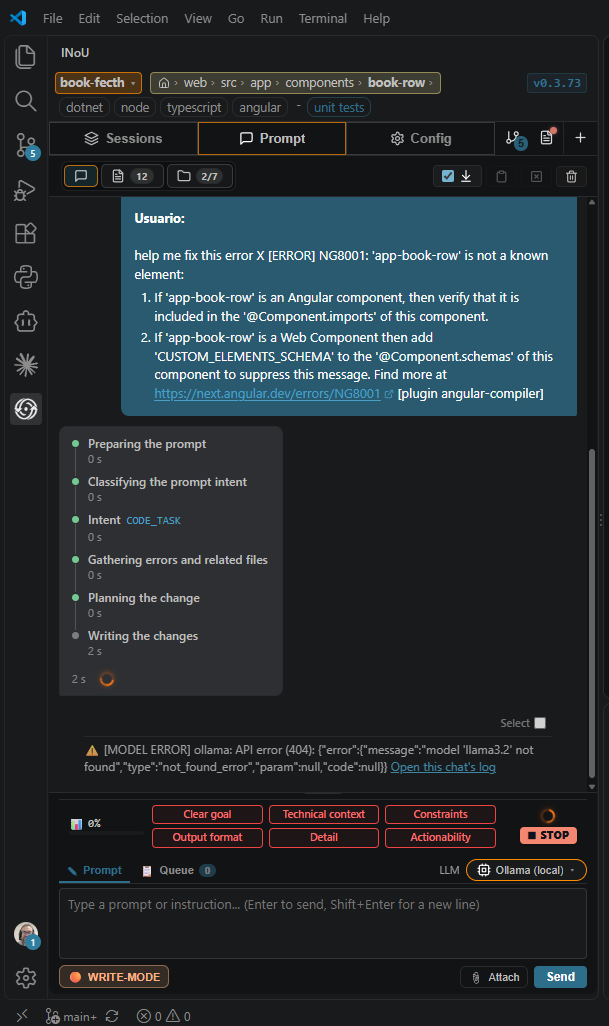
- Clear model errors: When a model fails, one card says why, with links to the log and CONFIG.
- First-run guidance: Points to CONFIG ▸ LLM models until a model is ready.
🔐 Trust & settings
- iNoU account (optional): Sign in to sync chats and preferences across machines.
- Agreement first: Nothing runs until you accept the iNoU agreement.
- Privacy switches: Turn off workspace context and the code graph.
- Preferences sync: Language, prompt and privacy settings follow your iNoU account.
- English or Spanish: Switch the language without reloading.
📸 Screenshots
🚀 Getting started
Visit inou.cloud/vsce-getting-started.
🔐 Privacy — what iNoU sends, and where
API keys and tokens (Gemini, Claude, OpenAI, Trello, Jira, GitHub) live only in VS Code SecretStorage (your OS keychain) and travel only to their own provider. iNoU never reads environment variables.
To the LLM provider you configured (Google, Anthropic, OpenAI, GitHub Copilot through VS Code, or Anthropic through your own Claude Code CLI; with Ollama it stays on your machine):
- We always send your prompt, the recent turns of that chat, iNoU's instructions, project name and git branch.
- Only if you choose it: Files you check or
@-mention, your editor selection (when its file is checked), attachments.
- Only when your prompt asks about changes: The
git diff against the last commit of the relevant snippets.
- Coding tasks also send what is needed to write the change: language-server errors, the files they point to and their same-name siblings, files named in the prompt or requested by the plan; in a step plan, each step sends the request, its goal, its files and the earlier steps' output.
- Step-plan scripts run on your machine only after you approve their code on the plan card.
To Stack Overflow (off by default, CONFIG ▸ Privacy ▸ "Look up compiler errors on Stack Overflow"): when a build fails, iNoU itself (not the model) sends the error messages to api.stackexchange.com, without file paths, line numbers or the names declared in your code, and adds the accepted answers to the prompt.
- Claude Code CLI: iNoU runs
claude -p on your machine with your own login; the CLI sends the prompt to Anthropic and may use its own tools in your workspace. In READ mode it can only read and plan; in WRITE mode it may edit files. It runs the commands on your iNoU whitelist, the ones you allow in the chat, and those your own Claude Code permission settings allow. iNoU stores no Claude credentials.
- JEV compaction (off by default,
inou.claudeCode.jevCompaction): inside those Claude Code runs, the fast-jev-compaction plugin sends the conversation (tool outputs reduced to one-line notes) to api.typesafe.ai, with your TYPESAFE_API_KEY.
| |


