KREN: LLM-based Multilingual Dictionary, Translate & Rewrite
KREN is a privacy-conscious language workbench for dictionaries, offline grammar checking, translation, nuance explanation, multilingual rewriting, read-aloud, and an LLM-based AI English Tutor that takes you from grammar lessons to spoken conversation, inside VS Code.
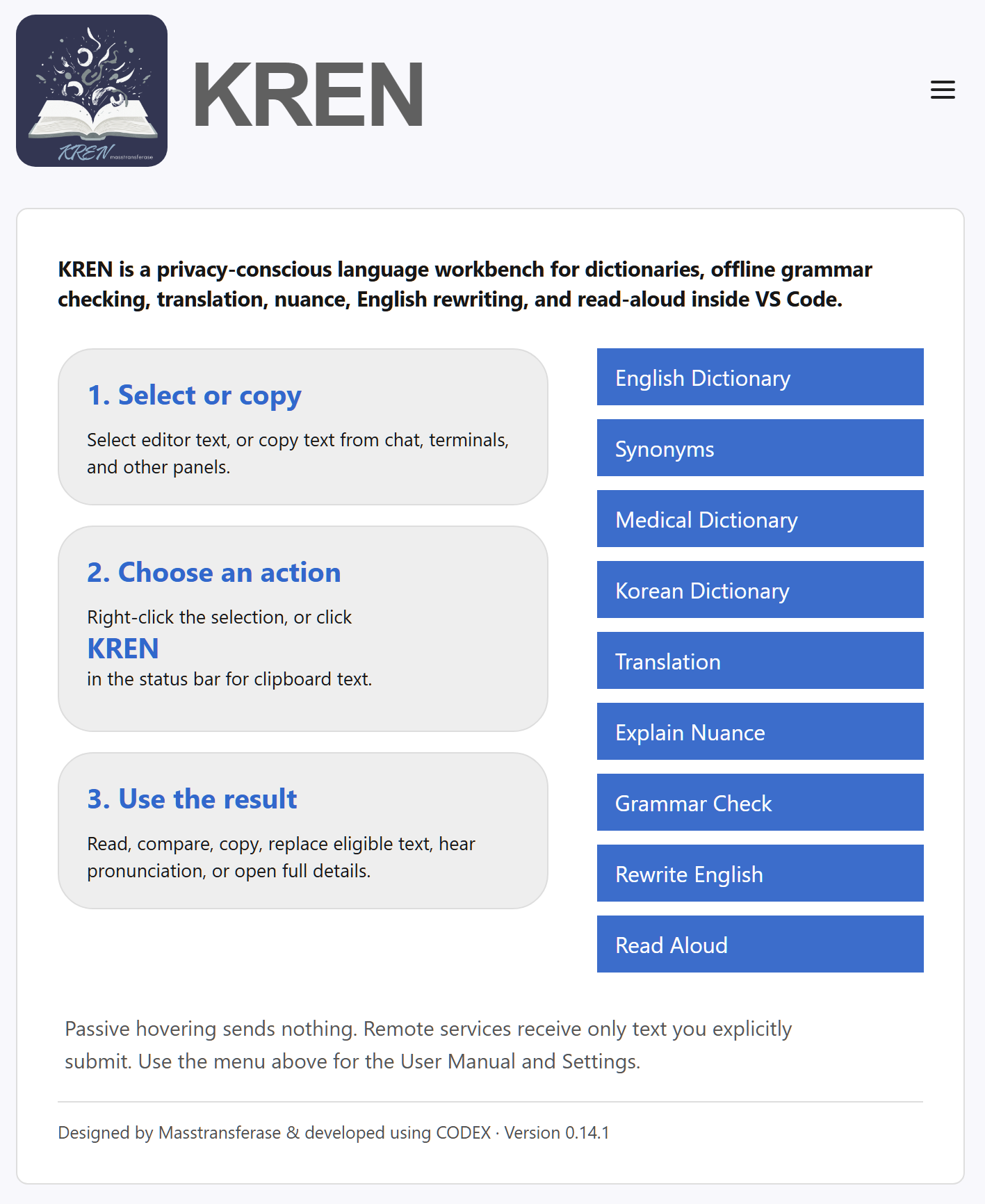
Quick start
- Select or copy text. Select editor text, or copy text from chat, terminals, and other panels.
- Choose an action. Right-click an editor selection, or click KREN in the status bar for clipboard text.
- Use the result. Review, compare, copy, safely replace eligible text, hear pronunciation, or open details.
Passive hovering sends nothing. KREN starts a remote request only after you explicitly choose an online operation. The one automatic request is a daily anonymous check of the latest edge-tts version on PyPI; turn it off with kren.updates.dailyCheck in VS Code Settings.
What KREN does
| Feature |
What you get |
Requirement |
| LLM-based AI English Tutor |
Lessons built from a learning map or your own question, practice with hints and reviews, and spoken conversation in a situation you choose, ending with a take-home card of better ways to say what you said |
A Gemini, OpenAI, Anthropic, Groq, or Cloudflare key. Live voice replies need a Gemini key. |
| Grammar Check |
Private English spelling and grammar review with optional corrections |
None for the offline Harper check. Smart Grammar, on by default, also uses your User Dictionary model; turn it off for a fully offline check. |
| English Dictionary |
Structured Merriam-Webster entries, examples, inflections, and pronunciation |
Collegiate API key |
| Synonyms |
Sense-grouped synonyms, related words, and antonyms |
Thesaurus API key |
| Medical Dictionary |
Structured definitions for English medical terminology |
Medical Dictionary API key |
| Korean Dictionary |
Korean headwords with English explanations |
Korean Basic Dictionary API key |
| Translation |
Auto-detected input and Korean output by default, or another target language, with an optional subject domain |
Cloud Translation API key, or a Gemini, Groq, or Cloudflare key |
| Explain Nuance |
Meaning, connotation, register, ambiguity, and technical usage |
Gemini, OpenAI, Anthropic, Groq, or Cloudflare key |
| Rewrite Text |
Auto-detects and preserves the source language. Minimal Rewrite corrects the writer's text without style settings. Full Rewrite applies the ten style axes. |
Gemini, OpenAI, Anthropic, Groq, or Cloudflare key |
| Read Aloud |
Edge Online natural voices (the default), Google Cloud Chirp 3 HD voices, or offline Windows voices |
Local Windows. Edge Online also needs Python and edge-tts; Chirp needs a Google Cloud Text-to-Speech key, or your Cloud Translation key, with that API enabled. |
You need keys only for the online features you choose. KREN includes no shared credentials and accepts separately issued Merriam-Webster Collegiate Dictionary, Collegiate Thesaurus, and Medical Dictionary keys. Use only keys issued to you and follow the provider's current reference-access, account, query, and usage terms. KREN does not bypass provider limits. Consumer AI subscriptions do not automatically include developer API access.
AI reliability: Rewrite and Explain depend on remote model availability and can occasionally fail even with valid settings. Repeating the request often resolves a transient failure. Higher thinking or effort levels can take noticeably longer; use Auto or Low for routine work.
LLM-based AI English Tutor
Build a lesson, practice its patterns, then use them in conversation.
- Lessons: choose learning targets from the learning map, or ask your own question. KREN writes rules, numbered examples, and common errors.
- Practice: answer typed or spoken items, ask for a hint tied to an example, then review every answer for correctness and naturalness.
- Conversation: talk in a situation you choose, or let KREN choose one. Replies come as text with voice, or as Gemini Live voice. Optional situation pictures set the scene. Speak and rephrase coaches anything you say.
- Take-home card: after you stop, see better ways to say your sentences, the learning targets to practice next, patterns to keep, and one line to try next time. After five turns, More details opens a diagnostic report.
Open the KREN menu and choose AI English Tutor, or run KREN: Start LLM-based AI English Tutor from the Command Palette. Tutor voices use Google Cloud Chirp 3 HD by default, falling back to Edge Online and then local Windows voices.
What's new since 1.3.3
Coming from KREN 1.3.3? Besides the LLM-based AI English Tutor, 2.0 adds five model providers with automatic switching, a Credentials page, Chirp voices, an editable grammar passage, Smart Word Capture and Check for updates. Several defaults changed, including Korean translation output, Smart Grammar, and clipboard Rewrite; the changelog lists what to recheck.
Requirements
- VS Code Desktop 1.106 or later. Text features work on Windows, macOS, and Linux.
- The Harper grammar check needs no key or network. Smart Grammar and other online features need outbound HTTPS and the matching provider key.
- Read Aloud requires local Windows. Edge Online voices also require Python and
edge-tts.
- Gemini is optional and restricted by Google's current terms. Gemini API users must be at least 18, use it for professional or business purposes, and meet current account and regional eligibility requirements. KREN asks for confirmation before first Gemini use.
Open the KREN Secondary Sidebar menu and choose Settings. The settings page guides provider, language, model, rewrite, grammar, and speech settings. Add or remove API keys in the KREN menu under Credentials; each key has an information button saying what it is for and where to get it. The status-bar KREN menu can show or hide KREN itself, leaving anything else in the Secondary Sidebar untouched.
Privacy and cost
- Remote operations receive only explicitly submitted text and chosen settings, never surrounding files, workspace data, open tabs, or other chats. Two things go further: Smart Word Capture (on by default) also sends the single sentence around a word you add to the User Dictionary, and the tutor resends your current lesson and conversation when a later tutor step needs them.
- The Harper grammar check is offline; Smart Grammar sends the text to your chosen model. KREN collects no telemetry, keeps no operation history, and stores keys in VS Code Secret Storage.
- Open Full Details writes a copy to the KREN Output channel, which VS Code may retain in session logs.
- Google Cloud Translation has a local 500,000-character monthly ceiling. Provider terms, quotas, retention, and billing remain authoritative.
- Google Translate powers Cloud Translation API results. KREN displays the required linked attribution and translation disclaimer beside those results.
Do not submit secrets, confidential material, or personal data unless the selected provider's terms and controls are acceptable.
Learn more
The same User Manual is available from KREN's in-panel menu.
KREN is independent and is not endorsed by its dictionary, AI, translation, or speech providers.
From KREN 1.99.80, source code and documentation are licensed under the PolyForm Noncommercial License 1.0.0: free for personal and other noncommercial use; commercial use needs the author's permission. Releases published earlier under the MIT License stay under the MIT License. The named KREN artwork and brand assets are excluded from that grant; see KREN Brand Assets.
| |

