Ruby script runner for InfoWorks ICM Exchange. Auto discovery of ICM Exchange executable. Includes a variable explorer to make debugging easier for Ruby scripts written for ICM Exchange.
Installation
Launch VS Code Quick Open (Ctrl+P), paste the following command, and press enter.
Run Ruby scripts inside Autodesk InfoWorks ICM Exchange (or legacy Innovyze IExchange) directly from VS Code / Cursor, then drop into an interactive REPL.
Demo
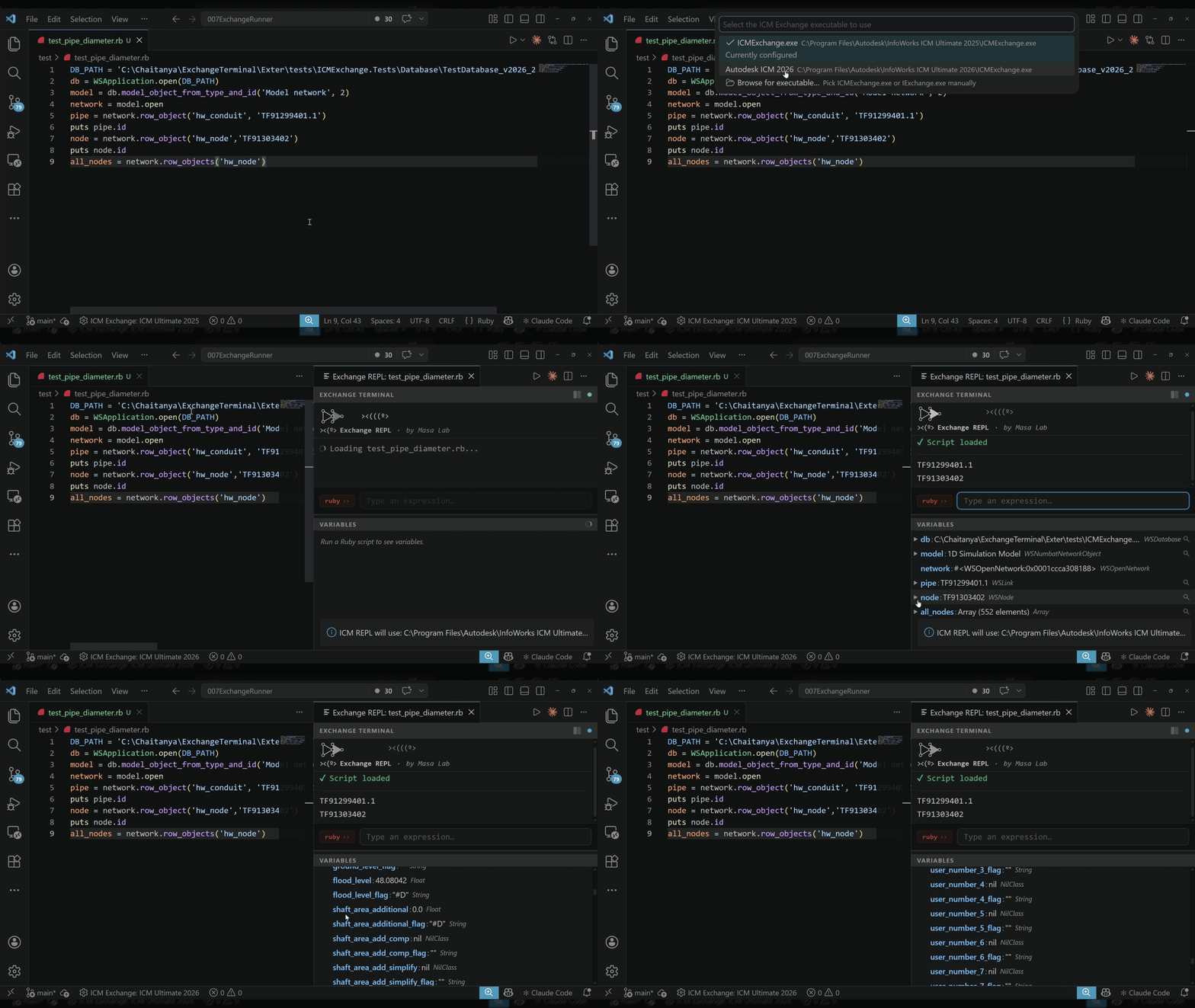
Run a script and start the REPL:
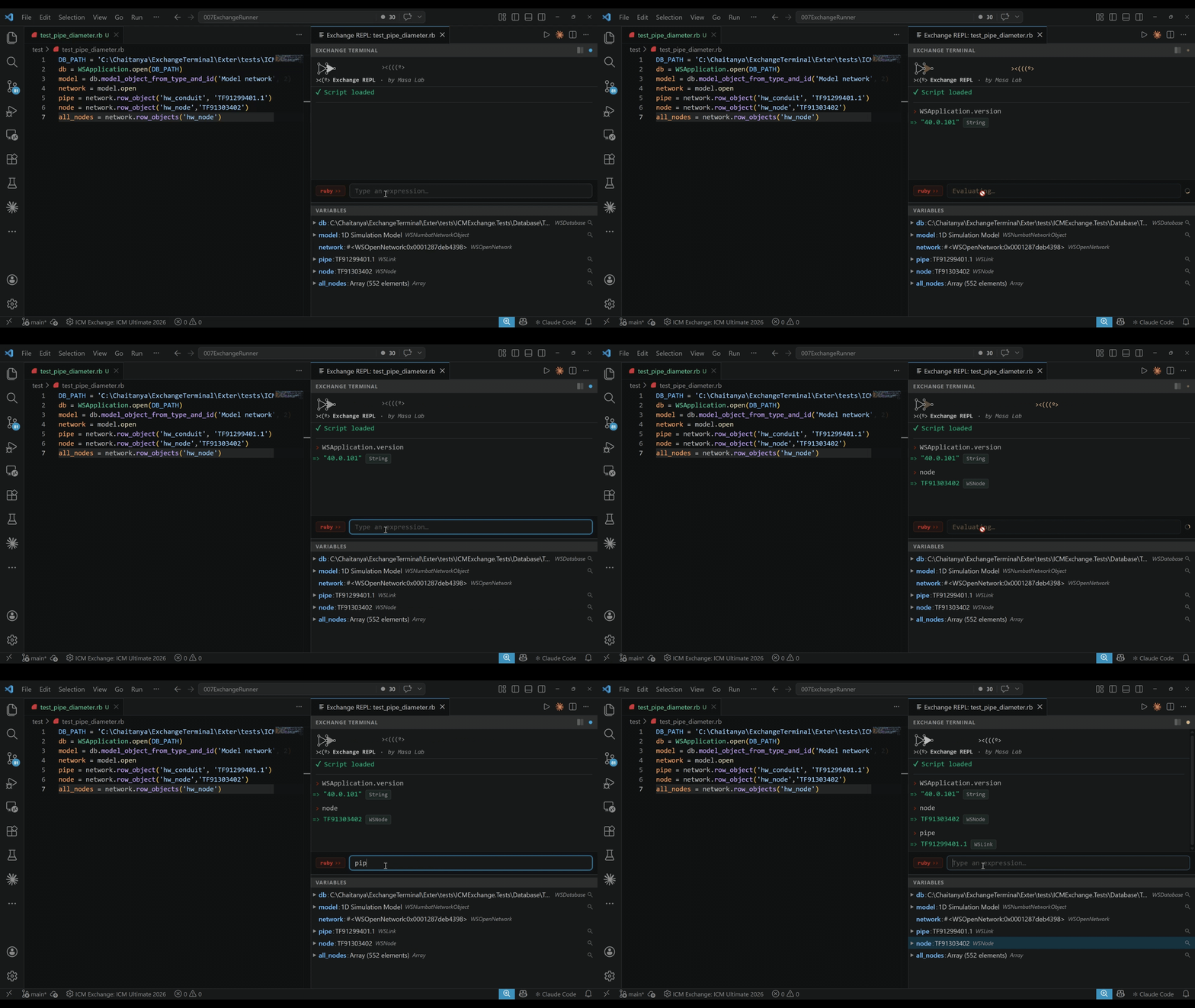
Evaluate expressions interactively:
Requirements
Windows (ICM Exchange is a Windows-only application)
Autodesk InfoWorks ICM with ICMExchange.exe, or Innovyze with IExchange.exe
Getting Started
Install the extension.
Open any .rb file.
Run Exchange Runner: Run Ruby in Exchange from the Command Palette, the run button in the editor title bar, or the right-click context menu (Ctrl+Alt+R).
On first run, the extension will discover installed ICM versions and ask you to pick one. You can also browse manually for the executable.
After the script executes, an interactive REPL panel opens. Type Ruby expressions to evaluate them in the ICM context, or type exit to quit.
Changing the Executable
Run Exchange Runner: Select IExchange executable from the Command Palette at any time.
Or edit Settings > Exchange Runner > ICM Exchange Path (user or workspace).
Multiple Sessions and Different ICM Versions
You can run different scripts with different ICM versions at the same time (e.g. one window with ICM 2026, another with ICM 2025):
Workspace setting: Set ICM Exchange Path in the workspace settings (.vscode/settings.json) for each folder. Each workspace can point to a different executable.
Per-run isolation: Each run uses its own temp directory, so multiple concurrent sessions never interfere with each other.