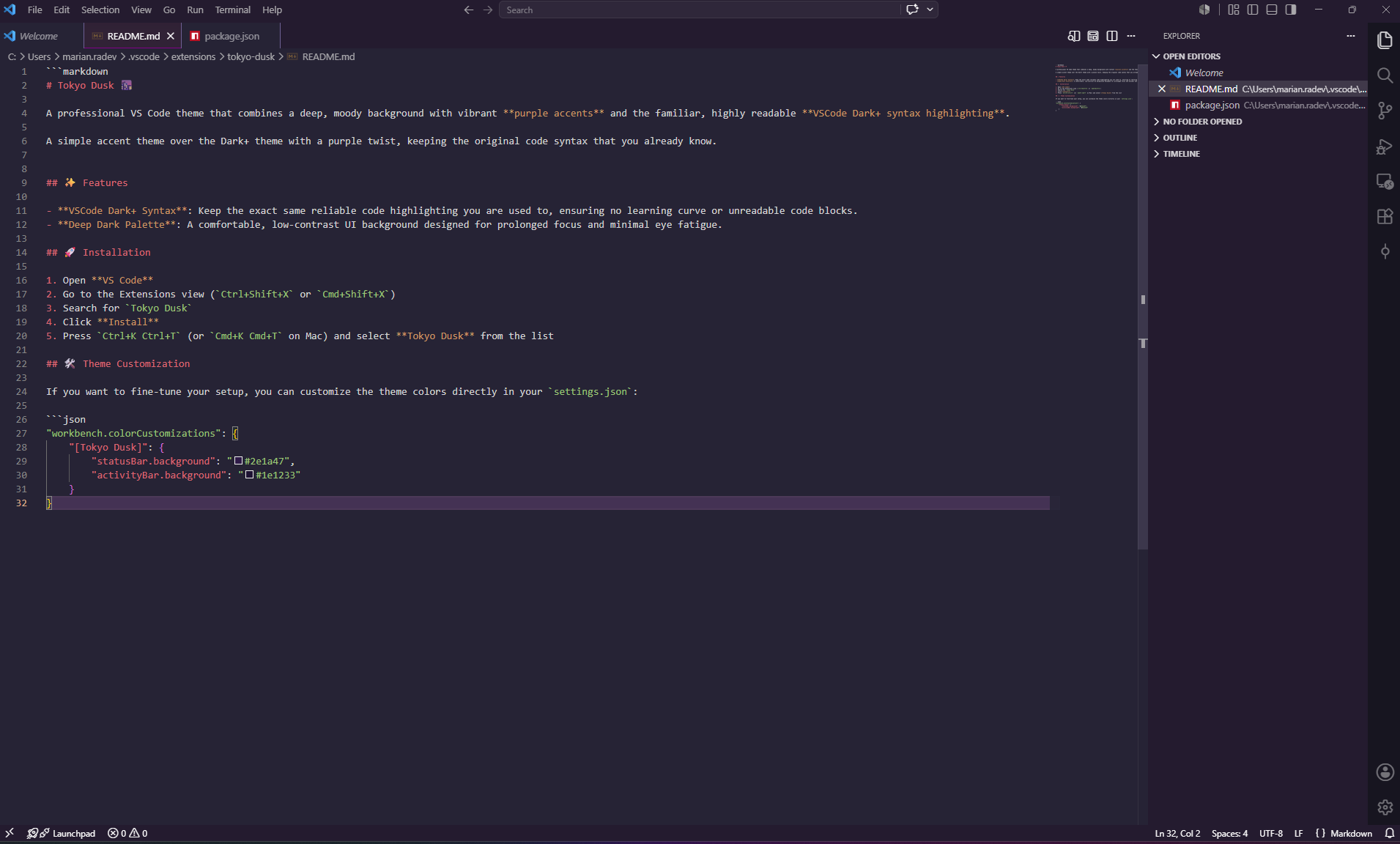
A professional VS Code theme that combines a deep, moody background with vibrant purple accents and the familiar, highly readable VSCode Dark+ syntax highlighting.
A simple accent theme over the Dark+ theme with a purple twist, keeping the original code syntax that you already know.
✨ Features
VSCode Dark+ Syntax: Keep the exact same reliable code highlighting you are used to, ensuring no learning curve or unreadable code blocks.
Deep Dark Palette: A comfortable, low-contrast UI background designed for prolonged focus and minimal eye fatigue.
🚀 Installation
Open VS Code
Go to the Extensions view (Ctrl+Shift+X or Cmd+Shift+X)
Search for Tokyo Dusk
Click Install
Press Ctrl+K Ctrl+T (or Cmd+K Cmd+T on Mac) and select Tokyo Dusk from the list
🛠️ Theme Customization
If you want to fine-tune your setup, you can customize the theme colors directly in your settings.json: