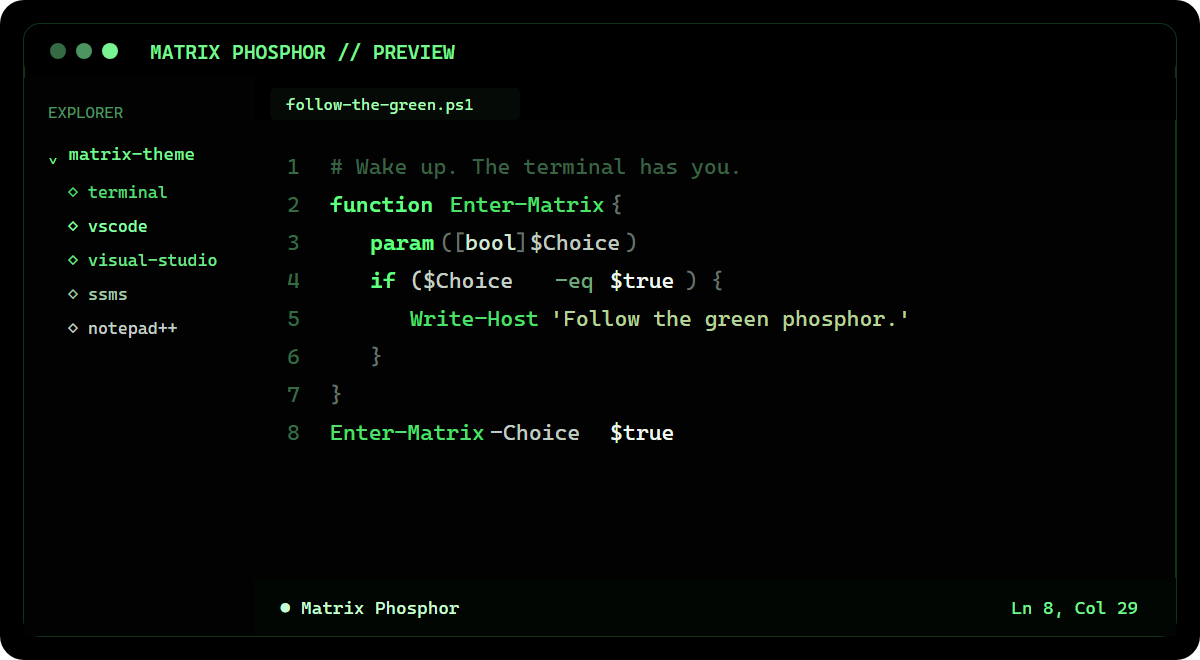
Matrix Phosphor for VS CodeA black-first phosphor theme with dark, electric, pale-green, and mint-white syntax tones. Installation Launch VS Code Quick Open ( Ctrl+P), paste the following command, and press enter.Copied to clipboard |

Matrix Phosphor for VS Code
A declarative, black-first phosphor-green color theme with full workbench and syntax-token coverage. It contains no executable extension code, telemetry, or network access. After installation, select Preferences: Color Theme > Matrix Phosphor. Source, Windows Terminal and Visual Studio variants, privacy details, and build instructions are available in the public repository. |