BigQuery extension for agentic VS Code based IDEsDISTINCT makes it easy to work with BigQuery in agentic VS Code based IDEs. It provides tools for querying, exploring the data, and giving the AI agent controlled access to the BigQuery. What is DISTINCT?The extension does two things:
Read more about the extension and us on our website: distinct.sh About usWe are two data scientists in Stockholm, Sweden, working in gaming and banking who also build some nice data tools. Please reach out on LinkedIn if you have feedback. Leo Enge | My LinkedIn
Christoffer Ejemyr | My LinkedIn
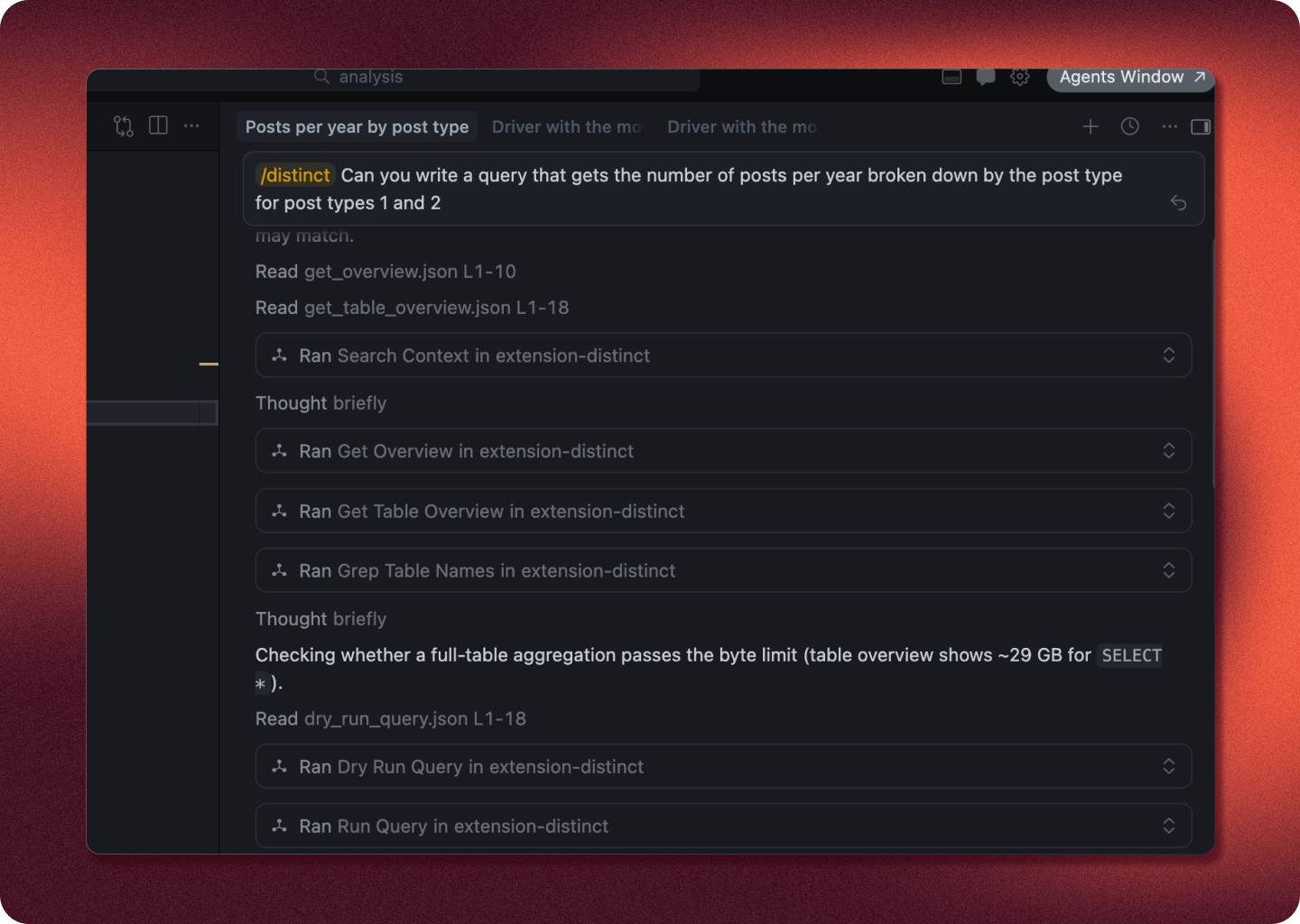
FeaturesAI Access to BigQueryAn extensive MCP for BigQueryThe extension automatically installs an MCP that Cursor can use for querying your data and effectively searching content, as well as skills tailored to data work.
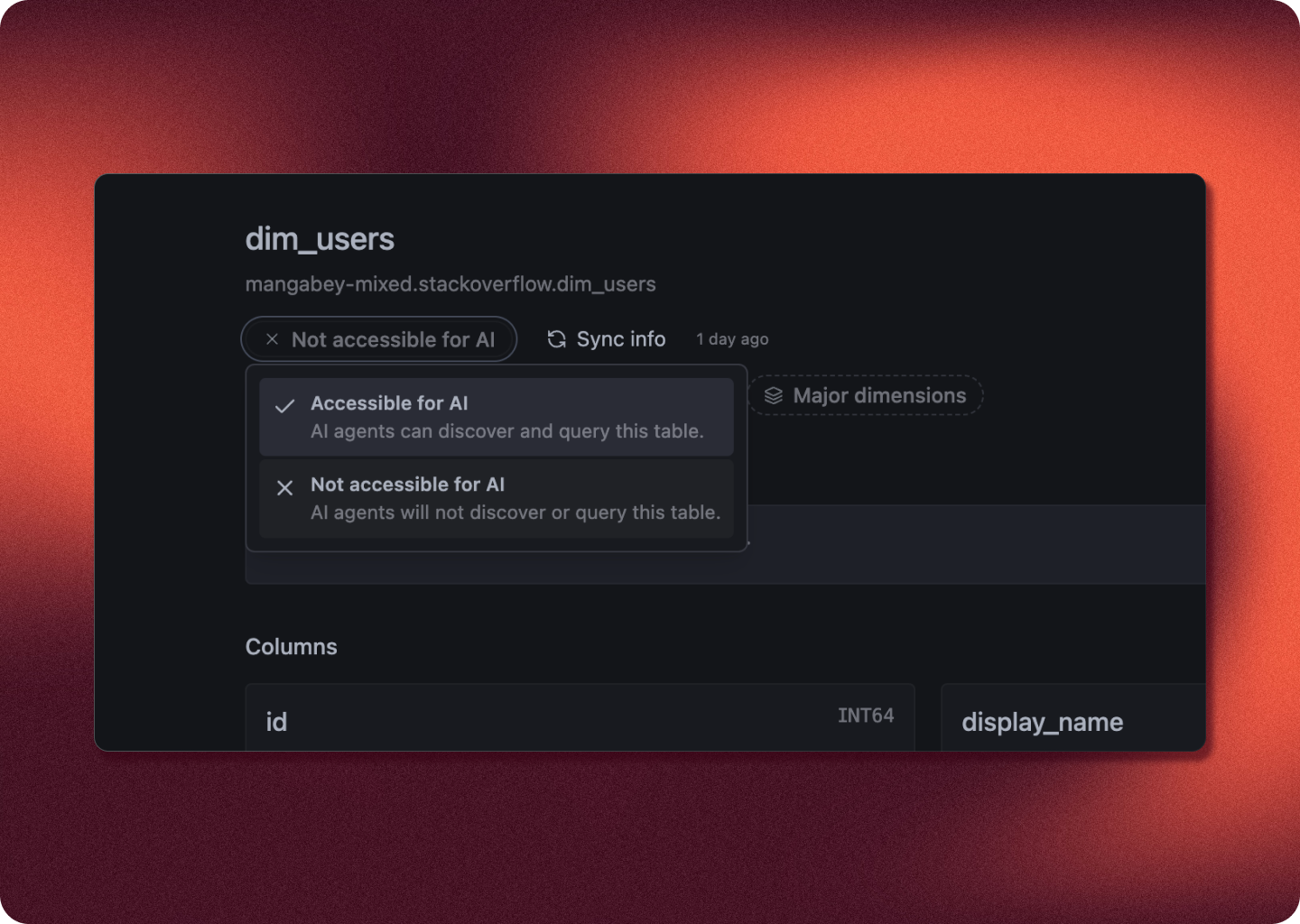
Manage access for AIManage what tables AI have access to. AI will not see or be able to query a table you have not given it access to.
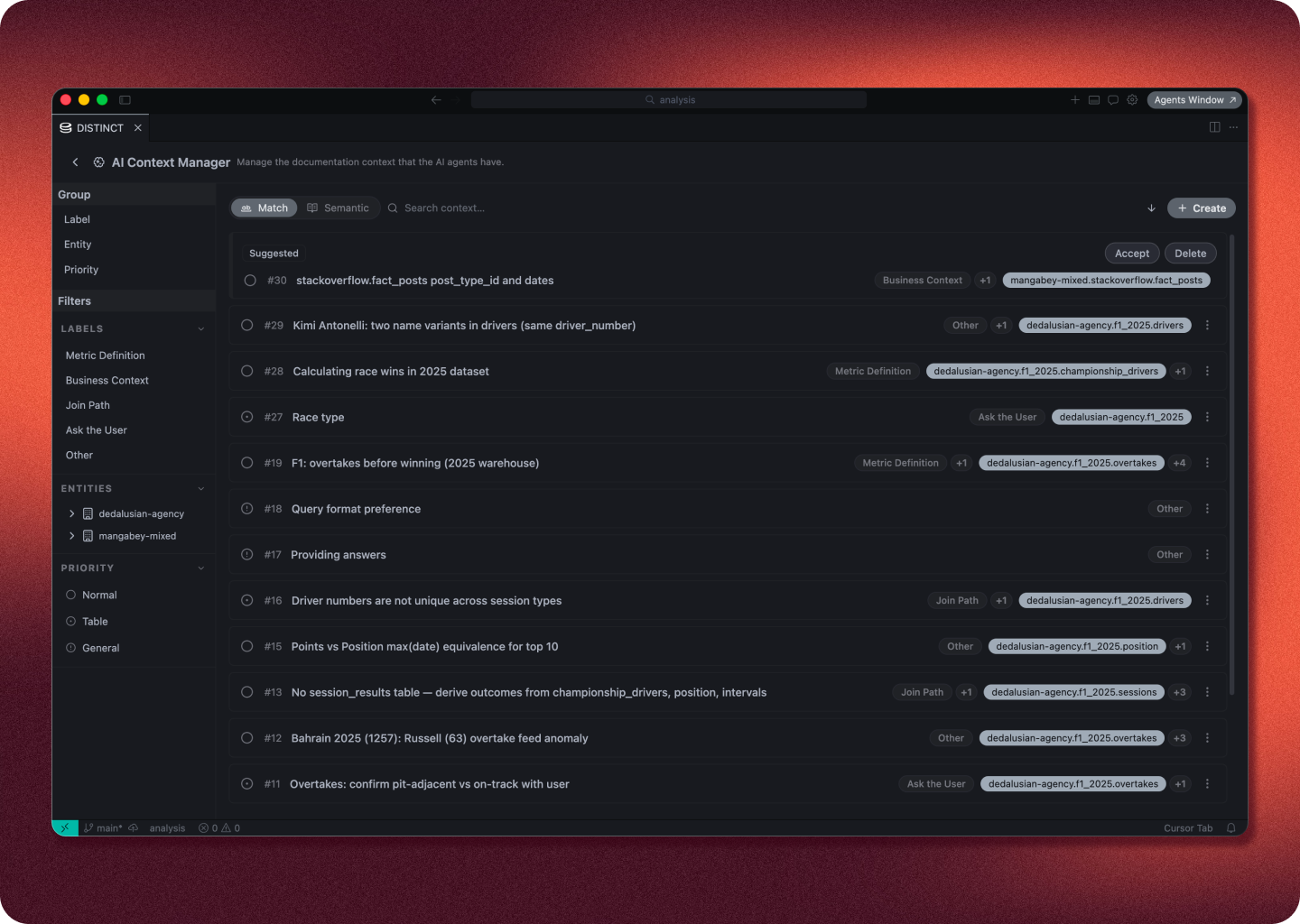
Context for the AIA simple and smooth interface for writing context that the AI will be able to read when working with your data.
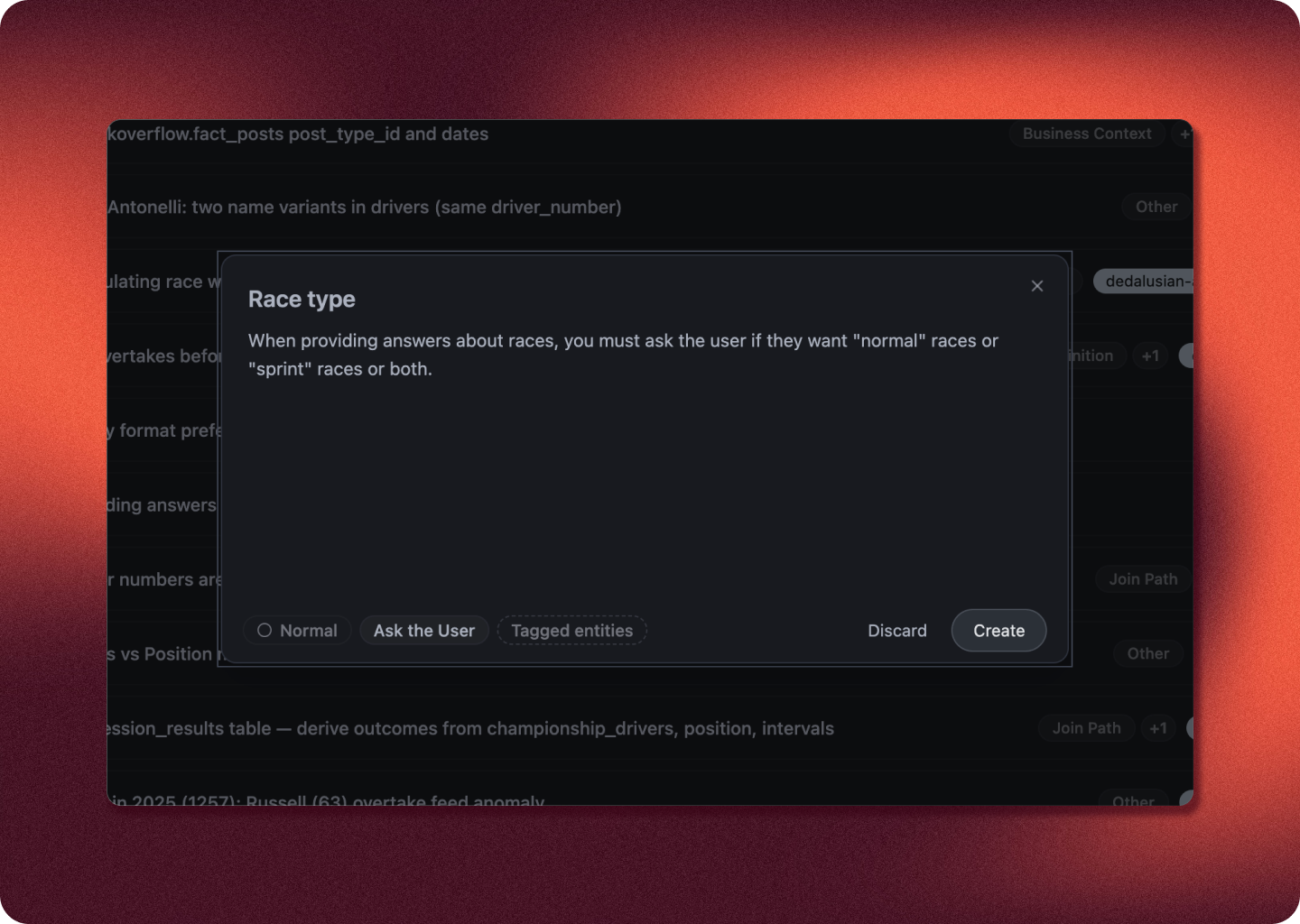
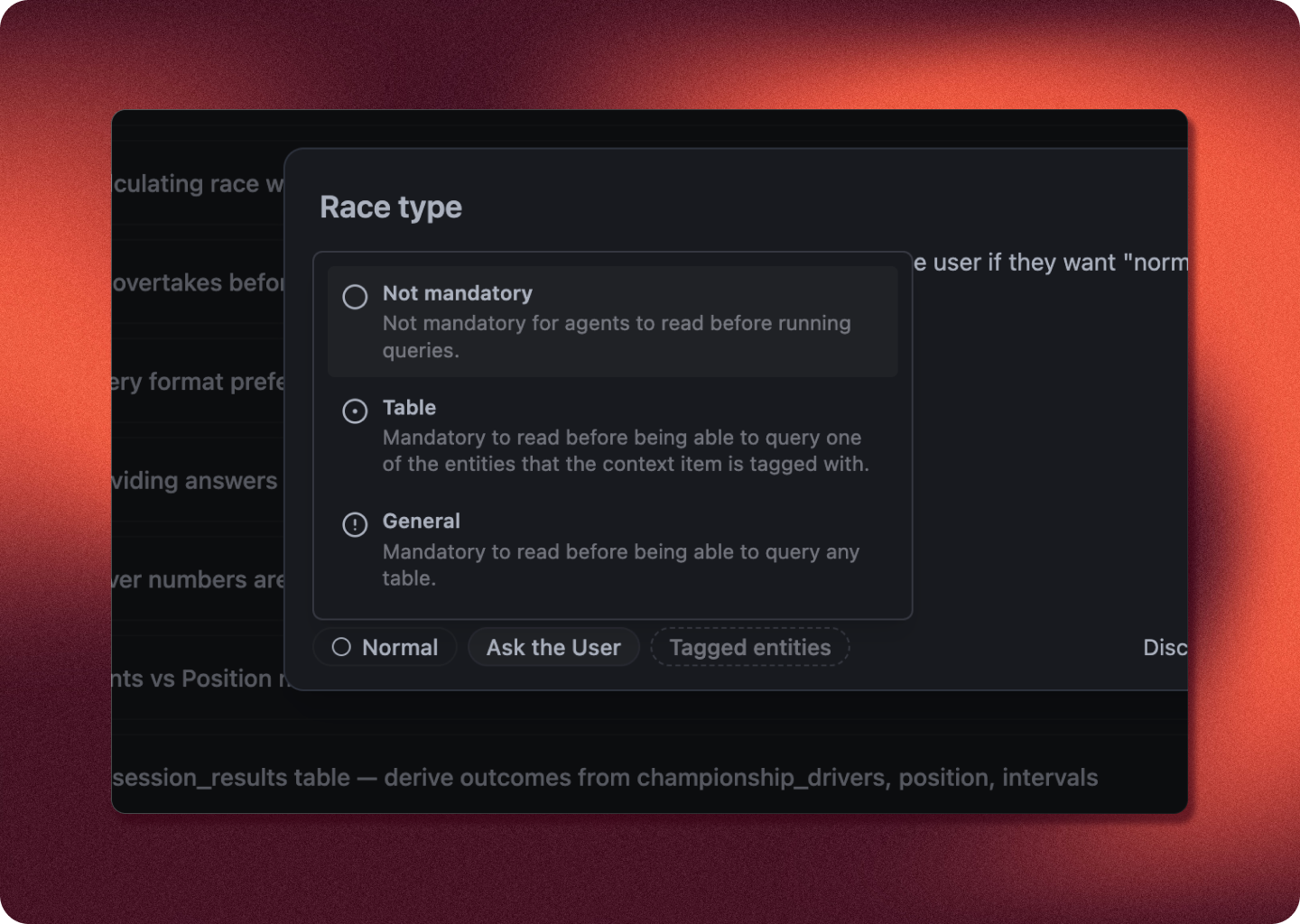
Forced contextYou can create forced context items, meaning that AI cannot run queries withing first reading them.
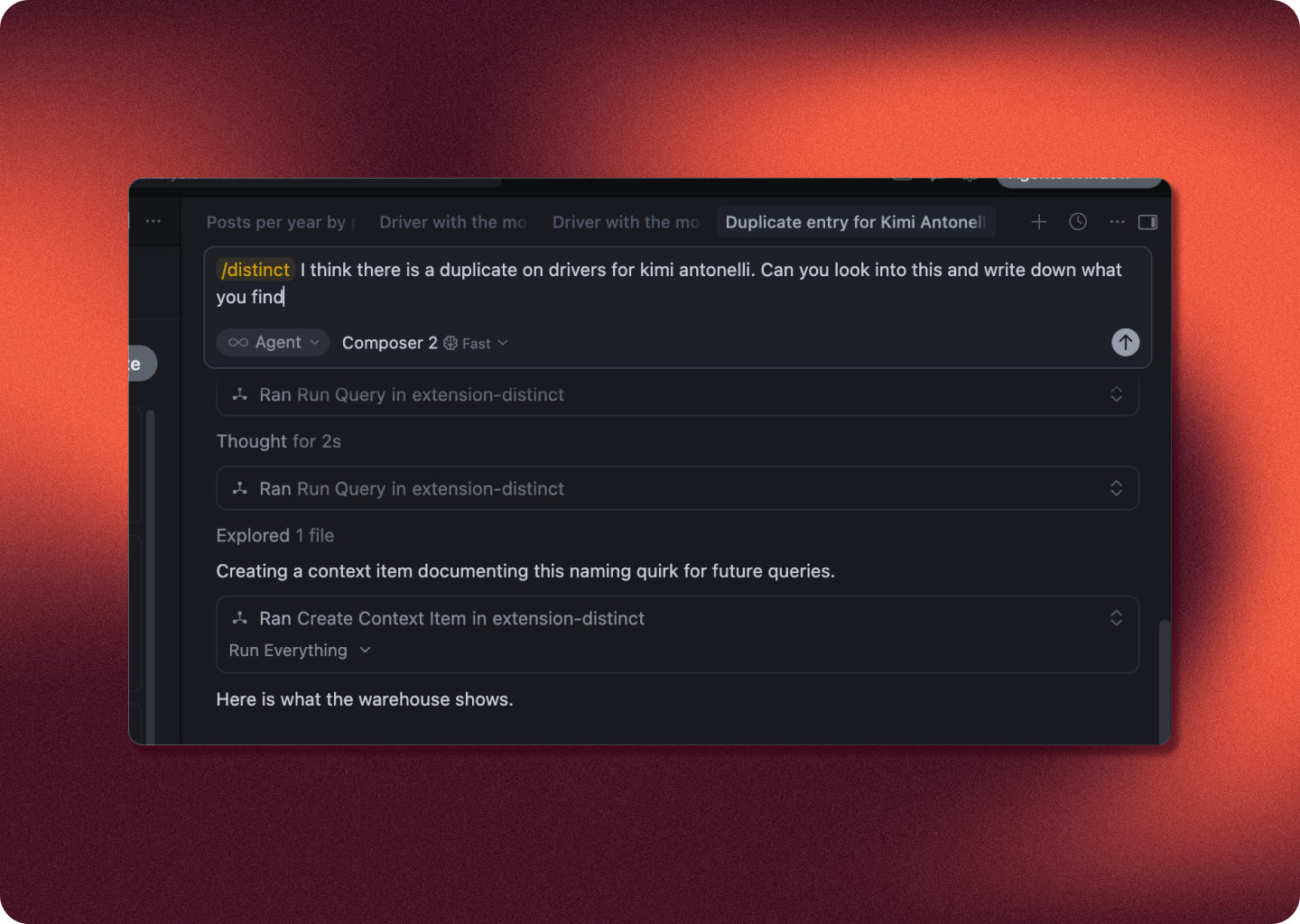
Use AI to write contextMake AI write context items for you.
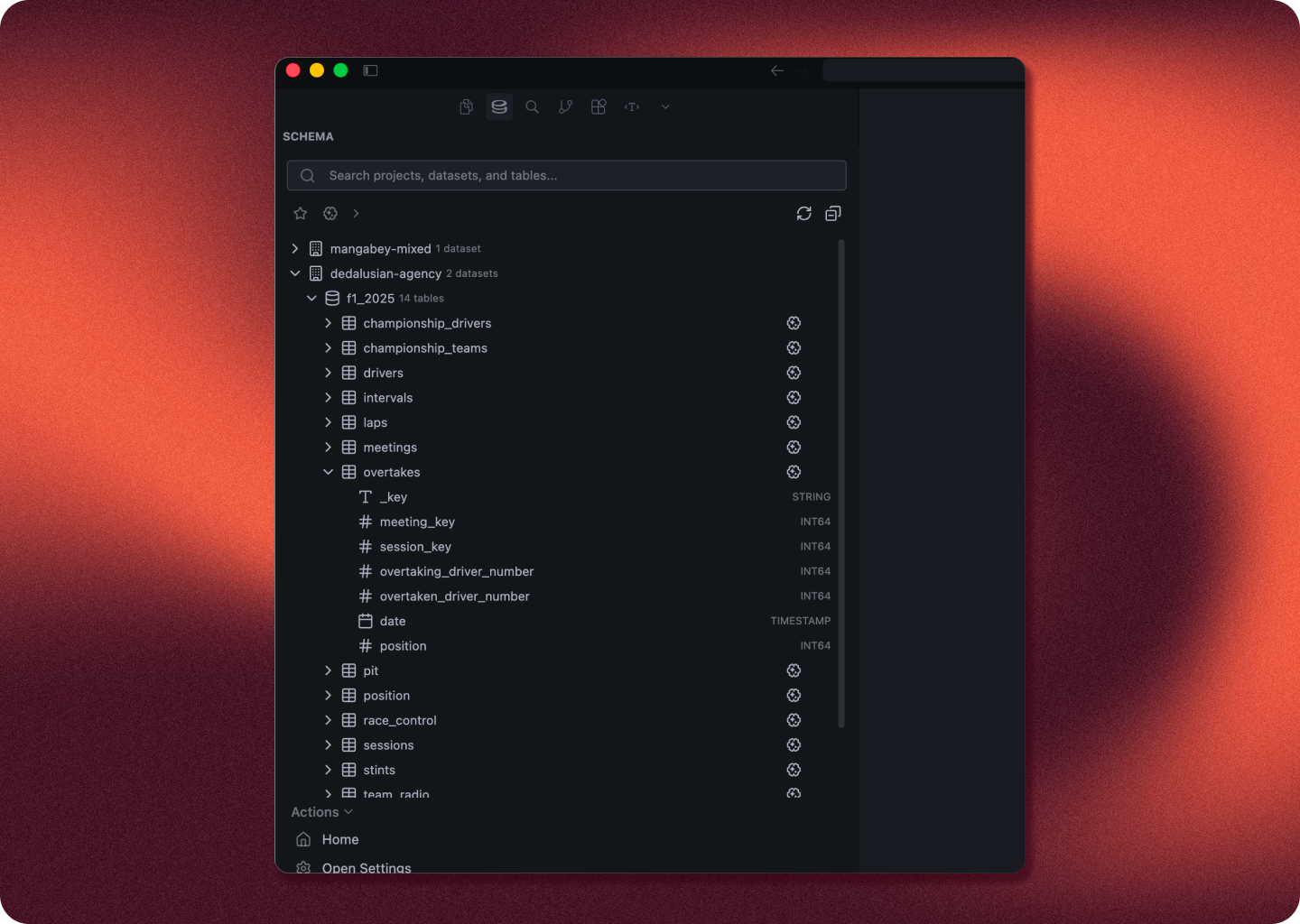
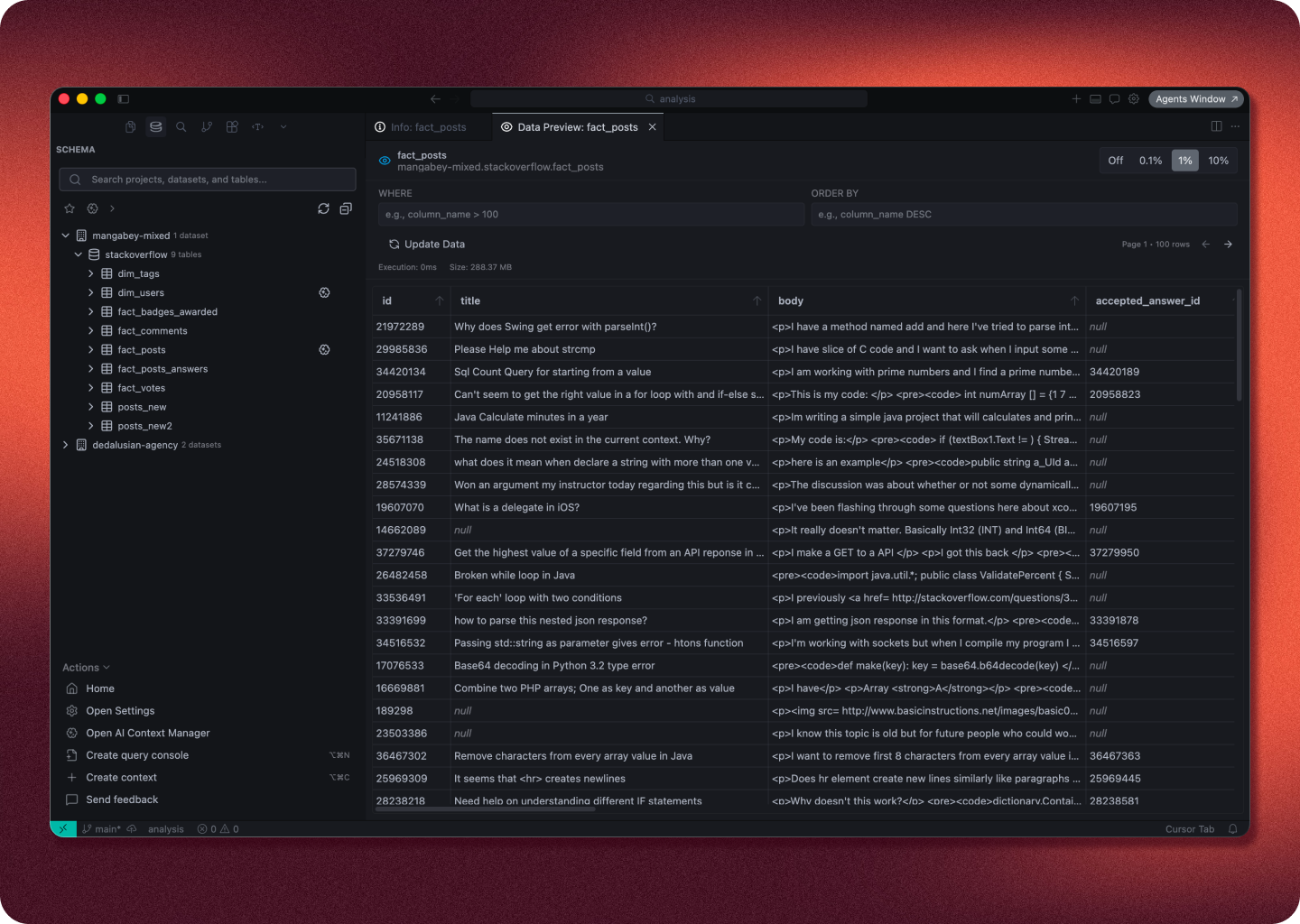
Explore your dataSearch and explore your datasets and tables in the schema tree.
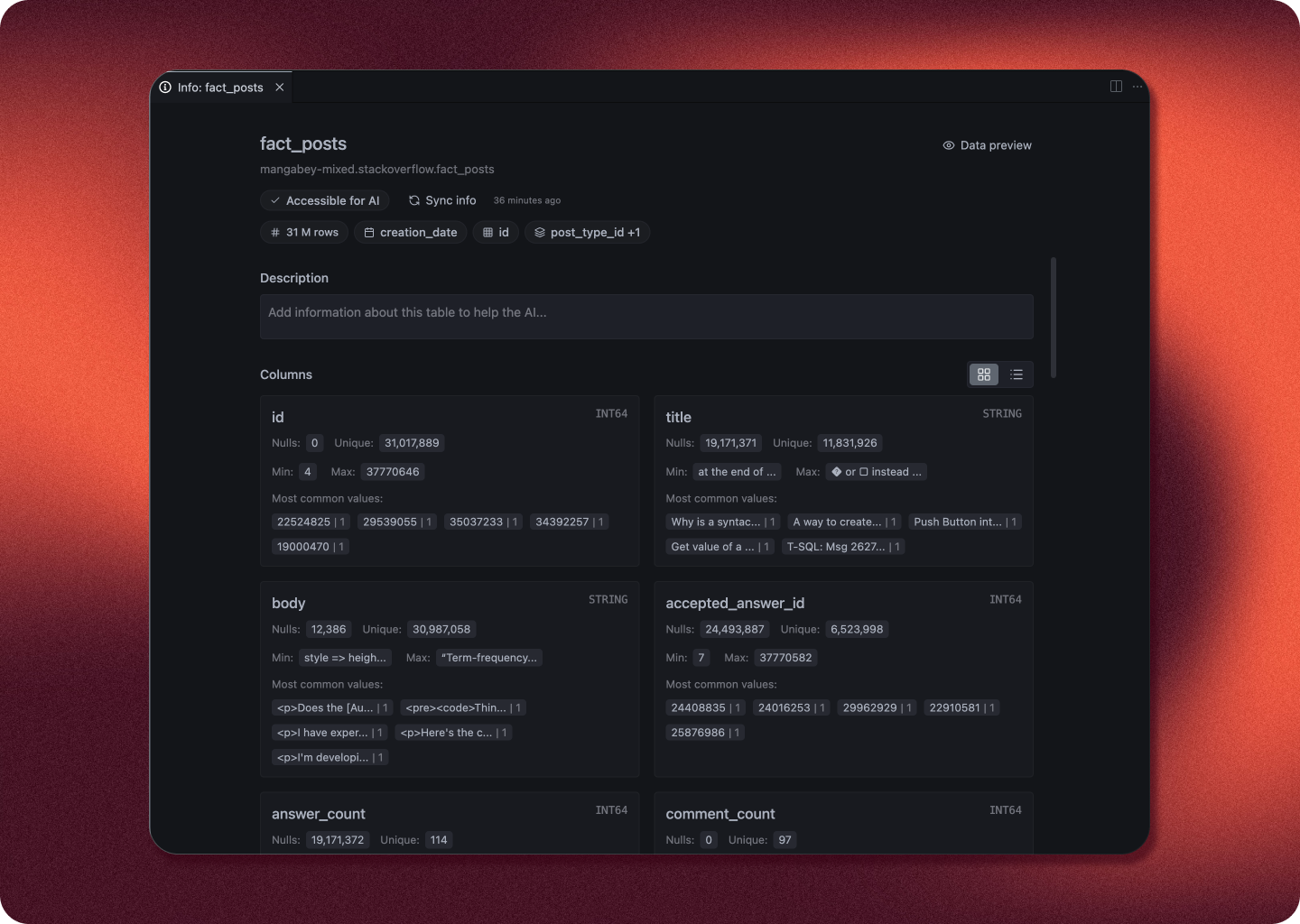
Table overviewsGet comprehensive overviews of your table and its contents.
Table previewsQuick and easy window for getting a preview of the table contents.
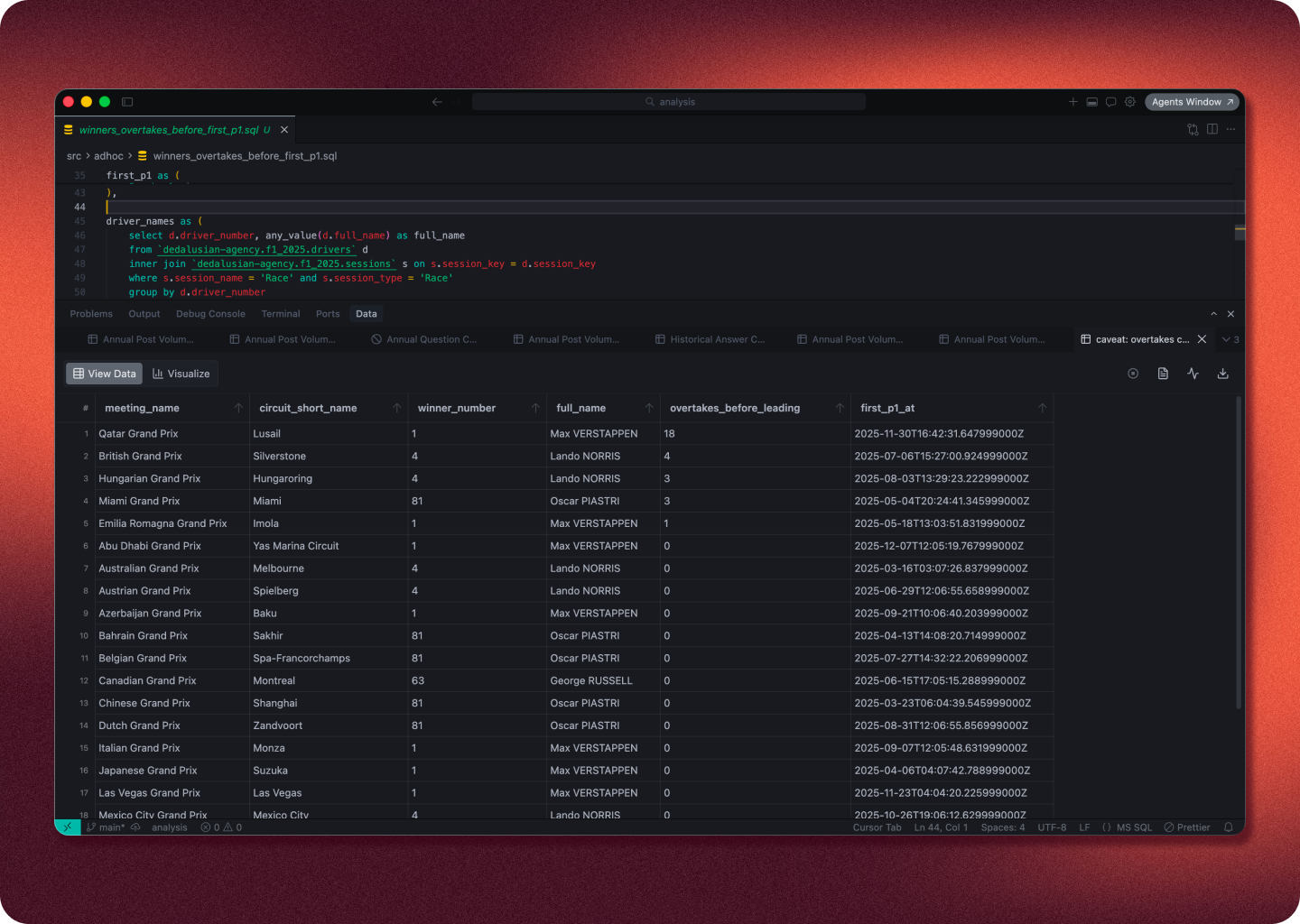
Query ToolsRun .sql files or create ad-hoc console query windows that you can run.
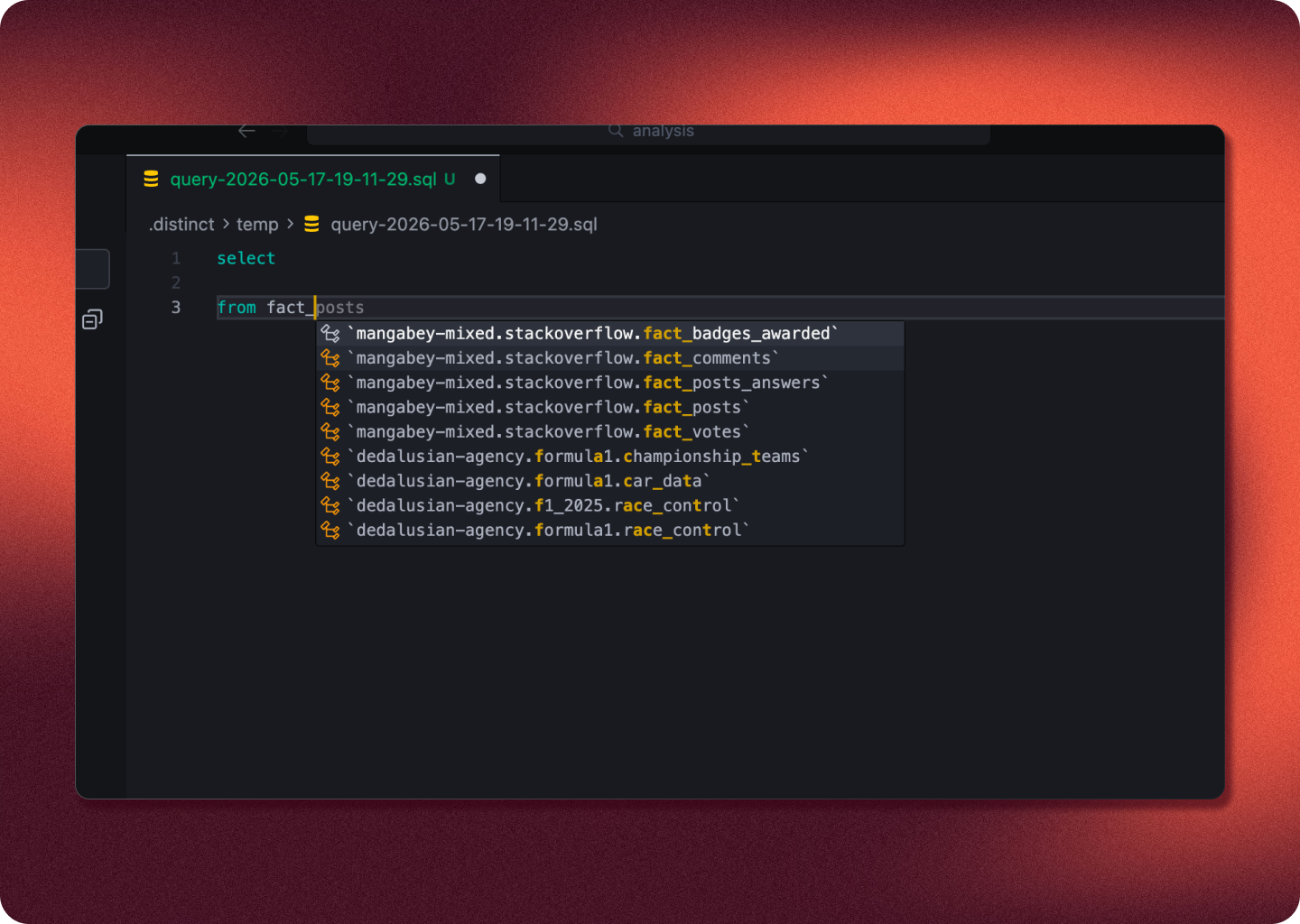
Code completionsGreat code completions when writing queries. Big upgrades are incoming here soon to make these completions best in class.
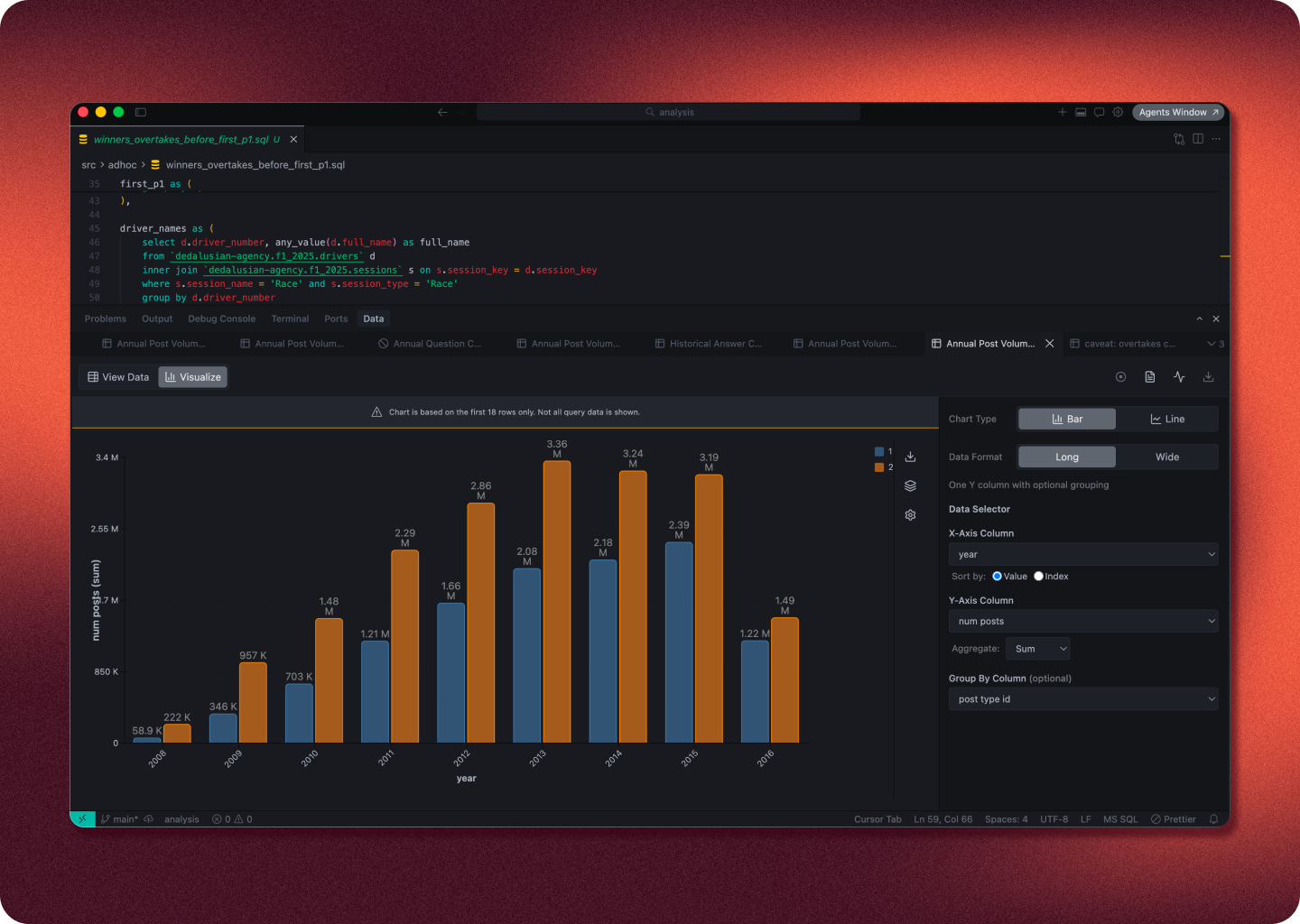
Quick visualizationsQuick visualisations on query results built-in.
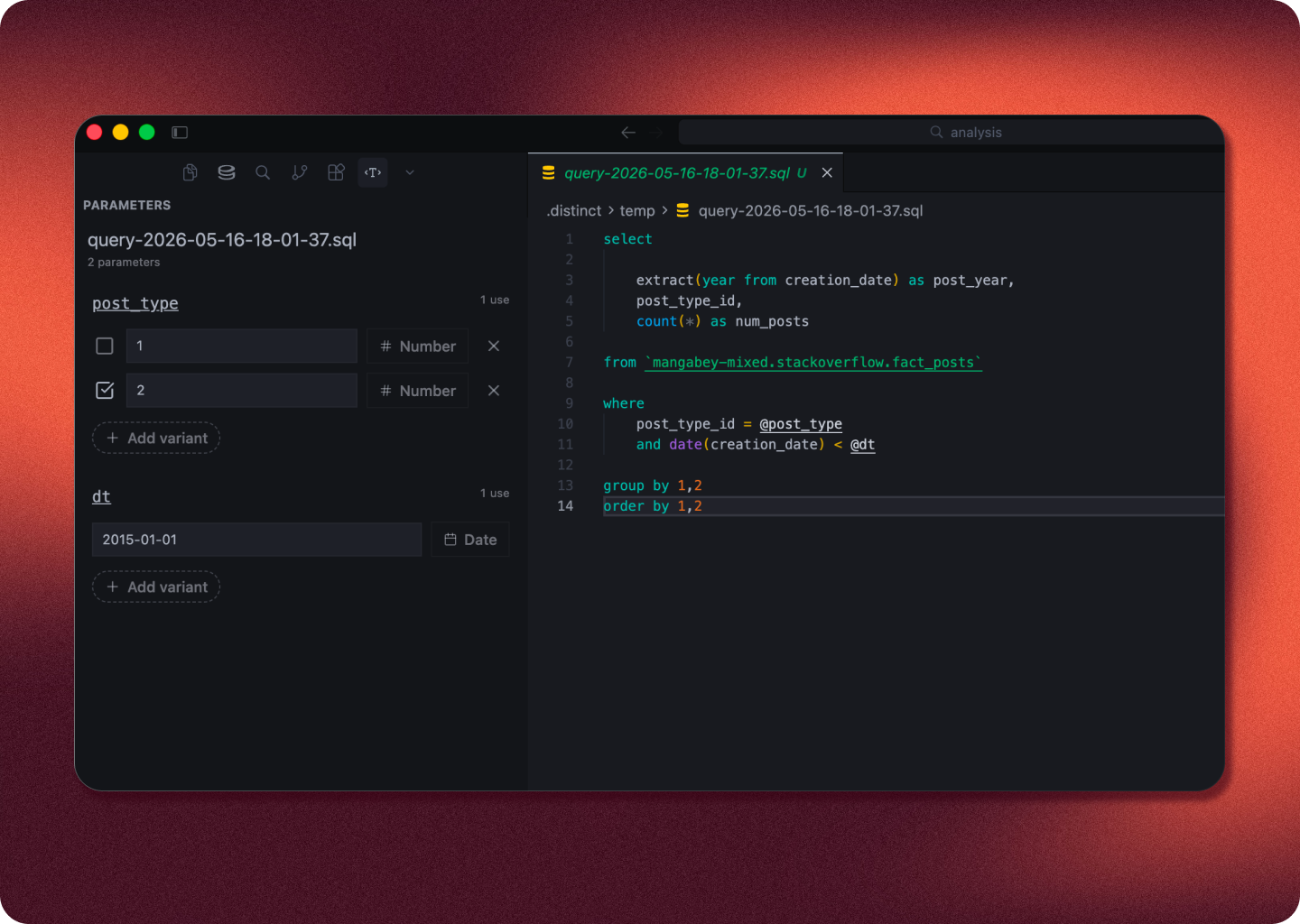
Parameterized queriesRun queries with parameters that you can change in the side panel.
|