Skip to content
| Marketplace
Sign in
Visual Studio Code>Other>VSCode MascotNew to Visual Studio Code? Get it now.
VSCode Mascot

VSCode Mascot

Maki-Sunwood.AI.Labs

|
17 installs
| (0) | Free
Add a cute mascot to your VSCode!
Installation
Launch VS Code Quick Open (Ctrl+P), paste the following command, and press enter.
Copied to clipboard
More Info
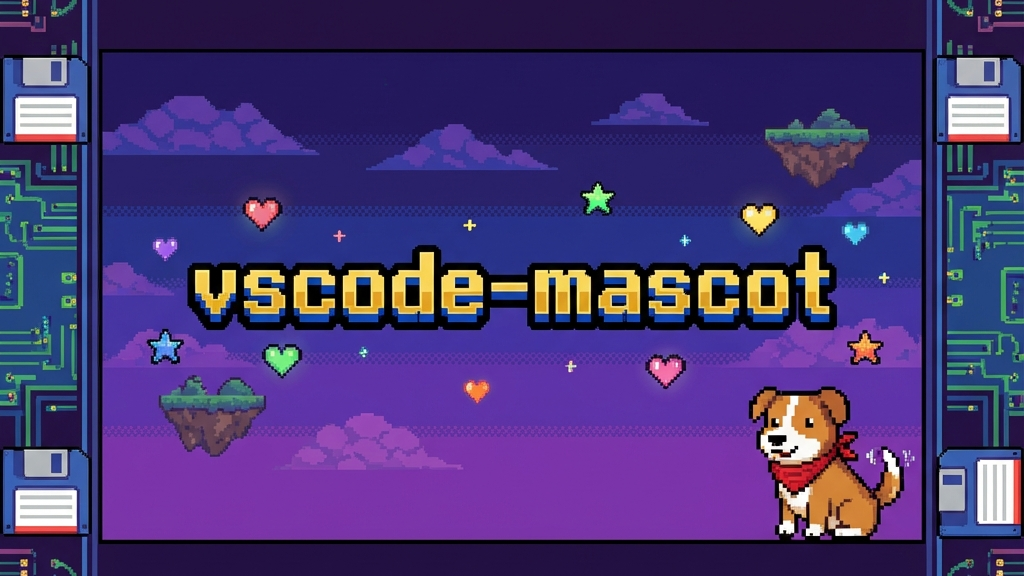
Header

VSCode Mascot

Version License Typescript

Mascot

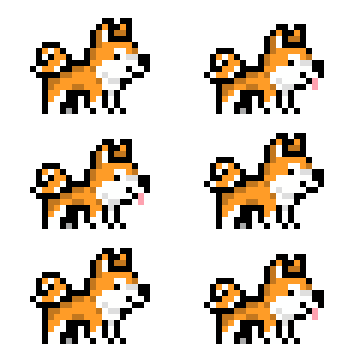
A cute mascot living in your VS Code title bar!

Features

  • Cute Mascots: Choose from a variety of pets including Akita, Totoro, Pikachu, and more!
  • Interactive: Mascots walk around and occasionally jump or display messages.
  • Customizable: Toggle the mascot on/off easily.

Usage

  1. Open the Command Palette (Ctrl+Shift+P / Cmd+Shift+P).
  2. Type Mascot: Toggle Pet to enable or disable the mascot.
  3. Type Mascot: Switch Pet to choose a different character.

Available Pets

  • Akita (Dog)
  • Totoro
  • Fox
  • Pikachu
  • Dinosaur
  • Clippy
  • And many more!

Installation

This extension modifies VS Code's core files to inject the mascot. Note: On first use, it may request permission to modify files. A restart of VS Code is required after enabling/disabling or switching pets.

Uninstallation

To completely remove the mascot:

  1. Run the command Mascot: Toggle Pet to disable it (this cleans up the code injection).
  2. Uninstall the extension.

Credits

This extension is a stripped-down version of vscode-background-cover, focusing solely on the "Little Pet" functionality.

[!NOTE] このリポジトリはGA-Workspaceで作成されました 🌸 Powered by ZERO_GRAVITY https://github.com/Sunwood-ai-labs/ZERO_GRAVITY

  • Contact us
  • Jobs
  • Privacy
  • Manage cookies
  • Terms of use
  • Trademarks
© 2026 Microsoft