MainSpaceYour Workspace for Local & GitHub Projects Installation Launch VS Code Quick Open ( Ctrl+P), paste the following command, and press enter.Copied to clipboard |

MainSpace 🚀Your complete workspace for managing local projects and GitHub repositories directly in VS Code. 📌 One-sentence summary: MainSpace brings a card-based project manager, seamless GitHub integration, Git operations, and interactive documentation right into your editor toolbar. 🛠️ Summary of Key Features
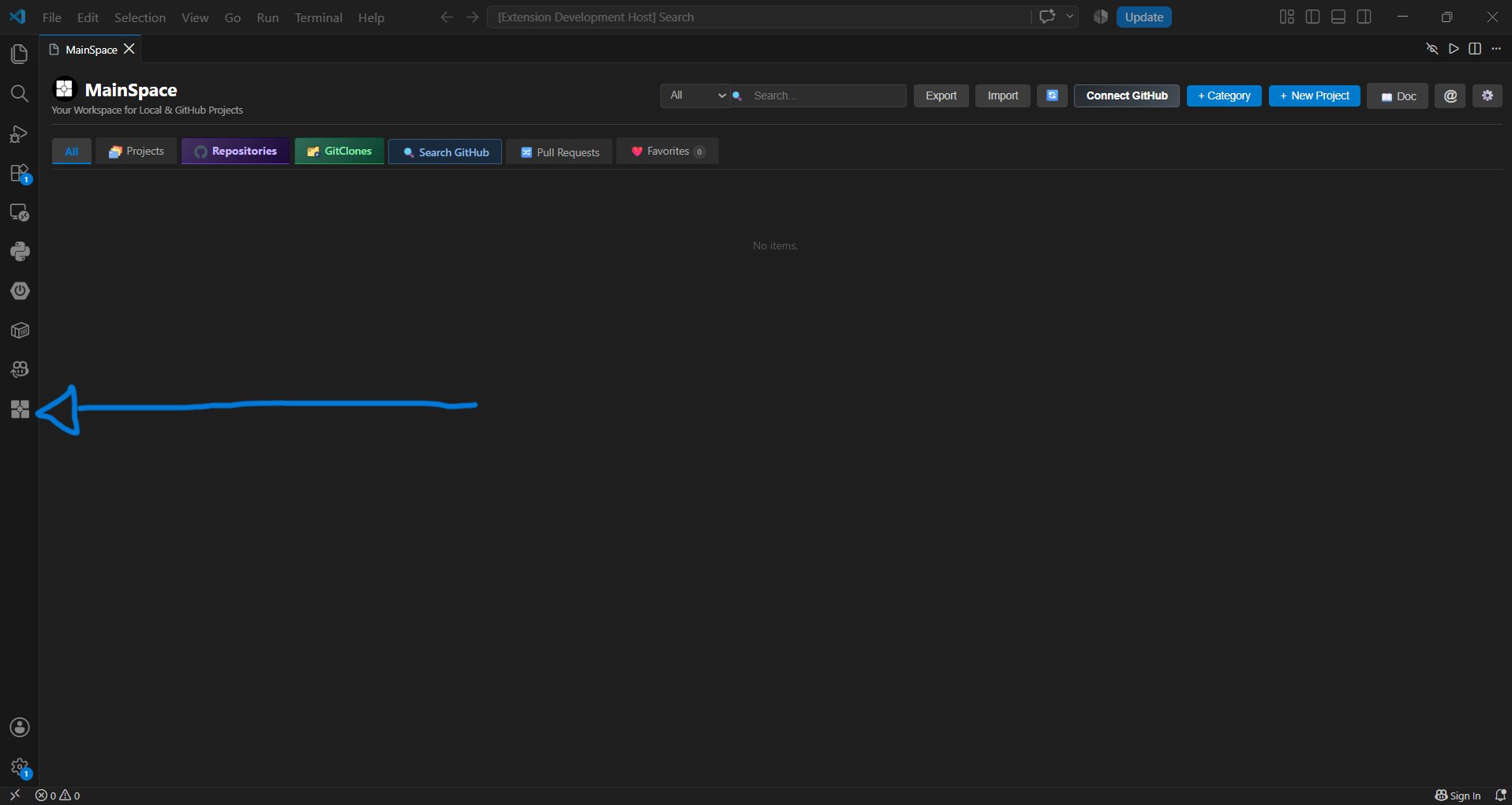
🚀 Quick Start & Opening MainSpaceAfter installing the extension, look for the MainSpace icon in the VS Code Activity Bar (left sidebar) and click Abrir MainSpace to launch the manager.
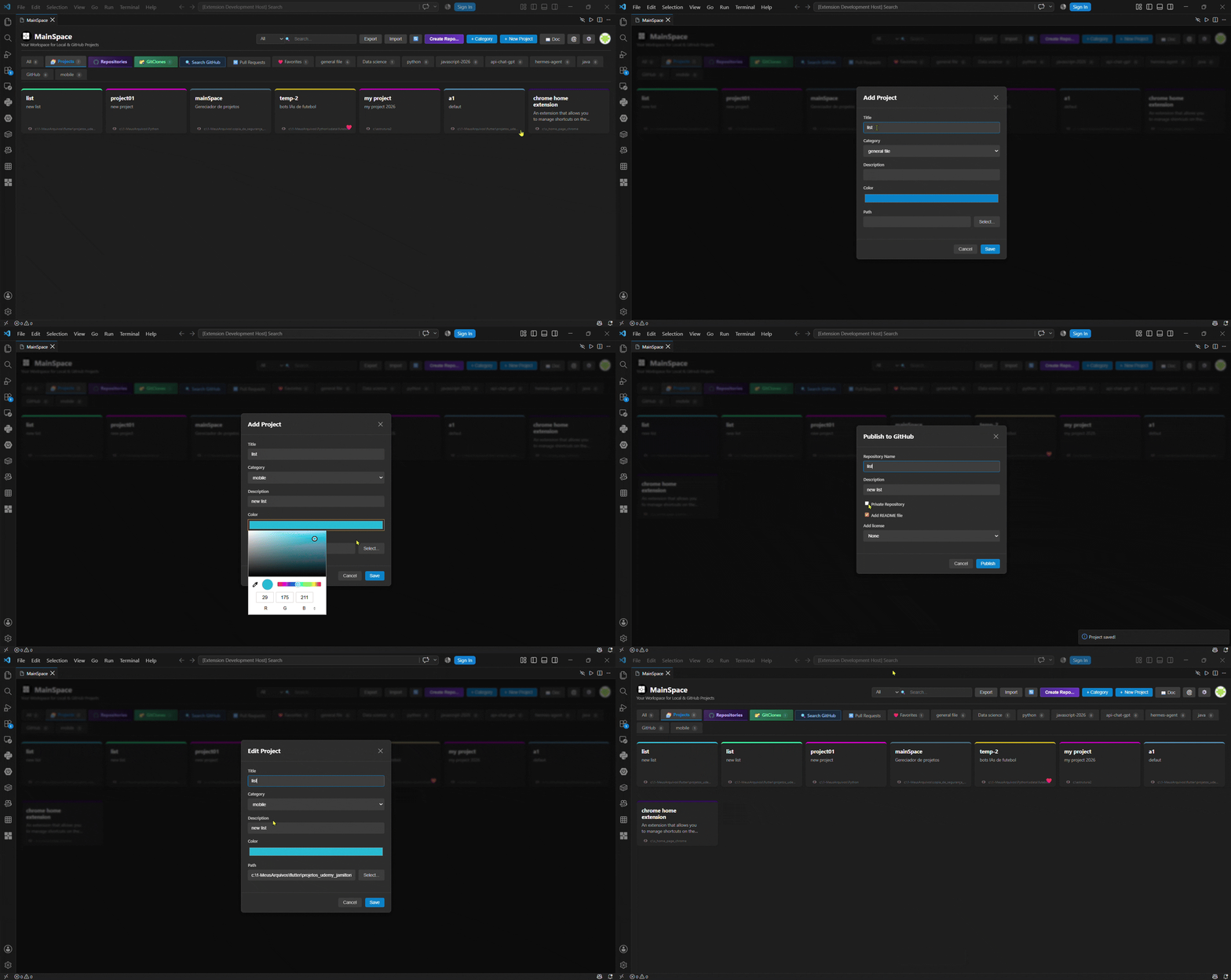
✨ Features & Usage Guide🎯 1. Creating & Managing Local ProjectsAdd, organize, and open your local projects with custom colors and paths. Double-click any card to open the project in a new VS Code window.
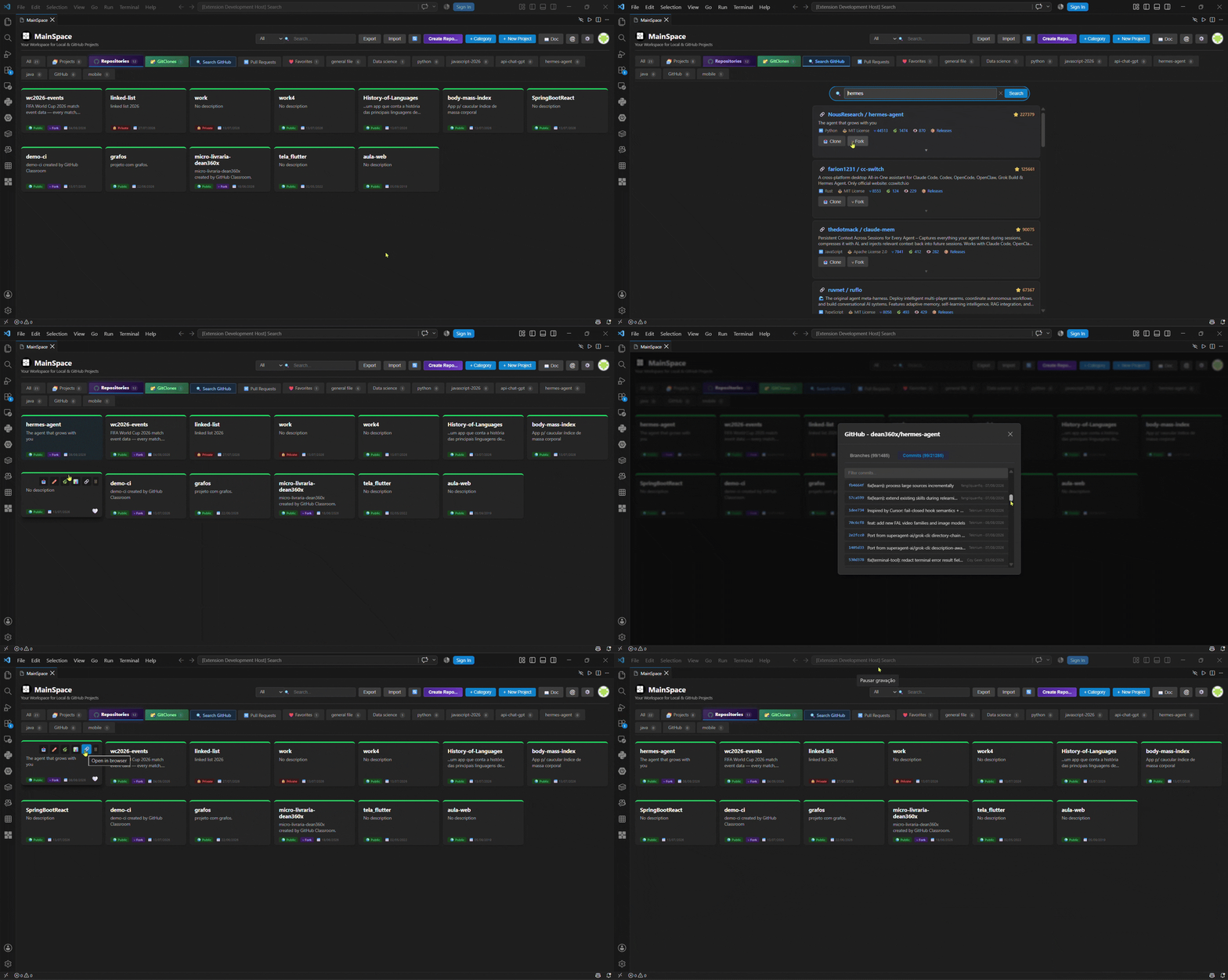
🔍 2. Public Repository Search & ForkingSearch for any public repository on GitHub directly from VS Code. Inspect stars, forks, issues, expand details, clone instantly, or create a fork into your own account with a single click.
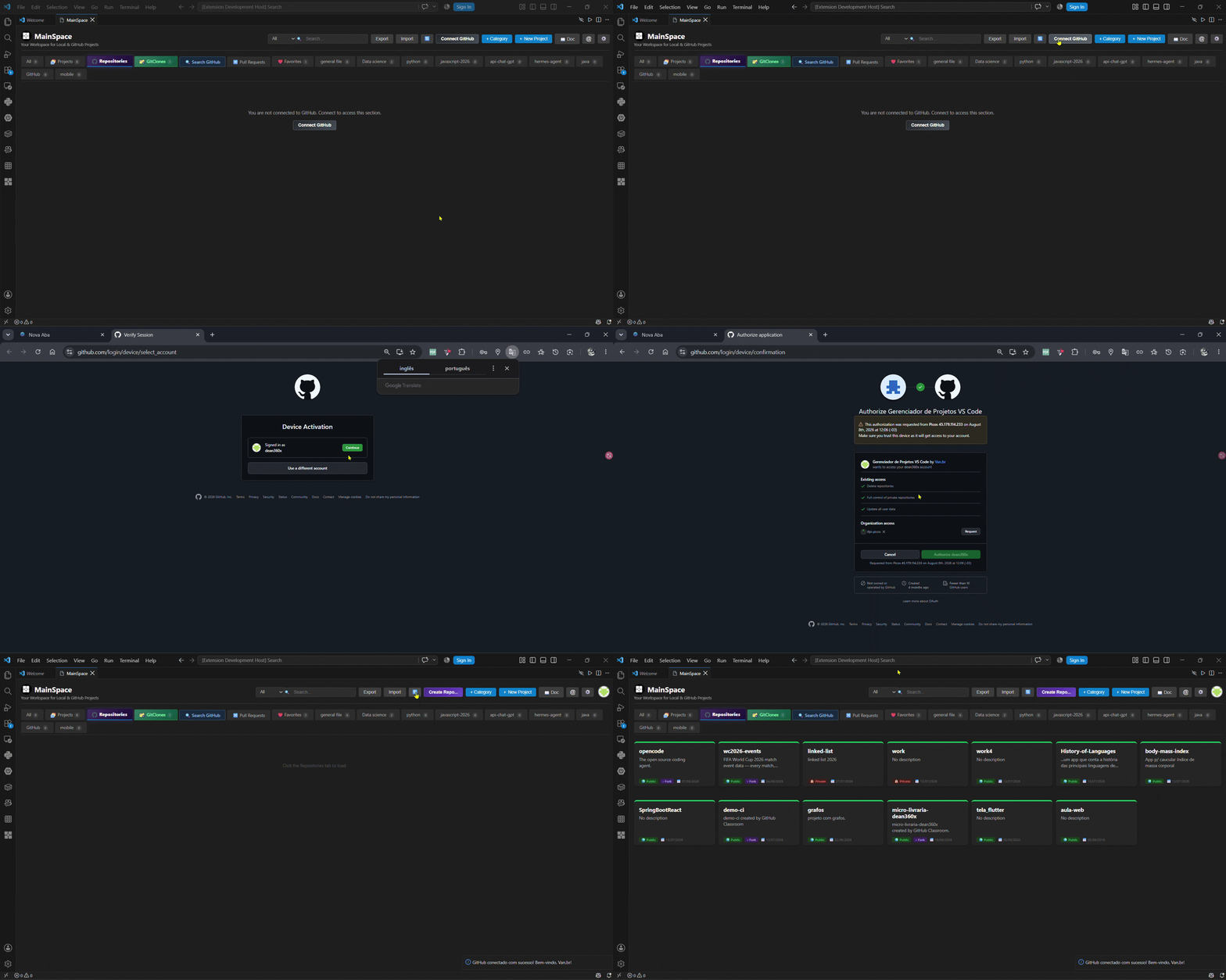
🔑 3. GitHub OAuth Device Flow LoginConnect your GitHub account safely using GitHub OAuth Device Flow. View your avatar, repositories, stars, and manage your account seamlessly without managing personal access tokens manually.
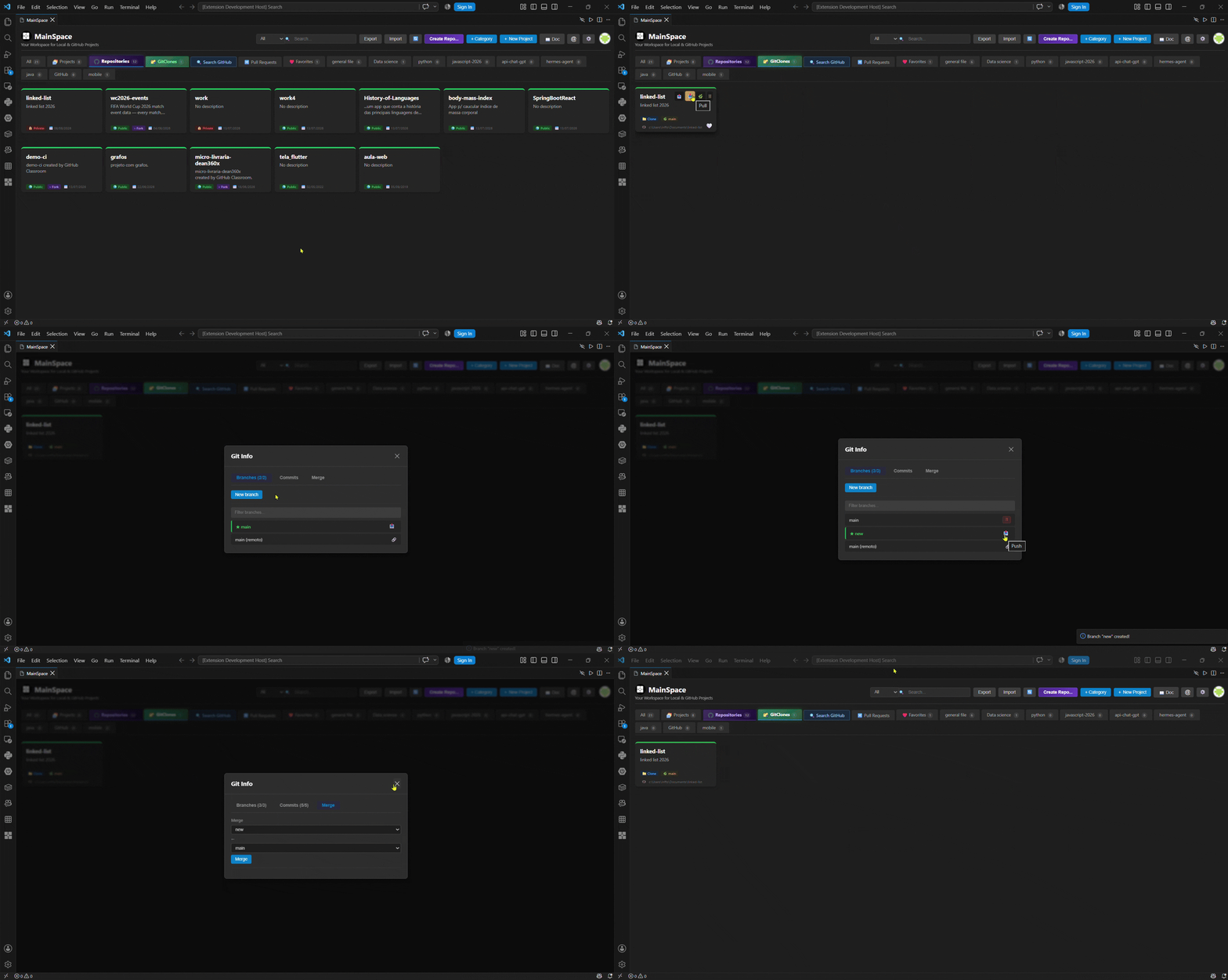
📁 4. Git Clones, Pull/Push & Branch ManagementManage your local cloned repositories with visual status cards. Perform Git operations like
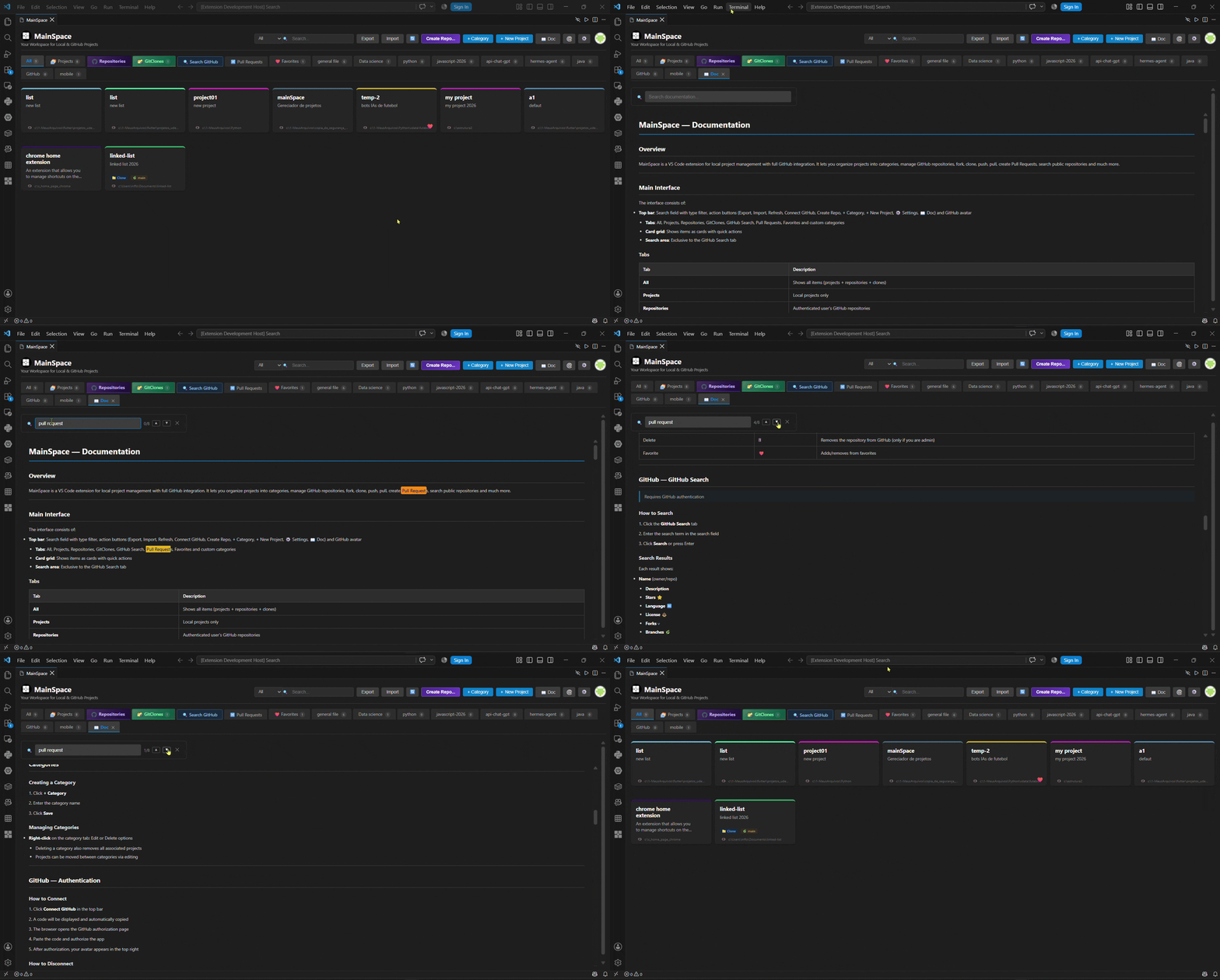
📖 5. Built-in Extension DocumentationAccess complete guides, shortcuts, and usage documentation anytime through the interactive 📖 Doc tab inside the extension window.
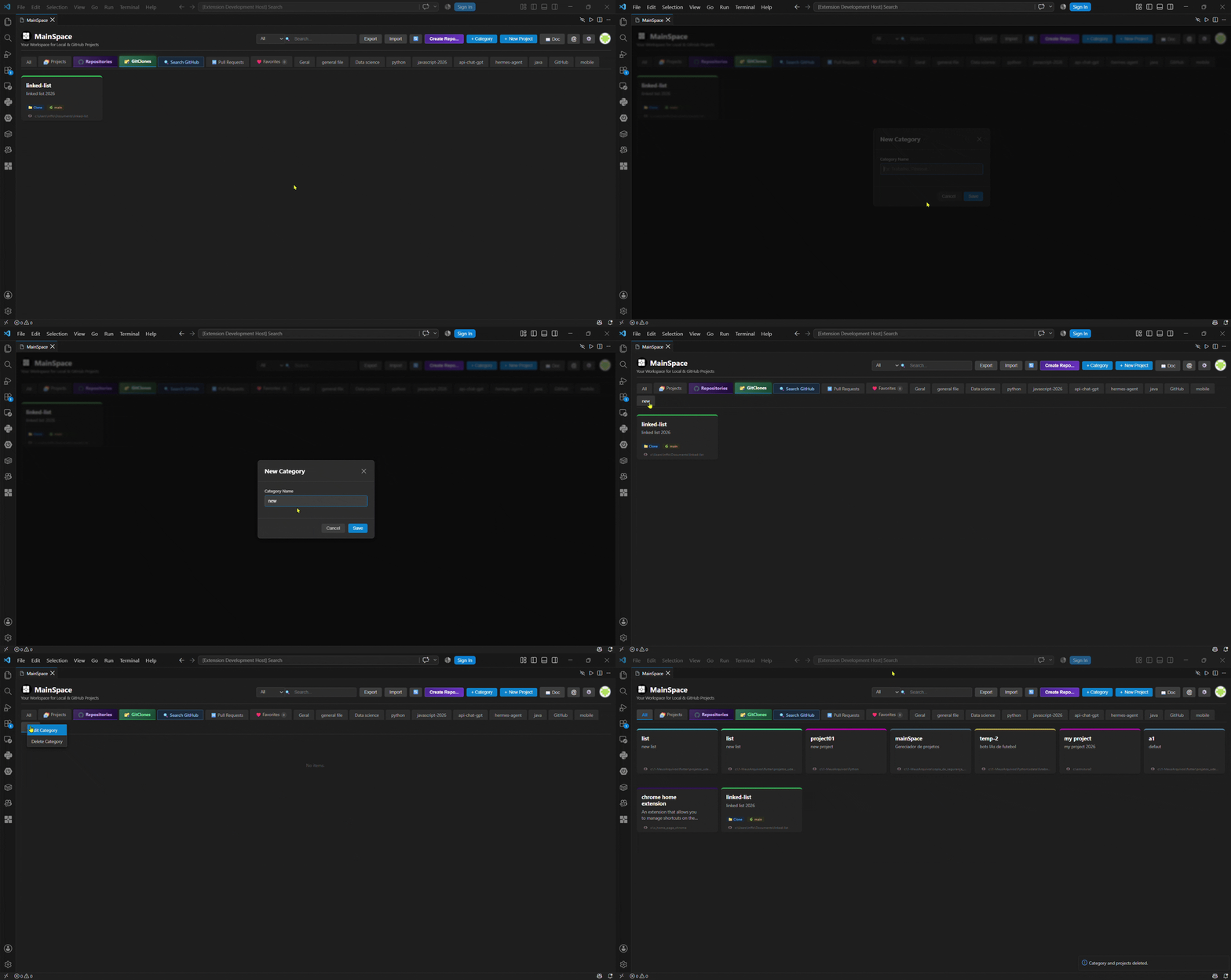
🏷️ 6. Custom CategoriesOrganize your project cards into custom categories. Create, edit, and delete category tabs to keep your workspace clean and structured.
📋 Requirements
📝 Release Notes1.2.4
1.2.0
1.1.0
1.0.0
📌 Tip: Don't forget to star the repository if MainSpace helps boost your daily developer productivity! |