DevNexus
Build full-stack applications without leaving VS Code.
DevNexus is your all-in-one development hub that brings together database management, hosting, payments, version control, and deployment tools—all within VS Code. Stop context-switching between browser tabs and terminal windows. Keep your focus where it belongs: writing code.
🎥 See DevNexus in Action
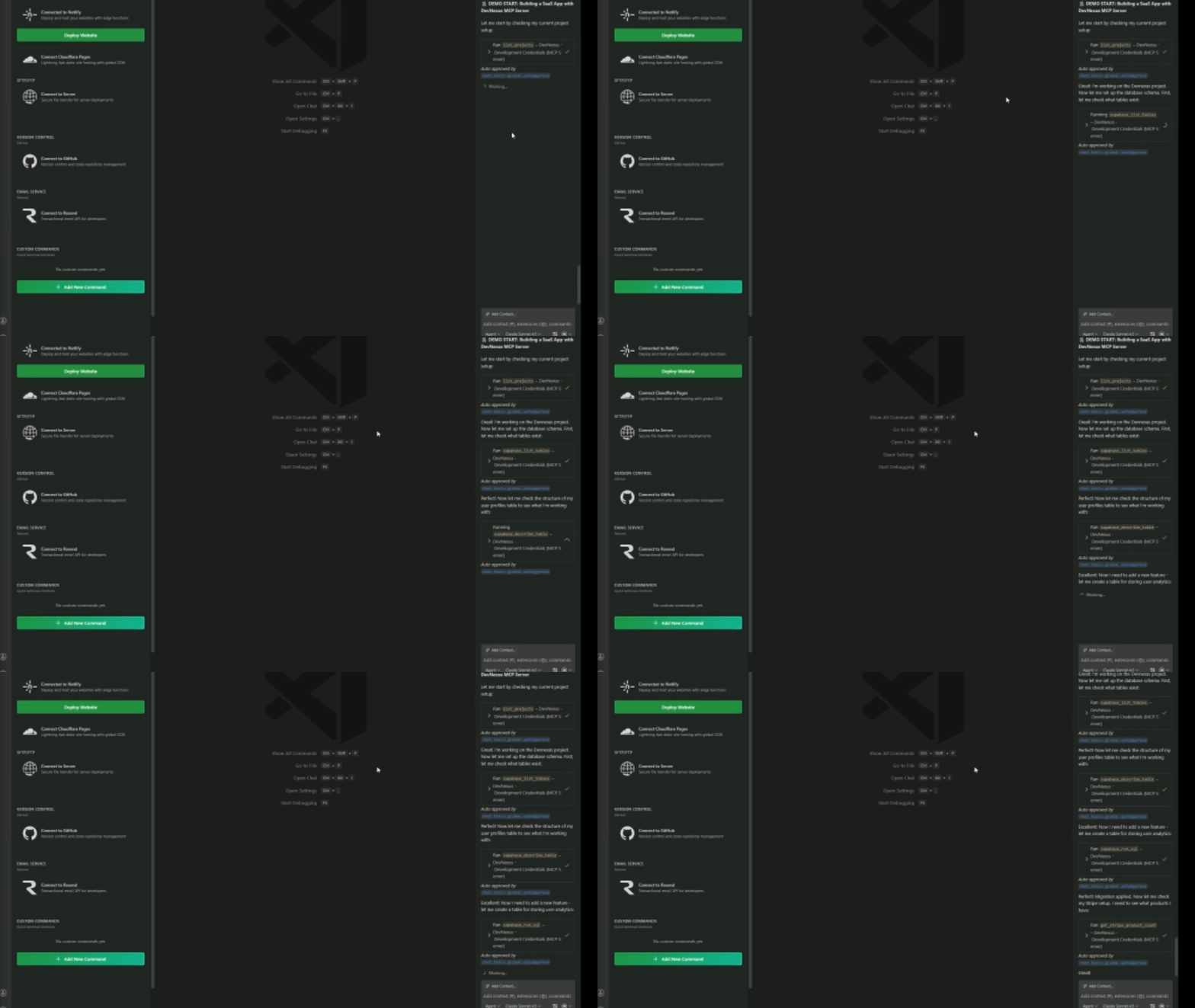
MCP Server Integration
Watch how DevNexus works seamlessly with Model Context Protocol (MCP) to let AI assistants handle your infrastructure:
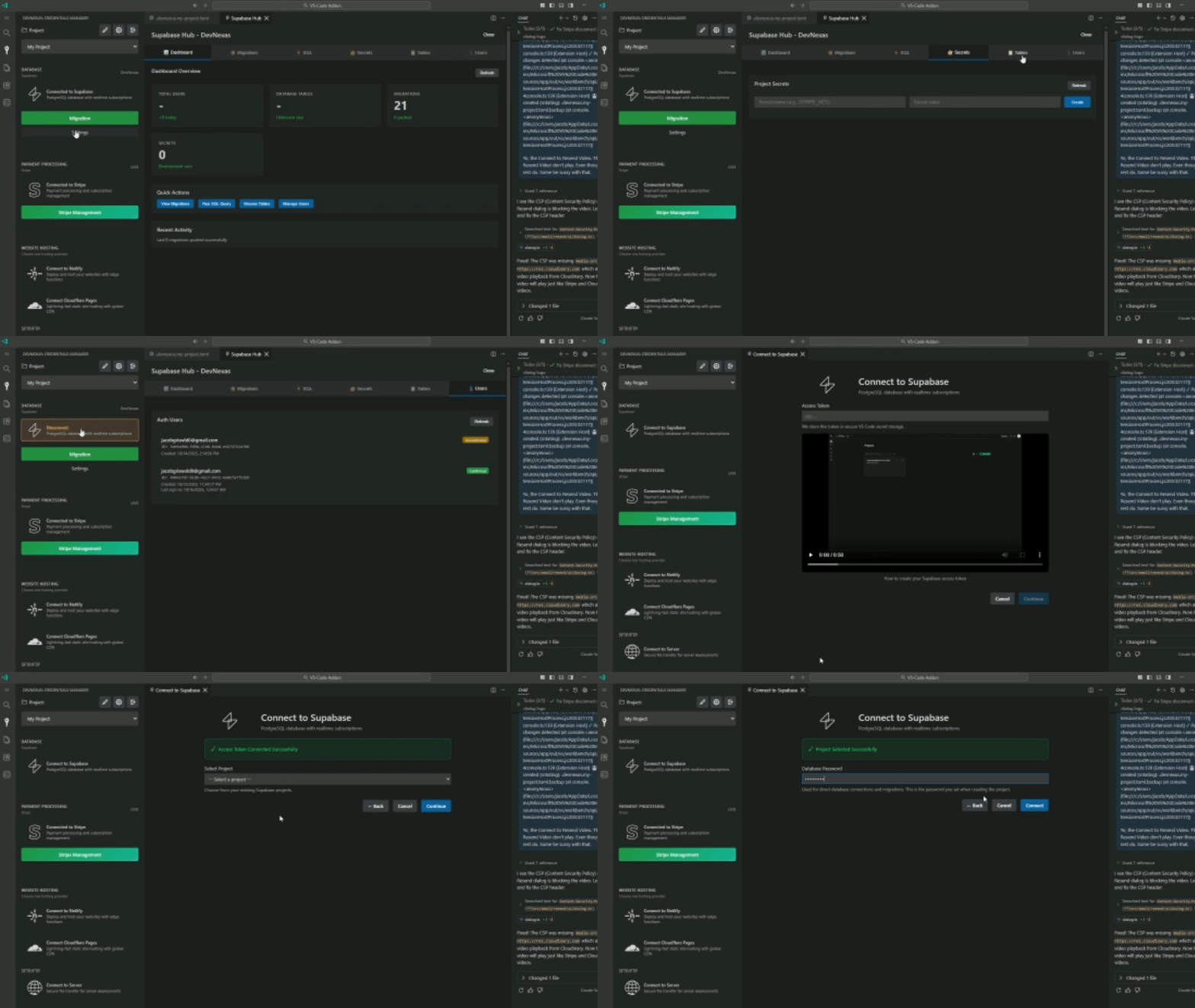
Connect to Supabase in Seconds
See how easy it is to connect your Supabase project and start building:
What We Support
DevNexus integrates with the tools you already use to build modern full-stack applications:
🗄️ Database & Backend
- Supabase: PostgreSQL database, authentication, file storage, edge functions, and encrypted secrets vault
🌐 Hosting & Domains
- Netlify: One-click deployments, custom domain management, DNS configuration, and environment variables
💳 Payments
- Stripe: Product creation, subscription management, webhook setup, and payment flow testing
📦 Version Control
- GitHub: Push, pull, auto-save, and API-based Git operations—no Git CLI installation required
📤 File Transfer
- SFTP/FTP: Direct server deployments with advanced file management and sync capabilities
Why DevNexus?
Stop wrestling with deployment pipelines. Start shipping faster.
- Secure Credential Storage: All API keys and tokens encrypted in VS Code's secure storage—never stored in plain text
- GitHub Copilot Integration: Let AI handle deployments, migrations, and infrastructure setup using your stored credentials
- Multi-Project Support: Manage credentials for unlimited projects in one workspace—perfect for freelancers and agencies
- File-Based Config: Export credentials to
.env or .toml files for team sharing and CI/CD pipelines
- Auto-Save to GitHub: Automatically push changes on a schedule (30 min, 1 hour, etc.)—never lose work again
- SQL Runner: Execute SQL queries directly in Supabase without leaving your editor
- Table Viewer: Browse your database tables and data with a clean, intuitive interface
- Secrets Manager: Create and manage encrypted secrets in Supabase Vault for edge functions
- Custom Domains: Add and verify custom domains for Netlify sites with one click
Getting Started
- Install DevNexus from VS Code Marketplace
- Click the DevNexus icon in the sidebar
- Create a new project or select an existing one
- Connect your services (Supabase, Netlify, Stripe, GitHub)
- Start building! Use the integrated tools or let GitHub Copilot handle infrastructure tasks
Perfect For
✅ Full-stack developers building SaaS applications
✅ Freelancers managing multiple client projects
✅ Startups who need to ship fast without DevOps overhead
✅ Teams who want infrastructure management without leaving their editor
✅ Anyone who loves coding and wants deployment made simple
MCP Server Power
DevNexus includes a built-in Model Context Protocol (MCP) server that lets GitHub Copilot and other AI assistants:
- Deploy websites to Netlify with one prompt
- Run database migrations on Supabase
- Create Stripe products and webhooks
- Push code to GitHub automatically
- Manage environment variables and secrets
Just ask Copilot to "deploy to Netlify" or "run this migration"—DevNexus handles the rest.
Made for developers who code, not for developers who configure.
Questions? Feedback? Find us on GitHub or reach out via the VS Code Marketplace.