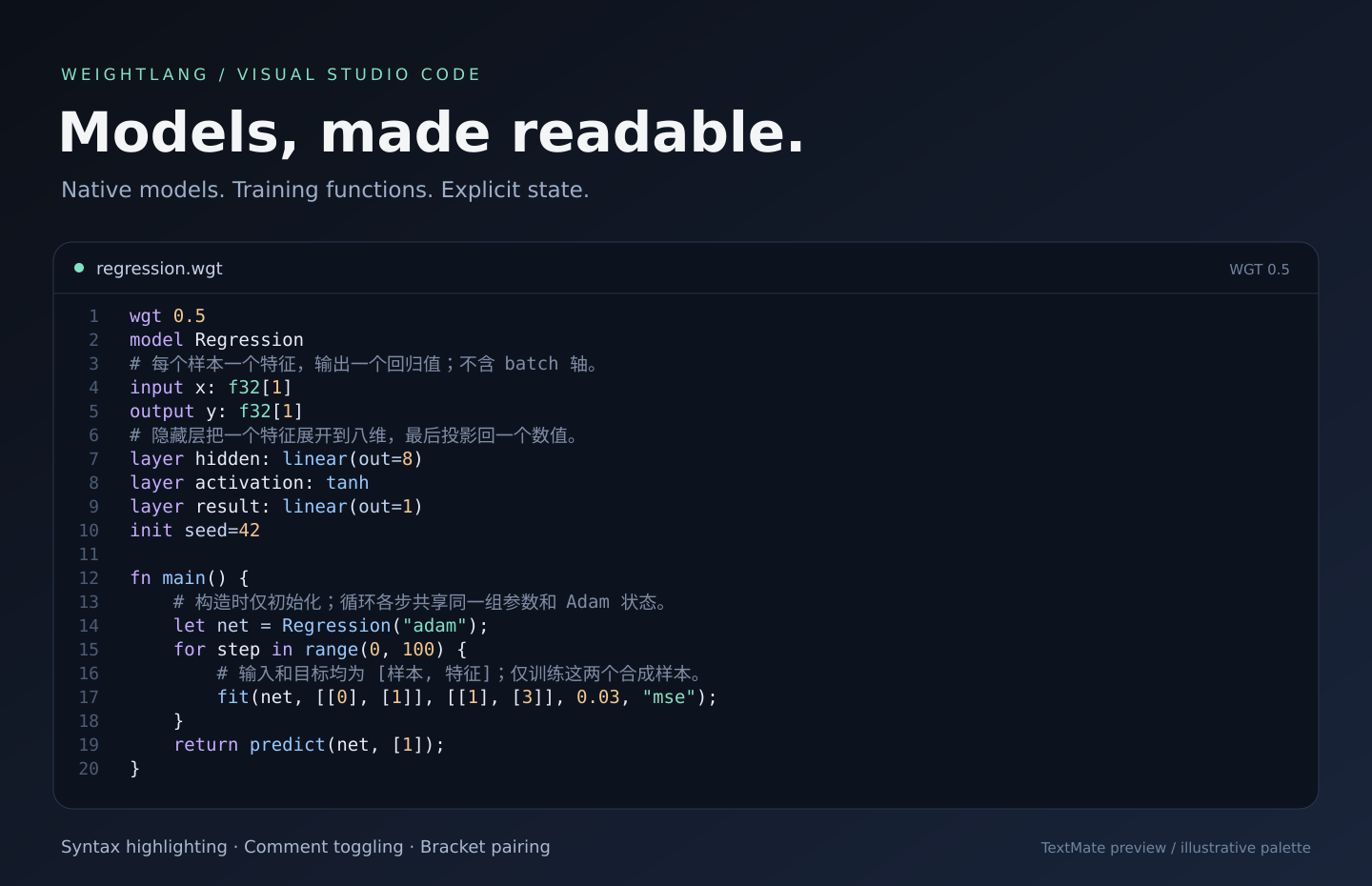
WeightLangSyntax highlighting and basic editing support for WeightLang (.wgt) Installation Launch VS Code Quick Open ( Ctrl+P), paste the following command, and press enter.Copied to clipboard |

WeightLangModels, made readable.
Write and review WGT 0.5 models, native training functions and self-updating forward functions. Highlighting does not execute code or validate model shapes. A small extension, a clearer model
The preview uses this extension's actual TextMate tokenizer and an illustrative dark palette. Your editor's theme determines the final colors. Get startedOpen a No Python or PyTorch installation is required for highlighting. To check or run models, install the separate WeightLang toolchain. ScopeThis extension covers the current WGT 0.5 vocabulary, including native training and self-updating forward functions. Highlighting is lexical: it does not validate language versions or shapes, train models, or provide completion, definition navigation or diagnostics. 中文说明为 Language reference · Report an issue · Other editors Local installationUse Extensions: Install from VSIX to install a locally built package. See BUILD.md for development and packaging instructions. |