glsld - GLSL Language ServerGLSL language support with diagnostics, hover, completion, go-to-definition, and more Installation Launch VS Code Quick Open ( Ctrl+P), paste the following command, and press enter.Copied to clipboard |

glsldglsld is a language server and Visual Studio Code extension for GLSL. It provides preprocessing-aware completion, semantic analysis, navigation, diagnostics, formatting, background indexing, and SPIR-V compilation support for shader projects.
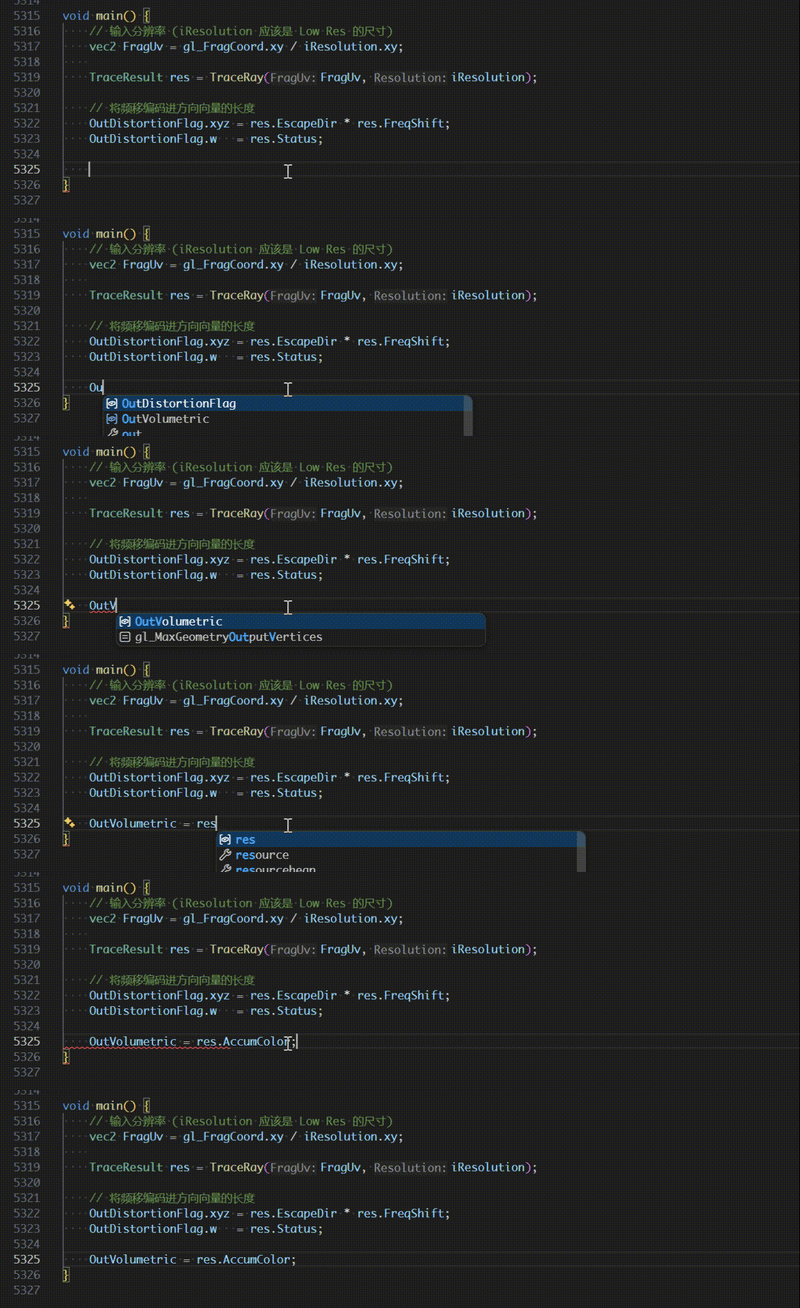
Getting startedInstall the extension, open a folder containing GLSL source files, and configure the directories that should be indexed: Use The Windows extension package includes the language server at Completionglsld completes GLSL keywords, types, variables, functions, structure members, and other symbols available at the cursor.
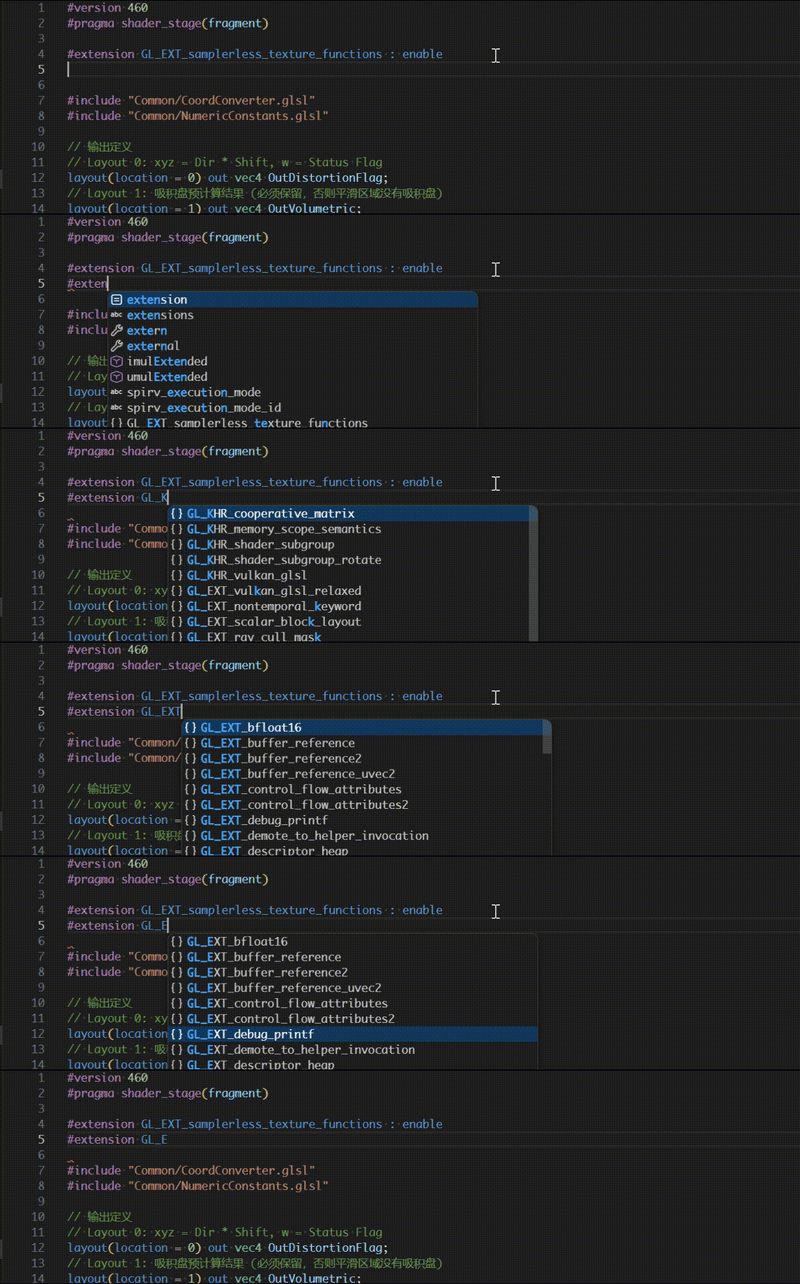
Extension completionExtension names and behaviors are completed inside
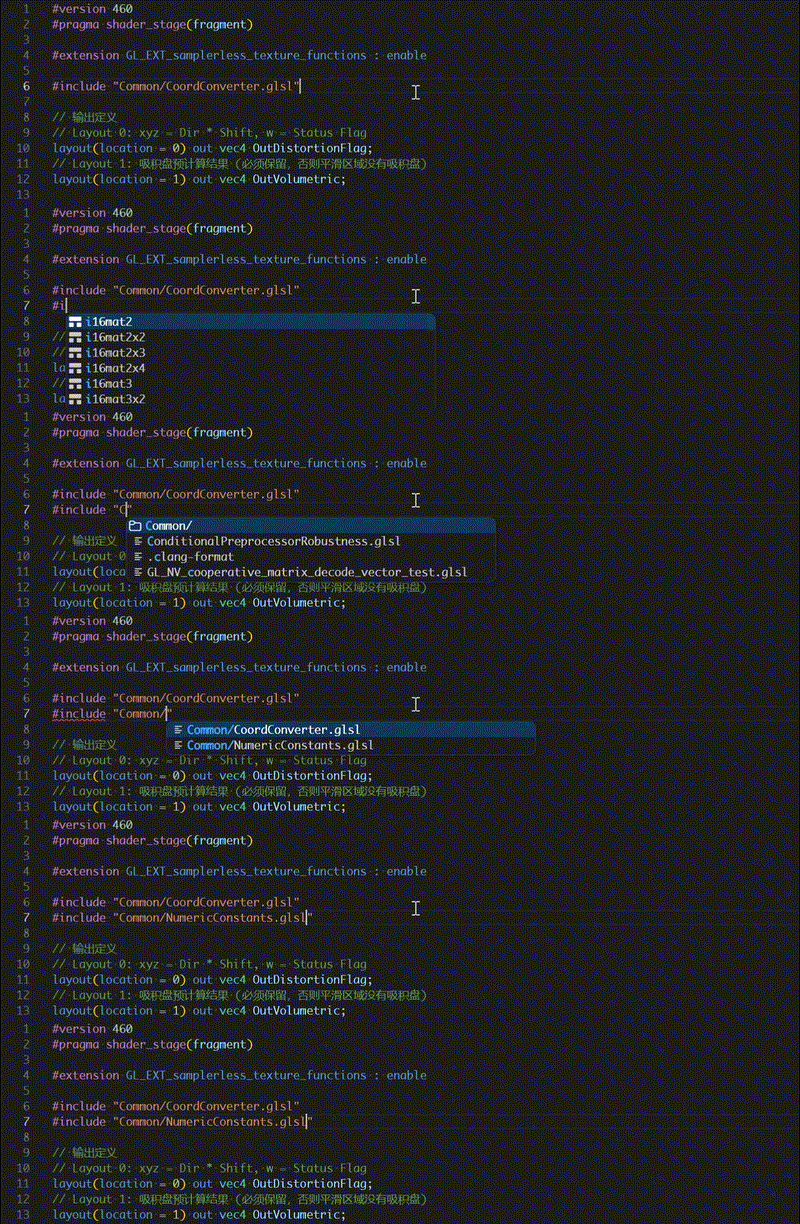
Include completionInclude paths are completed relative to the current file, workspace, and configured system include directories.
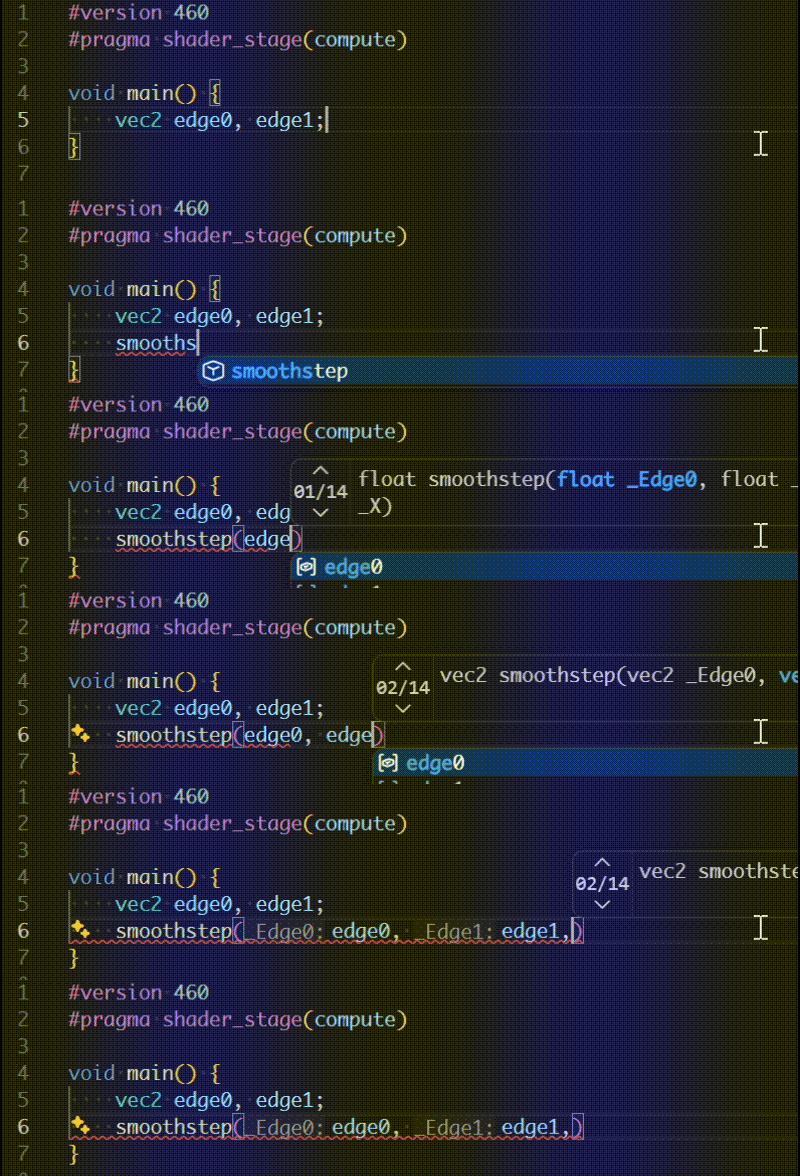
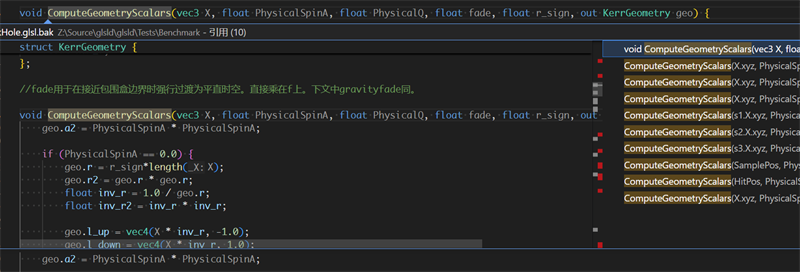
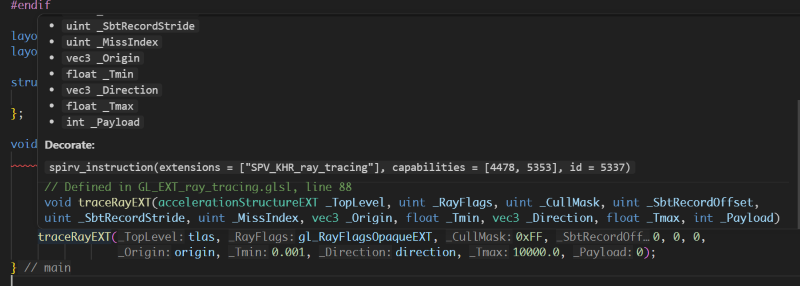
Function overloadsWhen a function has multiple signatures, glsld presents the available overloads with their parameter and return types.
Signature helpSignature help follows the active call, selects the matching overload, and highlights the parameter currently being entered.
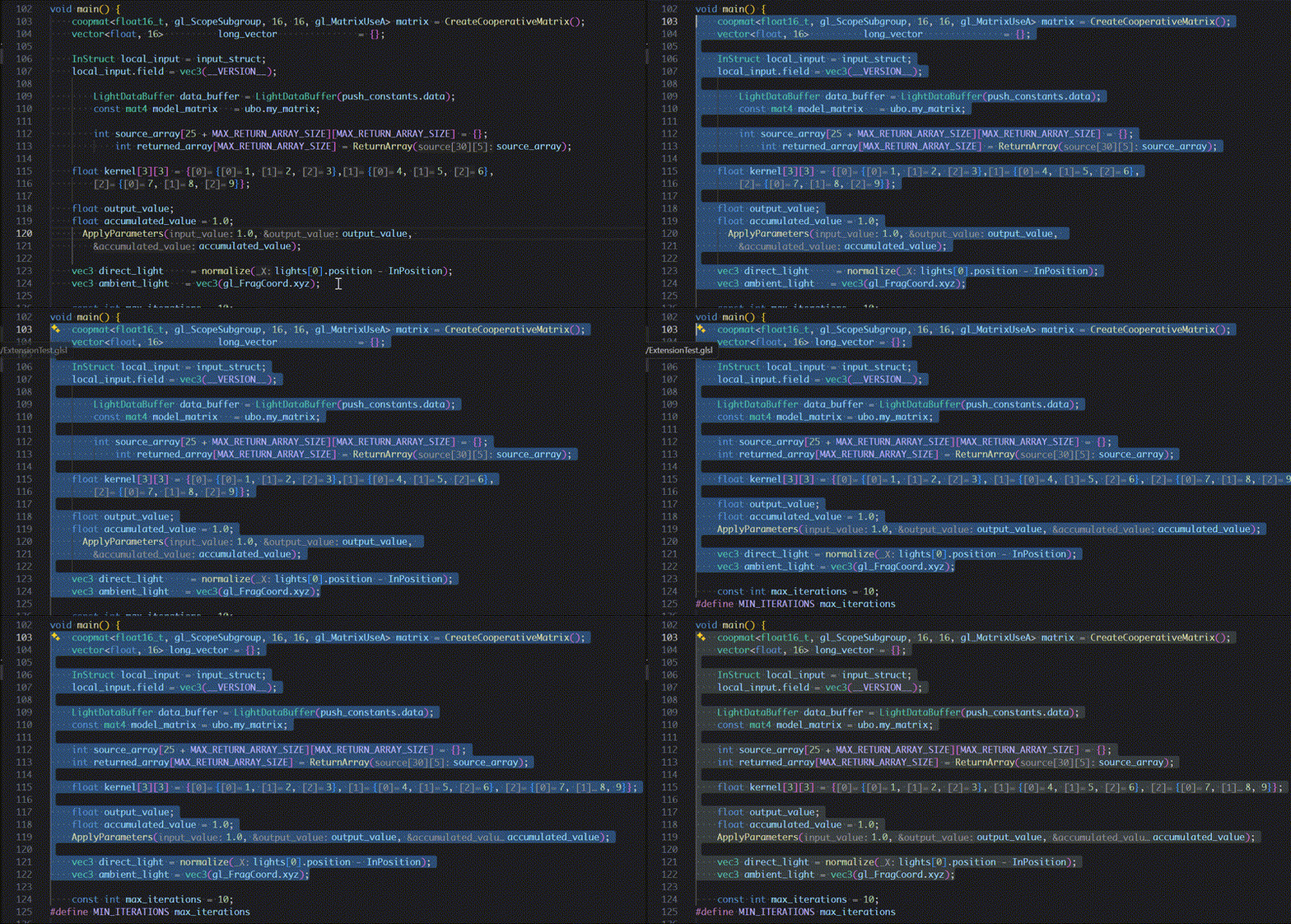
Formattingglsld invokes
DiagnosticsSyntax and semantic errors are reported while editing. Diagnostics can be enabled or disabled with
NavigationGo to definitionJump from a symbol use to its declaration or definition, including symbols declared in included files.
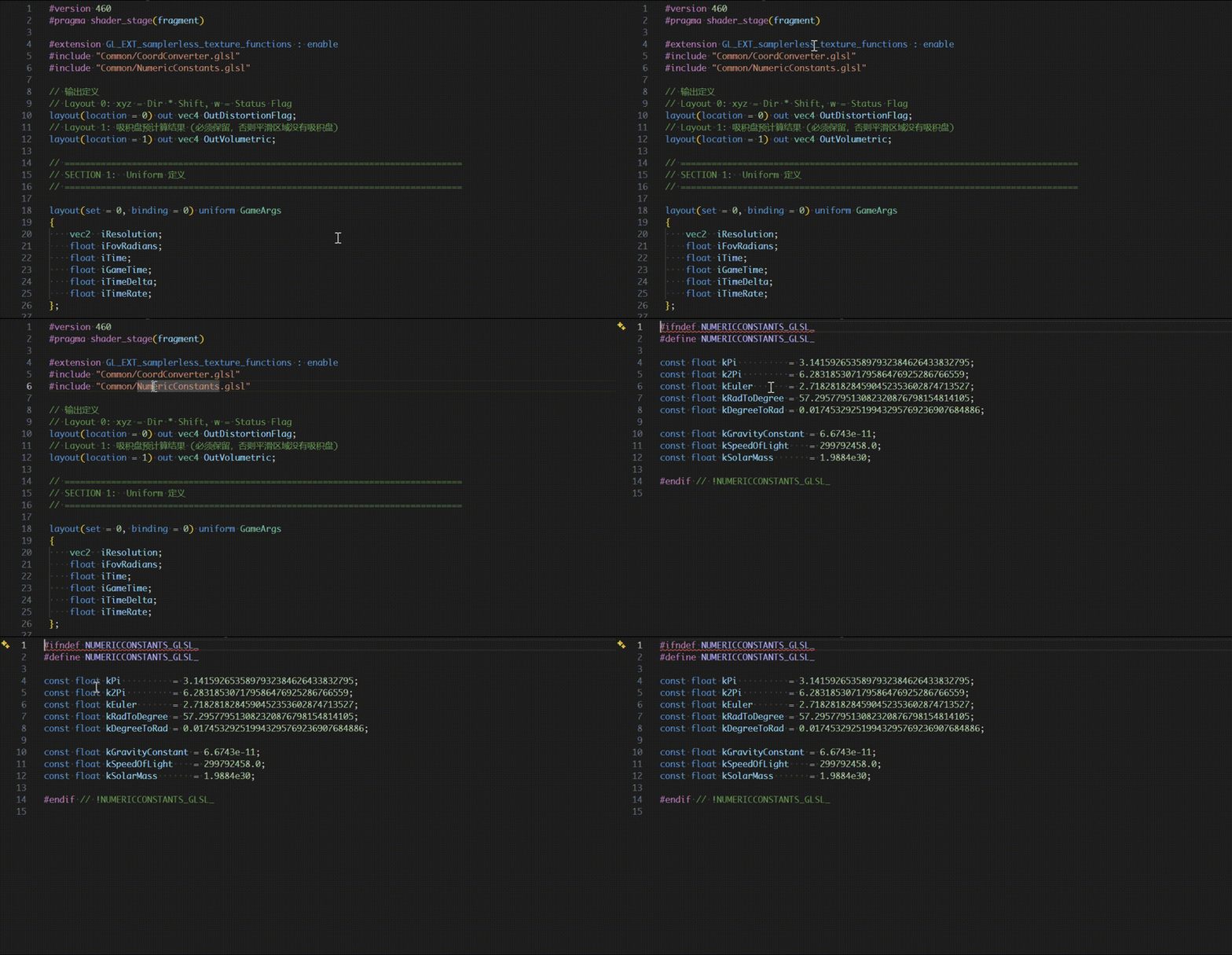
Go to includeOpen an included shader directly from its
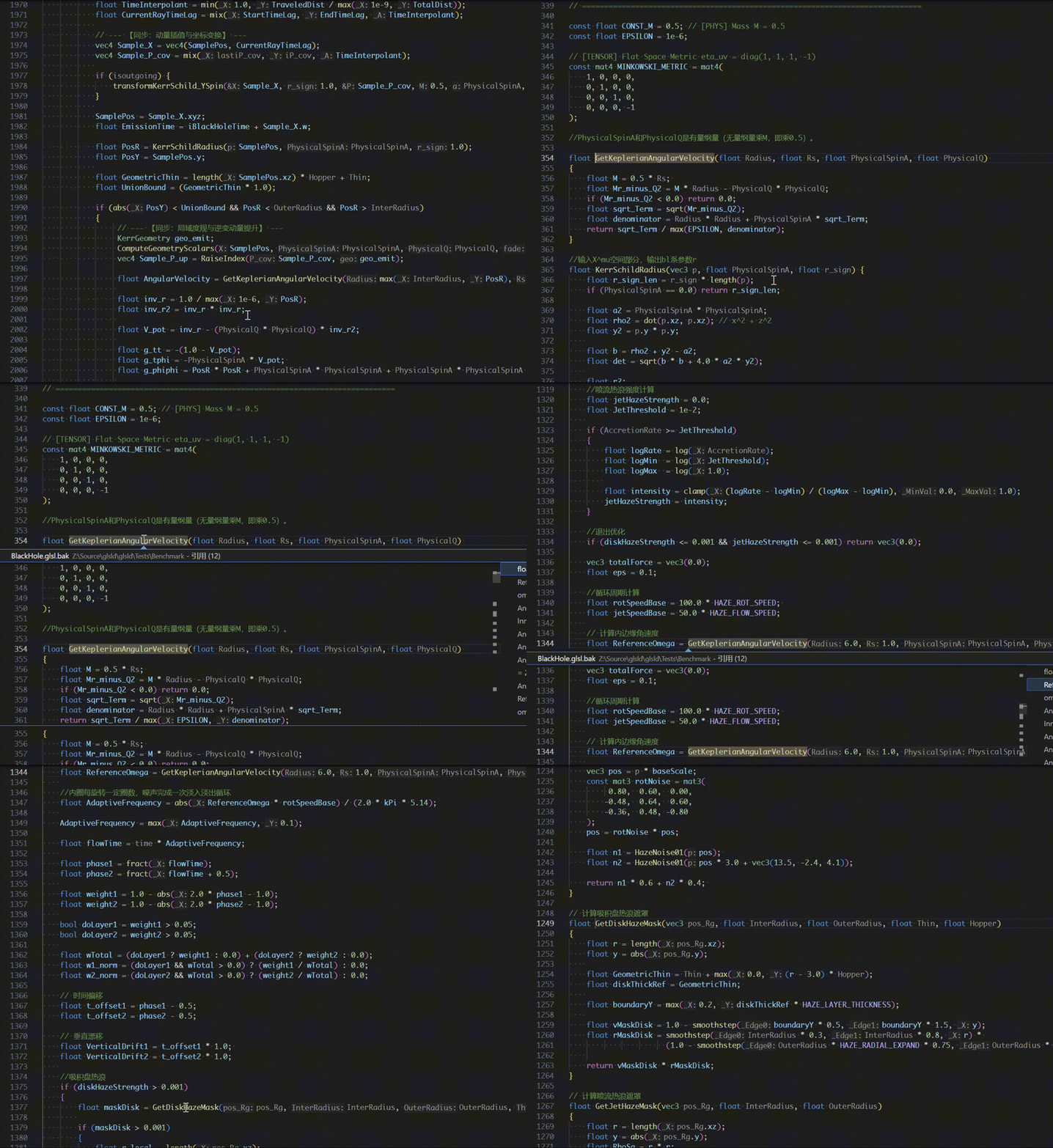
Find referencesFind symbol references across the workspace. Background indexing includes references from files that have not been opened in the editor.
References are also tracked across include boundaries.
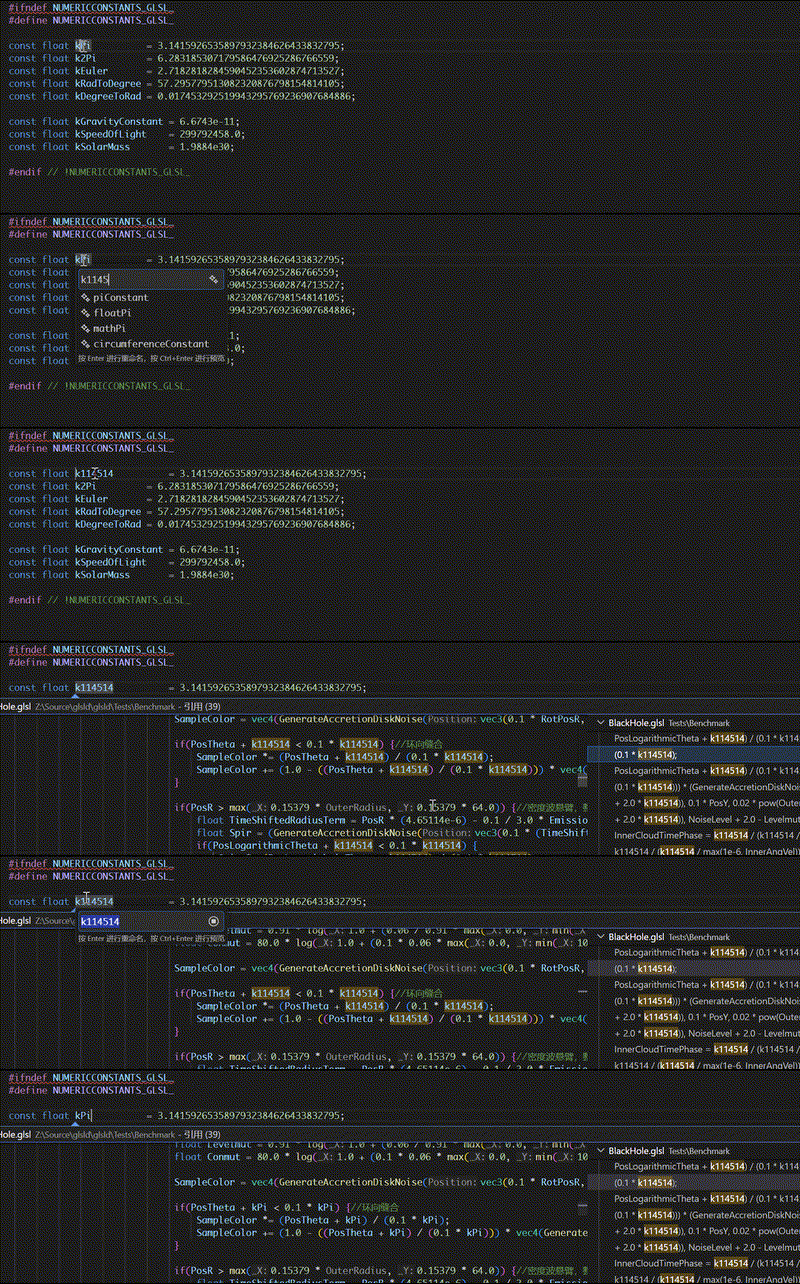
Also support rename symbols across the workspace.
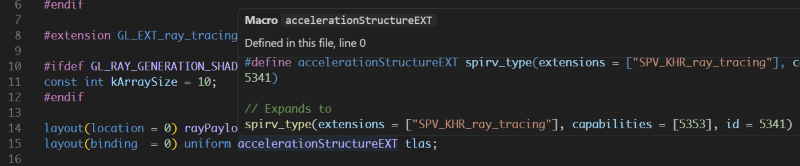
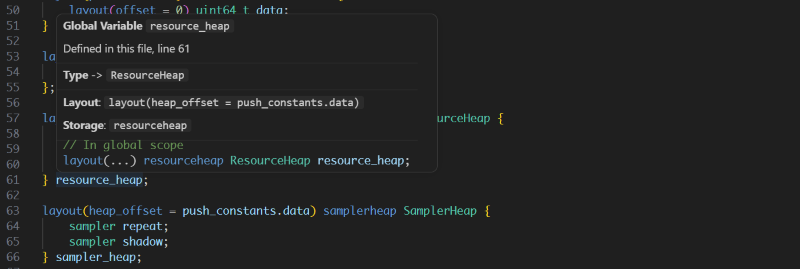
Hover informationHovering over a symbol displays its declaration and relevant type information. Variables and types
Functions
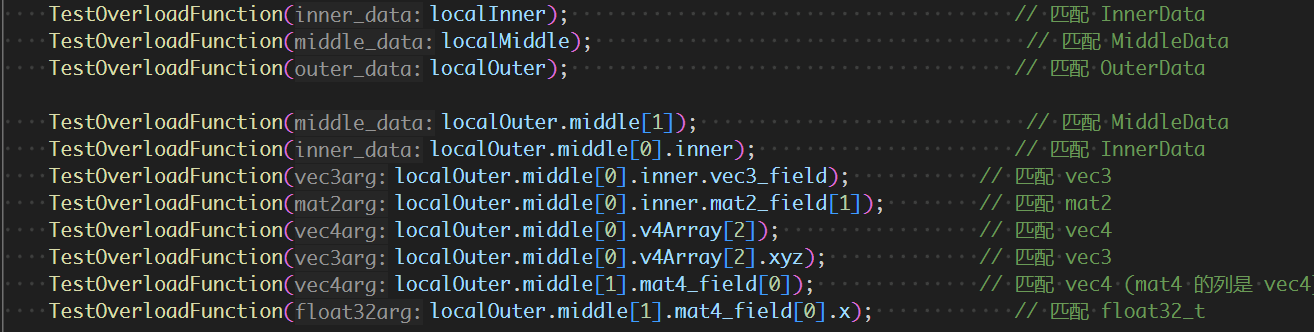
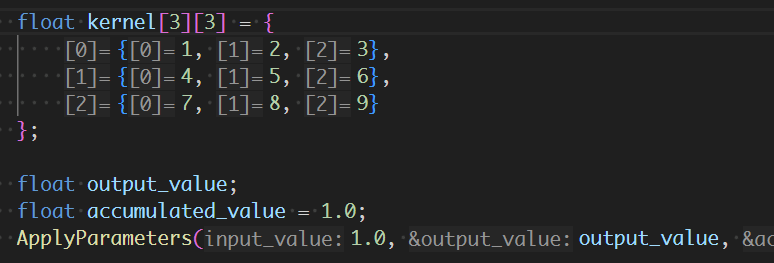
Inlay hintsInlay hints expose parameter names and other information that makes shader code easier to read. They are controlled by VS Code's editor inlay-hint settings.
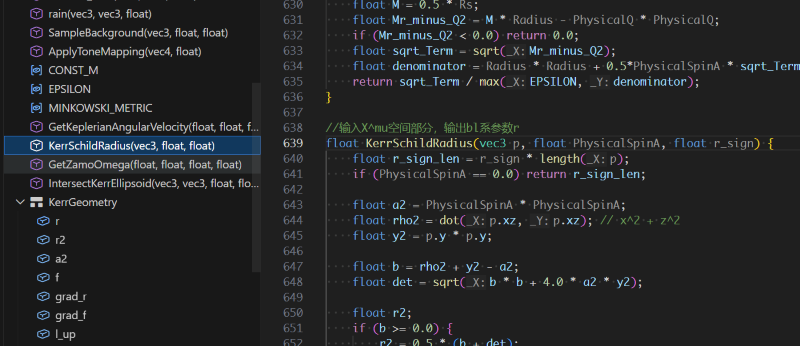
Document symbolsThe document outline lists declarations in the current shader and supports quick navigation through large files.
Preprocessor macrosGlobal and per-file macros are managed from the glsld sidebar. Each macro has an independent checkbox, and enabled per-file macros are applied on top of enabled global macros. Changes are sent to the language server immediately so affected documents can be reprocessed.
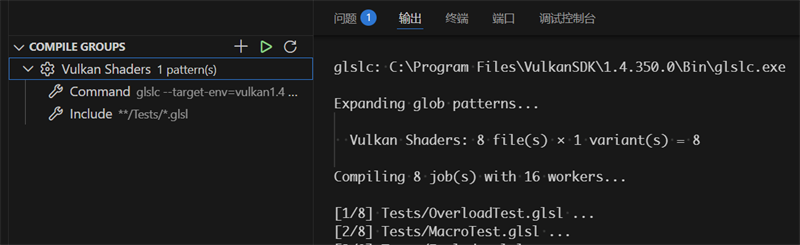
SPIR-V compilationCompile groups collect shaders using source patterns, command templates, output paths, macro variants, and concurrency settings. Groups can be compiled directly from the glsld sidebar, and their configuration is stored in
ConfigurationUser-controlled settings belong in Index paths may use The extension-generated Building the extensionCurrent limitations
Licenseglsld is licensed under the GNU General Public License v3.0 only ( |