GraphyUnderstand any codebase fast with structural reports, line-count badges, and file rankings. Installation Launch VS Code Quick Open ( Ctrl+P), paste the following command, and press enter.Copied to clipboard |

GraphyUnderstand any codebase fast.
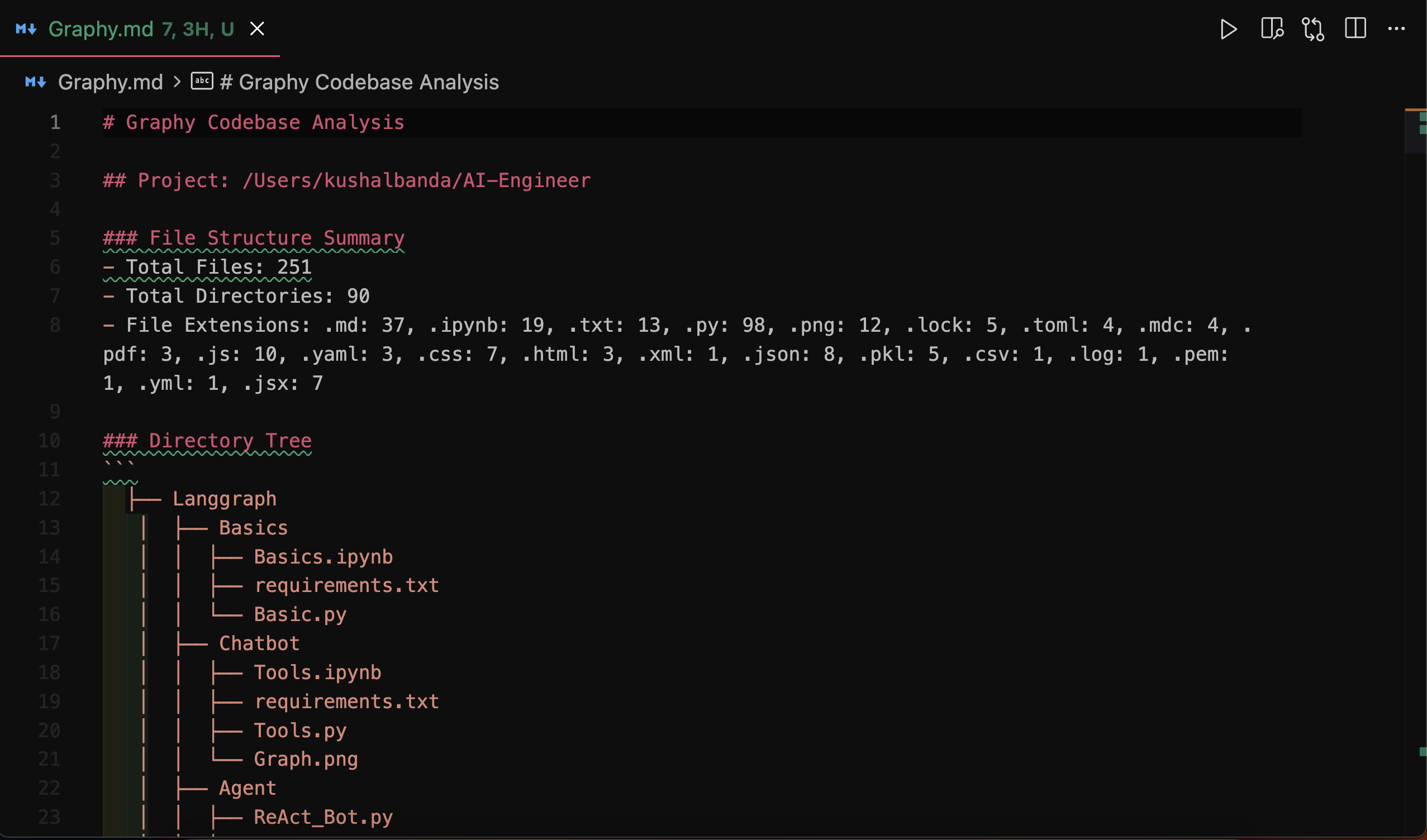
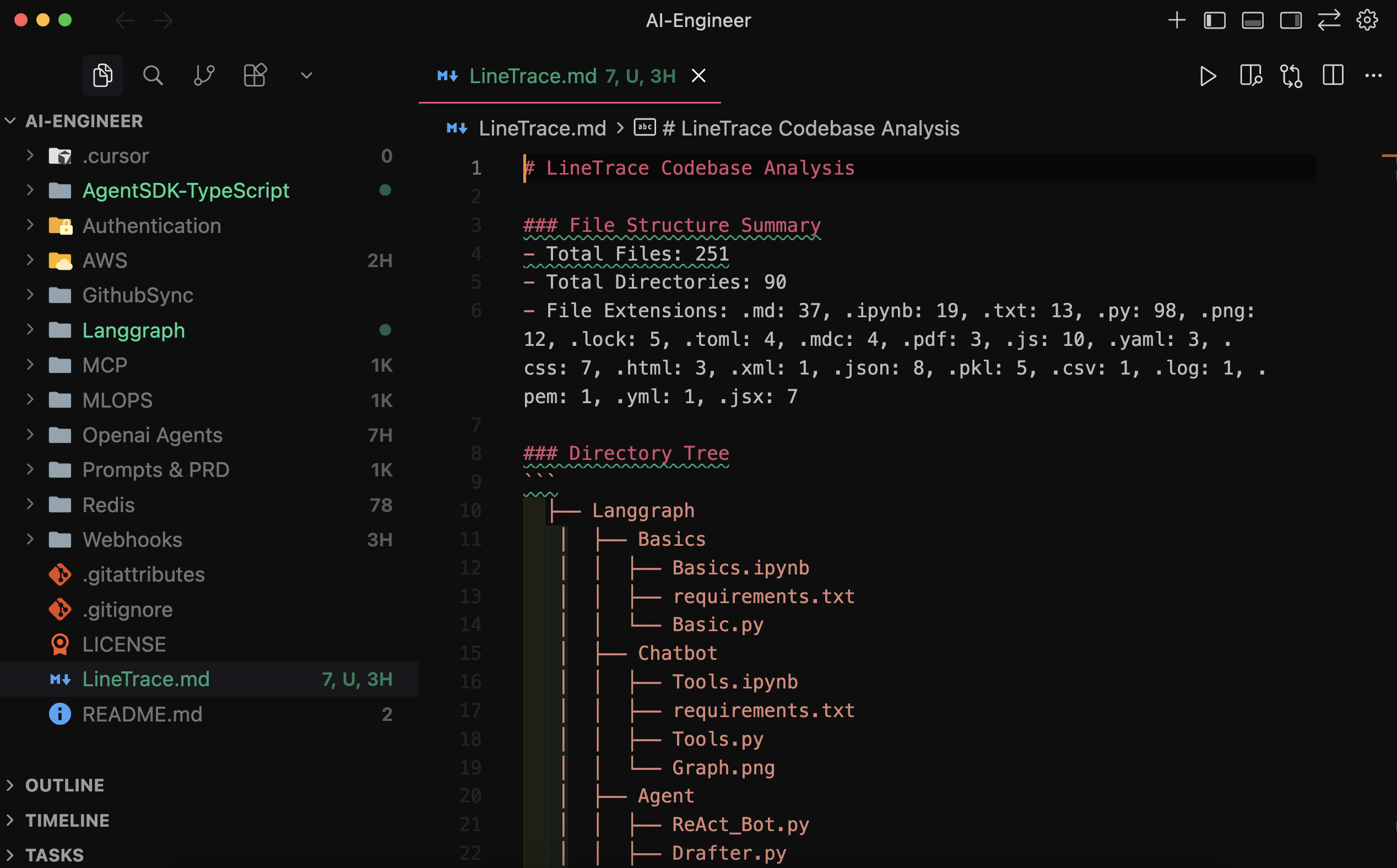
Graphy gives developers a quick, useful map of an unfamiliar repository without leaving the editor. See its structure, measure code size, and find the files that deserve attention first. What Graphy ShowsCodebase reportRun
LineLensLineLens adds live line-count badges to files and folders in the Explorer. Counts refresh as files change, including edits made by Git, terminals, and other tools. Line RankLine Rank lists workspace files and folders by line count. Expand a folder to see its language breakdown, then open any ranked file directly from the panel.
InstallInstall Graphy from Open VSX, or search for Graphy in an editor that uses the Open VSX Registry. Graphy supports VS Code-compatible editors running VS Code API Use
Commands:
Current Scope
Source and LicenseGraphy is open source on GitHub and licensed under the MIT License. See the changelog for release history. |