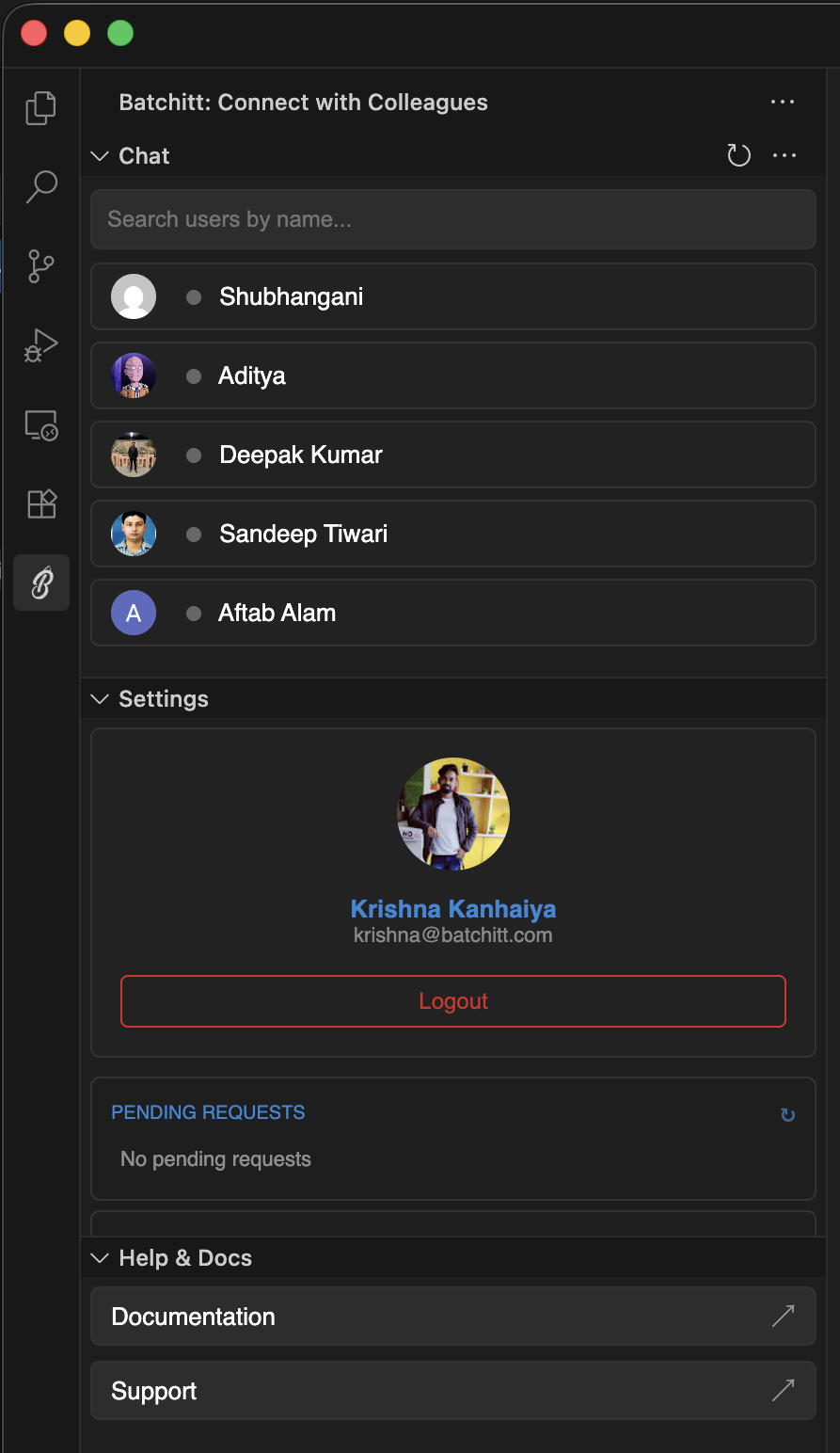
Batchitt is a real-time chat extension that lets you communicate, share code, and collaborate with colleagues directly inside your code editor. Chat one-on-one without switching windows.
✨ Features Overview
Feature
Description
💬 Real-time Chat
Chat instantly with teammates
👨💻 Code Sharing
Send syntax-highlighted code snippets
🟢 Presence Status
See who's online
📩 Read Receipts
Know when messages are delivered/read
🔔 Notifications
Get notified about new messages
🔐 Secure Auth
Private-key based authentication
⚡ Editor Native
Works directly inside VS Code/Cursor
🛠️ Installation
From VS Code / Cursor/ Antigravity Marketplace
Open your editor
Go to Extensions (Ctrl+Shift+X)
Search for Batchitt
Click Install
🔐 Authentication
Batchitt uses a Private Key obtained from batchitt.com: